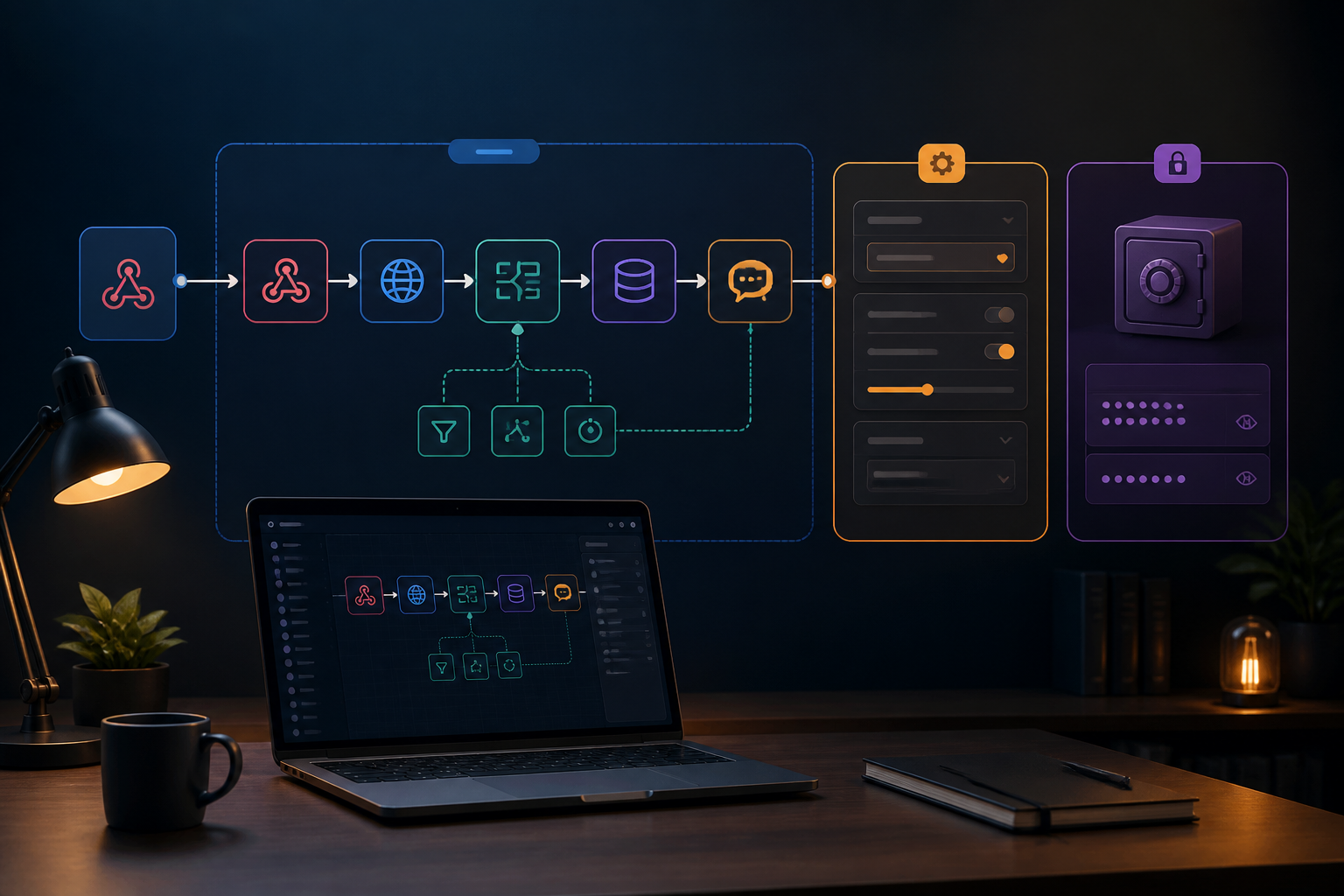
A successful n8n workflow on a laptop may not be immediately comfortable to use on a production server. API URLs may differ, database names change, credentials may not be available, and webhooks may still point to old addresses. As a result, the server migration process that should be straightforward turns into a session of searching for which parts need editing.
The issue usually lies not with n8n, but with how the workflow is structured. Many workflows mix three things at once: business logic, environment configuration, and access secrets. While having everything in one place makes the workflow feel practical, when it needs to be shared, tested, or moved, its structure starts to complicate matters.
This article discusses how to create more portable n8n workflows—easy to transfer without carrying API keys, passwords, or specific assumptions from the original server.
Treat the workflow as a blueprint, not the entire building
A workflow should be treated like a blueprint for a work process. It explains that data comes in from a webhook, is processed, stored in a database, and then sent via WhatsApp or email. However, details like the database address and API token should not be embedded carelessly in every node.
For example, a workflow for processing orders may require three configurations:
- API URL of the payment service.
- ID of the target spreadsheet or database.
- Credentials to access that service.
The workflow logic remains the same in both development and production. What changes are the configuration values. This separation makes the workflow easier to test and reduces the risk of accidentally sending test data to the production system.
Differentiate three types of information within the workflow
1. Process Logic
This is the part that explains what the workflow should do. For example, checking payment status, changing date formats, filtering high-value orders, or sending notifications if a process fails.
The logic should not depend on a specific server name. Avoid writing specific URLs repeatedly if those URLs may differ between development and production environments.
2. Configuration
Configuration refers to values that can change without altering the main flow. Examples include table names, Google Drive folder IDs, target WhatsApp numbers, or minimum transaction value limits.
In n8n, you can use variables or instance configurations as needed for deployment. For more serious projects, prepare a clear list of configurations, such as:
PAYMENT_API_BASE_URL=https://api.example.com
ORDER_TABLE=orders_production
ALERT_PHONE_NUMBER=628123456789
The names and storage mechanisms can be adjusted according to how you run n8n. Importantly, these values should not be scattered across many nodes without documentation.
3. Secrets
Secrets include API keys, passwords, OAuth tokens, private keys, and database credentials. Do not place them as plain text in Set, Code, or URL parameters that can easily be copied into the workflow file.
Use n8n's built-in credential system and grant access as needed. n8n documentation also explains that sharing workflows can allow the use of the credentials utilized by that workflow, so access settings need to be considered before sharing the workflow with the team. See n8n workflow sharing documentation for details on roles and permissions.
Use consistent credential names
When a workflow moves to another instance, a common issue is not that the credentials are missing, but that their naming is inconsistent. On one server, it might be named Google Sheets Production, while on another server, it could be Google Account. Humans may understand the intent, but maintenance processes become more prone to error.
Create a simple naming pattern that the team can understand, such as:
Google Sheets - DevelopmentGoogle Sheets - ProductionPostgres - StagingWhatsApp - Customer Service
If the workflow uses multiple services, add brief documentation about the function of each credential. Avoid simply writing “API 1” or “New Token.” Clear names help when someone needs to rotate a token or change account ownership.
Prepare the workflow for export and import
Exporting and importing are useful for moving workflows, creating test copies, or saving versions before major changes. However, the export file is not a substitute for deployment documentation.
Before exporting, check the following:
- Ensure the workflow name describes its main function.
- Remove trial nodes, sample data, and irrelevant comments.
- Check for any localhost URLs or internal IP addresses.
- Ensure no API keys are written directly as text.
- Note which credentials need to be available in the target instance.
- Document webhooks, schedules, and external dependencies used.
After importing, do not activate the workflow immediately. Run it manually with safe data, then check the results of each node. If the workflow sends messages, use a test number or address first.
Use different environments for development and production
For teams or automations that are becoming crucial for operations, separating development and production will be very helpful. In development, you can test changes without touching customer data. In production, the agreed-upon workflows are better protected from spontaneous changes.
n8n has documentation on source control and environments, including branch usage patterns for development and production instances. This feature may not be necessary for simple personal workflows, but the concept remains useful: changes should be tested in a separate place before entering the main system. Official information is available in the guide to creating environments with source control.
If you are not using source control yet, you can still implement a simple version:
- Use a single instance or a dedicated folder for testing.
- Label workflows clearly, such as
[DEV]and[PROD]. - Keep change logs in Git, internal documents, or decision logs.
- Do not edit production workflows without saving a previous copy.
Checklist before moving the workflow
Before moving the workflow to another server or account, use this brief checklist:
- Are all credentials registered in the target instance?
- Are the API URLs, webhooks, and databases appropriate for the new environment?
- Is the workflow still using test data or personal recipient numbers?
- Are the time zones and execution schedules correct?
- Do the nodes using credentials have sufficient access?
- Has the workflow been tested with one safe data?
- Is there a way to disable or revert changes if issues arise?
What does this mean for us?
A portable workflow does not mean a workflow that can be moved with one click without checks. Portability means the flow can be reused because logic, configuration, and secrets are managed as separate parts.
Start with the workflows that change most frequently or are most critical to operations. Replace scattered values with documented configurations, tidy up credential names, and create testing procedures before activation. These small steps may feel slower at first, but will save time when workflows need to be moved, shared with the team, or restored after issues occur.
Sources & further reading
– Rio Yotto @rioyotto