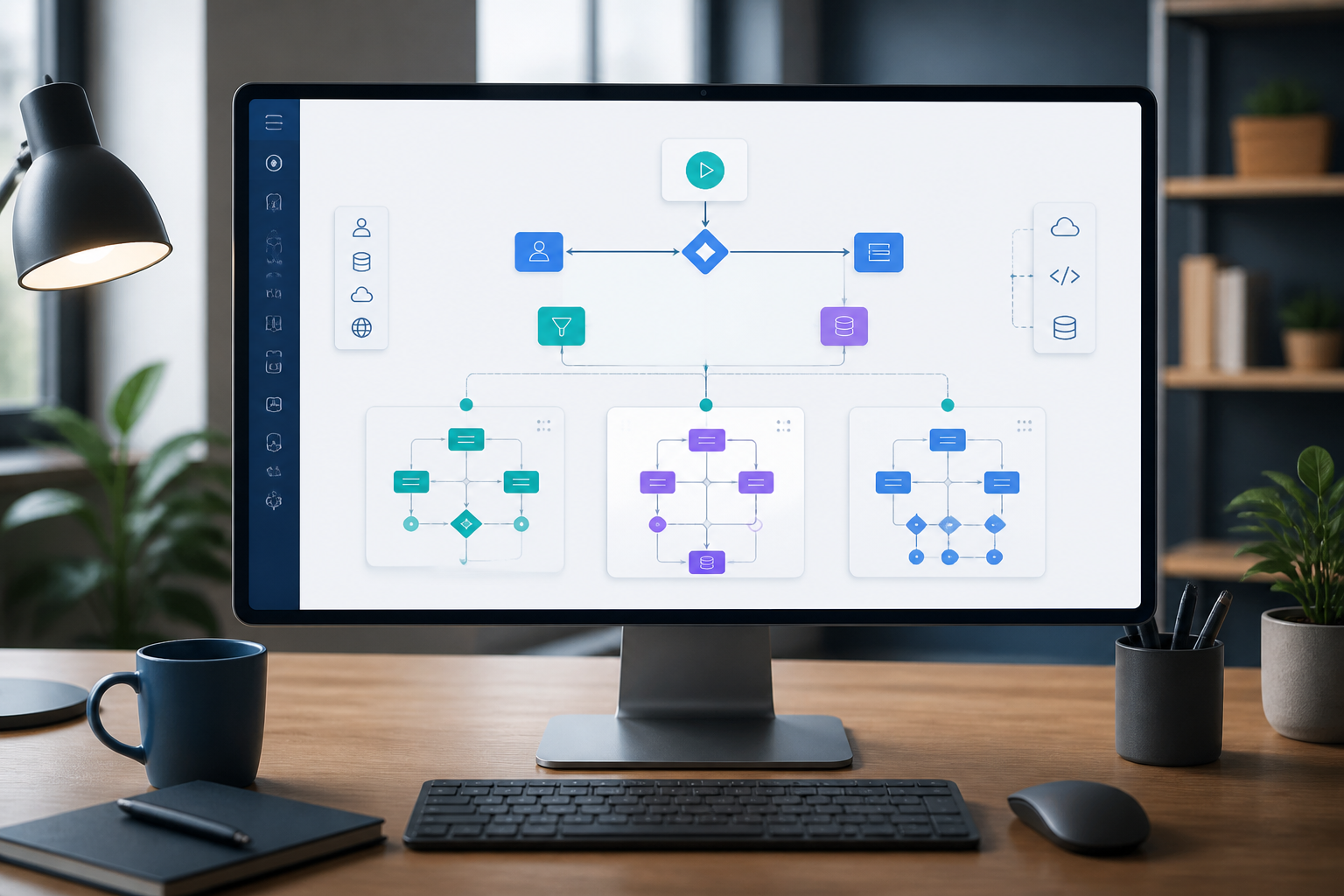
n8n workflows typically do not become complicated overnight. They grow gradually: one node to fetch data, one branch to check conditions, several steps to change formats, and then additional notifications when the process is complete. A few weeks later, the flow has lengthened and is difficult for others to understand—even for the creator.
One way to address this issue is by using sub-workflows. Simply put, a sub-workflow is a smaller workflow called by the main workflow to handle a specific part. In n8n, this pattern is implemented using the Execute Sub-workflow and Execute Sub-workflow Trigger nodes.
The benefits are not just about making the canvas look neater. A separate structure makes processes easier to test, reuse, and modify when needs change.
When Should a Workflow Be Split?
Not every workflow needs to be immediately divided into multiple parts. Splitting a process too quickly can also make the relationships between sub-workflows difficult to follow. However, there are several signs that a workflow may need a new structure.
- A single workflow has many branches with different objectives.
- Specific parts, such as data normalization or notification sending, are used by multiple workflows.
- You have to scroll far to understand the flow from trigger to final result.
- A small change risks affecting many unrelated parts.
- Other teams need to use some logic without copying the entire workflow.
For example, a business receives orders from forms, marketplaces, and WhatsApp. These three sources have different data formats. Instead of each workflow repeating the same logic to clean customer names, phone numbers, and addresses, the normalization process can be placed in one sub-workflow.
Differentiate Between Main Workflow and Sub-workflow
The main workflow should act as the orchestrator of the process sequence. It receives triggers, calls the necessary parts, and then determines what to do after the results return.
Meanwhile, the sub-workflow should have clear responsibilities. For example:
- Normalize Customer Data: standardize the format of names, emails, and phone numbers.
- Create Invoice: generate an invoice based on order data.
- Send Internal Notification: send notifications to Slack, email, or WhatsApp.
- Build Daily Report: compile data into a daily report.
If the name of the sub-workflow can be explained in one sentence, the boundaries of its responsibilities are usually quite clear. Conversely, a name like “Process Everything” is a sign that its contents may still be too broad.
How to Create a Sub-workflow in n8n
- Create a new workflow. This workflow will be the component called from the main workflow.
- Add Execute Sub-workflow Trigger. This node serves as the entry point when the workflow is called by another workflow.
- Define inputs. You can define field names and data types, provide example JSON, or accept all data without a fixed structure.
- Build the logic within it. Add nodes that are only related to the tasks of that sub-workflow.
- Save and test separately. Ensure that inputs, outputs, and behaviors when data is empty are understood.
- Call from the main workflow. Add the Execute Sub-workflow node, select the target workflow, and then map the required input values.
n8n documentation explains that inputs defined on the trigger can automatically appear in the calling node. This is safer than allowing each caller to guess the required data structure.
Use Input and Output Contracts
Sub-workflows will be easier to maintain if they have a simple “contract”: what data should be received and what data will be returned.
For example, the customer normalization sub-workflow receives:
{
  "name": "  Siti Rahma ",
  "phone": "08123456789",
  "email": "SITI@EXAMPLE.COM"
}
And returns:
{
  "name": "Siti Rahma",
  "phone": "+628123456789",
  "email": "siti@example.com",
  "isValid": true
}
This format helps callers understand the results without needing to open the entire contents of the sub-workflow. If the output structure changes, workflows that depend on it can also be checked more easily.
Avoid sending all raw data if the sub-workflow only needs three fields. Excessively large data makes the flow harder to understand and can increase the risk of sensitive information being transferred to parts that do not need it.
Choose Execution Mode Carefully
The Execute Sub-workflow node provides options to run the sub-workflow once with all items or once for each item. This choice affects processing costs and the final results.
Use the once with all items mode if the sub-workflow needs to see a dataset, for example, when summarizing multiple transactions. Use the once per item mode if each row needs to be processed independently, such as sending one notification for each customer.
n8n also provides an option to wait for the sub-workflow to finish before the main workflow continues processing. Enable this option if the results of the sub-workflow are needed in the next step. Conversely, if only sending logs or notifications that do not affect the main result, the process can be designed so that the main workflow does not need to wait.
Do Not Hide New Complexities
Sub-workflows are not a solution for all problems. They can make the main workflow neater, but they add relationships between workflows. If too many layers are created, you may need to open several workflows just to understand one process.
Therefore, use some of the following practices:
- Name workflows with a consistent pattern.
- Explain inputs and outputs in workflow notes.
- Avoid sub-workflows that only contain one simple node, unless they will be reused.
- Limit the depth of calls so that the flow does not become like a chain that is difficult to trace.
- Test sub-workflows with empty data, incomplete data, and data that does not match the type.
- Ensure that the called workflow does not have configuration errors before being used from the main workflow.
n8n provides links to view the execution of sub-workflows from the main workflow, and vice versa. This feature is useful when determining whether an issue occurred before the call, within the sub-workflow, or when the results are returned.
What Does This Mean for Us?
Breaking down workflows is not just about tidying up the canvas. It is a way to make automation easier for humans to understand. When workflows become part of business processes, others need to be able to review, test, and modify them without fear of breaking the entire chain.
Start with the parts that have the clearest boundaries and are most frequently reused. For example, separate the processes of generating reports, changing data formats, or sending notifications. After that, document the inputs and outputs before moving other logic.
Good automation is not just about working today. It must also be clear enough to be fixed when APIs change, data formats increase, or the person who created it is no longer handling the process.
Sources & Further Reading
– Rio Yotto @rioyotto