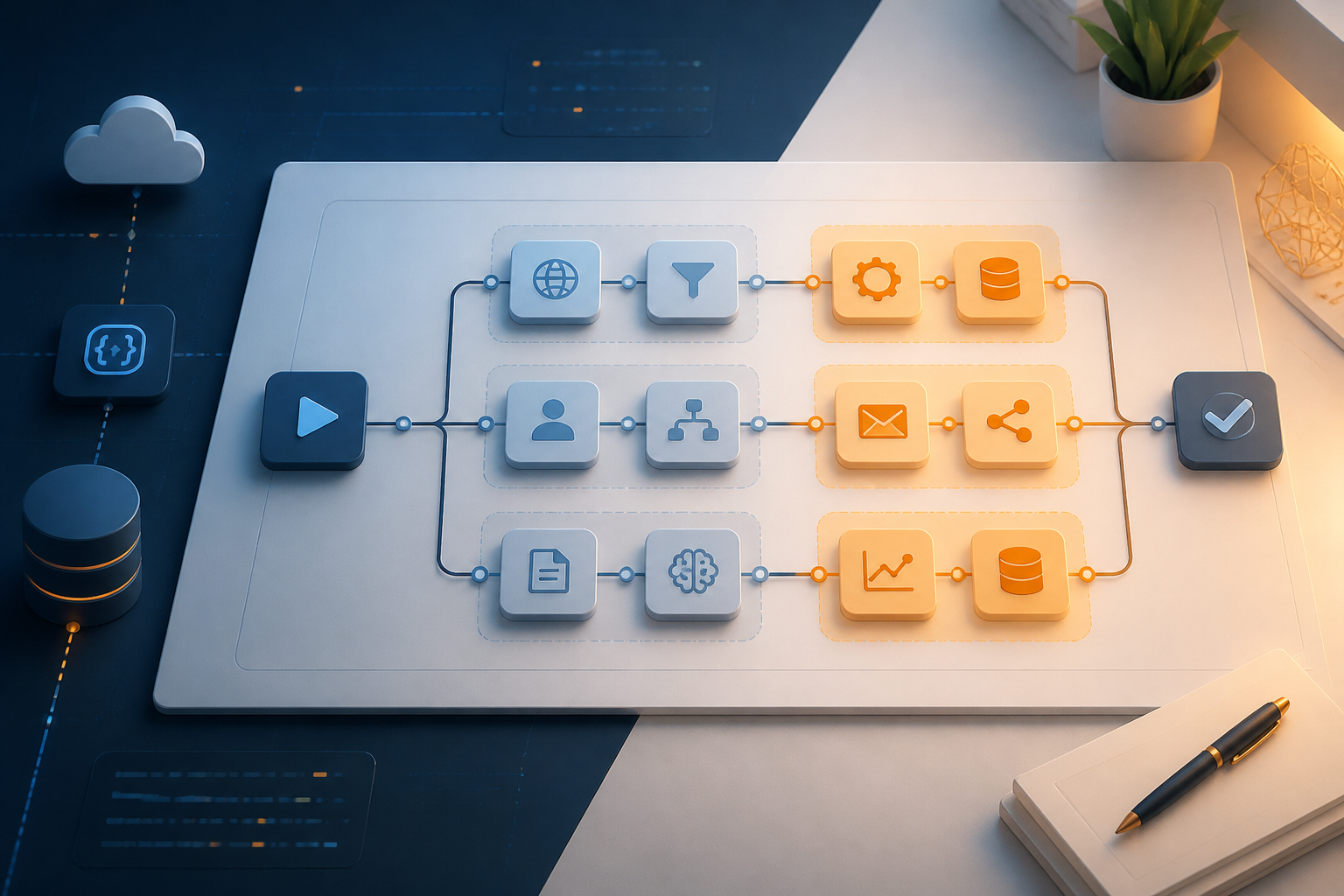
n8n workflows typically start from small needs: receiving data from a form, storing it in a spreadsheet, and then sending notifications. Problems arise when features are continuously added to the process. There are validations, API calls, logging, WhatsApp messages, retries, and exceptions for certain conditions. Within a few weeks, a single canvas can be filled with dozens of interwoven nodes.
Such workflows may still function, but they are not necessarily easy to maintain. When one API changes or the data format shifts, we have to trace the entire flow to find the affected parts. This is where sub-workflows come in handy: large processes are broken down into smaller workflows that can be called from other workflows.
n8n is indeed designed to connect applications, process data, and automate workflows with little or no code. However, this flexibility also makes it easy to place too many responsibilities on a single workflow. The n8n documentation provides concepts of flow logic and sub-workflows to help structure processes more effectively.
What is a sub-workflow?
A sub-workflow is a workflow treated like a small function in programming. The main workflow sends data to the sub-workflow, the sub-workflow performs a specific task, and then the results are returned to the main workflow.
For example, the main workflow receives new leads from a landing page. Instead of placing all the logic in one place, we can break it down like this:
- The main workflow receives a webhook and determines the type of request.
- The validation sub-workflow checks the email, phone number, and required fields.
- The normalization sub-workflow tidies up the format of names, WhatsApp numbers, and dates.
- The storage sub-workflow sends data to the CRM or database.
- The notification sub-workflow sends messages to the sales team.
Conceptually, the main workflow acts as a traffic controller. It does not need to know all the details of how validation works or how notifications are sent. It only needs to know what data to send and what kind of results to expect.
Why is this separation important?
1. Changes become more localized
For instance, if a CRM provider changes the field name from phone to phone_number, and if all processes are in one workflow, this small change could affect many branches. With the storage sub-workflow, the change only needs to be made in one place.
This does not mean that issues will automatically disappear. We still need to test the flow after changes. However, the areas that need to be checked become clearer.
2. Workflows are easier to read
A tidy canvas helps us understand the process without having to open every node. The names of sub-workflows can clarify their purpose, such as Normalize Lead Data, Save Order to Database, or Send Internal Alert.
Good naming is more useful than just making the workflow lines look neat. Others who take over the project can understand the structure before diving into the technical details.
3. Components can be reused
If there are three lead sources—website, ads, and WhatsApp—all of them may need to go through the same normalization process. Instead of copying nodes into three workflows, we can call one normalization sub-workflow from all three.
Reusing also reduces the risk of differing logic. Without it, the phone number format from the website could differ from the format from WhatsApp, even though both go into the same CRM.
How to split workflows without making them too complicated
A common mistake is breaking every two or three nodes into sub-workflows. The result may look modular, but the flow becomes hard to follow due to too many context switches.
Use meaningful boundaries. A section is worth making into a sub-workflow if it meets at least one of the following conditions:
- The section has a clear and distinct responsibility from the main process.
- The section will be used by more than one workflow.
- The section often changes due to dependencies on external APIs or systems.
- The section needs to be tested or rerun separately.
- The section contains technical details that do not need to clutter the main canvas.
Conversely, do not separate steps that are always understood as a simple unit. For example, three nodes for changing a field name and directly passing data may not need to be made into a separate sub-workflow.
Practical pattern: main workflow as orchestrator
Imagine an employee leave request automation. The main workflow receives the request and then calls several processes:
- Validating employee data and leave dates.
- Checking remaining leave balance.
- Sending approval requests to the manager.
- Storing the approval results.
- Sending notifications to the employee.
The main workflow should only show the business sequence. Details like API date formats, database queries, or email payload structures are placed in the appropriate sub-workflows.
Use simple inputs and outputs. For example, the validation sub-workflow receives an object with employee_id, start_date, and end_date. The output returns status, error messages, and normalized data. Avoid making the sub-workflow dependent on too many specific nodes from the calling workflow.
Things to keep in mind
Do not hide data contracts
Each sub-workflow should have clear rules: which fields are mandatory, their data types, and what results are returned. Without a data contract, small changes in the main workflow can silently break the sub-workflow.
Document these rules in node names, workflow notes, or project documentation. If necessary, add a validation node at the beginning to catch incorrect data more quickly.
Be mindful of credentials and access
Sub-workflows that access CRMs, databases, or messaging services still carry access risks. Do not assume that separating workflows automatically makes the system more secure. Review who can view, run, or edit workflows and their credentials.
The n8n workflow sharing feature has important implications: users granted access can run workflows, while editing certain nodes may be restricted if their credentials are not shared. Access rights details may vary depending on the type of installation and package used, so check the n8n workflow sharing documentation before implementing it in your team.
Do not forget testing and recovery
Since one workflow calls another, failures can occur at the boundaries between workflows. Test conditions such as empty inputs, slow APIs, improperly formatted responses, and sub-workflows returning failed results.
n8n provides execution history and options to retry failed executions. However, retries are not a substitute for safe design. If a sub-workflow sends emails or creates new data, ensure that retries do not cause duplicate effects.
n8n execution documentation explains that failed executions can be retried with the original workflow or an updated version of the workflow. This option is useful when fixing flows but should be used with an understanding of data that has already been processed.
What you can do now
- Choose one workflow that is most frequently touched or hardest to explain.
- Mark sections that have different responsibilities, such as validation, storage, and notifications.
- Move one of the most independent sections into a sub-workflow.
- Define the input and output formats before reconnecting them.
- Test for success conditions, incomplete data, and API failures.
- Name workflows based on their tasks, not based on the applications used.
The ultimate goal is not to create as many sub-workflows as possible. The aim is to make changes safer, testing more focused, and business flows easier to understand. If someone has to open all nodes just to find out what a workflow does, it’s a sign that the division of responsibilities needs to be reevaluated.
Sources & further reading
- n8n Documentation: Workflow automation platform
- n8n Documentation: Workflow sharing
- n8n Documentation: All executions
- n8n Documentation: Referencing data in the UI
– Rio Yotto @rioyotto