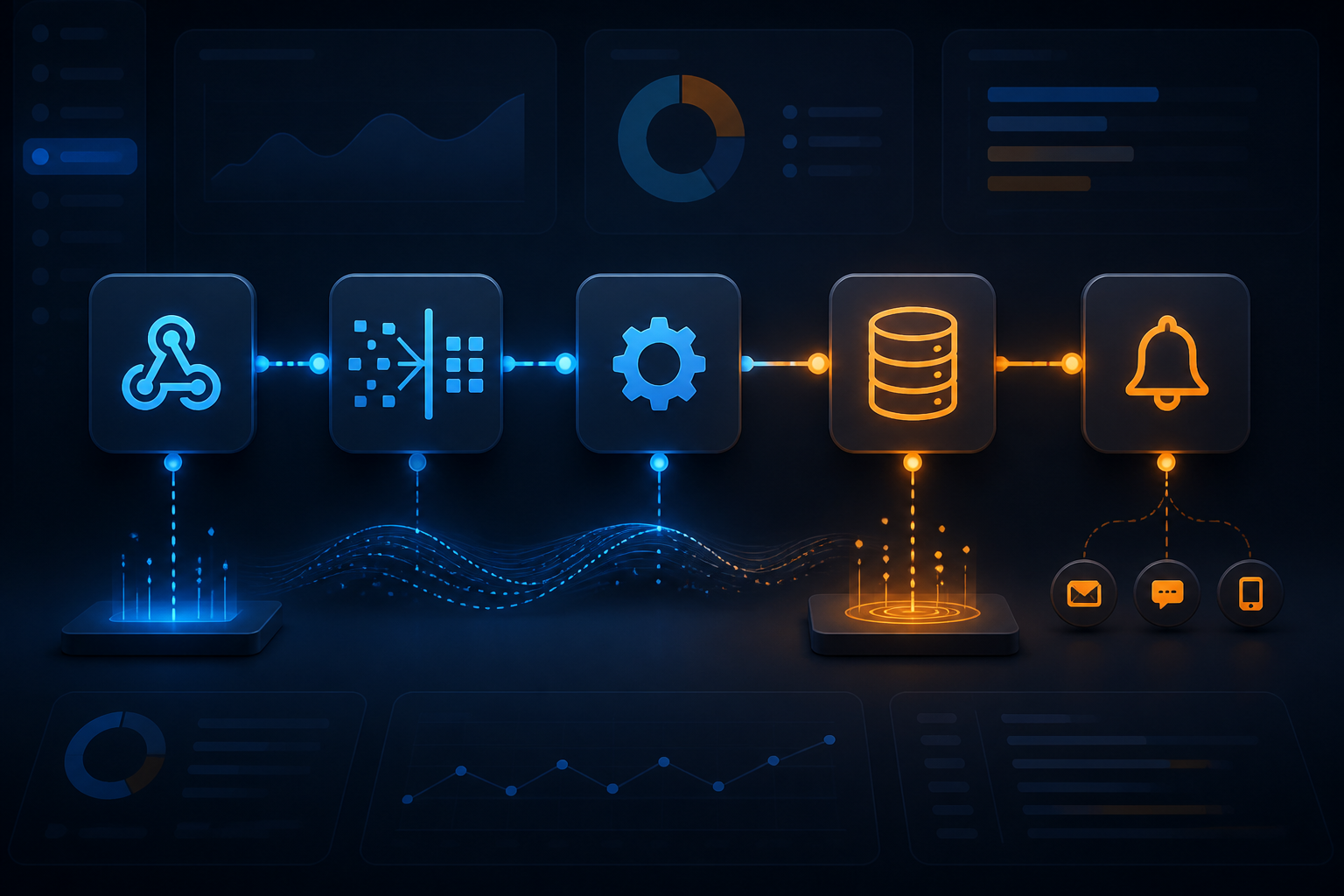
n8n workflows typically start from a simple need: collecting data from a form, checking its contents, and then sending the results to a spreadsheet or chat application. Problems arise when the workflow continues to grow. One branch for notifications, one branch for validation, several long expressions, and then connections to other services. Over time, no one is really sure which parts are safe to change.
At this point, the challenge is no longer to get the automation running. The challenge is to create automation that can be maintained. A maintainable workflow can be read, tested, fixed, and handed over to others without needing to guess the creator's intent.
1. Start with a data contract, not with nodes
Before dragging the first node onto the canvas, define the shape of the data you want to use throughout the workflow. Think of the data as a standard form being passed from one desk to another.
For example, a lead intake workflow might use the following simple structure:
{
  "name": "Budi",
  "email": "budi@example.com",
  "source": "website",
  "status": "new"
}
With this structure, the next node does not need to guess whether the customer's name is stored as name, full_name, or customerName. n8n provides data mapping and expressions to retrieve data from previous nodes, but consistency in field naming remains the responsibility of the workflow creator.
In practice: create a single “Normalize Input” node after the trigger. This is where field names are tidied up, empty values are handled, and date or phone number formats are standardized.
2. Separate data intake from business logic
Webhooks, forms, or application triggers should only be responsible for receiving data. Do not place all business rules in the same node as the intake process.
For example, a webhook receives an order. After that, the flow can be divided into:
- Input validation.
- Data normalization.
- Stock or customer status checks.
- Data storage.
- Notification sending.
This separation makes changes safer. If the webhook format changes, you do not need to dismantle the notification part. If discount rules change, the data intake part can remain untouched.
3. Use node names that explain their intent
Default names like “HTTP Request,” “Set,” or “If” are sufficient for the first trial. However, those names do not help much when the workflow has dozens of nodes.
Use names that answer the question: what does this node do?
- Fetch Customer Data from CRM
- Normalize WhatsApp Number
- Check Payment Status
- Save New Order
- Send Summary to Operations Team
Clear naming is not just an aesthetic issue. It reduces debugging time because readers can understand the flow without opening the configuration of each node.
4. Do not let long expressions spread everywhere
n8n expressions are very useful for retrieving and processing data. However, long expressions repeated across many nodes will become a source of problems.
For example, the same message format is rewritten in three notification nodes. When the format changes, there is a risk that one of the nodes will be left behind. It is better to prepare a field like notification_message in one place and then use that field in the subsequent nodes.
If transformations start to have many conditions, consider using a small Code node that has one clear task. Do not make a single Code node the place for all business logic. The principle is simple: one part of the workflow should be explainable in one sentence.
5. Break repetitive processes into sub-workflows
If several workflows perform the same tasks, such as cleaning phone numbers, formatting invoices, or sending internal notifications, those processes can be separated into sub-workflows.
With this pattern, the main workflow acts as a flow manager, while specific tasks are handled by smaller workflows that can be called back. The benefits are felt when rules change. You only need to fix one sub-workflow instead of searching for copies of logic in many places.
There is a consequence: the input and output of the sub-workflow must be made clear. Document the fields that must be sent and the results that are returned. Otherwise, the sub-workflow only shifts complexity from one canvas to another.
6. Store important context for debugging
When automation fails, the first question is usually not “which node is red?”, but rather “what data was coming in at that time?” Therefore, include context that aids tracking, such as order ID, customer ID, request source, and processing time.
Avoid storing sensitive data excessively. Tokens, passwords, and personal information should not be included in log fields just for the sake of debugging convenience. n8n provides execution history to check past processes, including options to retry failed executions. However, that history still needs to be managed with privacy and data storage policies in mind.
7. Treat workflows as assets that need to be controlled
Production workflows should not be a place for direct experimentation. Create copies or testing environments for major changes, and test with sample data before activating them.
For larger teams, version control and separating development environments from production can help. n8n documentation explains the use of source control and environment patterns to manage workflow changes. This feature is more relevant when multiple people are working on the same automation, rather than just for personal projects that only have one small workflow.
What does this mean for us?
A tidy workflow does not mean it has to use many nodes or follow complicated patterns. Its measure is more practical: can others understand the flow, can small changes be made without breaking other parts, and can failures be traced with sufficient data?
If the answer is not yet, start with the three cheapest improvements: tidy up node names, create a consistent data structure, and move repetitive processes to sub-workflows. These three steps often have a greater impact than adding new features.
What you can do now
- Choose one workflow that is most frequently touched or causes the most confusion.
- Write down the expected input and output forms.
- Rename nodes based on their tasks, not their node types.
- Create a specific stage for data normalization.
- Mark repetitive parts and consider making them sub-workflows.
- Test changes with sample data before activating the production workflow.
Good automation is not just about working today. It also needs to make sense when requirements change, the original creator is unavailable, or the amount of data starts to grow. That’s where designing n8n workflows stops being just about connecting nodes and starts becoming real engineering work.
For technical references, read the official n8n documentation on data mapping, execution history and retries, source control and environments, and security audit.
Sources & further reading
- Referencing data in the UI — n8n Docs
- All executions — n8n Docs
- Tutorial: Create environments with source control — n8n Docs
- Security audit — n8n Docs
– Rio Yotto @rioyotto