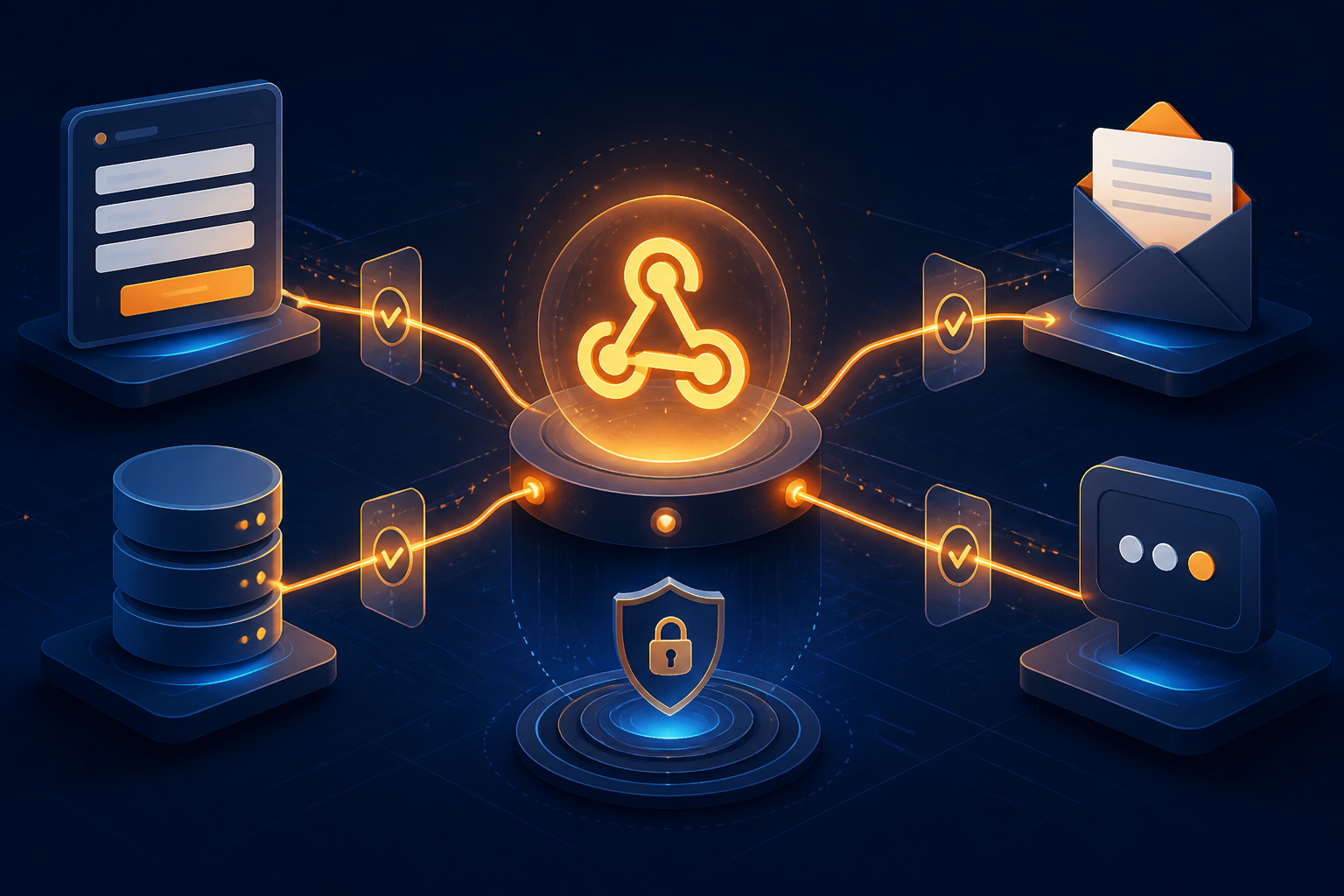
Webhooks are one of the most practical ways to connect n8n with other applications. As soon as there is a new order, a form is filled out, a payment is received, or a message arrives, the sending application can immediately call the webhook URL and start the workflow.
The problem is, a webhook is not just a URL attached to another application. It is an entry point to the workflow. If not secured and designed properly, this entry can receive fake data, process the same event multiple times, or cause the sending application to wait too long.
In n8n, the Webhook node provides test and production URLs, supports multiple authentication methods, and can control when responses are sent back. These features are sufficient to build serious integrations, as long as they are used with the right patterns.
Start by distinguishing between test and production URLs
One common mistake is using the test URL for integrations that are already running. The test URL is active when you select Listen for Test Event or run the workflow manually. Incoming data is usually displayed directly in the editor.
Meanwhile, the production URL is used when the workflow has been published or activated. Data from this URL does not appear directly in the editor but can be checked through the execution list. This distinction is important because external applications should be directed to the production URL, not the URL that is only active during the testing process.
The practice is simple: use the test URL when building and checking the data structure. Once the payload format is understood and the workflow is ready for use, switch to the production URL. Store this URL in the configuration of the sending application, not in multiple places manually.
Do not leave the webhook open without reason
A webhook without authentication is indeed easy to test, but anyone who knows the URL can send requests. If the workflow then sends emails, creates tickets, updates databases, or forwards WhatsApp messages, fake requests can lead to real work and costs.
n8n provides several authentication options on the Webhook node, including Basic Auth, Header Auth, and JWT Auth. Choose the method that suits the capabilities of the sending application. For simple integrations, Header Auth is usually sufficient: the application includes a secret value in the header, and n8n checks it before proceeding with the workflow.
If the webhook caller comes from infrastructure with a relatively fixed IP address, you can also add an IP allowlist. However, do not make this the only protection. IP addresses can change, especially if requests come from cloud services or SaaS platforms.
Beyond authentication, also limit the data that can be processed. For example, the webhook should only accept events with certain event_type values. Invalid payloads should be stopped as early as possible, before the workflow calls other services.
Validate payload before taking action
Data from the webhook should be treated like user input: it may not be complete, correct, or safe to forward directly.
For example, a workflow receives order data:
{"order_id":"ORD-1042","customer_email":"name@example.com","total":275000,"status":"paid"}Before sending an email or recording a transaction, check at least the following:
- order_id is available and has a reasonable format.
- customer_email is not empty and can be processed by the email service.
- total is a number and is not negative.
- status is included in the list of statuses supported by the workflow.
- The payload does not exceed a reasonable size for integration needs.
Use nodes like IF, Switch, or Code to perform checks. Separate valid and invalid data paths. Rejected paths can be directed to error logging or internal notifications, rather than being left to fail without explanation.
Quick responses do not always mean the workflow is complete
When an application calls a webhook, it usually waits for an HTTP response. If the workflow immediately calls multiple APIs, downloads files, or waits for AI processes, the response may be delayed. As a result, the sending application may assume the request has failed and resend the same event.
The Webhook node in n8n has several response modes. The Immediately mode returns a response that the workflow has started, without waiting for the entire process to complete. The When Last Node Finishes mode waits for the workflow to finish and returns the final result. There is also a mode using Respond to Webhook to control the response at a specific point.
For long processes, a quick response is often safer. For example, the webhook receives order data, validates it, then returns an accepted status. Subsequent processes like saving data, sending notifications, and updating dashboards occur afterward.
If the sender indeed requires the final result, use Respond to Webhook consciously. Specify the response code, body content, and necessary headers. Do not return all internal workflow data if the sending application only needs the status and transaction ID.
Anticipate duplicate requests with idempotency
Duplicate requests are normal in integrations. The sending application may retry when the connection is interrupted, even though the first request has already been processed. Without protection, one order could be recorded twice or one message could be sent repeatedly.
The solution is idempotency, which means that reprocessing the same event does not produce additional effects. Typically, use a unique ID from the event such as order_id, payment_id, or event_id.
The simple pattern is:
- Extract the unique ID from the payload.
- Check if that ID has already been processed in the database or data store.
- If it exists, stop the workflow or return a status that the event has been received previously.
- If it does not exist, save that ID before executing actions that should not be repeated.
The order of storage needs to be considered carefully. If the new ID is recorded after the email is sent, a workflow that fails midway still has the potential to repeat the sending.
Prepare error paths, not just success paths
A workflow that is only tested with perfect data usually looks good until it is used in the real world. APIs can timeout, tokens can expire, data formats can change, or the target service may be limiting the number of requests.
Use error workflows or error handling paths to send important information to monitored locations, such as internal emails, Slack, or monitoring tables. Record the workflow name, time of occurrence, event ID, failed node, and error message. Avoid including tokens, passwords, or entire sensitive payloads in notifications.
n8n also provides an execution list to check workflows that have succeeded, are running, are waiting, or have failed. Failed executions can be retried, but manual retries are not a substitute for idempotency design. Before pressing the retry button, ensure that the workflow will not create duplicate side effects.
Checklist before the webhook is used in production
- The production URL is being used by the sending application.
- Authentication is active and the secret is not written directly in multiple places.
- Payload is validated before calling APIs or modifying the database.
- Webhook responses do not wait for long processes without reason.
- Events have unique IDs to prevent duplicate processing.
- The workflow has error paths and notifications that can be monitored.
- Sensitive data does not enter logs or alert messages.
- The workflow is tested with empty payloads, incomplete data, duplicates, and incorrect formats.
What does this mean for us?
A good webhook is not the shortest one, but one whose behavior can be predicted under less-than-ideal conditions. Start with a small workflow: receive an event, authenticate, validate, check for duplicates, send a response, and then execute the main action.
With this pattern, n8n becomes not just a tool for connecting applications. It becomes a layer of integration that is easier to inspect, recover, and develop as business needs begin to grow.
Sources & further reading
- n8n Webhook node documentation
- n8n Respond to Webhook node documentation
- n8n Security Audit documentation
- n8n Executions documentation
– Rio Yotto @rioyotto