Webhooks seem simple: a service sends data, then n8n runs a workflow. The problem is, data delivery doesn't always happen just once. The sending service may repeat the request when the response is delayed, the connection is interrupted, or the server considers the previous request to have failed.
As a result, one order may come in twice, one customer may receive two WhatsApp messages, or one support ticket may be created repeatedly. This is where idempotency becomes important. Simply put, idempotency means that executing the same event multiple times still results in the same final effect as executing it once.
Why can webhooks produce duplicate data?
Many people assume duplication only occurs because of an error in the n8n workflow. In fact, the source of the problem can lie between several systems.
- The sender repeats the request because it does not receive a timely response.
- The user presses the checkout button more than once.
- The workflow fails after the data has been successfully saved, but before the response is completed.
- The operator reruns a failed execution.
- One event is sent through more than one integration path.
n8n provides a list of executions and options to rerun failed workflows. This feature aids recovery, but it also means that workflows need to be designed to be safe when old data is processed again. n8n official documentation explains that failed executions can be retried using the currently stored workflow or the original version at the time of execution.
Use event ID as a ticket number
The most practical way to prevent duplication is to request or create an event ID. This value serves as a unique number for each event, similar to a ticket number in customer service.
For example, the webhook payload from the payment system contains the following data:
{
  "event_id": "evt_20260927_00123",
  "type": "payment.success",
  "order_id": "ORD-8821",
  "amount": 250000
}
The workflow is not enough to just check if order_id already exists. One order can sometimes have multiple valid events, such as payment created, payment successful, and then payment refunded. To differentiate each occurrence, use the event ID from the sender if available.
If the sender does not provide a unique ID, create a key based on a combination of stable data, such as service_name + order_id + event_type. Avoid using execution time as the sole differentiator because the same request can be processed at different times.
Design a safer n8n workflow
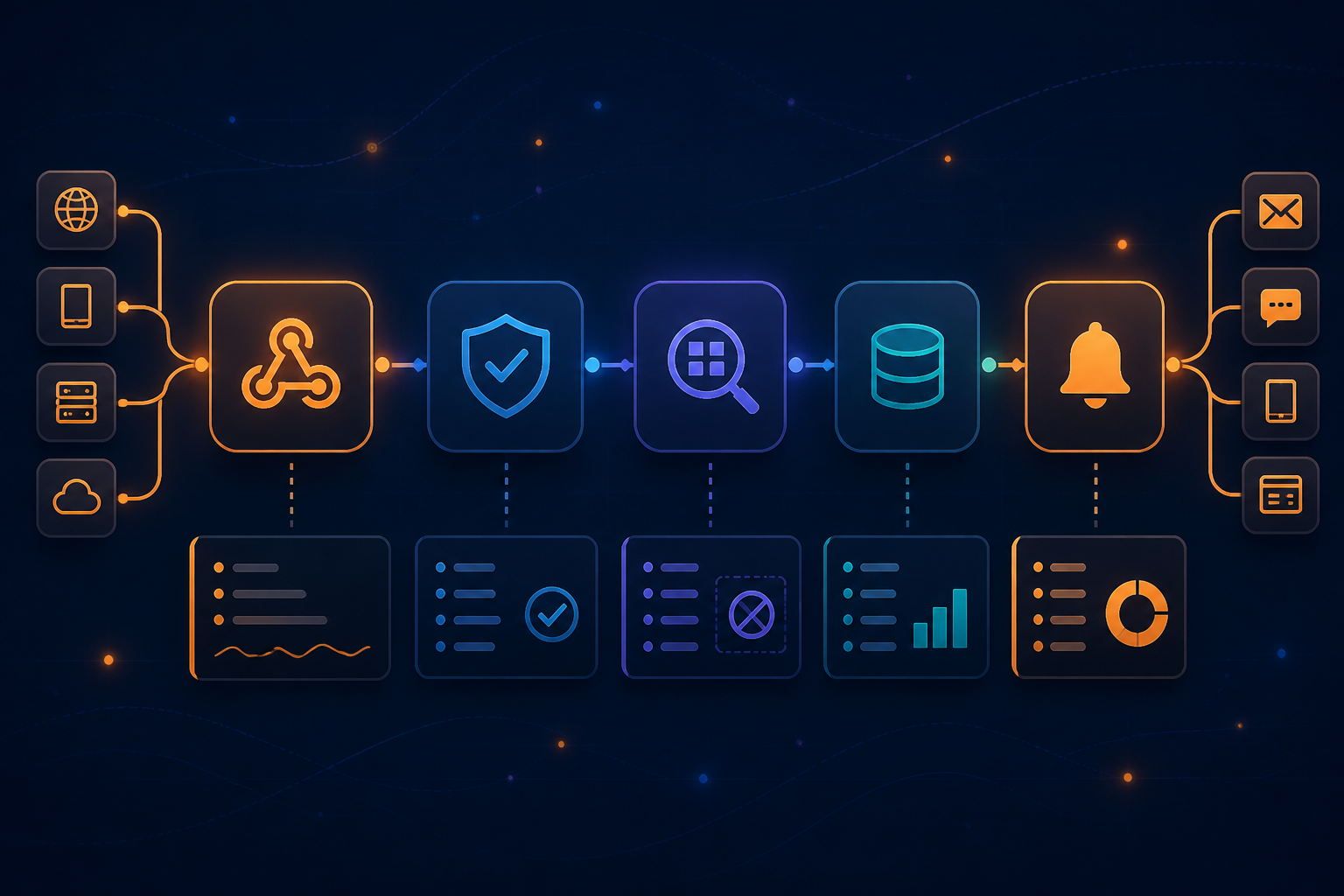
The basic structure can be created like this:
- Webhook: receives payload from the sending service.
- Set or Code: retrieves and normalizes the event ID.
- Database: checks if the event ID has been processed.
- IF: stops the workflow if the event has already been recorded.
- Main process: creates an invoice, sends notifications, or updates CRM.
- Database: stores the event ID after the process is successful.
The simple logic can be read like this: “If the event has not been processed, run the job. If it has been processed, do not repeat its effects.”
For critical workflows, do not just store the status in node memory or rely on execution history. Use storage that is designed for retrieval, such as a database table, Redis, or other centralized storage used by your team.
Storage order determines the outcome
There are two common options for recording events: before the main process or after the main process. Both have risks.
If the event is recorded before the main process, the workflow is indeed more resilient to duplicate requests. However, if the main process fails after recording, subsequent retries may be considered duplicates, and the job is never completed.
If the event is recorded after the main process, failures in the middle of the process can cause the event to be processed again. This is safe only if the main action is also idempotent. For example, the operation “update order status to paid” is usually safer to repeat than the operation “create a new order.”
For processes that have a significant impact, use database transactions or unique key mechanisms. The event_id column can be given a unique rule, so two executions that arrive almost simultaneously cannot create the same record.
Differentiate batch deduplication and event deduplication
n8n has nodes and workflows that can help remove duplicate items within a single data flow. This is useful when one execution brings a list containing the same rows, such as results from reading a spreadsheet or RSS.
However, deduplication within a batch is different from preventing the same event from entering two separate executions. If the same webhook is received at 10:00 and 10:02, the workflow needs to check shared storage, not just compare items that are currently in the execution.
This is a small difference that is often overlooked: duplicates within data are not the same as duplicates in time.
Don't forget side effects
Some steps may seem harmless, but actually have difficult-to-reverse side effects:
- Sending emails or WhatsApp messages.
- Creating new invoices.
- Reducing stock.
- Adding customer balance or points.
- Creating new cards in project management.
- Sending data to analytics systems without a unique ID.
For each step, ask: “If this node runs twice, what happens?” If the answer is “data increases twice,” look for alternative operations such as upsert—updating data if it already exists and creating new data if it does not.
Add audit and recovery paths
A secure workflow is not one that never fails. A good workflow is one where failures are easy to see and recover from.
Store at least the event ID, time received, event type, processing status, and error message. Use clear workflow names so that executions are easy to find. n8n also provides an audit feature to help identify various risks in the instance, including unprotected webhooks and problematic security configurations. Details are available in n8n security audit documentation.
If the main process fails, do not immediately resend the event manually without understanding the failure point. Check if the data has already been created. If it has, run the update step or use a specific recovery path, rather than restarting the entire workflow from the beginning.
What you can do now
- Check all webhooks that create new data or send messages.
- Ensure each event has a unique and stable ID.
- Create a processing log table with event ID and status columns.
- Add duplicate checks before side effects are executed.
- Use unique rules in the database if possible.
- Test the same request two or three times.
- Simulate failures after data is saved but before the workflow is completed.
Idempotency is not an additional feature that only large companies need. Once workflows start handling payments, leads, orders, or customer notifications, protection against duplicate data becomes part of the basic quality of the system.
n8n makes it easy for us to connect many services. But the more connections are made, the more important it is for each event to have a clear identity, status, and recovery path. Good automation is not just about running when everything is normal, but also making sense when the network is slow, requests are repeated, or workflows need to be recovered.
Sources & further reading
– Rio Yotto @rioyotto