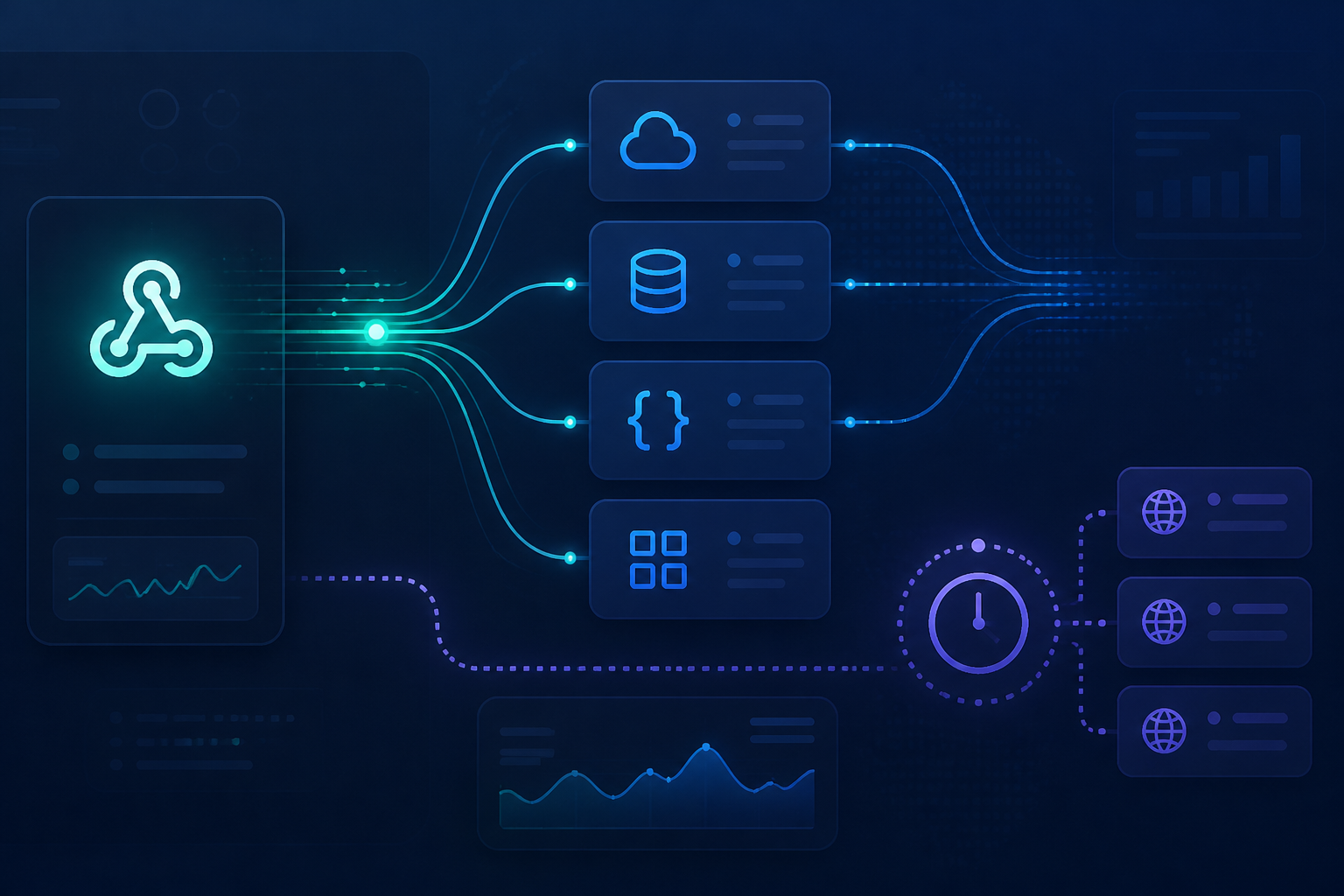
Many n8n workflows start with a simple question: when should this process run? The answer often falls into two choices, namely webhook or polling. Both can initiate a workflow, but their mechanisms and implications differ.
Webhooks wait for another service to send data when an event occurs. Polling works like a postal worker checking the mailbox periodically: every few minutes, the workflow asks if there is new data. This small difference can have a significant impact when the workflow starts handling orders, customer forms, WhatsApp notifications, stock synchronization, or updates from APIs.
Webhook: fast because there's no guessing
A webhook is a URL provided by n8n to receive requests from other applications or services. When an event occurs—such as a form submission or a successful payment—the service sends data to that URL, and the workflow starts immediately. n8n's documentation explains that the Webhook node can also be used to receive data from services that do not have a specific trigger. See n8n Webhook documentation.
The main advantage is low latency. You don't have to wait for the next polling schedule. If the sending system sends an event at 10:01, the workflow can start processing almost immediately.
A simple example:
- A customer fills out a form.
- The form application sends data to the n8n Webhook.
- n8n validates the phone number and the request content.
- n8n saves the data to the CRM and sends a notification to the team.
However, a webhook does not automatically mean it's better. You need to ensure that the sending service supports webhooks, the URL is accessible from the internet, and the endpoint is secure enough. n8n provides authentication options such as Basic auth, Header auth, and JWT auth, as well as IP restrictions for webhooks. Do not leave important endpoints unprotected just because their URLs look long and random.
Polling: simpler, but there is a delay
Polling is used when the service you want to monitor does not provide a webhook, or when you do not need an immediate response. The workflow runs on a schedule to check for new data.
In n8n, the Schedule Trigger can run workflows at specific intervals, from seconds, minutes, hours, days, to Cron-based schedules. The RSS Feed Trigger also uses a polling pattern to check the feed at specified times. Schedule Trigger documentation and RSS Feed Trigger documentation explain these scheduling options.
Polling is suitable for cases such as:
- Checking a vendor API every 15 minutes.
- Retrieving sales data from an old system that does not support webhooks.
- Checking RSS several times a day.
- Synchronizing data from two systems that only provide endpoints for reading data.
The downside is the delay and repetitive work. If the workflow runs every five minutes, new data could wait nearly five minutes before being processed. If the interval is set too tight, the number of requests increases, and the called service may impose usage limits or reject requests.
Choose based on system capabilities, not trends
Use webhooks if three conditions are met: the sending service supports webhooks, you need a quick response, and the endpoint can be secured well. Examples include payment notifications, events from internal applications, or incoming messages that need to be forwarded to the team immediately.
Use polling if the service does not provide webhooks, data does not need to be real-time, or you want to control when and how often synchronization occurs. For daily reports, catalog updates, and RSS checks, polling is usually sufficient.
There is also a mixed approach. Webhooks can be used to receive an initial signal, while polling is used as a backup check. For example, a payment service sends a webhook when a transaction changes, then a scheduled workflow checks transactions that are not yet finalized every hour. This does not mean all data is processed twice. The key is to store the event ID or transaction ID and check whether that data has already been handled.
Commonly overlooked aspects when using webhooks
Differentiate between testing and production URLs
n8n has webhook URLs for testing and production. The testing URL is used when you press Listen for Test Event, while the production URL is listed when the workflow is published. Data from the production URL can be viewed through execution history, not directly in the editor. Mistakes in using the testing URL often lead users to believe the integration is active, while the workflow has not actually received production events.
Respond quickly if the process is long
If a webhook needs to call several APIs, create files, or send messages to multiple destinations, do not always make the sender wait until the entire process is complete. The n8n webhook node supports both immediate responses and responses after the last node is finished. For long processes, an immediate response is usually safer so that the sending service does not consider the request failed due to taking too long.
Validate request content
Do not trust all incoming data blindly. Check the token, event type, transaction ID, and required fields before performing important actions. Invalid data can be directed to a rejection path or logged for manual review.
Things to consider when using polling
Define new data markers
Polling without markers will easily process old data repeatedly. Use timestamps, sequence numbers, last IDs, or synchronization statuses. Store these markers in a database, Data Table, or appropriate storage—not just in workflow memory.
Set intervals based on needs
Do not choose a one-minute interval just because you can. Ask how quickly the data really needs to be processed. If customers can still wait 15 minutes, a 15-minute interval may make more sense and be more request-efficient.
Pay attention to time zones and missed workflows
n8n schedules depend on the workflow or instance time zone. The workflow must also be published for the schedule trigger to run. For critical processes, determine what happens if the instance goes down: can missed data be retrieved later, or should it just be processed at the next scheduled time?
What does this mean for us?
Webhooks are not a "more advanced" version of polling, and polling is not a second-class solution. Webhooks excel in speed, while polling excels in compatibility and schedule control. A good choice is one that aligns with the capabilities of the source service and the urgency level of the process.
Before creating a workflow, write down three things: how quickly data needs to be processed, whether the source system supports webhooks, and how to prevent data from being processed again. These three questions are usually more useful than simply choosing the first node that seems most practical.
What you can do now
- Check the API documentation of the service you want to connect.
- If a webhook is available, create a small workflow that only logs the payload for testing.
- If polling is necessary, start with a loose interval like 15 or 30 minutes.
- Store the ID or timestamp of the last successfully processed data.
- Add authentication, validation, and notifications when the workflow fails.
With this pattern, n8n does not just perform automated tasks. It becomes a system that knows when to react, when to simply check, and when to stop to avoid creating new problems.
Sources & further reading
– Rio Yotto @rioyotto