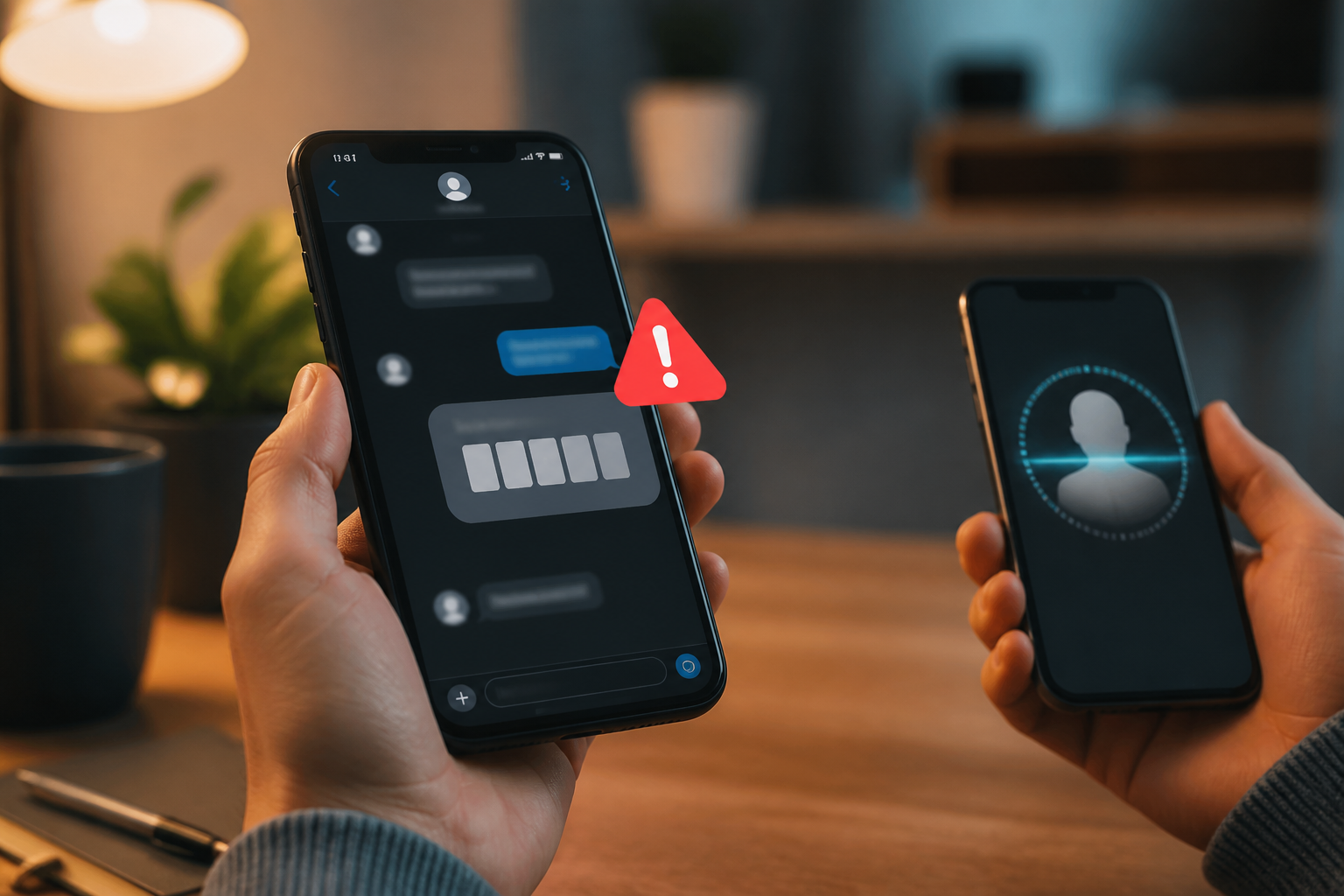
WhatsApp messages from partners, friends, or family members usually feel familiar right away. Therefore, when they suddenly ask for a verification code, borrow money, or request you to open a link, we tend to believe them more quickly. The problem is, a name and profile picture are not proof that the person behind the account is indeed the owner.
Scammers can impersonate someone you know, while WhatsApp accounts can also be hijacked. Once they gain access, they exploit the victim's contact list and conversation style to make requests seem reasonable. Time pressure—"right now", "don't call first", or "it's an emergency"—is often a crucial part of the scenario.
The simple principle is: the more urgent and sensitive the request, the more important it is to verify it through other channels.
Known Numbers Can Still Be a Source of Fraud
There are two situations that often get mixed up. First, someone creates a new account using someone else's name and photo. Second, an account belonging to a real person has been hijacked. In the second situation, messages can be sent from a number that is already saved on your phone.
WhatsApp provides protections such as end-to-end encryption, spam detection, security alerts, and two-step verification. However, these features cannot replace user judgment when someone asks for money or confidential information. WhatsApp itself advises users to enable two-step verification, use the official app, and review linked devices.
This means that "the message came from WhatsApp" does not equal "the request is definitely safe." The security of the app and the authenticity of the message content are two different things.
Five Signs That Should Make Us Stop
- Request for a verification code. A six-digit code sent via SMS or call is part of the account registration process. Never forward it to anyone, including someone claiming to be a friend, WhatsApp staff, or customer service.
- Urgent money requests. For example, a friend claims to have had an accident, lost their wallet, or needs to pay something before a certain deadline.
- Prohibition on calling. Phrases like "don't call, my phone is broken" or "just chat" should raise suspicion. Scammers want to prevent you from hearing the account owner's voice or contacting someone else who can expose the story.
- Unusual links or files. Prize links, digital invitations, receipts, or work documents could lead to fake sites or harmful files.
- Change in communication style. Pay attention if someone who is usually casual suddenly uses stiff language, is urgent, or asks for transactions to an account that has never been used before.
These signs are not definitive proof that an account has been hijacked. However, a combination of several signs is enough reason not to follow instructions immediately.
How to Verify Without Embarrassing Anyone
The verification step does not have to be complicated. Contact the person via a regular phone call, WhatsApp call, SMS, or another long-used social media account. Do not use the number or link provided in the suspicious message.
Ask questions with answers that are not easy to guess from the last conversation. For example, "Where did we last meet?" or "What is the name of the place we talked about last week?" These questions are not a perfect security system, but they can help distinguish the account owner from someone who is just reading partial information.
For money requests, use stricter rules: do not transfer before speaking directly to the person. If a transfer has already been made, immediately contact the bank or payment service provider to inquire about the possibility of freezing the transaction. Keep evidence of conversations, account numbers, phone numbers, links, and the time of the incident.
Verification does not mean we do not trust our friends. Verification is a way to ensure that we are talking to the real friend.
What You Can Do Now
1. Enable WhatsApp Two-Step Verification
Open WhatsApp settings, go to the account section, and select two-step verification. Create a PIN or password that is not the same as your ATM PIN, birth date, or easily guessable numbers. Add a secure recovery email address if this feature is available on your device.
According to WhatsApp's help center, users can also change two-step verification settings and review trusted devices. Regularly check the Linked Devices menu and remove any unrecognized devices.
2. Do Not Share Registration Codes
The verification code is the key to registering your number on another device. If someone obtains it, they can attempt to take over the account. WhatsApp explains that registration codes should not be shared, even with friends or family.
3. Update the App and Use the Official Version
Install WhatsApp from the official app store and avoid modified apps that promise additional features. Unofficial apps can increase privacy and security risks as they do not go through the same distribution channels.
4. Protect Your Primary Email
Email often serves as a recovery door for many accounts. Use a unique password, enable multifactor authentication, and regularly check login activity. Multifactor authentication or MFA is an additional layer that requires more than one proof of identity when logging in. CISA states that MFA helps protect accounts even if the password has been stolen; if available, phishing-resistant methods like passkeys or security keys are stronger than SMS codes.
If Your WhatsApp Account Has Been Hijacked
Do not panic and do not negotiate with the person who has taken over the account. Re-register your phone number on WhatsApp using the six-digit code received via SMS or call. According to WhatsApp's guidelines, this process will log out other devices that are logged into that account.
Once you regain access, enable two-step verification, check linked devices, and inform family and friends that previous messages may not have come from you. This notification is important because attackers can continue to impersonate through existing conversations or groups.
If there is a loss of money or data theft, keep all evidence and report it through official channels of banks, payment platforms, and relevant fraud reporting services in your area. Do not delete conversations before documentation is complete.
What It Means for Us
WhatsApp security is not just about installing antivirus apps or memorizing technical terms. Small habits—such as not sharing codes, calling back, checking linked devices, and delaying transfers when situations feel urgent—often become the most effective defenses.
Scammers rely on quick reactions. We do not have to be cybersecurity experts to disrupt that pattern. Just pause for a moment, verify through other channels, and then make a decision when the information is more complete.
For additional guidance, read WhatsApp security explanation, compromised account recovery guide, and CISA's advice on multifactor authentication. To recognize impersonation scam patterns, also see the guide from the Federal Trade Commission.
Sources & Further Reading
- How safe & secure is WhatsApp? Privacy explained
- How to recover a compromised account
- More than a Password: Multifactor Authentication
- Impersonator Scams
– Rio Yotto @rioyotto