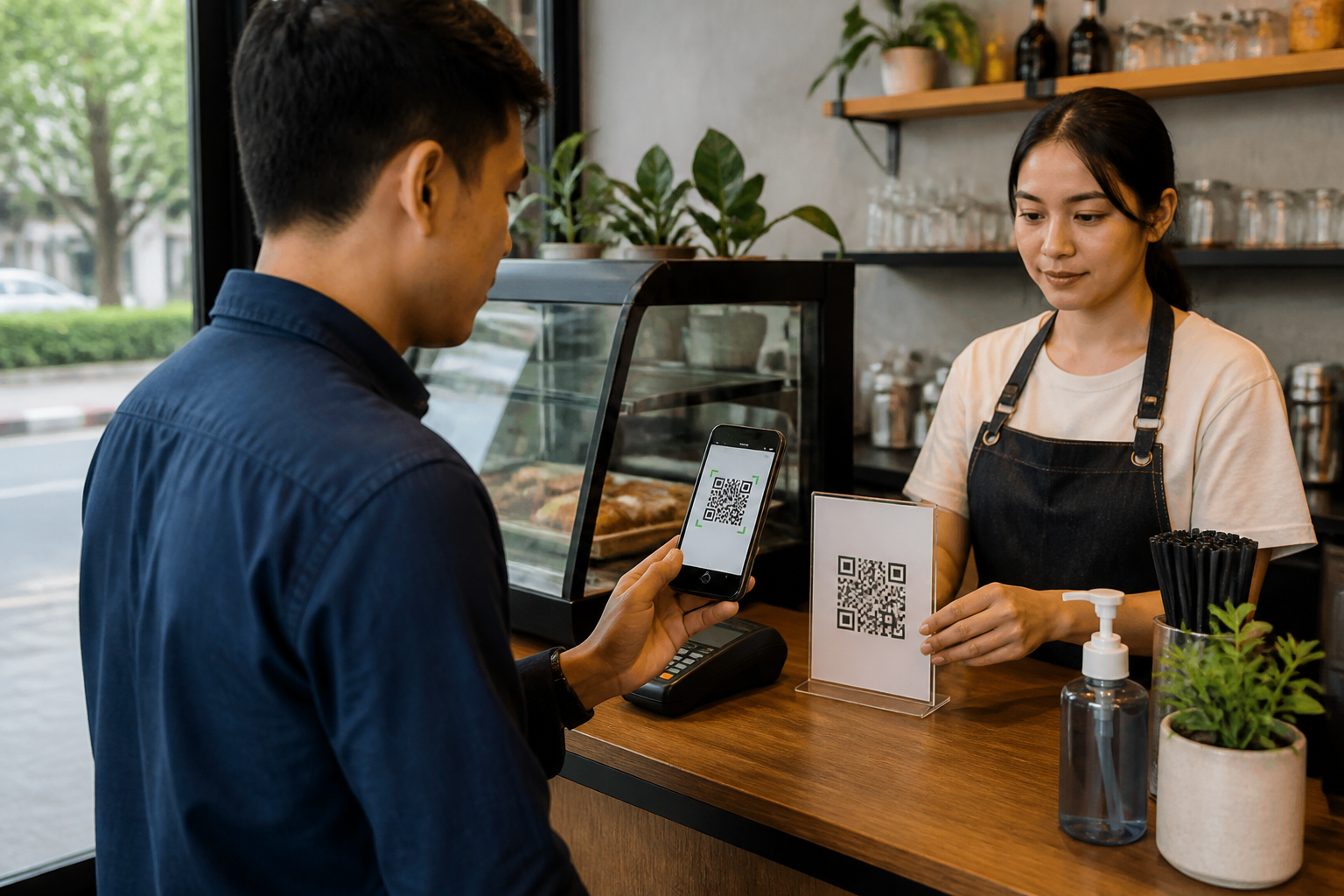
QR codes are now everywhere: at cash registers, event posters, product packaging, tickets, and even personal messages. The problem is that the appearance of a QR code does not indicate whether its content is safe. A seemingly ordinary code can lead to fake websites, phishing login pages, malicious apps, or incorrect payment accounts.
In the context of payments, Bank Indonesia identifies fraud with fake QR codes as one of the risks to be aware of. There is also the term quishing, which refers to phishing that uses QR codes as an entry point. Because users often trust the results of scanning immediately, this method can bypass the caution that usually arises when receiving suspicious links.
QR codes are not an automatic sign that something is official
A QR code is merely a way to store information in the form of an image. This information can be text, payment numbers, contacts, or website addresses. Anyone can create and place a new QR code over an old one, for example, on posters, cash registers, or bulletin boards.
That’s why you should not judge security based solely on the appearance of the code, logo, or design colors. Bank logos, digital wallet logos, and well-known brands can be copied. What’s more important is the destination that appears after the code is scanned and what actions are requested next.
Five checks before pressing the button
1. Check the source of the QR code
Ask where the code came from. QR codes in official apps, clear store cash registers, or official websites are usually easier to verify. Conversely, be cautious of codes sent through chain messages, pasted in public places without explanation, or accompanied by urgent calls like “scan now to avoid losing your prize.”
For QR codes pasted in physical locations, check if there are additional stickers that seem to cover the original code. If it looks like it’s pasted over a payment label, ask the cashier before proceeding.
2. Check the website address after scanning
If the QR code opens a browser, do not immediately enter your username, password, PIN, OTP, or card data. Read the website address slowly. Scammers often use addresses that are similar to official services but have extra words, strange spellings, or unusual domains.
QR codes that direct to login pages should be treated like login links sent by unknown individuals. If you do want to log into your account, close that page and open the app or official website through the usual method you use.
3. Match the recipient's name before paying
For QRIS payments, payment apps usually display the merchant or recipient's name after the code is scanned. This name should match the store, restaurant, institution, or person you intend to pay. Bank Indonesia also advises consumers to check the match of the merchant name displayed in the app with the name listed on the QRIS label.
If the recipient's name is different, too generic, or cannot be explained by the cashier, do not proceed with the transaction. Ask the merchant to verify the code being used. A small mistake before payment is much easier to resolve than chasing after funds that have already been sent.
4. Be wary of download requests and excessive permissions
QR codes should not force you to install apps from unclear sources. If the scanning result page requests file downloads, configuration profiles, or apps outside of official stores, stop first.
Permission requests also need to be considered. Apps for reading menus or tickets do not require full access to messages, contacts, microphones, or accessibility services. Do not grant permissions just because the page claims the process must continue.
5. Stop if asked for confidential data
PINs, passwords, OTPs, and recovery codes are confidential information. Do not enter or send this data through pages opened from a QR code, especially if you did not initiate the process yourself.
Banks or payment service providers do not need OTPs to “cancel prizes,” “secure balances,” or “verify QRIS” through random links. Urgent language is often used to prevent victims from checking information.
If you have already scanned a suspicious QR code
Scanning a code does not necessarily mean your account or money is immediately stolen. The risk depends on what actions are taken after scanning. However, perform the following checks:
- Close the open page and do not download files or apps.
- If you entered a password, immediately change the password from the official app or website.
- If you entered a PIN, OTP, or payment data, contact the service provider through official channels.
- Check for login notifications, account changes, and unfamiliar transactions.
- If unauthorized transactions occur, save screenshots, the time of the incident, recipient details, and report immediately to the payment service provider.
If you are using QRIS and suspect transaction issues, Bank Indonesia advises consumers to contact the relevant payment service provider. Do not search for help numbers from suspicious pages; use official apps, bank information cards, or official websites that you type yourself.
What does this mean for us?
Safe habits when using QR codes are actually simple: scan, read, match, then proceed. Do not treat the scanning process as a trivial action because one code can lead you to a transaction or page different from what you expect.
QR codes remain useful and do not need to be avoided. What needs to change is the habit of pressing buttons automatically. Take a few seconds to check the source, destination address, recipient's name, and data requests. In digital transactions, a brief pause before agreeing often serves as the cheapest and easiest layer of protection.
Sources & further reading
- Bank Indonesia — Practical Guide When Using QRIS
- Bank Indonesia — Digital Financial Education Module: Financial Transactions
- Bank Indonesia — Tips to Avoid QR Code Fraud
– Rio Yotto @rioyotto