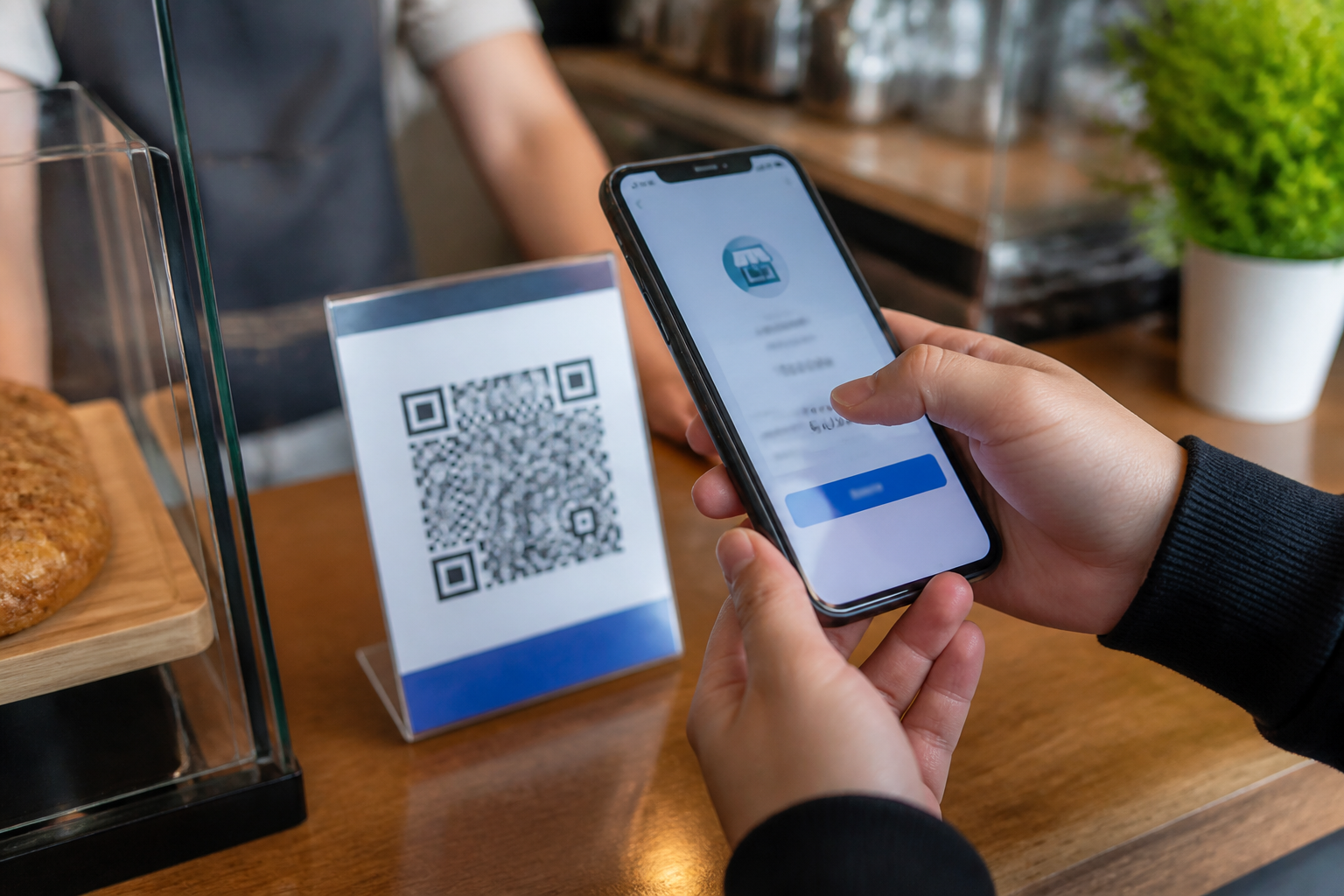
QR codes have become part of daily activities: paying for food, opening menus, filling out forms, and accessing promotions. The problem is, we often treat all QR codes as neutral. In fact, these codes only serve as a gateway to a destination—and we need to ensure that the door leads to the right place.
Scammers can place a new QR code over an official code, directing users to a fake site, or change the payment destination to their own account. The modus operandi that exploits QR codes for phishing is often referred to as quishing, a combination of QR and phishing. Bank Indonesia also reminds the public to avoid QR codes from suspicious sources, not to enter security data on the scanned page, and to change credentials immediately if they have followed suspicious instructions.
QR codes do not automatically mean safe
The black-and-white square shape of a QR code does not tell us whether the destination behind it is trustworthy. A phone camera simply reads the pattern and then directs us to a specific address. If the address leads to a fake login page, a malicious app, or a payment account that does not belong to the merchant, the scanning process can become the start of a problem.
For QRIS payments, the technical standards and its official providers are indeed monitored. However, scammers can still exploit situations on the ground—for example, by placing fake QRIS stickers on the cashier's desk or displaying payment codes that do not match the store's name. Therefore, security does not stop at QRIS technology. Users still need to check the transaction destination before pressing the pay button.
Five checks before scanning
1. Check the source of the QR code
Ask where the code came from. QR codes at official cashiers, bank apps, or websites that you opened yourself have a different context from codes sent via personal messages, pasted in public places, or appearing on poorly printed posters.
Do not scan codes accompanied by pressure such as “must scan now,” “account will be blocked,” or “prize will expire in five minutes.” Time pressure is often used to prevent victims from thinking.
2. Review the scan results before proceeding
Scanning is not the same as agreeing. Take time to read the website address, merchant name, amount, and other information that appears on the screen. If the result is a link with a strange address, many random characters, or a domain resembling an official service, close that page.
Be wary of QR codes that ask you to download apps from unknown sources. For payment apps, use official app stores or the official website of the service provider. Bank Indonesia specifically advises users not to download apps from scan results if the source is unclear.
3. Match the merchant name and amount
When paying with QRIS, the merchant name that appears in the app must match the place or person receiving the payment. A different name is a reason to stop and ask, not something to ignore because the line is long.
Check the amount before entering your PIN. A mistake of one zero can turn a small payment into a significant loss. Bank Indonesia also emphasizes the importance of ensuring that the payment destination and transaction value are correct before authorization is performed.
4. Do not enter your PIN, OTP, or password on the scan results page
QR codes for payments are usually processed in the payment app you have opened, not through random web pages that ask for passwords, PINs, OTPs, or card data. If a page requests that information under the pretext of verifying a prize, updating an account, or canceling a transaction, consider it a warning sign.
PINs and OTPs are keys to authorizing important actions. Official parties should not ask you to share those codes via chat, phone, foreign forms, or sites that you did not access through official channels.
5. Ensure the transaction is truly complete
After making a payment, check the notifications on your app. Do not rely solely on screenshots from others or messages saying “payment received” that cannot be verified. For in-store transactions, merchants should also check the receipt notification on their devices or apps.
In the QRIS guidelines, Bank Indonesia advises users to check the merchant name before payment and ensure that transaction notifications are received after successful payment.
What if you have already scanned?
Not all scans immediately lead to losses. What matters is the action taken afterward. If you only opened the page and closed it without entering data, downloading an app, or agreeing to a transaction, the risk is usually lower—though it is still worth checking your account activity.
- Close the page and do not follow further instructions.
- If you entered a password, change it immediately from the app or official website that you typed the address for.
- If you provided your PIN, OTP, or card data, contact your bank or payment provider through their official number.
- Check your transaction history and activate transaction notifications if they are not already active.
- If unauthorized payments occur, report them immediately to the payment service provider and keep evidence such as time, amount, merchant name, and screenshots.
What does this mean for us?
QR codes are not something to be feared or entirely avoided. They are practical tools, but practical does not mean automatically safe. The most useful habit is to take a few seconds to pause before scanning or paying: check the source, read the results, match the destination, and authorize only if everything makes sense.
For store owners and event organizers, checks also need to be done from the other side. Place QRIS in easily monitored locations, use official materials from payment providers, and regularly check for any additional stickers or changes to the code. For users, do not hesitate to ask when the merchant name or amount looks different.
In the digital world, one simple habit is often more useful than excessive confidence: do not pay for something until you have confirmed its destination.
Sources & further reading
- Quick Response Code Indonesian Standard (QRIS)
- Basic Consumer Protection Guidelines from Bank Indonesia
- Basic Level Digital Financial Education Module: Financial Transactions
– Rio Yotto @rioyotto