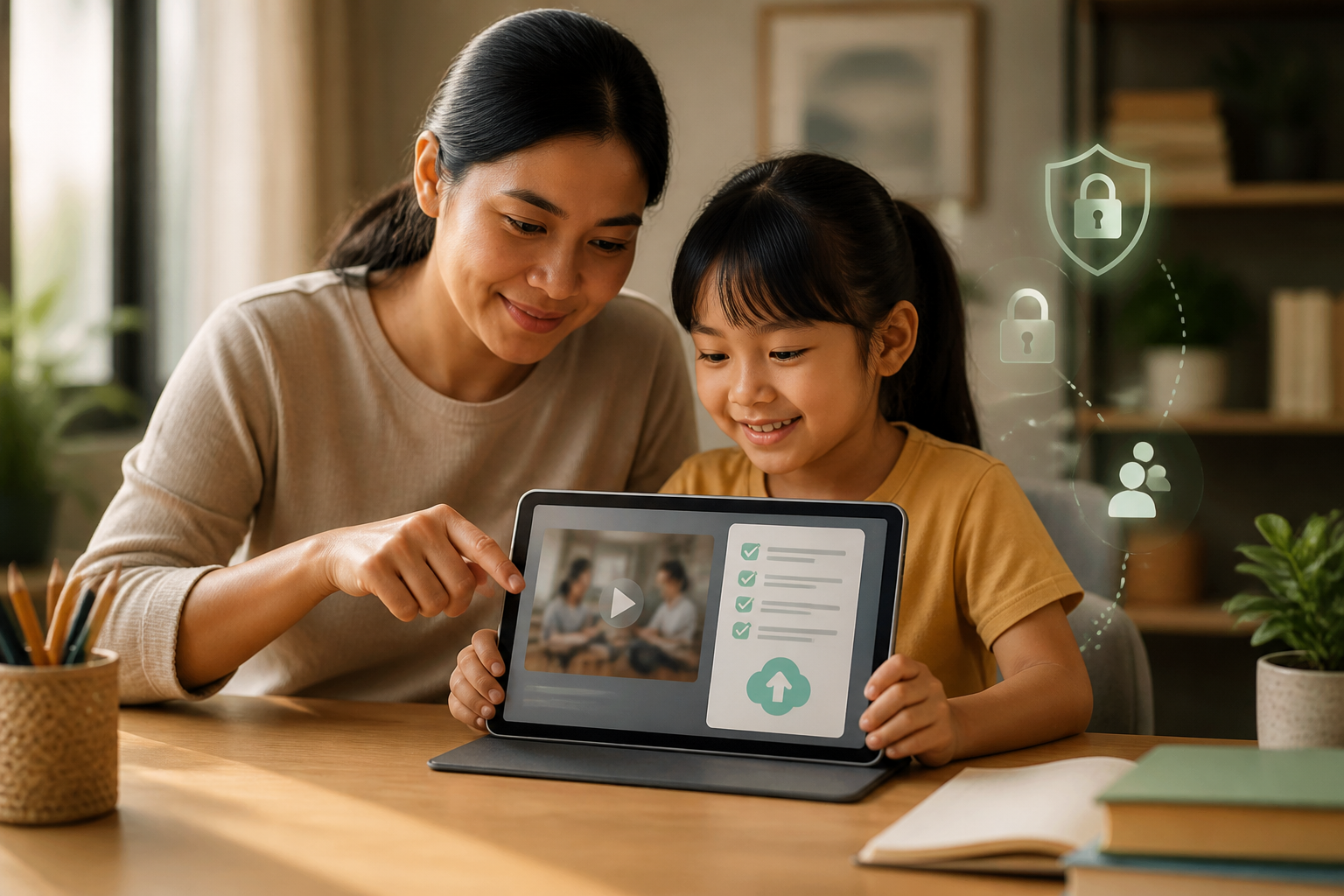
Children are no longer just internet spectators. They create short videos, upload images, record science experiments, or share games they are playing. These activities can foster creativity and confidence, but a single upload can reveal more information than they realize.
The issue is not just whether the content looks good. In the background of a video, there could be a school name, house number, class schedule, uniforms, location, or the voices of family members. Therefore, children need to learn that the upload button is not just a button for sharing their work, but a decision about who might see that information.
Children's content can carry hidden information
Personal information does not always appear in the form of an address or phone number. A birthday video, for example, can show friends' faces, a house layout, a school name on a backpack, and the times when the family is usually home.
According to the Federal Trade Commission or FTC, a child's personal information can include their name, address, phone number, physical location, photos, videos, voice recordings, and other identifiers that can be used to track activities. For online services aimed at children under 13, the COPPA rules in the United States give parents the right to know and control the collection of certain information. The legal rules may vary by country, but the practical principle is the same: children need help understanding what information should not be shared publicly.
Teach a “Before Upload” Check
Instead of simply forbidding children from creating content, parents can introduce a quick check to be done before uploads are published. Use the following five questions:
- What is visible? Check the background, clothing, whiteboards, documents, computer screens, and items that contain names or addresses.
- Who appears? Ensure that friends, siblings, teachers, or others who are visible have given permission. Children also need to learn that other people's faces are not theirs to share at will.
- Where and when was this made? Avoid sharing home locations, school, travel routes, or information that the house is empty.
- Who can see it? Differentiate between keeping it private, sending it to family, sharing in a closed group, and uploading it publicly.
- Will I still be comfortable if this upload is seen again later? Content can be copied, screen recorded, or reshared even if it is later deleted.
These five questions do not have to feel like a stressful security check. Make it a light habit, like checking if you have your water bottle before leaving.
Use Three Levels of Sharing
Children often think that the options are only “shared” or “not shared.” In fact, there are several levels of access that can be chosen.
- Private: content is only stored on the device or family storage space.
- Limited: content is sent to specific people, such as family or teachers through agreed channels.
- Public: content can be found by strangers and potentially copied or reshared.
For children who are just learning to create content, private or limited options are usually safer. If content does need to be published, parents and children can review it together. This does not mean parents must approve every idea, but rather help children understand the consequences of audience reach.
Don’t Forget to Ask for Permission Before Recording Others
Creating content with friends can be fun, but children need to understand the concept of consent. Consent means that the person knows what is being recorded, understands the possibility of the content being shared, and can refuse without feeling embarrassed.
Teach simple phrases like, “Can I include this part in the video?” If their friend changes their mind, that part should be cut or the video should not be uploaded. This habit teaches empathy while respecting others' privacy.
The same applies to photos or videos of the child themselves. Parents should not assume that just because they made the recording, the child is automatically comfortable with it being published. Involve the child in the decision, especially for content that is funny, embarrassing, or shows personal moments.
Set Comment and Incoming Message Controls Early
The risks do not stop after content is uploaded. Comments and private messages can come from strangers. For children's accounts, check comment settings, messaging, account mentions, and content downloading. Turn off unnecessary features, especially if the child is not ready to manage public interactions.
However, technical settings are not a substitute for conversation. Children need to know that they can stop responding, block accounts, keep evidence, and inform adults if they receive messages that make them feel scared, confused, or pressured to keep something secret.
Good rules are not just “don’t talk to strangers,” but also “if there’s an interaction that makes you uncomfortable, you can come to us without fear of being scolded.”
What Does This Mean for Us?
Creating content can be a very real exercise in digital literacy. Children learn to craft stories, edit images, collaborate, and assess the impact of their decisions. Therefore, an overly prohibitive approach can cause children to miss learning opportunities or try to do things secretly.
What is more useful is to set clear boundaries: what information should not be shared, who can appear in the content, when parents need to review uploads, and what to do if problems arise.
What Can Be Done Now
- Create a brief list of personal information that should not be included in public content.
- Review one video or photo with the child using the five “Before Upload” questions.
- Adjust accounts and comment settings according to the child's age and readiness.
- Teach the child to ask for permission before recording or sharing others' faces.
- Agree on a safe phrase that the child can use when they want to report suspicious messages or comments.
The ultimate goal is not to make children afraid of the internet. The goal is to make them aware enough to pause before sharing, recognize sensitive information, and know whom to ask for help when something goes wrong.
Sources & Further Reading
- Protecting Your Child’s Privacy Online — Federal Trade Commission
- Kids and Cell Phones — Federal Trade Commission
- Children’s Online Privacy Protection Act — Federal Trade Commission
– Rio Yotto @rioyotto