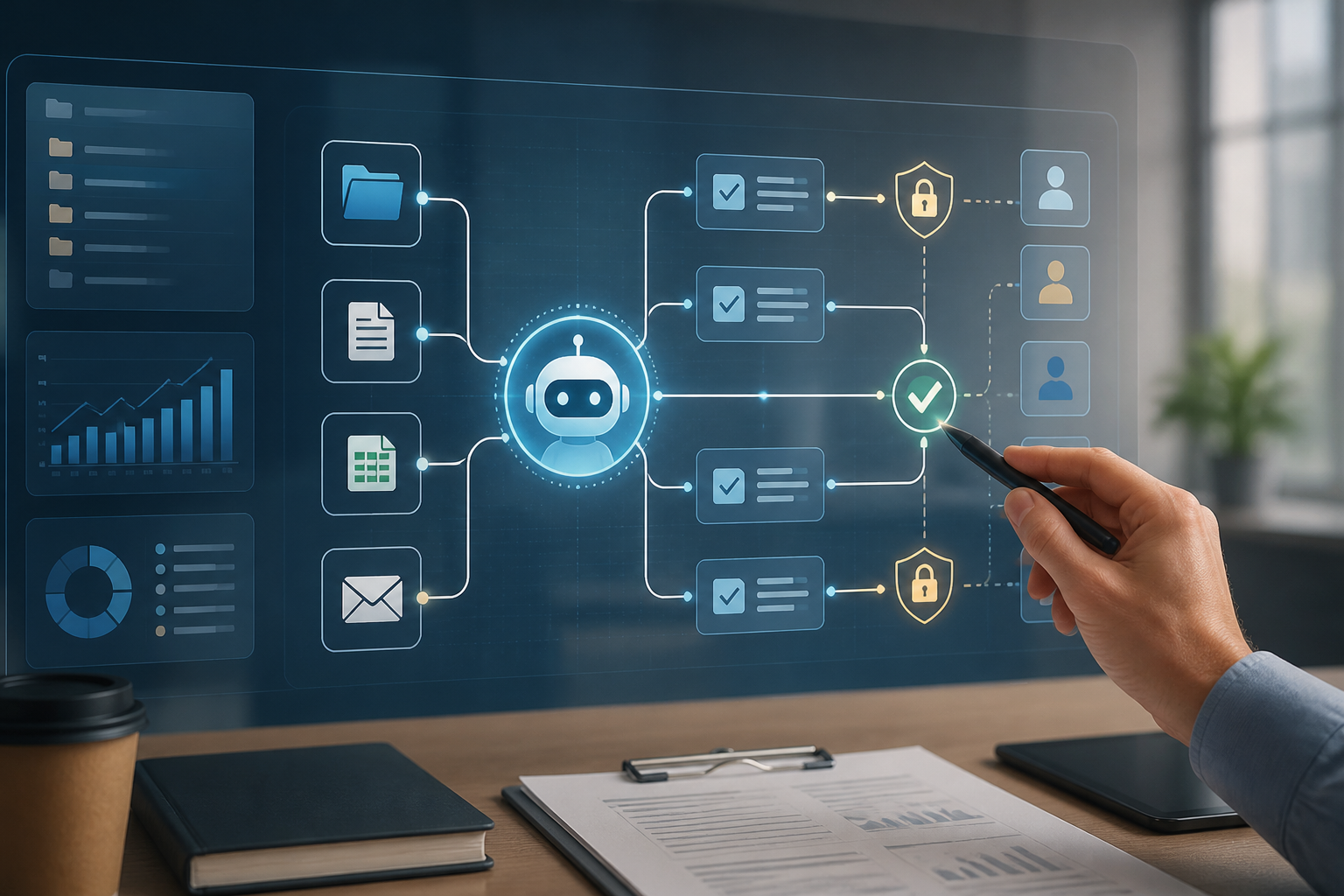
AI in the workplace is shifting from a question-and-answer tool to a task executor. Agents can break down goals into several steps, use tools, read documents, run code, and then repeat the process if the results are not satisfactory. OpenAI, for example, introduced the Agents API in September 2026 to build agents that can work with files, code, work environments, and subagents in longer-running tasks. Microsoft is also describing a similar direction: AI is beginning to move from merely providing answers to the process of planning, acting, checking, correcting, and delivering results.
This change is significant not because all work will be automated. Rather, the new challenge is determining the boundaries of delegation. Giving AI the task of "create a sales report" is very different from granting it access to retrieve data, modify spreadsheets, send emails to clients, and update company systems without oversight.
AI agents are not just smarter chatbots
Chatbots typically wait for the next message. We ask, they answer, and then the process stops. AI agents work with a longer pattern. They receive a goal, formulate a plan, call tools, evaluate interim results, and proceed to the next step.
A simple analogy is the difference between a calculator and an administrative assistant. A calculator completes a single operation that we input. An assistant can search for data across multiple files, compile summaries, draft documents, and seek approval before sending them.
This is where the new capabilities also become a risk. Errors in chatbot responses are usually visible on a single screen. Agent errors can spread across multiple systems: incorrect numbers enter reports, emails are mistakenly sent, or important files are overwritten.
Four levels of tasks that can be delegated
Not all tasks need to be treated with the same level of oversight. One practical way is to divide tasks into the following four levels.
- Can be run automatically. Examples include sorting emails, summarizing meetings, changing document formats, or creating task lists from notes. If an error occurs, the impact is minor and easily reversible.
- Can be run, but results must be reviewed. For instance, drafting reports, preparing sales analyses, composing customer replies, or writing code for testing. Agents can work independently, but humans check the results before they are used.
- Must seek approval before external actions. Sending emails, publishing content, changing customer data, creating payment tickets, or updating production systems should require clear approval.
- Must not be fully delegated. Decisions related to layoffs, credit approvals, medical diagnoses, legal decisions, or actions that significantly impact individuals still require human judgment and responsibility.
This division is not a universal rule. A task that is safe for a large company with complete recovery systems may be too risky for a small business that only has one copy of data.
The biggest issue is not just model accuracy
More advanced AI models do not automatically create safe workflows. Agents can still misunderstand context, use outdated data, or interpret instructions within documents as commands. They can also make decisions that seem reasonable but do not align with internal policies.
Microsoft in its 2026 Work Trend Index report states that organizations often lag behind individuals in using AI. The issue is not just whether employees have access to AI tools, but whether the company has clear rules, quality standards, and handover patterns.
In other words, agents need a "work environment," not just prompts. They need to know which data sources can be trusted, what actions are permitted, who gives approval, and how work can be canceled if errors occur.
Checklist before granting AI access
Before connecting agents to email, cloud storage, CRM, or internal systems, perform the following simple checks.
- Write the final output in a testable form. Don’t just say “manage the weekly report.” Specify the data period, output format, deadline, and examples of results considered correct.
- Separate read access and change access. For the initial stage, allow the agent to only read data and generate drafts. Access to delete, send, pay, or publish should be granted later.
- Limit their scope. An agent summarizing sales does not need to see payroll documents, health data, or entire company folders.
- Use approval points. Place human checks before actions that are difficult to reverse. Approval should appear alongside a summary of actions, not just an “OK” button.
- Keep a record of activities. Log what data the agent read, what tools were used, what changes were made, and who approved the final step.
- Prepare a way to stop and recover. Ensure there is a button to halt the process, previous versions to restore, and procedures if the agent takes incorrect actions.
Start with small, repetitive tasks
A common mistake is choosing AI projects based on the most spectacular impressions. In fact, good first tasks are usually mundane: summarizing meetings, checking form completeness, matching data from two spreadsheets, or preparing drafts of internal reports.
Such tasks have easily defined boundaries, clear success patterns, and relatively low risks. Once the workflow is stable, only then should agents be granted access to additional systems or authorized to perform some actions automatically.
Use concrete metrics to evaluate the results: how many minutes are saved, how many errors are found, how often humans need to correct outputs, and whether the work becomes easier to audit. The number of messages sent to AI is not a measure of productivity.
What does this mean for us?
For workers, an important capability is not just writing prompts, but designing work boundaries. We need to be able to explain goals, data sources, quality criteria, exception conditions, and when results should be returned to humans.
For business owners, there is no need to immediately build a complex agent system. Choose one repetitive process, create a draft version first, and document every decision. For developers, attention should be given to permissions, sandboxing, logging, testing, and stopping mechanisms as seriously as the model's capabilities.
AI agents are most useful when they reduce coordination work without eliminating accountability. Let agents handle clear and recoverable steps. Reserve costly, sensitive, or difficult-to-reverse decisions for humans who have the context and responsibility.
Sources & further reading
- Introducing the Agents API
- Introducing workspace agents in ChatGPT
- 2026 Work Trend Index: Agents, human agency, and the opportunity for every organization
- AI@Work: From better answers to real business outcomes
– Rio Yotto @rioyotto