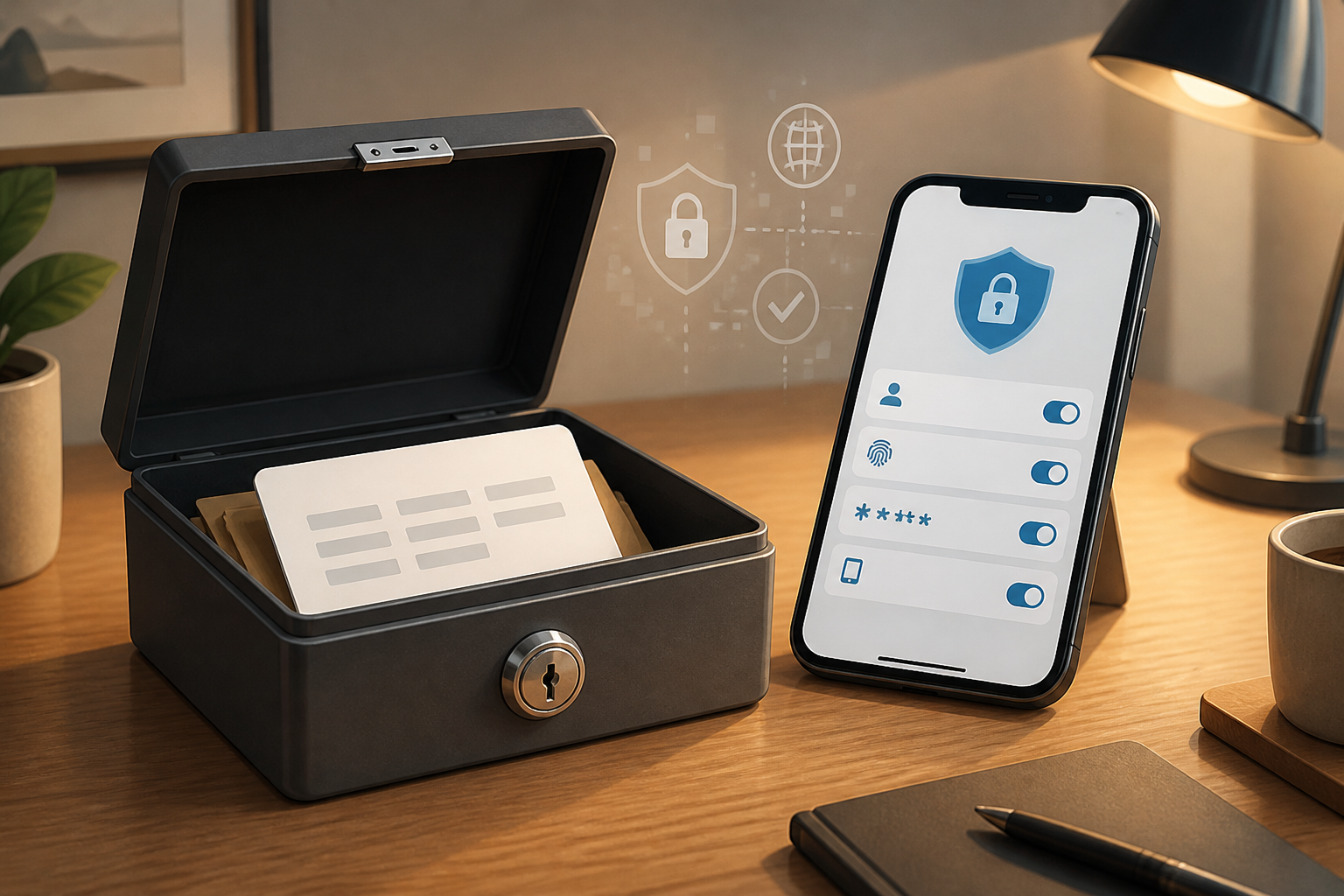
Imagine a spare house key that is only sought after the main key is lost. That’s the function of a recovery code or backup code: an emergency code to regain access to your account when the primary methods—such as your phone, phone number, or authenticator app—are unavailable.
This feature often appears after we enable multi-factor authentication (MFA), which adds an extra layer of verification beyond the password. MFA makes account breaches more difficult, but it also introduces a new problem: how to log in if the primary device is damaged or lost?
The answer is not to store the code just anywhere. Recovery codes should be treated like spare keys: available when needed, but not easily found by others.
Why is the recovery code important?
Under normal circumstances, we might receive a code via SMS, approve a notification on our phone, or open an authenticator app. However, all these methods rely on something that can be lost, damaged, replaced, or locked.
- Phone is lost or stolen.
- Phone number is changed or no longer active.
- Authenticator app has not been transferred to a new device.
- Device is damaged and cannot be powered on.
- We are traveling and cannot receive SMS.
Google, for example, provides a set of backup codes that can be used when users cannot use the regular two-step verification methods. Each code can only be used once, and creating a new set will deactivate the old set. Google's official guide also advises that codes be stored in a safe place and not shared with anyone.
However, a recovery code is not a second password that should be given to support staff, friends, or anyone claiming to help. This code is essentially a ticket to access the account.
Differentiate recovery codes from OTP codes
Both are sequences of numbers, but the context is different.
- OTP is usually sent or generated for a specific login process and is valid for a short time.
- Recovery code is created in advance as a backup when the primary verification method is unavailable.
Because recovery codes do not change every few seconds like authenticator codes, someone who obtains them can try to use them at another time. That’s why these codes need to be kept more seriously than expired OTP screenshots.
The rule of thumb is simple: never send recovery codes via chat, email, or forms that are not opened from the official site. Google specifically reminds users that they will not ask for backup codes except during the login process.
How to store recovery codes without making them easy to steal
1. Create or update from the official page
Access your account security settings directly, not through links from emails or messages. Look for menus like 2-Step Verification, Two-Factor Authentication, Backup Codes, or Recovery Options.
If in doubt, visit the service's site by typing the address directly into your browser or using its official app. This reduces the risk of being tricked by a fake login page.
2. Keep one offline copy
A paper copy stored in a safe place is often more useful than a file stored only on the same device. For example, keep it with important documents or in a location that is not easily accessible to others.
Microsoft recommends printing the recovery code and storing it in a safe location, not on the device used for login. Microsoft also uses a 25-digit recovery code to help users regain access to their accounts when passwords are forgotten or accounts are problematic. See Microsoft's recovery code guide.
3. Avoid screenshots in your phone gallery
Screenshots are convenient, but phone galleries are often automatically synced to cloud services, appear in photo search results, or are inadvertently shared when the device is lent out. Additionally, images can be easily forwarded by mistake.
If you must keep a digital copy, use encrypted storage protected by a strong password. Do not name the file something too obvious like backup-code-bank-account.txt.
4. Do not store all backups in one place
Keeping recovery codes, password managers, recovery emails, and authenticator devices all on one phone is convenient, but it creates a single point of failure. If the phone is lost and cannot be unlocked, the entire recovery pathway is also lost.
A more sensible option is to keep an offline copy in a safe place and maintain at least one other recovery method that is still accessible.
After using a recovery code, do this
A recovery code should be considered used up after it has been used. Do not assume that the code is still valid. Immediately take the following three steps:
- Access your account security settings through the official site or app.
- Create a new set of recovery codes or change the recovery key.
- Check the list of devices, login sessions, recovery phone numbers, recovery emails, and apps that have access.
Google states that creating a new set of backup codes will deactivate the old set. For Microsoft, creating a new recovery code also makes the previous code invalid. Therefore, do not keep multiple old versions without clear markers.
For Apple Account, the recovery key has consequences that need to be understood: Apple states that users need the recovery key and a trusted phone number to reset the password under certain conditions. This means that this feature can assist in recovery but also makes losing the recovery key a serious issue. Read Apple's explanation about the recovery key before enabling it.
What does this mean for us?
A recovery code is not a substitute for a strong password, MFA, or vigilance against phishing. It is an emergency plan. Its value is only felt when the primary methods fail, but at that moment, we are usually panicking and have limited options.
In my opinion, a good account setup is not just whether we can log in today. It is also: can we still log in if our phone is lost tonight? If the answer is not clear, take about ten minutes to check the most important account recovery settings—primary email, cloud accounts, social media, and financial services.
What you can do now: open one important account, enable MFA if available, create a recovery code, print or write it down in a safe place, and then ensure you know how to replace the code after one of them is used. This small step does not make the account invulnerable, but it can prevent simple issues from turning into prolonged access loss.
Security notes
CISA recommends using MFA because this additional layer increases the difficulty for attackers to take over accounts. For highly important accounts, hardware-based security methods or passkeys can provide stronger protection than SMS, but each service has different recovery options. CISA's MFA guide can serve as a general reference.
Sources & further reading
- Google Account Help — Sign in with backup codes
- Microsoft Support — How to get a Microsoft account recovery code
- Apple Support — Set up a recovery key for your Apple Account
- CISA — Multi-Factor Authentication Fact Sheet
– Rio Yotto @rioyotto