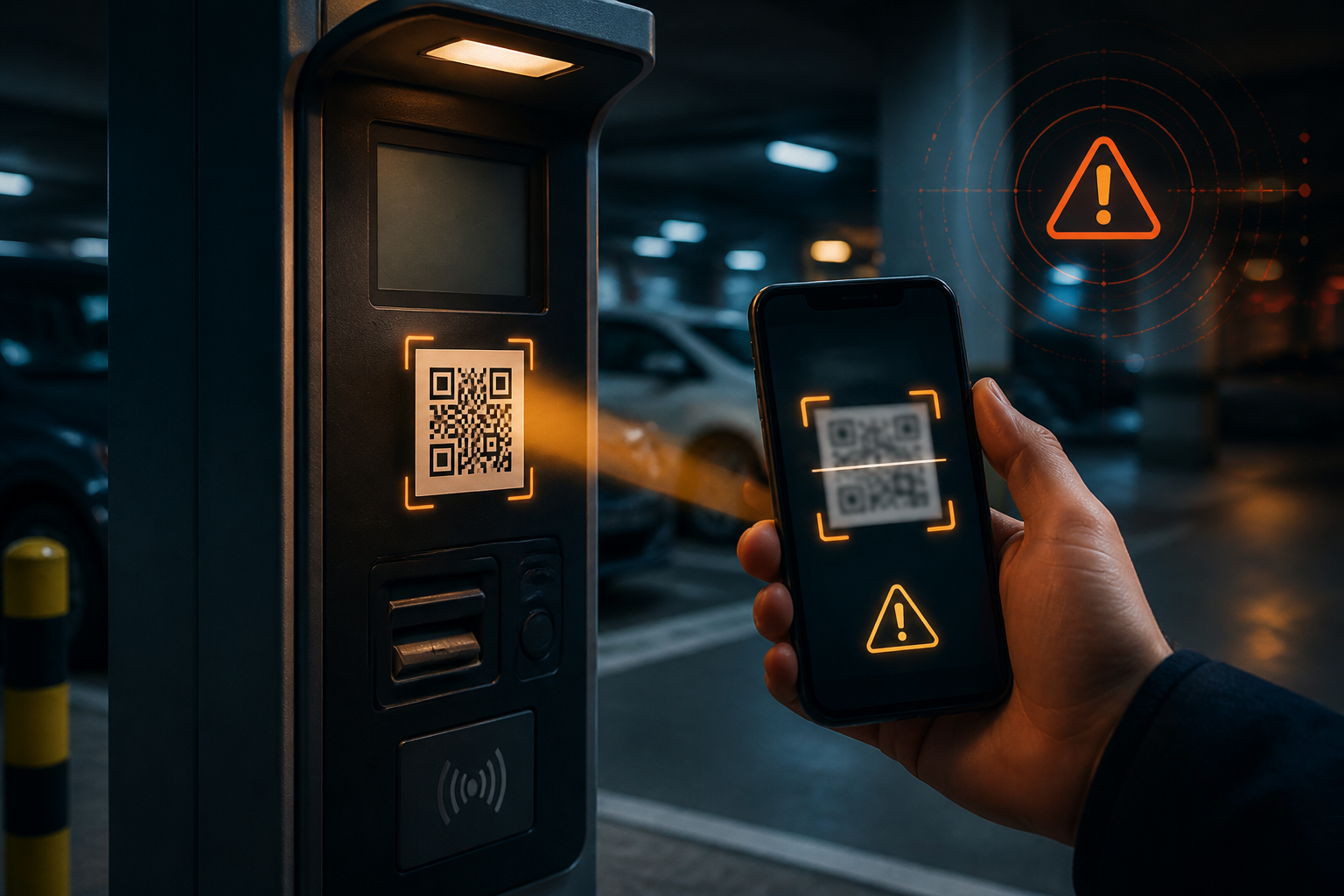
QR codes make many things feel faster: opening menus, paying for parking, entering events, or accessing promotional pages. The problem is, we often treat QR codes as neutral objects. In reality, a QR code is just another way to hide a link—and that link can lead to an official site or a trap.
Fraud that exploits QR codes is often referred to as quishing, short for QR phishing. The pattern is similar to email or message phishing: victims are directed to fake pages to enter passwords, card data, verification codes, or personal information. The difference is that the initial process occurs through the phone's camera, so the security checks we usually rely on in devices or emails may not be very helpful.
The Federal Trade Commission warns that dangerous QR codes can lead to counterfeit sites or even prompt the installation of malicious software. So, "just scan" does not mean "risk-free."
Why Are QR Codes Easy to Use for Scams?
The main reason is simple: the content of a QR code is not immediately visible to the eye. When receiving a regular link, we can still read the website address before clicking it. With QR codes, many people immediately point their camera and tap the resulting link without checking the destination address.
Scammers also take advantage of situations that make people rush. For example, messages claiming to be from delivery companies stating that a package failed to deliver, notifications about problematic accounts, or notices of fines that must be paid that very day. QR codes are used as shortcuts so that victims do not have time to search for the official site on their own.
In other cases, fake codes are placed over original codes, such as on parking machines or payment posters. There are also packages that were never ordered but contain notes instructing the recipient to scan a QR code to find out the sender or to arrange for a return. The FBI refers to this pattern as a variation of brushing scams that can be used to steal personal data or install malware.
Signs That a QR Code Should Be Treated with Suspicion
- Comes from an unexpected source. QR codes in emails, SMS, WhatsApp, or mysterious packages should be treated with more caution than codes in official places you are currently using.
- Creates a sense of fear or urgency. Messages like "your account will be closed," "a fine must be paid today," or "the package will be returned" are designed to make you act before checking.
- Requests sensitive data after scanning. A QR code to view a menu should not suddenly ask for your email password, PIN, OTP code, or card number.
- The website address looks suspicious. Be wary of misspellings, extra letters, irrelevant domains, or addresses that are too long and hard to understand.
- The physical code appears to have been added later. On payment machines or posters, check for layers of stickers covering the original code, uneven edges, or designs that differ from the surrounding materials.
Safe Habits Before Scanning
The first step is not to reject all QR codes but to treat the scan results as untrusted links.
- Check the link preview. Most camera apps display the address before opening it. Read the main domain, not just the brand name that appears on the page.
- Do not log in through links that come unexpectedly. If a message claims to be from a bank, marketplace, government service, or work platform, close that page and manually open the official app or site.
- Compare with other sources. For parking payments, for example, check the operator's name and the website address on the official information board. If in doubt, ask an officer or look for the official app in the app store.
- Do not enter an OTP code for "QR verification." OTP codes usually confirm specific actions. If you are not initiating a login or transaction, stop and double-check.
- Update your operating system and apps. Updates help close security gaps and reduce risks when you accidentally open harmful links.
If You've Already Scanned
Scanning a QR code does not necessarily mean your account or phone has been hacked. The risk increases if you enter information, download apps, grant unnecessary permissions, or make payments.
If you only opened a page and felt something was off, close that page and do not interact further. If you entered a password, change it immediately from the official site or app. If the same password is used on other services, change all of them to different combinations. Enable multi-factor authentication if available.
If you downloaded an app from a source outside the official store, delete that app and check the permissions granted—especially access to SMS, notifications, contacts, camera, microphone, and accessibility. For financial transactions, contact your bank or payment provider as soon as possible through the official number. Review account mutations and transaction notifications.
The FTC also advises that victims who entered credentials should immediately change their passwords, check transactions, and report fraud through official channels. Speed is important because some transactions or account changes may still be canceled if reported promptly.
What Does This Mean for Us?
QR codes are not a technology to be feared. What needs to change are the habits: do not assume that a code is proof that a request is official. A QR code only takes you to a destination; it does not guarantee who created that destination.
The practical rule is easy to remember: pause, look at the address, then verify from a source you trust. If a message pressures you to pay, log in, or provide data immediately, do not use the link from that message. Open the official app, type the website address yourself, or contact the relevant organization through channels you separately look up.
Taking a few seconds to check may feel cumbersome. However, compared to recovering an account, chasing a transaction, or explaining identity theft, that small habit is much cheaper.
Sources & Further Reading
- FTC: Scammers hide harmful links in QR codes to steal your information
- FBI: Unsolicited Packages Containing QR Codes Used to Initiate Fraud Schemes
- FTC: See a QR code parked somewhere? Don’t scan it…yet!
– Rio Yotto @rioyotto