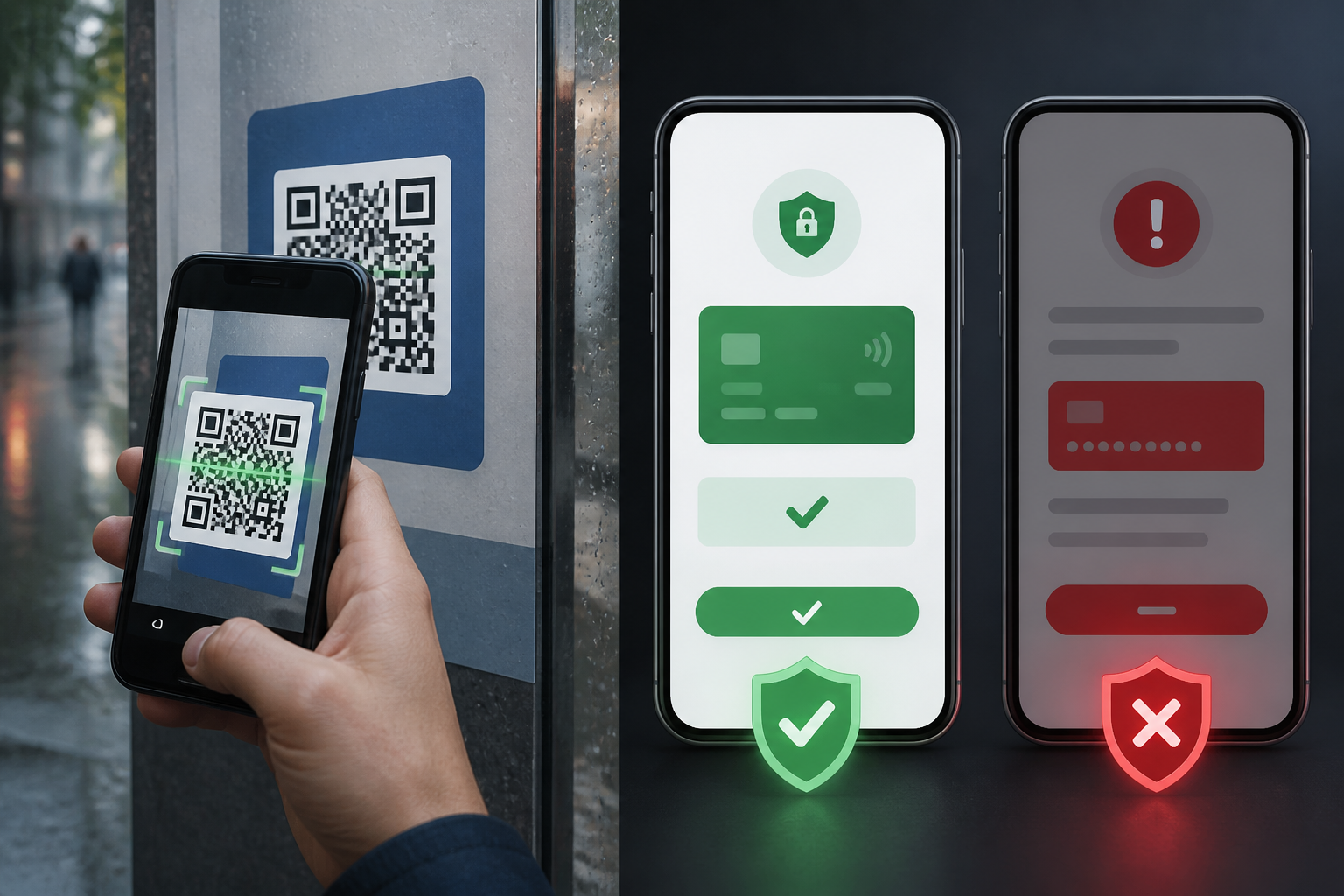
QR codes are now everywhere: on restaurant tables, event posters, product packaging, payment receipts, and even messages sent through chat apps. Their design is simple and the process is quick—just point your camera and open the link that appears.
The problem is that QR codes themselves do not indicate whether the destination is safe. The code merely stores information, usually in the form of a website address. If that address leads to a fake page, scanning the QR code could be the start of data theft or fraud.
This method is often referred to as quishing, a combination of QR and phishing. The principle is the same as phishing via email or messages: victims are directed to a convincing-looking site to enter important information, download an app, or make a payment.
QR Codes Are Just Entry Points, Not Security Signs
Many people assume that QR codes posted in public places are official. However, these codes can be covered with new stickers, recreated by irresponsible parties, or shared through hacked accounts.
QR codes often hide the website address until the camera reads them. This is what makes them different from regular links. When receiving a link in a message, we can still see the domain before clicking. With QR codes, the check usually only happens after the code is scanned.
Therefore, treat QR codes like unknown links. Do not trust them just because they look neat or are placed in seemingly official locations.
Potential Risks After Scanning
- Fake login sites. You may be asked to log into your email, social media, digital wallet, or other services. The data entered is then sent to the scammers.
- Data collection forms. The page may ask for your full name, phone number, address, date of birth, or other information under the guise of verification.
- Payments to the wrong account. Payment QR codes can direct transactions to a recipient different from what you expect.
- Downloading malicious apps. The site may prompt you to install files or apps under the pretext of updating security, viewing documents, or continuing a process.
- Session hijacking. In certain cases, victims are directed to pages that attempt to link accounts or approve requests without understanding the consequences.
Check the Address Before Opening the Page
After scanning a QR code, do not immediately tap the button to open the site. First, check the address that appears in the notification or camera preview.
Pay attention to the domain name, which is the main address of a site. Scammers often create addresses that resemble legitimate services by adding words, hyphens, or changing one or two letters. For example, an official address can be mimicked with a similar word arrangement but using a different extension or domain.
Do not just look for whether the address starts with https://. HTTPS helps encrypt the connection, but it does not prove that the site belongs to the legitimate company. Fake sites can also use HTTPS.
If the address looks long, filled with random characters, or uses a link shortening service without a clear reason, it’s better to close the page and search for the official site manually through an app or search engine.
For Payments, Verify the Recipient's Name
Payment QR codes require extra attention because a small mistake can directly relate to money. Before pressing the pay button, check the recipient's name, amount, and transaction details.
The recipient's name that appears should match the store, organization, or person you intend to pay. If the name is different, too generic, or not clearly displayed, stop the transaction. Do not assume a name error is a technical issue that can be ignored.
In public places, check whether the QR code looks like part of the original promotional material or just a sticker placed over a previous code. If in doubt, ask an attendant or use another payment method.
Beware of Pages Requesting Urgent Actions
Scammers often exploit a sense of urgency. After scanning, you may see messages like “your account will be blocked,” “prize must be claimed now,” or “payment failed, please verify again.” Such phrases are designed to make you act before you have a chance to check.
Pause for a moment and ask yourself three questions:
- Am I actually waiting for this transaction or service?
- Is the QR code from a source I can verify?
- Is the page asking for information that seems unreasonable for that need?
Restaurants do not need your email password to receive payments. Event organizers should not ask for your digital wallet PIN. Legitimate customer service will not request OTP codes through suspicious forms.
Never Share Your PIN, OTP, and Passwords
Even safe QR codes do not change the basic rules of account security. Do not enter your PIN, OTP, password, or recovery code on pages opened via QR codes without verifying the address and authenticity.
OTP is a one-time code to confirm specific actions. If you give it to someone else, they may be able to complete ongoing logins or transactions. Official parties typically do not ask for such codes via chat or phone.
If a page asks you to enter sensitive data, close that page. Open the official app directly and check if there are any similar notifications within the app.
If You've Already Scanned a QR Code
Scanning a QR code does not necessarily mean your account or device has been hacked. The risk increases if you enter data, approve requests, download apps, or make payments.
If you only opened a page, close the tab and do not download anything. If you entered a password, change it immediately through the official site or app. Use a new password that is not used on other services and log out of sessions on unknown devices.
If you provided an OTP, PIN, or made a transaction, contact your service provider or bank as soon as possible through official channels. Keep records of conversations, site addresses, time of occurrence, and transaction details. This information can assist in blocking or reporting processes.
Simple Habits Before Scanning
- Make sure you know who placed or sent the QR code.
- Preview the site address before opening it.
- Check the recipient's name and amount before paying.
- Do not enter passwords, PINs, or OTPs on suspicious pages.
- Avoid downloading apps from unverified QR code links.
- If it feels urgent or too good to be true, stop and verify through official channels.
In summary: QR codes are not dangerous in themselves, but they are also not a guarantee that the destination behind them is safe. Treat every code as a door to a link. Check the address, match the context, and do not let convenience make you skip important checks.
– Rio Yotto @rioyotto