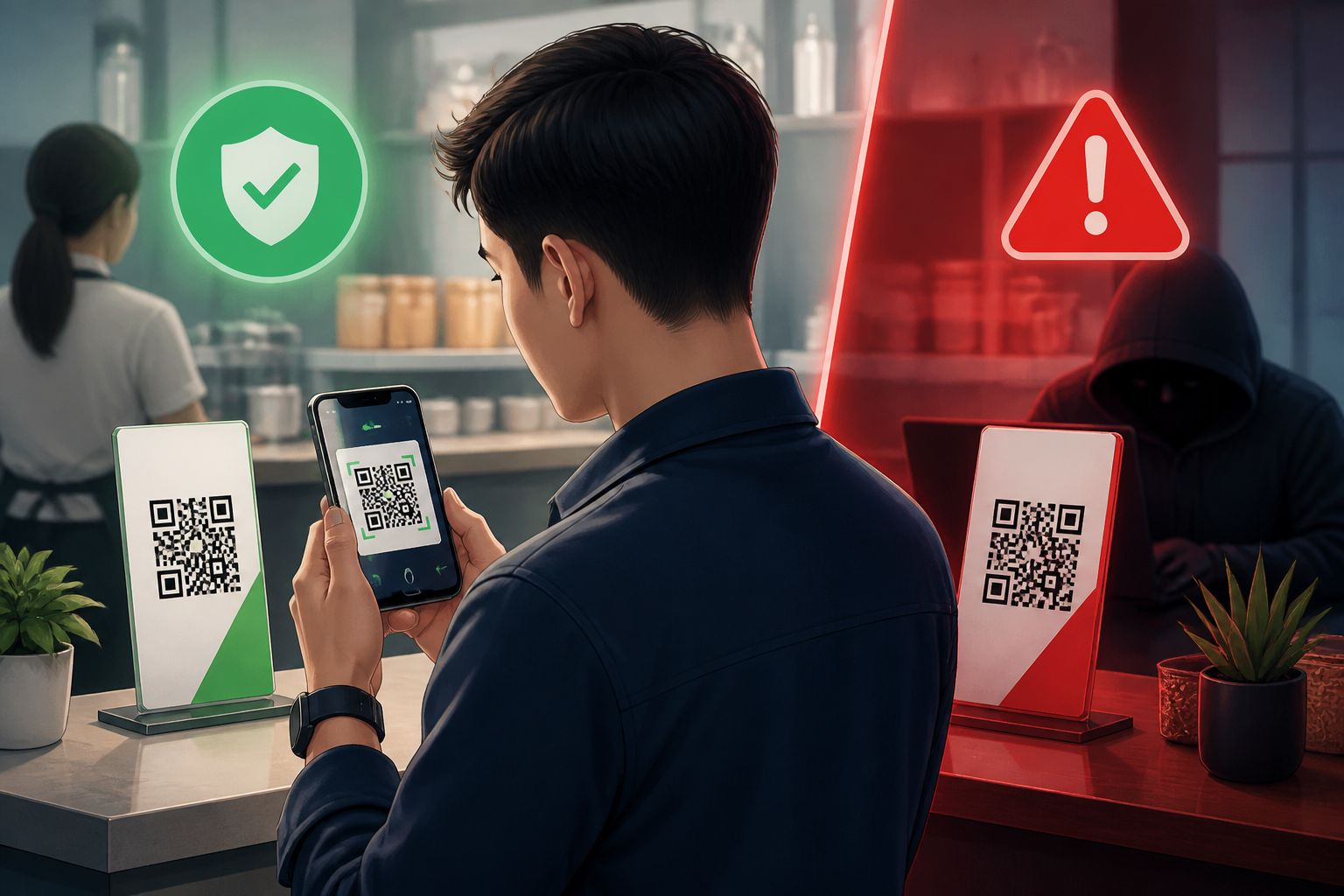
QR codes are now everywhere: restaurant tables, event posters, delivery packages, parking meters, and even text messages. Their simple form feels practical because we just need to point our camera to open a link or make a payment.
The problem is, a QR code does not automatically mean it is safe. The code merely stores information, usually in the form of a link, text, or payment details. Anyone can create a new QR code, replace an old one, or stick a sticker over the code that should be used. Therefore, the habit of "just scanning" can lead to fake websites, payments to the wrong accounts, or forms requesting sensitive data.
A QR Code Is Not a Sign That the Source Is Trustworthy
A common mistake is to assume a QR code is an official part of a place or service simply because it is placed in a seemingly credible location. In fact, the code may have just been placed there by someone else.
Think of a QR code like an address written on a piece of paper. The paper may be on a restaurant table, but the address on it does not necessarily lead to the restaurant's cashier. It could direct you to another site that mimics a payment page, asking for card numbers or prompting users to download additional apps.
Technically, the camera only reads the contents of the QR code. The camera does not check whether the destination behind it is official, safe, or appropriate for the context you are in.
Risks to Be Aware Of
1. Links to Fake Sites
After scanning, a QR code can open a page that looks like a popular service. Such sites typically ask for login credentials, phone numbers, passwords, OTP codes, or card details.
Pay attention to the website address before entering anything. The brand name that appears on the page is not enough proof. What needs to be checked is the full address, including the domain name and spelling. A difference of one letter or an unusual additional word can be a sign that you are on a fake site.
2. Payments Going to the Wrong Recipient
In digital payments, a QR code can contain the recipient's identity or a specific amount. If the code is replaced, the money could go to a different account even if you think you are paying for the correct service.
Do not just look at the payment amount. Also check the recipient's name that appears in the app before pressing the confirm button. If the name does not match the store, organizer, or person who should receive the money, stop the transaction.
3. Requests to Install Apps or Grant Excessive Permissions
Unknown QR codes can direct you to app download pages. This is suspicious, especially if the app does not come from an official app store or requests permissions that are unrelated to its needs.
For example, a payment page should not ask for access to all contacts, messages, microphone, or storage without a clear reason. Closing the page is a safer option than following instructions out of fear of a failed transaction.
Checklist Before Scanning a QR Code
- Check the physical source. See if the code looks like an original part of a poster, menu, machine, or counter. Stickers covering old codes, misaligned positions, or different print quality should be noted.
- Ask staff if in doubt. In restaurants, parking lots, events, or service offices, confirm the QR code with official staff. Do not rely on individuals whose identities are unclear.
- Use the phone's built-in scanner. Avoid installing unnecessary QR code scanner apps, especially if the app requests many permissions.
- Read the link preview. Do not tap the scan result immediately. Pay attention to the destination address and ensure it matches the service you are using.
- Check the payment recipient's name. Ensure the merchant's name or identity matches before completing the transaction.
- Do not provide OTP, PIN, or passwords. QR codes do not change the basic rules of security. Verification codes and PINs remain confidential.
If the QR Code Has Already Been Scanned
Scanning a QR code does not necessarily mean your account or device has been hacked. Risks usually arise from subsequent actions: entering data, downloading files, installing apps, granting permissions, or completing payments.
If a new page opens but you haven't done anything, close that page. Do not download apps or enter personal information. If a file automatically downloads, do not open it until it has been checked.
If you have entered a password, change it immediately through the official app or website. Use different passwords for each account and enable two-step authentication if available. If you entered card data or completed a suspicious payment, contact your financial service provider as soon as possible through official channels.
For incorrect transactions, keep proof of payment, the time of the incident, the recipient's name, and the address of the opened link. This information will help when reporting to the bank, digital wallet provider, venue manager, or related platform.
What Does This Mean for Us?
QR codes do make many activities faster, but speed should not replace verification. Safe habits do not mean rejecting all QR codes. The key is to understand what you are opening and to whom data or money is being given.
Use a simple rule: scan, look, verify, then proceed. After scanning, read the destination address. When paying, check the recipient's name. When asked to log in or fill in data, question whether that request makes sense.
A few seconds of checking can prevent problems that are much harder to resolve. QR codes are just tools; security still depends on how we check the context, purpose, and requests that arise afterward.
– Rio Yotto @rioyotto