Many people install apps just for one simple need: tracking expenses, accessing work dashboards, reading news, ordering food, or managing online stores. After that, the app is rarely opened, yet it still takes up storage space, sends notifications, and occasionally requests updates.
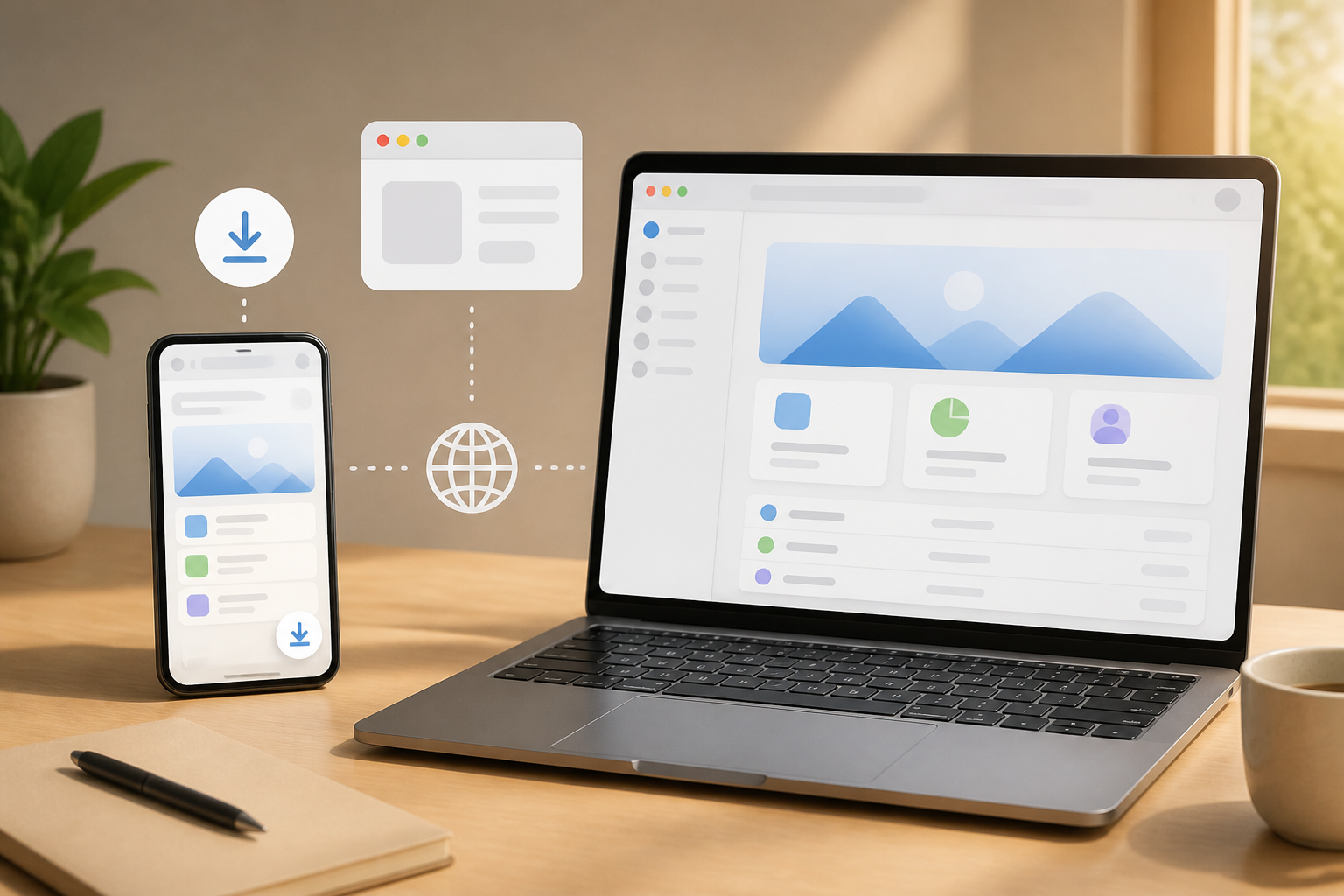
This is where Progressive Web Apps or PWAs become interesting to consider. PWAs are applications built with web technologies but designed to feel closer to installed applications on devices. Users can still open them through a browser, and on supported services, they can add an icon to the home screen or desktop.
PWAs are not a magic solution for all needs. However, for services that are frequently used but do not require deep device access, PWAs can be a lighter and more practical choice.
What Exactly is a PWA?
Imagine a website that does not stop as a page in a browser. It can have its own icon, be opened in a separate window, remember some data, and still display certain pages when the internet connection is problematic. That is a simple depiction of a PWA.
Technically, PWAs typically utilize several web components. The web app manifest is a configuration file that describes the app's name, icon, color, and how the app is opened. Meanwhile, the service worker is a script that runs in the background of the browser to handle things like caching, offline pages, or specific synchronization.
However, it is important to distinguish two things: a website can be installed as an app without automatically having a complete offline experience. Offline capability heavily depends on how developers design caching and data flows.
Advantages of PWAs for Users
1. No Need to Always Search in the App Store
PWAs can be used directly from a link. This is useful when you just want to try a service without going through the installation process, creating an app store account, or waiting for a large download.
If the service does support installation, the browser usually offers options like “Install” or “Add to Home Screen.” Once installed, PWAs can appear alongside other apps and be opened from a dedicated icon.
2. Lighter for Specific Needs
Because the interface and some of its logic are delivered via the web, the initial size of a PWA is often smaller than native apps that carry many components specific to one operating system. This does not mean all PWAs are necessarily data or storage efficient, but the approach allows for avoiding app duplication across multiple devices.
3. Updates Can Happen on the Service Side
In traditional apps, users typically wait for updates from the app store. In PWAs, certain changes can be sent from the server when the service is opened. For developers, this helps speed up fixes for minor bugs or interface changes.
From the user's perspective, the benefit is not having to deal with manual update notifications too often. However, poor caching mechanisms can cause users to see outdated versions. Therefore, the quality of implementation remains more important than its PWA label.
When Does It Make Sense to Use PWAs?
PWAs are suitable for services where the main activities occur online and do not require overly complex device integration. Examples include:
- Analytics dashboards, administration, and customer service.
- Simple note-taking apps that need to be accessed from multiple devices.
- News portals, product catalogs, or reservation services.
- Work tools like calculators, converters, forms, and list managers.
- Internal company applications that do not need to be distributed to the public through the app store.
PWAs are also appealing for small businesses that want to provide an app-like experience without directly building two native apps for Android and iOS. A single web base can reach more devices, although it still requires testing across different browsers and operating systems.
When Are Native Apps Still More Appropriate?
Native apps are applications specifically created for certain operating systems, such as Android or iOS. This approach still excels when services require high performance, intensive graphics processing, complex Bluetooth, device sensors, advanced camera processing, or very deep system integration.
Native apps may also be more appropriate if users need a consistent experience without relying on browser capabilities. Heavy games, video editors, certain navigation apps, and professional tools usually require greater control than what PWAs can practically provide.
Another difference lies in distribution and user trust. Some people feel more comfortable downloading apps from official stores because they can see reviews, developer names, and permission information. PWAs installed from the web still need to be evaluated carefully, especially if they request logins, payment data, or sensitive access.
Commonly Overlooked Risks
Since they are opened through a browser, PWAs are not automatically free from security risks. Ensure the site address uses HTTPS and the domain is correct. Do not install PWAs from links that come through suspicious messages just because they look like official apps.
Also, pay attention to notification permissions. A note-taking service does not always need permission to send notifications at all times. If notifications become too frequent, you can revoke permissions from the browser or operating system settings.
Another issue is dependency on the browser. Installation support, notifications, local storage, and offline capabilities can vary between Chrome, Safari, Edge, Firefox, Android, and iOS. A great experience on one device may not be identical on another.
What You Can Do Now
- Check if the service has installation options. Open the service through a browser, then look at the share menu or browser menu for options to install to the home screen.
- Test without an internet connection. After installation, turn on airplane mode and see if important pages can still be opened. Do not assume all data is automatically saved offline.
- Check storage usage. PWA caches can still accumulate. If the device starts to fill up, check the browser or app settings to delete unnecessary data.
- Limit notifications. Enable only notifications that are truly helpful, such as order status or important reminders.
- Use native apps if the needs are deeper. Do not force PWAs for activities that require cameras, sensors, device connections, or high performance.
What It Means for Developers
For developers, PWAs should be viewed as a gradual approach, not just a way to avoid the app store. Start with a fast, responsive, secure website that can still be used without additional features. After that, add a manifest, installation support, caching strategies, and useful offline experiences.
Developers also need to honestly explain the app's limitations. If only certain pages are available offline, state that clearly. If new data is saved only after the connection returns, display a clear status. Such transparency is more important than making the app look like a native one.
Ultimately, the more useful question is not “PWA or native app?” but rather “How deep are the user's needs for devices and connections?” If the needs are simple, cross-device, and mostly occur on the web, PWAs can be an efficient choice. If high performance, sensors, or strong system integration are required, native apps still have clear reasons to be chosen.
Sources & Further Reading
– Rio Yotto @rioyotto