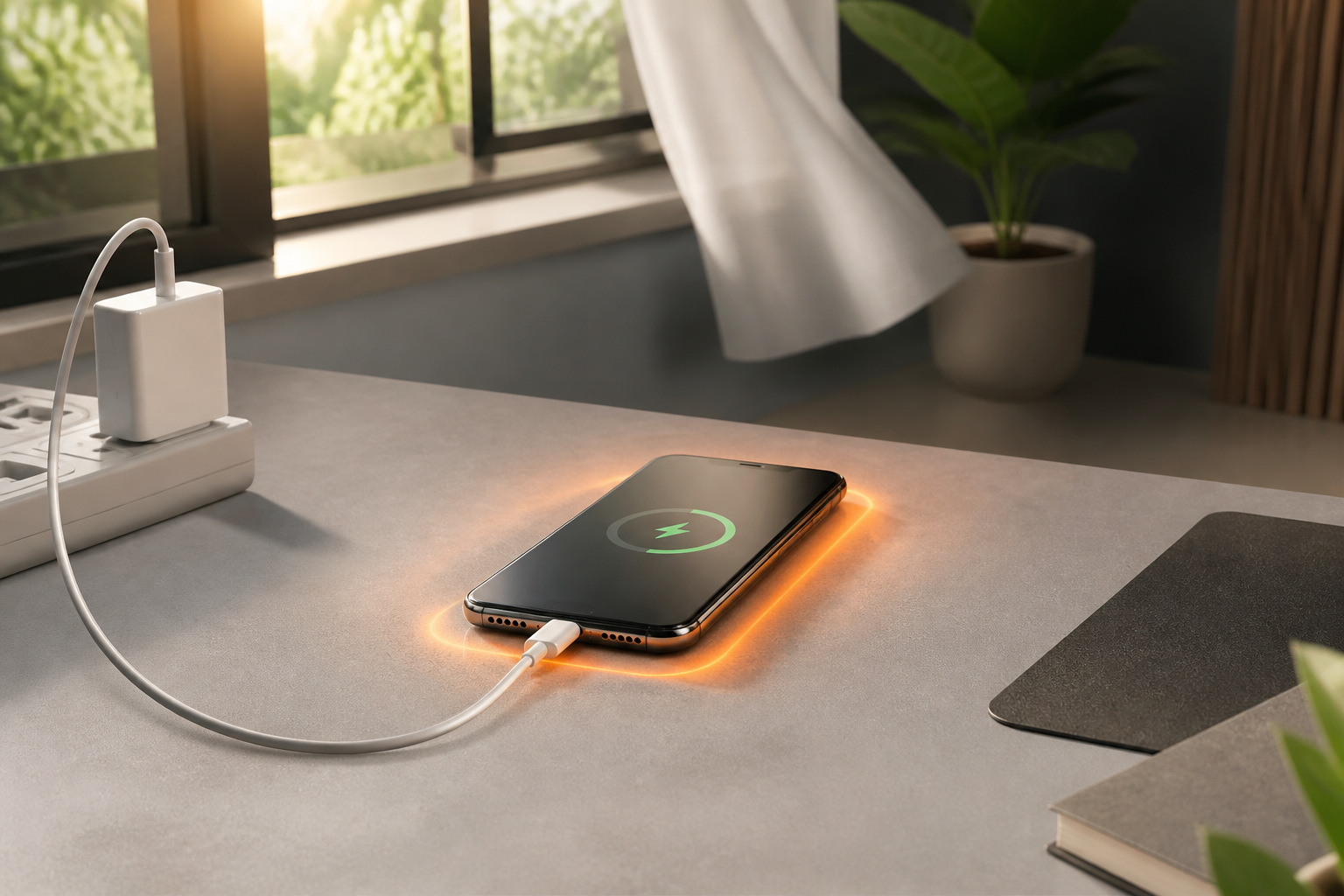
A phone feeling warm while charging is a fairly common experience, especially during fast charging, when the device is used for gaming, making video calls, recording videos, or downloading large amounts of data. The problem is that many new users only notice the temperature when the phone's body feels very hot or the charging process starts to slow down.
The difference between warm and too hot is important to understand. Phones do generate heat when the battery receives energy and when the processor is working. However, excessive heat can cause the device to reduce performance, slow down charging, or even temporarily stop charging to protect itself.
Warm Doesn't Necessarily Mean Faulty
Under normal usage, a phone can feel warm while charging. The temperature usually rises more easily if fast charging is combined with heavy activities such as playing 3D games, watching high-resolution videos, using navigation for long periods, or using the phone as a hotspot.
Google, for example, notes that Pixel devices can become warm when performing data recovery, recording high-definition videos, uploading or downloading large amounts of data, and running heavy applications while charging. This does not mean that every warm phone is in a dangerous condition. The context of usage remains important.
A practical guideline: if the phone is only warm, still comfortably touchable, and cools down after the activity stops, there is usually no need to panic. This is a practical assessment, not a substitute for a technical check for specific devices.
Signs of Heat to Watch Out For
The situation is different if the phone feels too hot to touch, temperature warnings appear, charging stops, or the device shuts down on its own. Modern phones usually have protective mechanisms. When detecting high temperatures, the device may reduce processor performance, lower charging speed, turn off the camera or flash, and enter power-saving mode.
Cables and chargers also need to be monitored. A very hot USB-C port or cable end, messages like "unplug charger," and warnings about moisture or dirt in the port are signs to stop charging, not something to be ignored.
Do not judge solely by battery percentage. A phone that has just been charged from a very low battery condition or is using wireless charging may feel warmer. However, if heat occurs repeatedly under light conditions—such as just charging without being used—the cause needs to be investigated.
Most Common Causes of Phones Heating Up While Charging
1. Used for Heavy Activities
Using the phone while charging is not automatically dangerous, but heavy activities cause heat from the battery and processor to accumulate. Gaming, camera use, video calls, navigation, and hotspot usage are among the activities that often increase the load.
2. Poor Air Circulation
Placing the phone under a pillow, inside a blanket, on a car dashboard, or on a surface that retains heat makes it difficult for the device to cool down. A case that is too thick or ill-fitting can also hinder heat dissipation, especially during wireless charging.
3. Faulty Cables or Adapters
Damaged cables, loose connectors, poor-quality adapters, or dirty ports can cause unstable charging and generate excessive heat. Use accessories that are compatible with the device and avoid cables with frayed insulation or discolored connectors.
4. Moisture or Dirt in the Port
If the phone detects moisture or dirt in the USB-C port, do not insert sharp objects, tissues, or metal tools to clean the inside. Unplug the charger, turn off the device if necessary, and let the port dry at room temperature.
What You Can Do Now
- Stop Heavy Activities. Close games, cameras, navigation, or applications that are using a lot of power.
- Unplug if Too Hot. First, unplug the adapter from the outlet, then carefully disconnect the cable from the phone.
- Move to a Cool and Ventilated Place. Avoid direct sunlight, hot cars, and surfaces that cover the entire body of the device.
- Remove the Case Temporarily. This step is especially useful when using wireless charging or when the case feels warm.
- Check the Cable and Port After the Device Cools Down. Look for signs of damage, moisture, dirt, or loose connectors.
- Try Trusted Chargers and Cables. If the problem only occurs with one combination of accessories, the source of the problem may not be the phone itself.
- Update the System and Check Battery Usage. Applications running continuously in the background can sometimes cause the phone to heat up and drain the battery.
Do Not Cool with Extreme Methods
When the phone is hot, do not immediately put it in the refrigerator, apply ice, or pour liquid on it. Sudden temperature changes can cause condensation inside the device. A safer way is to disconnect the power source, stop using it, and let it cool down naturally.
If the phone remains too hot, frequently shuts down, the battery swells, emits strange odors, or certain areas feel very hot, stop using it and take it to an authorized service center. A deformed battery is not an issue that should be resolved by replacing the case or continuing to try other chargers.
What It Means for Us
Heat while charging does not always mean the battery is faulty. What is more important is the pattern: when the heat occurs, whether the phone is being heavily used, whether the charger and cable are also hot, and whether the device can return to normal temperature after use.
Simple habits—charging in open spaces, not running heavy applications while charging, using appropriate accessories, and stopping when temperature warnings appear—are more useful than looking for a single temperature number that applies to all brands and models. Each device has different designs and protection limits, so official guidelines for specific phone models remain the primary reference.
Official References: Google's guide on overheating Pixel devices, Pixel charging guide, and guide to handling liquid or debris warnings on USB-C ports.
Sources & Further Reading
- Help keep your Pixel phone from feeling too warm or hot
- Charge your Pixel phone
- Fix “Unplug charger” or “Liquid or debris” message
– Rio Yotto @rioyotto