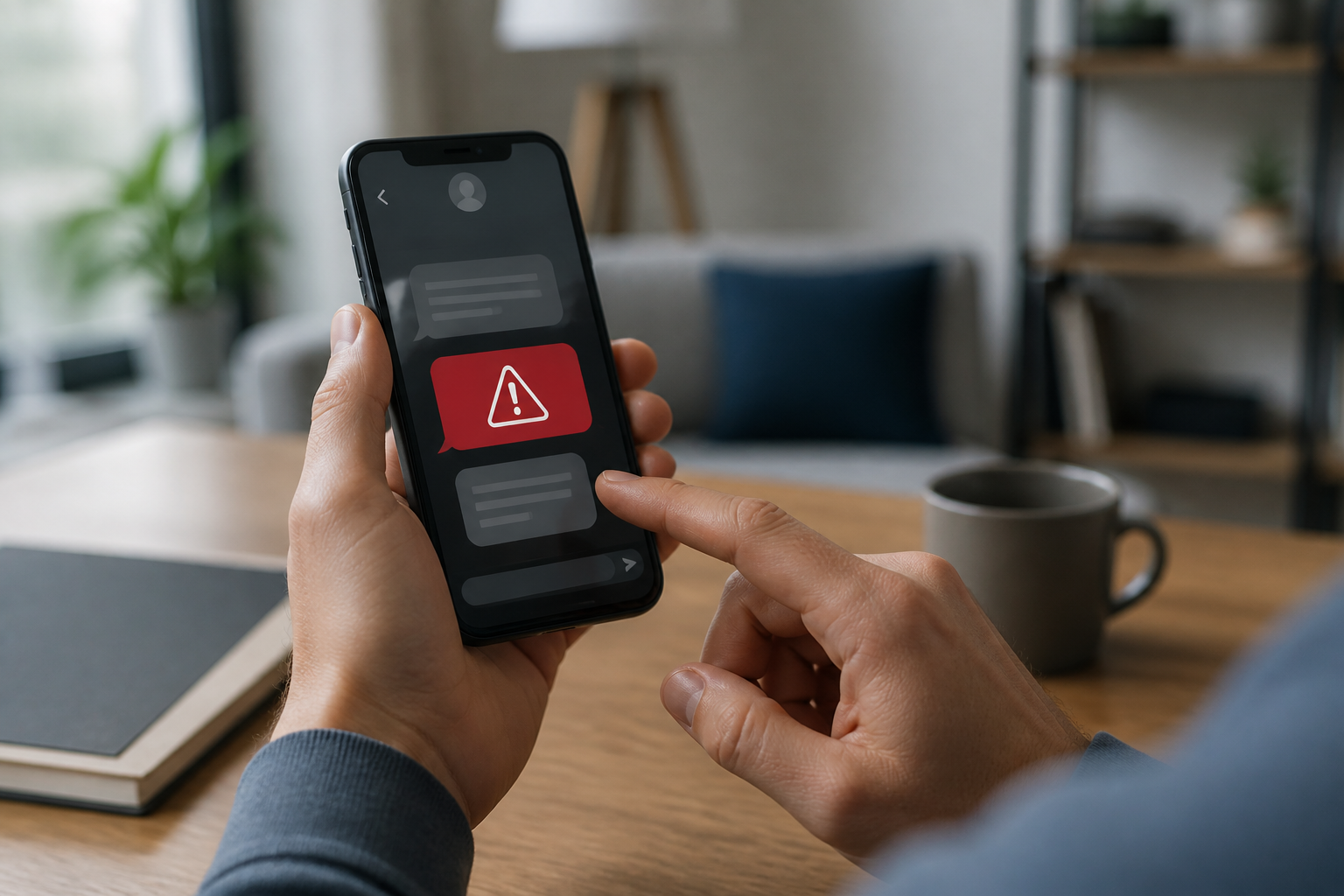
A single text message can cause panic: "Your account will be closed today", "Package on hold", or "There is a suspicious transaction, please confirm immediately." The problem is, scammers intentionally make messages feel urgent so that we act before we have time to think.
Such messages are called phishing, which is an attempt to trick someone into providing information, clicking on dangerous links, downloading files, or sending money. Phishing can come not only via email. SMS, WhatsApp, social media, and even internet ads can also be used for the same purpose.
According to the Federal Trade Commission, phishing messages often disguise themselves as companies, banks, delivery services, or known individuals. The goal can be to steal personal data, payment information, or access to accounts. ([consumer.ftc.gov](https://consumer.ftc.gov/consumer-alerts/2025/04/protect-yourself-phishing-scams?utm_source=openai))
Don't judge a message by its appearance alone
Many people think that fraudulent messages must be full of typos or look amateurish. While that may have been true in the past, now they can be made to look quite polished. Logos, colors, company names, and language styles can be crafted to resemble genuine messages.
Therefore, don't just ask, "Does it look official?" Also ask, "Am I actually expecting this message?" and "Does the requested action make sense?"
Six signs a message should be suspicious
1. There is pressure to act now
Statements like "five minutes left", "account will be blocked soon", or "last chance" are designed to make us panic. Official services may send reminders, but important decisions usually should not be made through random links in messages.
2. Requesting data that should be confidential
Be wary of requests for passwords, PINs, OTP codes, card numbers, security codes, or identity photos. An OTP code is a one-time code used to verify logins or transactions. This code should not be given to anyone else, including those claiming to be bank officials or customer service.
If someone already knows some of our data, it does not mean they are entitled to request other data. In fact, seemingly small information can be used to convince victims that they are speaking with an official party.
3. The sender's address looks similar but is not the same
The sender's name might say "Bank Service", but the actual email address comes from a strange domain. Pay attention to the part after the @ sign. Addresses like support@bank-name.example need to be checked carefully, especially if the domain differs from the official site.
Remember, addresses that look familiar are not automatically safe. Gmail itself warns that sender addresses can be made very similar to the real address, for example by replacing the letter "O" with the number "0". ([support.google.com](https://support.google.com/mail/answer/1366858?hl=en-Q2-Education&utm_source=openai))
4. The link does not lead to a clear address
Do not tap a link just because it has a logo or a "Verify" button. On a computer, hover the cursor over the link to see the destination address. On a phone, press and hold the link without opening it if the app shows a preview of the address.
Be wary of links that are too long, use URL shorteners, have many random characters, or lead to domains unrelated to the mentioned service.
5. There are attachments that were never requested
Attachments in the form of documents, ZIP files, or applications can pose risks. Do not open attachments from unknown senders, especially if the message asks us to enable certain features, install applications, or grant additional access.
6. The story does not match our situation
If we have never ordered a package, do not have an account with the service, or are not applying for a loan, the message becomes increasingly suspicious. Do not feel obligated to respond just because the message mentions our full name or address. That data may have already been leaked from various sources.
Safe steps before clicking anything
- Pause for a moment. Do not immediately reply, click a link, or download an attachment.
- Check through official channels. Open the official app or type the company's website address directly into the browser. Do not use the phone number and links listed in suspicious messages.
- Contact the sender through another channel. If the message seems to come from a friend or family member, ask through a new conversation or phone call. Do not reply in the same conversation.
- Report the message. Use the "Report spam" or "Report phishing" menu in email and messaging apps.
- Delete after reporting. CISA recommends a simple pattern: recognize, report, then delete. Even the "unsubscribe" link in suspicious messages should not be clicked. ([cisa.gov](https://www.cisa.gov/sites/default/files/2024-09/Secure-Our-World-Phishing-Tip-Sheet.pdf?utm_source=openai))
If you've already clicked the link
Do not immediately conclude that your account has definitely been hacked. However, check immediately.
- If you just opened a page and haven't filled anything out, close that page.
- If you entered a password, change it immediately through the official site or app.
- If the same password is used on other services, change it there as well.
- Check login activity and devices connected to the account.
- Enable two-step verification if available.
- If you entered card data or sent money, contact your bank or payment service provider through the official number.
For Google accounts, checks can be done from the account security section and recent activity. Google also provides an option to report phishing messages directly from Gmail. ([support.google.com](https://support.google.com/accounts/answer/6063333?hl=en-to&utm_source=openai))
What does this mean for us?
Digital security is not about being able to recognize all types of scams. That is nearly impossible because scammers' methods keep changing. A more important habit is not to make important decisions based on messages that arrive suddenly.
Treat every urgent message as a request that needs verification, not an order that must be followed immediately. Banks, online stores, and digital services can usually be accessed through official apps or websites without having to follow links from messages.
What you can do now
- Save the official apps of banks, marketplaces, and important services on your phone.
- Enable two-step verification on email and main accounts.
- Use different passwords for important accounts.
- Get into the habit of reading the website address, not just looking at the logo.
- Inform family members that OTP codes and passwords should not be shared via chat or phone.
A simple habit—pausing for a few seconds before clicking—often suffices to distinguish a safe decision from a regrettable one.
Sources & further reading
- Protect yourself from phishing scams — Federal Trade Commission
- Phishing scams can be hard to spot — Federal Trade Commission
- Avoid Phishing Scams with Three Simple Tips — CISA
- This message could be a scam — Google Gmail Help
- Avoid and report phishing emails — Google Gmail Help
– Rio Yotto @rioyotto