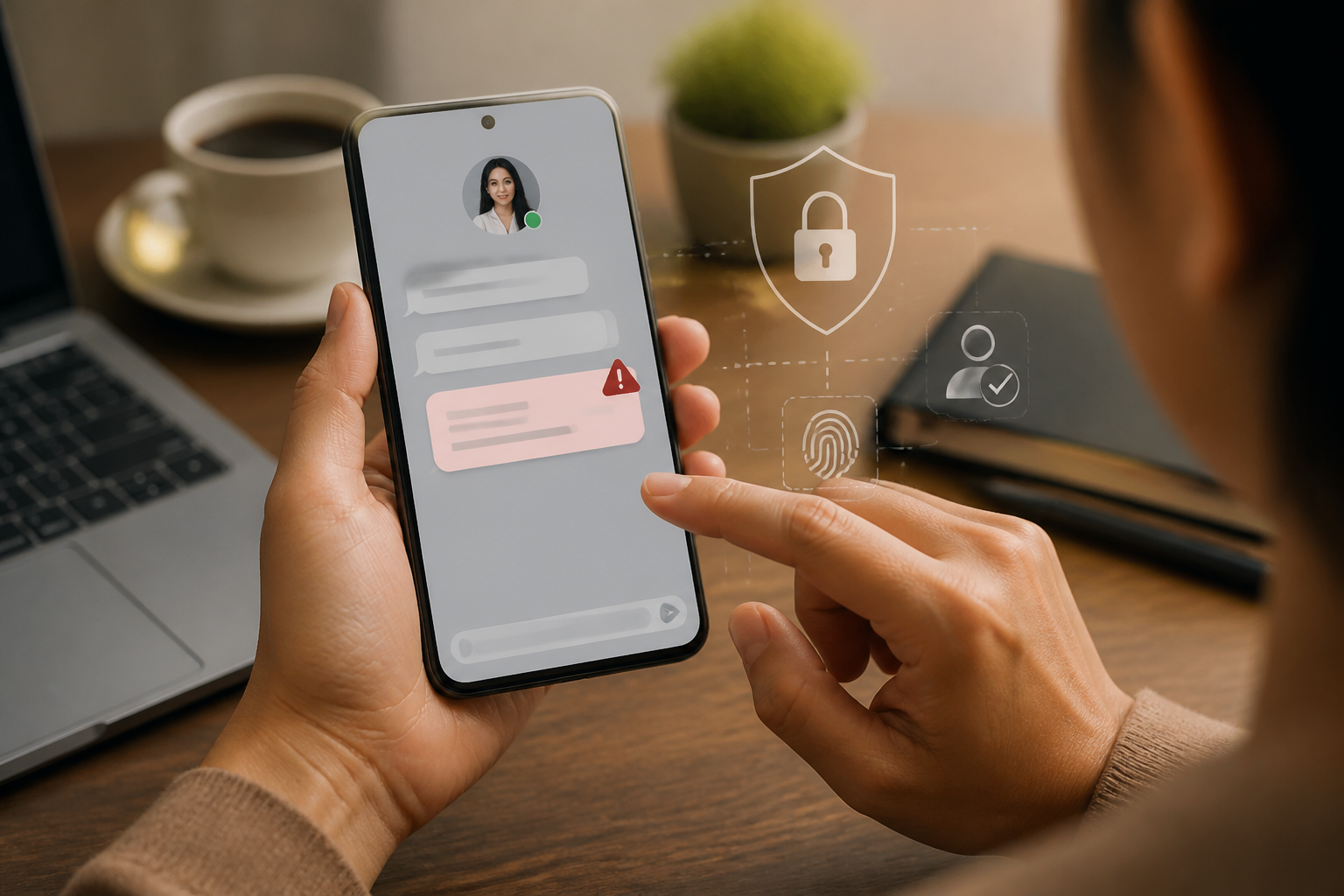
Messages from friends, family, or colleagues usually feel more convincing than messages from unknown numbers. The problem is, the accounts of people we know can also be hacked or misused. Therefore, the sender's name is not proof that the content of the message is safe.
The scenario is often simple: an account sends a short message, asking for money, offering a link, or instructing you to download something. Because the sender seems familiar, the recipient tends to trust it immediately and skips the checks that are usually done for strangers.
Google includes messages masquerading as trusted individuals, asking for personal information, or urging recipients to click links as common phishing patterns. Phishing is an attempt to deceive someone into giving up data, money, or account access through messages and pages that mimic legitimate services.
Why can messages from friends be traps?
Accounts can be misused in several ways. Passwords may be leaked, the sender's device may be infected, login sessions may still be open on public computers, or the perpetrator may simply create a new account with a similar name and photo. In all these cases, the perpetrator exploits existing trust.
Such attacks do not always start with a big request. The perpetrator may first send light messages like “where are you?” or “can I ask for help?”. After the victim replies, the conversation is directed towards requests for money, verification codes, personal data, or specific links.
Because the sentences are short and seem ordinary, these messages are often not considered suspicious.
Five signs to check
1. Sudden change in language style
A change in communication style is an important clue, though not definitive proof. A friend who usually writes casually suddenly uses stiff, urgent, or overly formal sentences. Conversely, an account that usually rarely contacts you suddenly sends many consecutive messages.
Also pay attention to greetings, punctuation habits, commonly used terms, and how that person answers questions. The perpetrator may know your name, but may not understand the communication habits of the account owner.
2. Pressure of time or prohibition on asking questions
Messages like “must be now”, “don’t call first”, or “please keep it secret” are designed to prevent you from verifying. Time pressure makes people make decisions based on panic rather than checks.
Legitimate requests can usually still be explained. If someone is forcing you to act before thinking, consider it a signal to pause.
3. Unusual requests
Be wary of requests for money, voucher purchases, sending OTP codes, identity photos, or logging into a page if such actions are not typical for the sender.
Changes in the destination account also need to be rechecked. In a work context, messages requesting payment to a new account should be verified through another communication channel, not just by replying to the same message.
4. Links appear suspicious
The name of the service that appears in the message may not match the address of the site that will be opened. If using a computer, hover the cursor over the link without clicking it to see the destination address. On mobile, press and hold the link if the app allows for address preview.
Do not enter your password after opening a link from a suspicious message. It is safer to open the app or type the service address manually, then check if there are indeed notifications in your account.
5. The sender avoids simple questions
Try asking questions that only that person can answer, but do not use sensitive information that can be easily guessed from social media. You can also ask about details of conversations or activities that were just discussed earlier.
If the answers are evasive, too quick, or keep directing you back to payments and links, stop the conversation.
How to verify without worsening the situation
- Do not respond to sensitive requests. Avoid sending money, OTP codes, passwords, identity card photos, or account data until you are sure of the sender's identity.
- Use a different channel. Call a saved number, send a message through another app, or ask in person if possible. Do not use the phone number or link newly provided in the suspicious message.
- Check the context. Ask if the sender indeed sent that message and whether their account has just lost access. Do not assume that the message is safe just because the sender responds.
- Keep evidence as needed. Take screenshots, note account numbers or site addresses, and do not forward the message to others without explanation.
- Report and inform the account owner. Platforms like Gmail provide features to report phishing messages. If a friend's account is suspected of being misused, contact the owner through another channel so they can check their account security.
If you have already clicked or sent data
Do not wait until money is lost or the account is completely taken over. If you entered your password on a suspicious page, immediately change your password through the official site or app. If the same password is used on other services, change it there as well.
Check login activity, connected devices, recovery email, phone number, and email forwarding rules. Unknown login activity can be a sign that the account has been accessed by someone else, even if no visible changes have occurred.
If you sent money, immediately contact your bank or payment provider through official channels. Keep transaction evidence and report the incident to the relevant platform. Speed does not guarantee that the money will definitely be returned, but it can help increase the chances of resolution.
What does this mean for us?
Digital security is not just about recognizing unknown numbers. We also need to check messages from trusted individuals when their requests are unusual. The simple principle is: the sender's identity and the content of the message must be verified as two separate things.
From now on, establish a habit within your family or work team: requests for money, changes in accounts, verification codes, and sensitive documents should always be confirmed through a second channel. This small habit may seem cumbersome, but it is far cheaper than recovering an account or chasing transactions that have already been sent.
If a message makes you feel rushed, pause for a moment. Trust may be a reason to read the message, but it is not a reason to skip verification.
Sources & further reading
- Google Help: Avoid and report phishing emails
- Google Help: This message could be a scam
- Google Help: Last account activity
- FTC: How To Recognize and Avoid Phishing Scams
– Rio Yotto @rioyotto