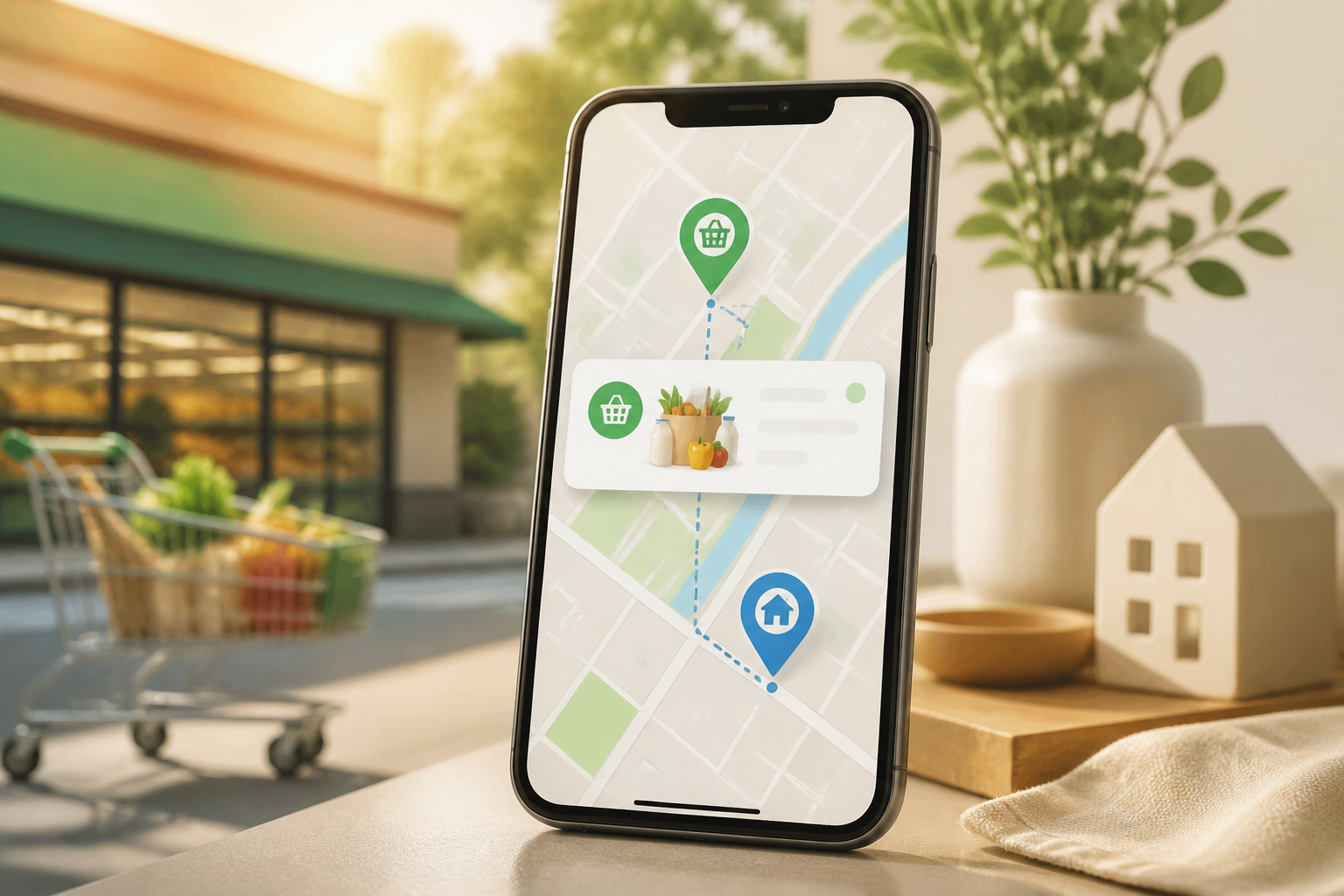
A reminder at 3:00 PM sounds simple, but it is often not enough. You might be on the road, in a meeting, or not yet at the right place to complete the task. Therefore, some apps now allow reminders to be triggered by location, not just time.
For example, an app can remind you to buy soap when you are near a supermarket, send documents when you arrive at the office, or hang laundry when you get home. This feature does not drastically change how you work, but it can reduce the burden of remembering small things that are easily overlooked.
What is a location-based reminder?
A location-based reminder is a notification that activates when the device detects that you are entering or leaving a specific area. This area is usually created as a virtual circle around an address or map point. In technical terms, such a mechanism is often referred to as geofencing.
The radius does not always have to be very precise. To remind you to buy something at a shopping center, an area with a radius of a few hundred meters may be sufficient. For tasks that are only relevant when you arrive at the office, a smaller radius can make notifications feel more accurate.
It is important to distinguish between facts and expectations. This feature does not know your intent. The app only reads that the device is in a certain area. If you pass by a supermarket but do not actually enter, the notification can still appear. Therefore, location reminders are best suited for tasks that are closely related to a place.
When is this feature more useful than time reminders?
1. When the timing of activities is unpredictable
Returning home, visiting a store, or arriving at the office does not always happen at the same time. A reminder at 5:00 PM may not be useful if you just left work at 7:00 PM. A reminder “when you arrive home” aligns more with real conditions.
2. When tasks depend on specific objects or places
Some tasks can only be done when you are at a certain location. For example, picking up files from your office desk, returning books to the library, or buying cables at an electronics store. In such cases, location becomes a more relevant context than time.
3. When you frequently pass by certain places
Location reminders are suitable for habits that are easily forgotten because you feel you will do them later. A list to “buy batteries” can wait for days, but a notification when you are near the store can bring that task to mind at the right moment.
Examples of use in daily life
- Home: reminding to charge backup devices or bring documents before leaving.
- Office: displaying a task list that only needs to be done when arriving at work.
- Supermarket: reminding to buy specific cooking ingredients without having to open the shopping list all the time.
- Parents' house: reminding to bring medicine, souvenirs, or items that have been promised.
- Station or airport: displaying travel notes when arriving at the departure area.
These examples illustrate the basic principle: do not attach location to all reminders. Use it only when the place truly helps determine when the task is relevant.
How to create a non-intrusive system
Start with three important locations
Do not immediately create dozens of reminders. Choose three places you visit most often, such as home, office, and your favorite store. Observe for a few days whether the notifications that appear are truly helpful.
Use actionable sentences
A notification like “office matters” is too vague. Instead, write “send invoice for project A” or “pick up hard drive from the right drawer.” Concrete sentences reduce thinking time when notifications appear.
Separate arrival and departure reminders
Some apps support triggers when arriving at a location, while others can also remind you when leaving an area. Use the differences clearly. “Buy fruit” is suitable to be triggered when arriving at the supermarket, while “bring laptop” may be more appropriate to be triggered when leaving home.
Set priorities
If all reminders are given loud notifications, the system will quickly feel noisy. Mark only important tasks as primary notifications. The rest can be included in a list that is opened manually when you are at that location.
Things to consider before activating it
Location privacy
Apps require permission to access location, sometimes even when the app is not open. Check the settings and choose a reasonable level of access. If the app is only used for reminders when you are around one place, it is not always necessary to grant the broadest location access.
Also, read the privacy policy proportionally. Not all apps treat location data the same way. Consider whether the feature is important enough compared to the information that needs to be shared.
Accuracy is not always perfect
The device's position can be off due to GPS signals, tall buildings, crowded areas, or battery-saving settings. As a result, notifications may appear slightly earlier, later, or not at all.
Therefore, do not rely solely on location-based reminders for very important matters. For medications, departure schedules, or payment deadlines, use time reminders and additional alarms.
Impact on battery
Location monitoring can contribute to battery usage, although the impact varies depending on the operating system, app, and how the device processes location. If the battery drains quickly, check which apps are active in the background and reduce the number of locations being monitored.
What does this mean for us?
Location-based reminders are not a replacement for calendars or task lists. Their function is more specific: to present information in the right context. Calendars are suitable for time-bound appointments, while location reminders are suitable for actions that depend on place.
The greatest benefit is not the number of features, but the reduction of small decisions that need to be stored in your head. You do not need to keep remembering “when I get to the store, buy this.” The app can help bring up that note when the opportunity to do it is indeed greater.
What you can do now
- Choose one reminder app that is already on your device and check if it supports location-based triggers.
- Identify three locations that you truly visit frequently.
- Create one reminder for each with concrete sentences.
- Test for one week and note whether notifications appear at reasonable times.
- Delete reminders that are irrelevant, appear too often, or cause you to ignore other notifications.
A good system is not one that has the most reminders, but one that appears when you can truly perform the task. By carefully selecting locations and limiting app permissions, this simple feature can make daily routines feel a little lighter.
– Rio Yotto @rioyotto