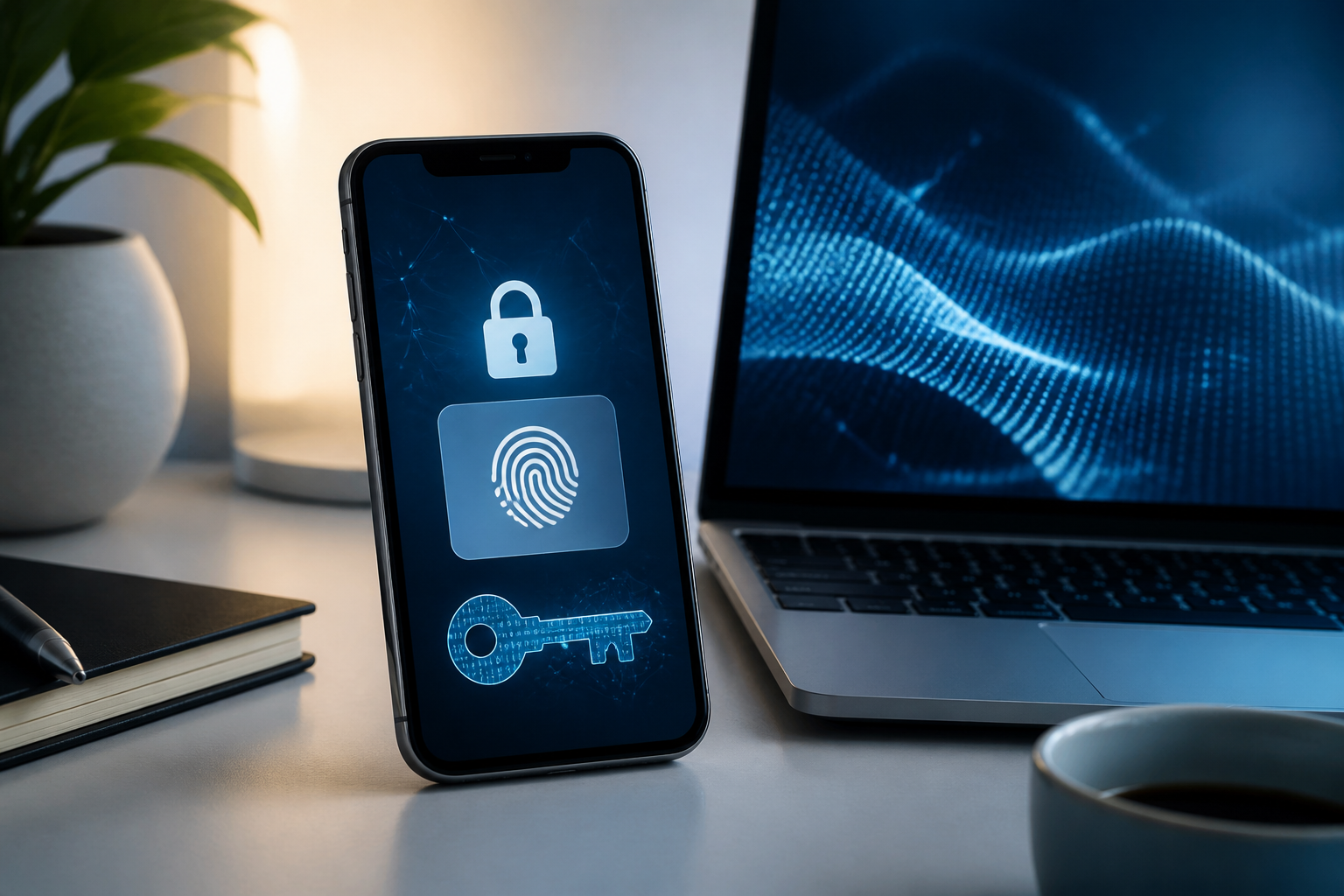
Passwords are often the most troublesome weak point in account security. We are asked to create long combinations, not reuse passwords, and remain vigilant against fake sites and data breaches. Passkeys offer a different approach: instead of remembering a secret, they prove that we hold a trusted device.
In many modern services, passkeys can be used to log in with just a fingerprint, facial scan, or screen unlock PIN. The process feels like unlocking a phone, but behind the scenes, a cryptographic system works to ensure that login credentials are not easily stolen through phishing.
What exactly is a passkey?
A passkey is a login credential based on the FIDO standard that uses a pair of cryptographic keys. One part is stored on the device or password manager, while the other part is used by the service to recognize the account.
The key difference lies in what does not happen. When logging in, users do not type a password that can be copied or sent to a fake site. A fingerprint, face, or PIN is used to unlock access to the passkey on the device. The biometric data itself remains on the device and is not sent to services like Google.
A simple analogy is like a house key. Websites have mechanisms to check the correct key but do not store a copy of the private key that attackers could directly use. Because passkeys are tied to the service and legitimate login process, tricks to direct victims to fake login pages become much harder to execute.
Why are passkeys more resistant to phishing?
In typical phishing attacks, victims are directed to a page that looks like the original service. If the victim types their username and password, that information can be stolen immediately. OTP codes can also be requested by scammers through fake pages or convincing conversations.
Passkeys work differently. The device checks the identity of the website before generating login proof. Therefore, passkeys are not designed to work on fake domains. Attackers may still trick someone into clicking a link, but they cannot easily obtain reusable credentials.
This does not mean all risks are eliminated. If someone successfully unlocks your phone, gains access to the passkey manager account, or persuades you to set up a passkey on someone else's device, new issues can arise. The security of passkeys still depends on the security of the device and the main account that stores or syncs them.
Practical benefits felt in daily life
- Faster login. No need to type long passwords or search for OTP codes in messaging apps.
- Reduces the habit of using the same password. If a service experiences a breach, the same password does not automatically open other accounts.
- Harder to steal through screenshots or notes. There are no password combinations that need to be written down or sent to others.
- Can be used across devices. Certain passkeys can be synced through a password manager, allowing use when switching from one phone to another.
- Reduces login disruptions. For users who often forget passwords, the process with a screen lock is usually easier to understand.
Things to understand before activating it
Passkeys are not a magic button that automatically solves all security issues. First, not all applications and websites support them yet. Therefore, passwords or recovery methods may still be necessary.
Second, passkeys should only be created on personal devices that you fully control. Do not register them on shared office computers, borrowed phones, or family devices that can be accessed by many people. In some services, anyone who can unlock that device could potentially use the passkey to log in.
Third, a recovery plan remains important. If your phone is lost, damaged, or replaced, you need to have another trusted device, a recoverable passkey manager, or an official recovery method. Do not delete the only old device before ensuring the passkey is available on the new device.
There is also a difference between synced passkeys and device-bound passkeys. Synced passkeys can be backed up and used on multiple devices through certain managers. Device-bound passkeys remain tied to one device, providing tighter control, but the recovery process can be more cumbersome.
What you can do now
- Update your operating system and browser. Passkey support depends on the software being used. Android, iPhone, Windows, macOS, and modern browsers generally provide support, but older versions may have limitations.
- Check your password manager. Make sure you know where the passkey will be stored, such as the device's built-in manager or the password manager service you use.
- Start with the most important accounts. Your primary email, cloud storage accounts, and financial services are more worthy of prioritization than creating passkeys for all services at once.
- Add recovery methods. Ensure recovery numbers, backup emails, or backup devices are still accessible. Also, store recovery codes securely if the service provides them.
- Test login from other devices. Don’t wait until your phone is broken to find out that your passkey is not synced or cannot be recovered.
- Remove passkeys that are no longer in use. If a device is lost or sold, go to your account security settings and revoke the passkey from that device.
Will passwords disappear soon?
Not necessarily. Passkeys are evolving, but support varies across services. Some websites offer passkeys as an additional option, while others allow passwordless login after a passkey is created.
For users, the most sensible approach is to consider passkeys as a stronger login layer, not a reason to neglect basic security. The phone's screen lock must remain strong, the operating system should be updated, and the primary email account needs to have a clear recovery path.
If used correctly, passkeys shift security habits from "remembering secrets" to "protecting the device that holds the credentials." This change may seem small, but it can reduce one of the biggest problems in digital security: easily guessable, reused, or inadvertently shared passwords with scammers.
Sources & further reading
- FIDO Alliance: Passkeys
- Google Account Help: Sign in with a passkey instead of a password
- Android Help: Sign-in to your applications and websites with passkeys
- Google Password Manager Help
– Rio Yotto @rioyotto