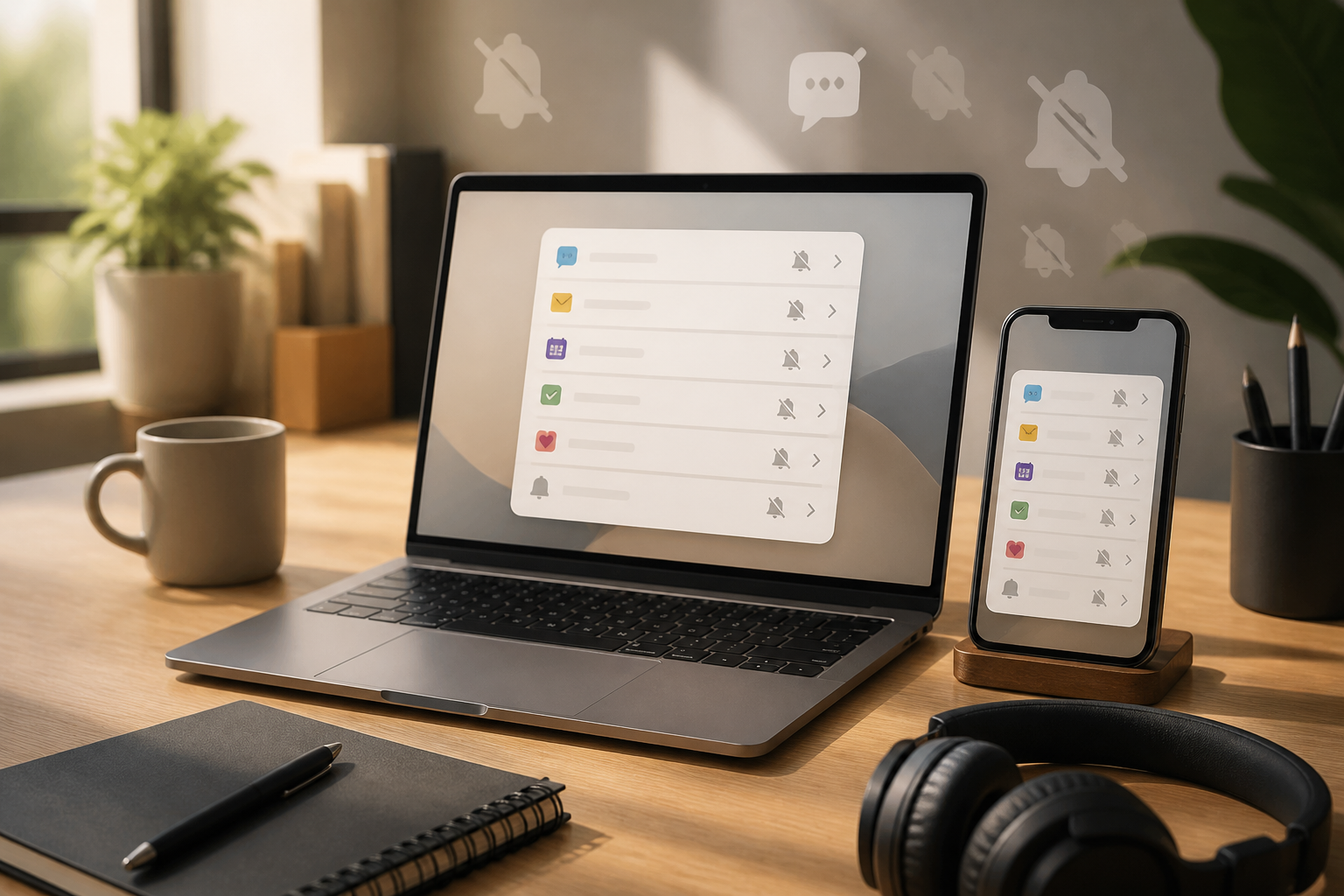
The sound of incoming notifications often feels small, but their disruptions can repeat throughout the day. A message on Slack, a new email, a calendar reminder, and then notifications from other apps can break our focus before the main task is truly completed.
The problem is not just the number of notifications. What’s more exhausting is the small decisions that must be made every time the screen lights up: should it be opened now or later, should it be replied to or just read, is it important or just interesting? If all notifications are treated like tasks, the workday will be controlled by apps.
The solution is not to blindly turn off all notifications. We need a system that distinguishes between distractions, information, and things that actually require action.
Differentiate Notifications from Work
Notifications are signals. They are not necessarily tasks. An incoming email, for example, simply informs that someone has sent a message. The actual task may involve replying, checking attachments, or forwarding information to someone else.
This distinction is important because many people treat their inbox, group chats, and red badges as unofficial to-do lists. As a result, work shifts according to the last message received, rather than based on priority.
Use three simple questions when viewing notifications:
- Does this require action? If not, just read it at an appropriate time or archive it.
- Does the action need to be taken now? Many important things can still be done after the main work is completed.
- Where will this task be managed? If it does need to be done, move it to a to-do list or calendar, rather than leaving it as an unread message.
Create Three Levels of Urgency
Instead of managing notifications one by one without a pattern, group apps into three levels.
1. Must be known immediately
This group should be very small. Examples include calls from family, home security alarms, or messages from operational channels that truly affect services. If all apps fall into this category, it means the category has not been used with discipline.
2. Needs to be checked periodically
Work emails, messages from colleagues, and project updates usually fall here. Notifications can remain active in a way that is not too disruptive, or be collected for checking at specific times.
3. Does not need to interrupt
Promotions, content recommendations, community updates, and most social media notifications do not need to appear while work is ongoing. Turn off their notifications or let the app only display updates when opened.
This rule is not about which apps are good or bad. One app can have different levels of urgency depending on the context. A message from a family group may be important on weekends, but it does not need to interrupt a work session that requires concentration.
Use a Schedule to Check Messages
Many people open email or chat every time there is a small break. This approach seems responsive, but it causes attention to constantly shift context. An alternative is to set specific checking windows.
For example, check email at the start of the day, after lunch, and one hour before work ends. Work chat can be checked more frequently if the work indeed relies on quick coordination. Importantly, the schedule should be based on work needs, not on anxiety about missing something.
Start with realistic rules. Not everyone can wait two hours to reply to a message. However, many people can still change their habits from “opening every notification” to “checking at specific intervals.” This small change is enough to reduce attention shifts.
Set Up a Path for Emergencies
One reason people are reluctant to turn off notifications is the fear of missing something important. This concern can be addressed by providing a specific path for genuinely urgent situations.
For example:
- Use the phone for situations that truly require a quick response.
- Create a dedicated channel for operational disruptions, rather than mixing it with general conversations.
- Agree on a specific word or message format to indicate emergencies.
- Inform colleagues when you typically do not check chat directly.
By doing so, turning off some notifications does not mean disappearing. You are simply moving important matters to a clearer entry point.
Don’t Let Red Badges Control Priorities
The red number on app icons gives the impression that there is something unfinished. In reality, that number often just indicates the number of messages, updates, or activities that do not require action.
If badges make you reflexively open the app, consider disabling them. Visual notifications that do not have actionable meaning only add noise. For emails, you can also use filters or labels to automatically separate messages based on sender, project, or level of importance.
However, filters are not a substitute for decision-making. Automated systems can sometimes misclassify messages. Therefore, continue to periodically check the folders or labels created, especially in the first week.
Turn Messages into Clear Tasks
One source of chaos is messages that are read but never turned into concrete work. After deciding that a message needs to be followed up, write down a clear action.
Do not write a task like “handle client email.” Write something like “send revised proposal to the client by Thursday at 3 PM.” A good task has a verb, expected outcome, and, if necessary, a deadline.
If a task takes more than a few minutes, enter it into a to-do app or calendar. After that, archive, mark as complete, or move the message according to the system used. The goal is to reduce the number of places that need to be remembered.
Audit Notifications for 15 Minutes
You do not need to overhaul your entire device in one day. Conduct a brief audit:
- Open notification settings on your phone and computer.
- Note the apps that most frequently disrupt you over a few days.
- Turn off notifications for promotions and updates that do not require action.
- Keep only the channels that are truly important.
- Set a schedule for checking email and chat.
- Test these rules for one week, then adjust.
Pay attention not only to the reduced number of notifications but also whether you find it easier to complete work without frequently switching apps.
What Does This Mean for Us?
Digital productivity does not always require new apps. Often, the problem is that too many apps are given the right to demand attention whenever they want.
Notifications should be exceptions, not the background noise throughout the day. By distinguishing important signals from distractions, providing emergency paths, and scheduling message checks, we can remain responsive without having to be available every second.
Start with one device and the five most disruptive apps. Turn off the unimportant ones, create one rule for urgent messages, and see if work feels calmer in the next seven days.
– Rio Yotto @rioyotto