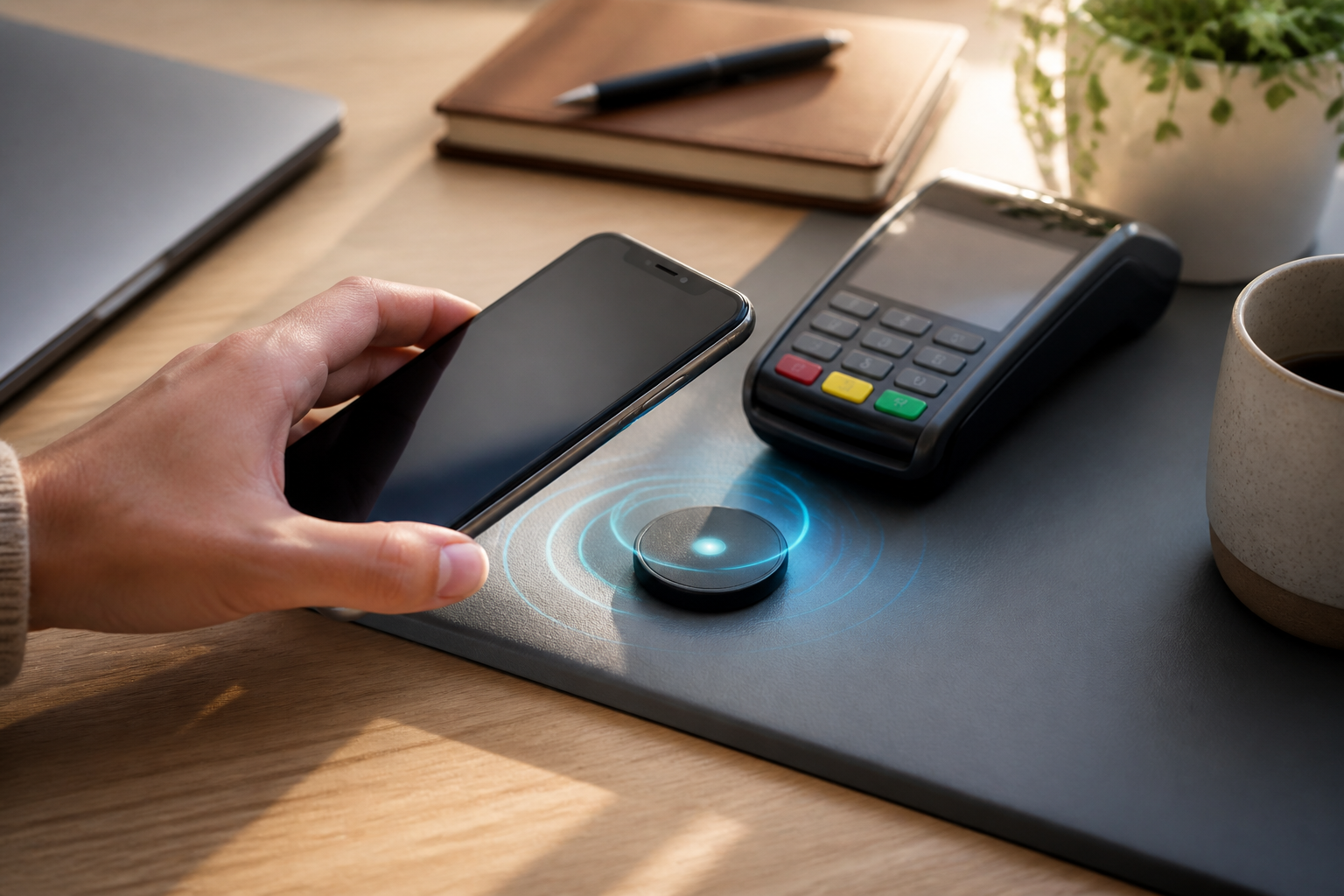
Many people know NFC from cashless payments, but the capabilities of this feature are broader. NFC or Near Field Communication is a short-range communication technology that enables two devices to exchange data when brought close together, usually just a few centimeters apart.
On smartphones, NFC can be used to read cards or tags, pair with specific devices, open digital access, and even run simple automations. However, since this feature is related to data and transactions, users still need to understand when NFC is useful and when it should be turned off.
What Does NFC Actually Do?
NFC works using short-range radio waves. Unlike Bluetooth or Wi-Fi, which are designed for longer connections, NFC relies on very close proximity. This characteristic makes the process practical but also limits the communication range.
Generally, the use of NFC on smartphones is divided into several forms:
- Reading NFC tags, such as small tags containing website addresses, product information, or automation commands.
- Making payments through digital wallet services or banking apps that support it.
- Pairing devices, such as speakers, headphones, or specific accessories that have NFC.
- Opening access to systems that use compatible cards or digital credentials.
- Sharing simple information, although the method and support depend on the operating system and devices used.
Due to its short operational range, NFC is usually not suitable for sending large files. For such needs, Bluetooth, Wi-Fi Direct, or file-sharing services are typically more appropriate.
Often Overlooked Benefits of NFC
1. Running Routines with One Touch
NFC tags can be placed in specific locations and programmed to trigger actions on a smartphone. For example, a tag on a desk can open a note-taking app, activate silent mode, or display a task list.
Near the bedside, another tag can help run a nighttime routine such as setting an alarm, dimming the screen brightness, and opening a meditation app. This feature is not a replacement for location-based automation but is useful if we want quick and consistent control.
2. Simplifying Device Pairing
Some accessories use NFC to initiate the pairing process. Users simply bring their smartphone close to the device and then confirm on the screen. After that, the actual connection can occur via Bluetooth.
The main benefit is reducing the initial steps and minimizing the chance of mistakenly selecting the wrong device name, especially when there are many Bluetooth devices around.
3. Reading Information Without Typing
NFC tags can be used in museums, stores, workspaces, or product packaging to open additional information. Users just need to bring their smartphone close and then view the links or data offered.
However, NFC does not automatically make that information trustworthy. If a tag directs to a site that requests sensitive data, we still need to check the website address and its context.
Risks to Be Aware Of
While NFC has a short range, it does not mean it is always risk-free. The most common issues are not “hacking from afar,” but rather accidental interactions or user decisions after receiving data from a tag.
- Tags can direct to malicious sites. Links opened via NFC can still contain scams, harmful downloads, or fake login pages.
- Transactions must still be monitored. Before confirming a payment, check the recipient's name and the amount. Do not assume the tap process is always safe just because it is quick.
- Lost devices can be misused. If a smartphone is used for digital access or payments, screen locks, biometrics, and tracking features should be enabled.
- Accessories and tags are not always compatible. Some tags can only be read, while others require specific apps or have limited storage capacity.
In practice, the biggest risks often arise when users directly click links or approve requests without reading the details. NFC is merely a communication medium; security still depends on the applications, services, and decisions of the users.
How to Use NFC More Safely
- Activate NFC only when needed. On many smartphones, this feature can be found in the connection menu or quick settings. Turning it off when not in use can reduce accidental interactions.
- Do not open all links immediately. If the smartphone reads an NFC tag, check the destination address first. Be cautious of domains that resemble official services but have strange spellings.
- Use a strong screen lock. A PIN or password remains important even if the smartphone supports fingerprint or facial recognition.
- Check payment confirmations. Ensure the amount and recipient are correct before pressing the pay button.
- Update systems and applications. Updates can fix security and compatibility issues with payment features or wireless connections.
- Remove unknown tags from automation flows. If a tag suddenly triggers actions that we never set up, do not proceed until understanding its source.
If NFC Is Not Working
NFC issues are often simple. Ensure the smartphone indeed has NFC hardware, then check if the feature is active. After that, remove any thick cases or metal accessories as these can interfere with reading.
The position of the NFC antenna also varies. On some smartphones, it is located in the middle or upper part of the back body. Try bringing that area close to the tag or device, rather than just randomly placing the entire surface of the phone.
If it still fails, unlock the screen, close unnecessary apps, and try again. For payments, ensure the digital wallet app has selected the correct card or account and that the service supports NFC in the region and device being used.
What It Means for Us
NFC is most useful for brief interactions that we want to make practical: paying, reading information, pairing accessories, or running small routines. This technology does not need to be used for everything, but it can reduce some repetitive steps in daily smartphone use.
A sensible approach is to use NFC for low-risk activities first, such as opening official information sites or activating certain settings. For payments and important access, use additional layers of protection such as screen locks, transaction notifications, and the habit of checking details before approving.
In this way, NFC is not treated as a magical feature or a threat to be feared. It is a practical tool that works well when used in context—quick for simple needs, but still requires vigilance when dealing with money, accounts, and personal access.
– Rio Yotto @rioyotto