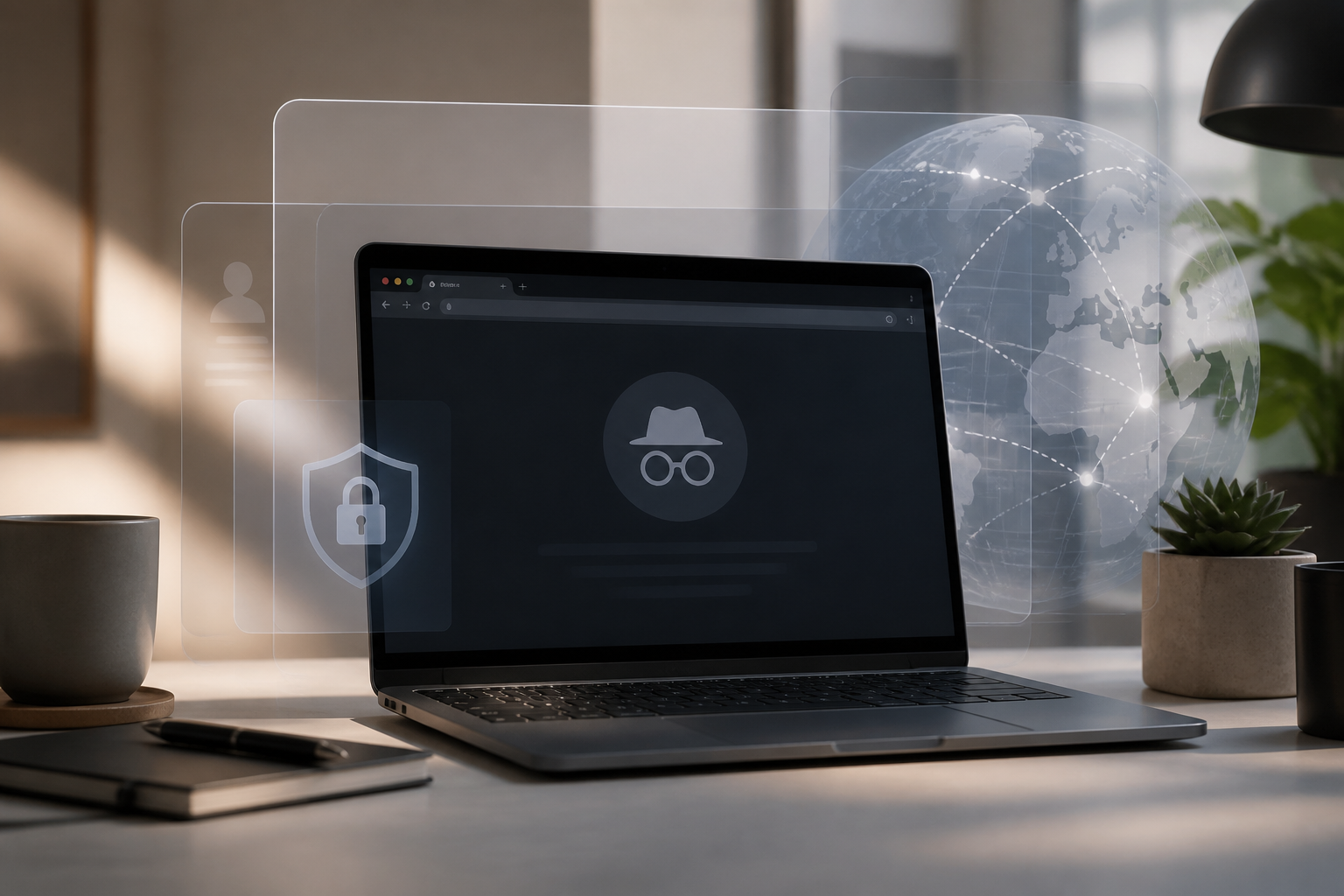
Many people open incognito mode when they want to feel "safe" while browsing the internet. Some use it to search for personal information, use a shared computer, or avoid ad recommendations that closely follow their activities.
However, incognito mode is often misunderstood. This feature is not a VPN, not antivirus, and does not make you completely anonymous. Incognito mode is better understood as a way to reduce browsing data stored on the device after the window is closed.
What is incognito mode, really?
Incognito mode is a feature in browsers like Chrome, Firefox, Edge, and Safari that creates a temporary browsing session. When the session ends, the browser typically does not save the history of pages visited, certain cookies, or form data entered during that session.
Imagine you are using a family computer. In normal mode, the addresses of the sites you visit may appear again in the browser history or search bar. In incognito mode, those local records are generally not saved after all incognito windows are closed.
Even so, web pages can still be opened as usual. You can also download files or save pages as bookmarks. The downloaded files and bookmarks are not automatically deleted when incognito mode is closed.
What data is not saved?
Incognito mode primarily works on storage on the device. Some types of data that are typically not retained after the session ends include:
- Browsing history: a list of pages you visited during the session.
- Session cookies: small data that help sites remember temporary activities.
- Form data: information you type into certain fields, although behavior may vary depending on the browser.
- Temporary site data: some local storage created by the site during the session.
It is important to note that “not saved” does not mean the data disappears immediately from the entire system. Websites, internet service providers, office networks, or security applications on the device may still have records of activities according to their respective systems.
What remains visible?
Incognito mode does not hide your IP address. The IP address is the network identity used by the device to communicate with the internet. Therefore, websites can still know the connection being used and estimate the general location.
Your activities can also still be seen by those managing the network. For example, office, school, hotel Wi-Fi administrators, or internet service providers may have information about ongoing connections. This does not always mean they read the entire content of the pages, but incognito mode does not make your activities completely unmonitored.
If you log into a Google account, social media, marketplace, or other services, activities on those services can still be linked to your account. The browser may not save history locally, but the service's servers still process activities according to their policies.
Therefore, statements like “incognito mode makes you untraceable” are overly broad claims. More accurately: incognito mode helps reduce traces on the device being used.
When is incognito mode useful?
1. Using a shared computer
If you are using a computer in a library, coworking space, or someone else's home, incognito mode can reduce the likelihood of history and login sessions being left behind in the browser.
However, still take important steps after finishing: log out of accounts, close all incognito windows, and ensure that downloaded files are not saved in folders easily accessible to others.
2. Testing login issues
Problematic cookies or browser extensions can sometimes cause sites to fail to open or keep redirecting you to the login page. Opening the site in incognito mode can help test whether the issue stems from stored browser data.
If the site works normally in incognito mode, the cause may be old cookies, extensions, or browser settings. This is not a permanent solution, but it provides useful initial clues.
3. Separating temporary sessions
Incognito mode is also practical when you want to open a second account without logging out of the main account. For example, you may want to check another marketplace account or test how the site looks as a user who is not logged in.
However, avoid thinking of it as a safe space to enter sensitive data carelessly. Account security still depends on the site, passwords, additional authentication, and the network being used.
Common misconceptions
“Incognito means free from ads”
Not necessarily. Incognito mode can reduce the use of old cookies on the device, but websites and ad platforms can still use other signals. Once you log into a service, activities can still be linked to that account.
“Downloaded files will automatically disappear”
This is incorrect. Incognito mode typically does not delete files that have already been downloaded. If you download documents on a shared computer, manually delete those files and check the folder where the files are saved.
“Incognito mode protects against viruses”
Incognito is not a substitute for antivirus or safe habits. Malicious files can still be downloaded, fake sites can still deceive, and you can still enter passwords on phishing pages.
“Wi-Fi owners cannot know anything”
Incognito mode is not designed to hide activities from network administrators. If network privacy is a primary concern, you need other protections, such as encrypted connections and trusted services. However, additional tools do not eliminate all risks.
What you can do now
- Use incognito for its intended purpose: to reduce local traces, not to erase online identity.
- Do not save passwords on shared computers. If the browser offers to save passwords, choose the option not to save.
- Check the site address before logging in. Ensure the domain is correct and the connection uses HTTPS.
- Close all incognito windows after finishing. One tab still open means the session has not truly ended.
- Manually delete downloaded files if the device is shared.
- Enable two-factor authentication on important accounts so that leaked passwords are not enough to take over the account.
So, should incognito mode be used?
Yes, if you understand its limitations. Incognito mode is a simple tool for maintaining local privacy, especially when using shared devices or creating temporary browsing sessions.
What should be avoided is a false sense of security. This feature does not mask your IP address, does not delete records from servers, does not stop account tracking, and does not protect against malicious sites. Better digital security still requires a combination of habits: checking site addresses, using unique passwords, enabling additional authentication, and being cautious before downloading or entering personal data.
In short, incognito mode closes some traces on the device—not erasing your entire journey on the internet.
– Rio Yotto @rioyotto