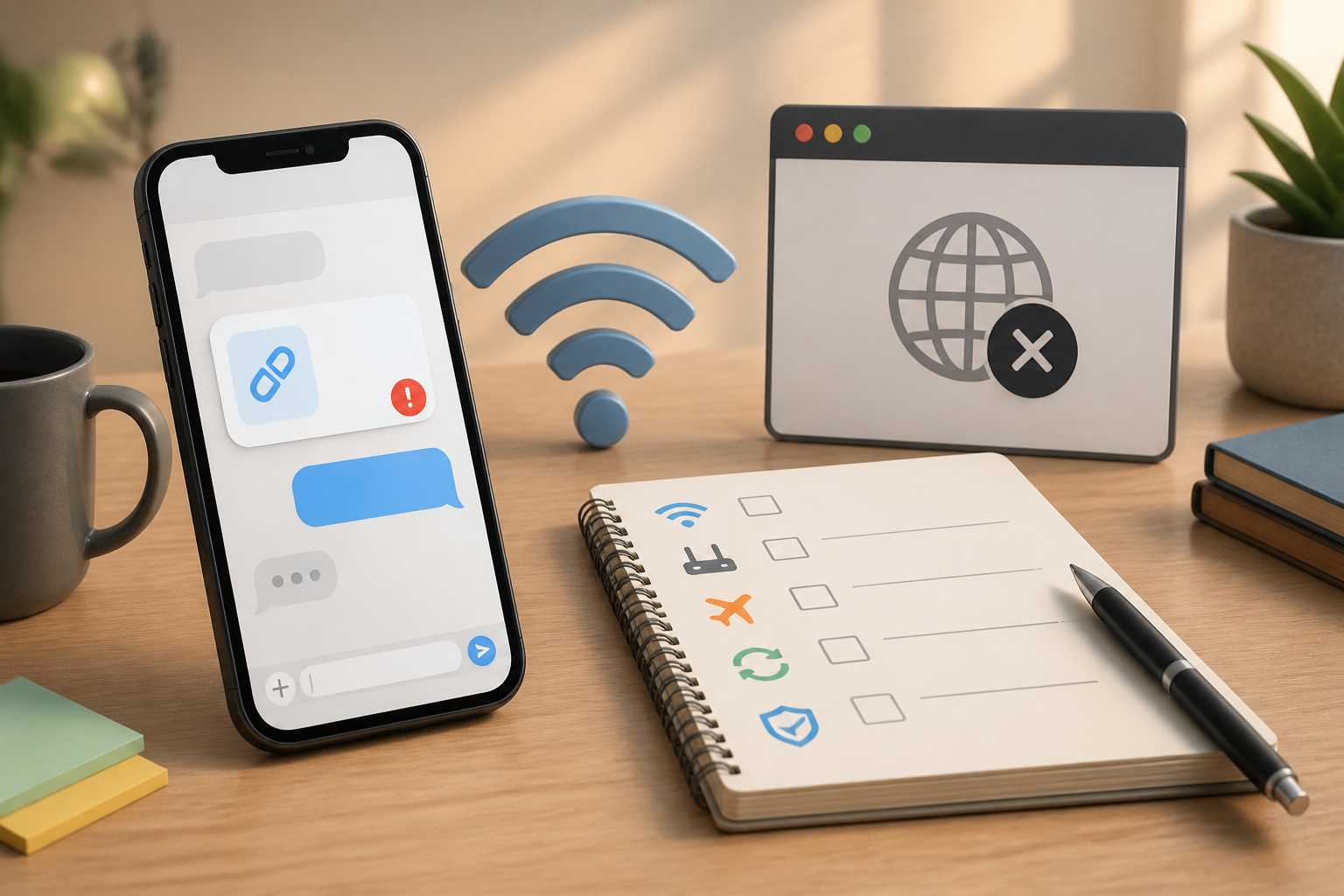
Links on WhatsApp are usually just a tap away to open. However, sometimes a blank page appears, a message saying "cannot open link" shows up, or nothing happens at all. Situations like this often lead people to think their phone is broken, but the cause can be quite simple: internet connection issues, the app not being updated, or the link itself may no longer be active.
Instead of immediately deleting WhatsApp or asking people to resend multiple times, try checking the issue starting from the simplest. With this order, you can determine whether the disruption comes from the internet, the app, the phone, or the link itself.
1. Ensure the internet is truly connected
The Wi-Fi icon or cellular data signal visible at the top of the screen doesn't necessarily mean the internet is functioning normally. The phone may be connected to Wi-Fi, but that network might not have internet access.
The easiest way to check is to open another site through a browser, such as a search page or news site. If other sites also do not open, the issue is likely with the internet connection.
What you can do:
- Turn off Wi-Fi, then try using cellular data.
- If using cellular data, turn it off for a moment and then turn it back on.
- Move to a location with a stronger signal.
- If using home Wi-Fi, restart the modem by unplugging it for about 30 seconds, then plug it back in.
In summary: do not jump to conclusions about the link being problematic before ensuring your internet can open other pages.
2. Tap the link correctly
In WhatsApp, links usually appear as blue text or a clickable website address. However, if the link is sent as part of an image, screenshot, or plain text without link formatting, tapping it may not open anything.
If the website address appears as plain text, you can copy it by pressing and holding that part of the text. Then, open a browser like Chrome or Safari, tap the address bar at the top, select Paste, and then press the open button.
Also, check if the address is complete. A truncated link, extra spaces, or only part of the address can fail to open.
3. Try opening through a browser
WhatsApp often displays web pages within its own app. This feature is convenient, but sometimes it doesn't work well on certain sites. A site may require browser features that are not available in the WhatsApp window.
If options like Open in Chrome, Open in Safari, or Open in browser appear, select one of those options. You can also manually copy the link and open it in your phone's main browser.
If the link opens successfully in the browser but fails in WhatsApp, the issue is likely with WhatsApp's internal web viewer, not with the link or your internet connection.
4. Update WhatsApp and your browser
Outdated apps can have trouble opening sites with the latest web technologies. App updates usually contain bug fixes, compatibility improvements, and security enhancements.
To check for updates:
- Open the Play Store on Android or the App Store on iPhone.
- Search for "WhatsApp".
- If an Update button is available, press that button.
- Do the same for your commonly used browser.
Once done, reopen WhatsApp and try tapping the same link again. There's no need to delete the app first. Deleting WhatsApp without ensuring chat backups are available can lead to other issues.
5. Check if the link is still valid
Not all links are meant to be used forever. Group invitation links, registration forms, promotional pages, digital tickets, and file-sharing links can have expiration dates or user limits.
Signs that a link may no longer be valid include:
- A message indicating the page was not found.
- The website displays a note that the link has expired.
- Others also cannot open the link.
- The link comes from an old message that previously had a time limit.
To confirm, ask the sender if the link is still active. Request the sender to create or send a new link, rather than just forwarding an old message.
6. Be cautious if the link asks for personal data
Links that can be opened are not necessarily safe. Conversely, links that fail to open do not always mean they are dangerous. Therefore, do not disable your phone's security just to open a link.
Pause if the link asks you to:
- Enter your email, bank, or social media password.
- Send an OTP or verification code.
- Download an app from outside the Play Store or App Store.
- Provide card numbers, PINs, or identity photos.
- Pay fees that you are not familiar with.
Pay attention to the website address. Scammers often use addresses similar to official sites but with extra letters, punctuation, or strange domain names. If in doubt, manually open the official app or website, not through the link sent.
7. Restart your phone if the issue occurs only once
Restarting means turning the phone off and then back on. This simple step can help when the browser, WhatsApp, or network connection experiences temporary disruptions.
Before restarting, close any open apps. After the phone powers back on, wait for the network to appear, open WhatsApp, and try again.
If it still fails, try opening another link from a different conversation. The results can help determine the source of the problem:
- All links fail to open: the issue is likely with the connection, browser, or app.
- Only one link fails: the link may be broken, copied incorrectly, or expired.
- The link opens in the browser but not in WhatsApp: the issue is likely with the internal web viewer.
What does this mean for us?
Link issues do not always require complicated technical steps. The key is to check one possibility at a time: internet, how to open the link, the app, the condition of the link, and then security.
If you often receive important links, get into the habit of saving the original message and avoid manually editing the address. For links related to accounts, payments, or important documents, it is safer to type the official website address yourself or open its official app.
With this habit, you not only find it easier to open links but also reduce the chances of entering data on fake pages just because you want to resolve an issue quickly.
– Rio Yotto @rioyotto