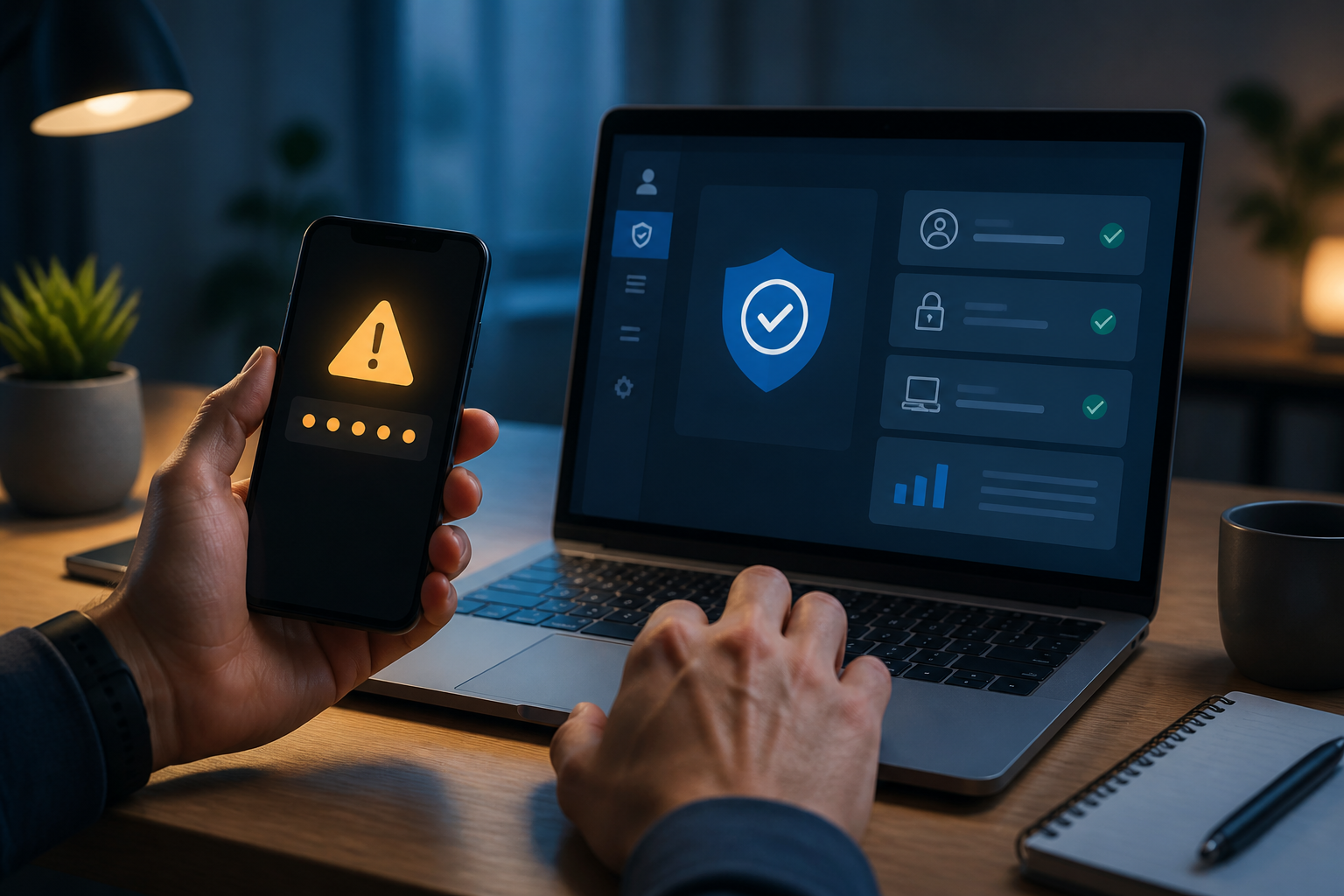
An unexpected OTP code message—despite not being logged in—should not be ignored. This code may appear because someone knows your password, has incorrectly entered a phone number or email, or is attempting to take over your account.
However, there is one important thing to note: the incoming OTP is not proof that someone else has successfully logged in. In many cases, the code actually indicates that the security system is still blocking the login attempt. The situation becomes serious if you share the code, enter it on a suspicious page, or approve a login request that you did not initiate.
What does an unsolicited OTP actually mean?
An OTP or one-time password is a single-use code to verify that the person logging in indeed has access to the device, phone number, email, or specific authentication application.
If a code arrives unexpectedly, some reasonable possibilities include:
- Someone is trying to log in using your password.
- You have previously entered your email or phone number on that service, and someone else has incorrectly typed the data.
- An old application or device is trying to reconnect to the account.
- A scammer is trying to trick you into reading the OTP code over the phone or chat.
- The message is fake and is actually directing you to a phishing site.
Google explains that security alerts may appear when there is a login from a new device, unusual activity is detected, or sensitive actions are blocked. Therefore, the content of the message and the method of its delivery should be verified, not taken at face value.
Never share your OTP code
The first and most important step: do not give your OTP code to anyone. This includes individuals claiming to be customer service representatives, bank officials, couriers, marketplace admins, friends, or security teams.
Legitimate customer service does not require an OTP code to “cancel a transaction,” “secure an account,” or “verify identity.” The OTP is designed to prove that you are performing a specific action. If the code is given to someone else, you are essentially helping them bypass your account's security layer.
The simple principle is: if you are not logging in or performing a transaction, do not enter or read out the code that arrives.
7 steps you can take now
1. Stop interacting with suspicious senders
If after receiving the OTP you get a phone call, WhatsApp message, SMS, or email requesting that code, do not proceed. Do not click on any links in the message. Scammers often create a sense of panic by claiming that your account will be blocked within minutes.
If you need to check your account, open the official app or type the website address yourself. Do not use links from messages you just received.
2. Check notifications from the official app
Open the related service app using your usual method, then check the account security section, logged-in devices, or recent activity. Verify the time, type of device, and location logically.
Locations may not always be accurate due to internet networks or VPNs. However, completely unfamiliar devices, password changes, recovery addresses, or verification methods should be treated with suspicion.
3. Change your password from a trusted device
If you suspect someone else knows your password, change it immediately from the official app or website. Create a long and unique password—not just a slight variation of the old password.
If the same password is used on other services, change it there as well. According to the Federal Trade Commission, attackers can use one leaked credential to attempt to log into other accounts. This is why one password should not be reused.
4. Log out from unknown devices
Use menus like Manage devices, Active sessions, or Sign out of all devices. Remove any sessions that you do not recognize. This step is important because simply changing your password does not necessarily end all active sessions.
For Google accounts, users can check devices and security activity through account settings. Google also advises users to secure their accounts if there is any activity they did not perform themselves.
5. Enable multifactor authentication
Multifactor authentication or MFA adds a second proof beyond the password, such as a code from an authenticator app, approval notifications, passkeys, or physical security keys.
MFA does not make accounts immune to attacks, but it can hinder attackers who only have the password. CISA refers to MFA as an important layer of protection and recommends using more phishing-resistant methods when available.
If the service offers multiple options, authenticator apps, passkeys, or security keys are generally better than relying solely on SMS. However, SMS is still better than having no additional protection at all.
6. Check recovery email and forwarding rules
Attackers who successfully log in sometimes change recovery emails, phone numbers, or create rules to automatically forward copies of emails to another address.
Also check the Sent, Deleted, and email forwarding settings folders. If you find changes that you did not make, delete them and secure your account again. The primary email needs special attention as it is often used to reset passwords for other services.
7. Be aware of the impact on other accounts
If your account has been accessed by someone else, check connected services: marketplaces, social media, cloud storage, financial services, and work applications.
For accounts that store payment cards or important documents, check recent transactions and activities. If there are unauthorized transactions, contact the service provider or bank through official channels.
When to consider it a serious incident?
Immediately treat it as a security incident if you notice any of the following signs:
- Password or recovery email changed without permission.
- You cannot log in even though you are sure the password is correct.
- There are foreign devices active on the account.
- Messages sent from your email or social media without your knowledge.
- There are transactions, purchases, or profile changes that you did not make.
If you have lost access, use the official recovery page from the service provider. Do not pay for “account recovery services” that come through private messages without verification. The FTC advises users to secure their devices, change passwords, enable two-factor authentication, and inform contacts if their accounts have been misused.
What does this mean for us?
An OTP is not just a number to be entered as quickly as possible. It is a signal that a login or verification action is taking place.
Get into the habit of treating OTPs like house keys: do not give them to others, do not enter them in unclear places, and do not use them just because someone is urging you to. If a code arrives without your request, do not panic. Check your account through the official app, change your password if necessary, log out of foreign devices, and then enable additional protection.
Sources & further reading
- Google Account Help — Respond to security alerts
- Google Account Help — Secure a hacked or compromised Google Account
- Federal Trade Commission — How To Recover Your Hacked Email or Social Media Account
- CISA — Require Multifactor Authentication
– Rio Yotto @rioyotto