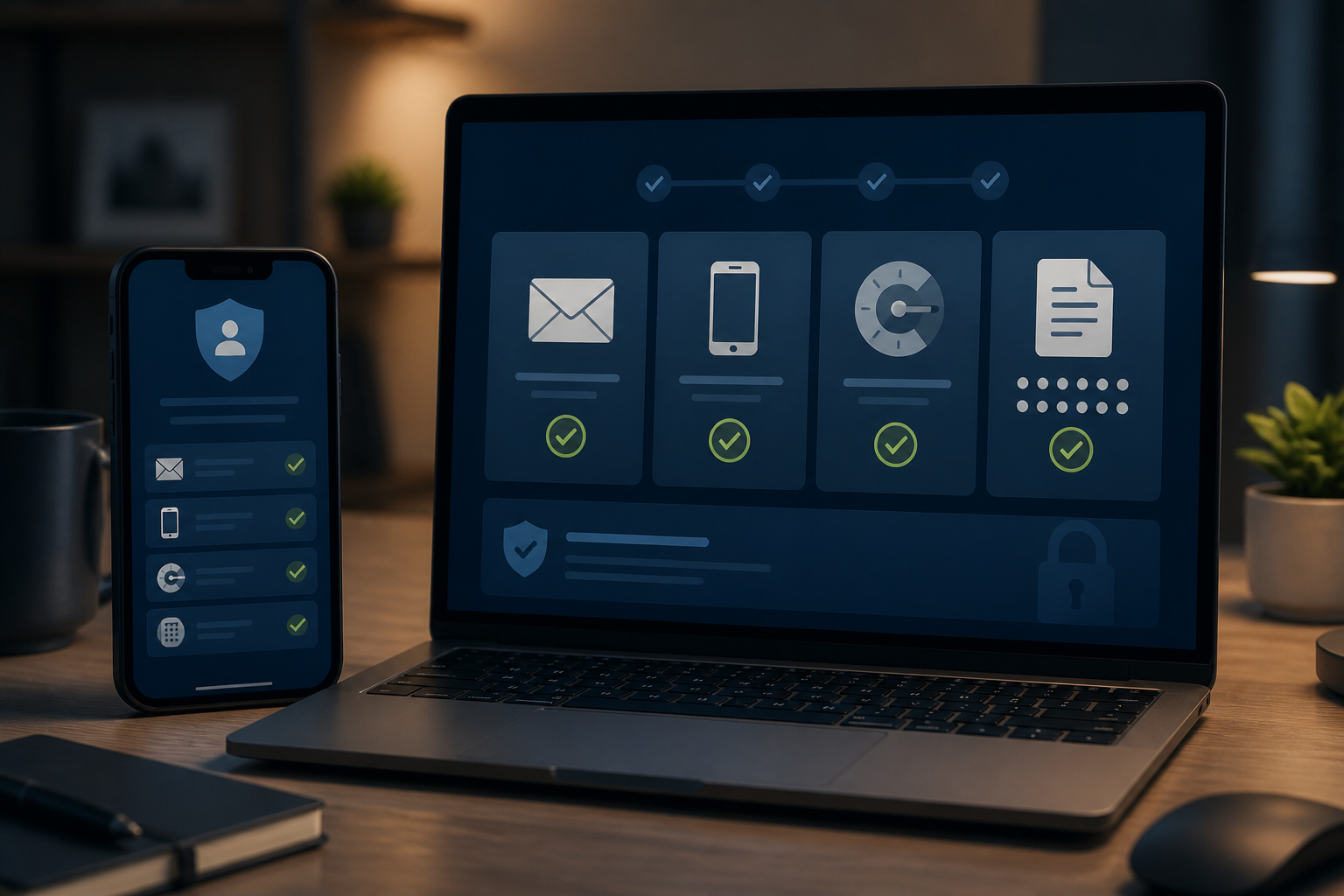
A strong password is not always enough to protect an account. If the backup email is no longer accessible, the phone number has changed hands, or the recovery code is stored carelessly, attackers can attempt to gain access through recovery paths that are often considered trivial.
Recovery paths are mechanisms provided by services when you forget your password, lose your device, or cannot use your primary login method. Under normal circumstances, this feature is very helpful. However, if the information is outdated or easily guessable, the same path can become an entry point for others.
Recovery paths are not just emergency features
Imagine your main account as a house. The password is the front door key, while the backup email, phone number, recovery codes, and trusted devices are backup keys. Securing the front door but leaving the backup keys hanging in a public place is certainly not enough.
The latest digital identity guidelines from NIST differentiate between regular login processes and account recovery. Account recovery can use stored codes, recovery contacts, or re-verification processes. Because this process is risky, changes and account recovery should trigger notifications so that the owner can be alerted immediately.
This means that account security is not only determined by how difficult your password is to guess but also by how strong the entire path to regain access is.
Three weak points to check
1. Unsecured backup email
Backup emails are often added years ago and then forgotten. The password may be the same as other accounts, may not use multi-factor authentication, or may not have been accessed in a long time.
The problem is, anyone who controls the backup email could potentially receive password reset links or security notifications. For important accounts like primary email, banking, marketplaces, and social media, the backup email should be treated like a primary account: use a unique password, enable MFA, and review devices that still have access.
2. Phone number as the only lifeline
Phone numbers are indeed practical, but SMS is not a method that is immune to attacks. In SIM swap fraud, the perpetrator convinces the mobile operator to transfer the victim's number to a SIM card they control. If successful, the perpetrator can receive SMS codes and incoming calls.
Federal Trade Commission recommends that users set a PIN or password on their mobile operator account and consider using an authenticator app or security key for sensitive accounts. CISA also explains that SMS-based MFA can be affected by phishing and SIM swap, while phishing-resistant methods provide stronger protection.
This does not mean you should immediately remove your phone number from all services. The number remains useful for notifications and recovery. However, do not make it the only layer of protection.
3. Recovery codes stored carelessly
Recovery codes are usually a list of codes that can be used when the authentication device is unavailable. These codes are very useful when a phone is lost, but their function is also sensitive: anyone who obtains them can try to use them to log in or recover the account.
Do not store recovery codes in photo galleries, private chats, unprotected notes, or documents synced to multiple devices. Store them in a trusted password manager or offline media that only you can access. If codes have ever been shared, uploaded, or seen by others, create a new set and consider the old codes no longer secure.
What can you do now?
- Check all recovery methods. Open your account security settings and note the email, phone number, trusted devices, recovery contacts, and listed recovery codes.
- Remove irrelevant information. Old numbers, inactive work emails, and old devices can become weak points. Replace them with information that you truly control.
- Secure your backup email. Use a unique password and enable MFA. If the backup email is as important as the primary email, do not rely on the primary email to recover it unilaterally.
- Add protection to your mobile operator account. Ask if a PIN, password, or SIM change lock is available. The details vary, so use the official channels of the operator.
- Use an authenticator app or passkey if available. This method is usually stronger than SMS codes against certain types of attacks. Always have a recovery plan ready before changing devices.
- Store recovery codes intentionally. Create a single secure storage location, then ensure you know how to access it without having to log in to the problematic account.
- Check notifications for account changes. Ensure notifications about password changes, recovery email, phone number, and new devices go to a channel that you actively monitor.
Do not approve recovery requests blindly
Attackers often exploit panic. You may receive messages claiming to be from customer service asking for codes, reset links, or confirmation of email changes. In reality, they are trying to take over your account.
The simple principle is: never give verification codes to anyone who contacts you, even if they claim to be a bank officer, marketplace admin, or technical support. If you receive a security alert, open the official app or website manually. Do not use links from unsolicited messages.
Google, for example, explains that codes sent via SMS should never be shared with anyone. If you receive an unsolicited code, consider it a signal to check your account activity, not a request to be forwarded to someone else.
Logical priority order
You do not have to secure all accounts in one night. Start with the accounts that are the center of recovery for other accounts: primary email, Apple or Google account, mobile number, banking account, and password manager.
After that, check accounts that store personal information or have access to money. Make a small list containing three things for each account: how to log in, how to recover it, and what notifications will be received if changes occur.
Good account security is not just about making it hard for others to get in, but also ensuring you can get back in when devices are lost or login methods are problematic.
Recovery paths should be a controlled backup plan, not a hole left open. Take a few minutes to check your backup email, phone number, recovery codes, and trusted devices. These small steps can reduce risks before problems escalate into account takeovers.
Sources & further reading
- NIST Digital Identity Guidelines: Account Recovery
- Federal Trade Commission: SIM Swap Scams—How to Protect Yourself
- CISA: Implementing Phishing-Resistant MFA
- Google Account Help: Set up a recovery phone number or email address
- Google Account Help: When Google might send you a text
– Rio Yotto @rioyotto