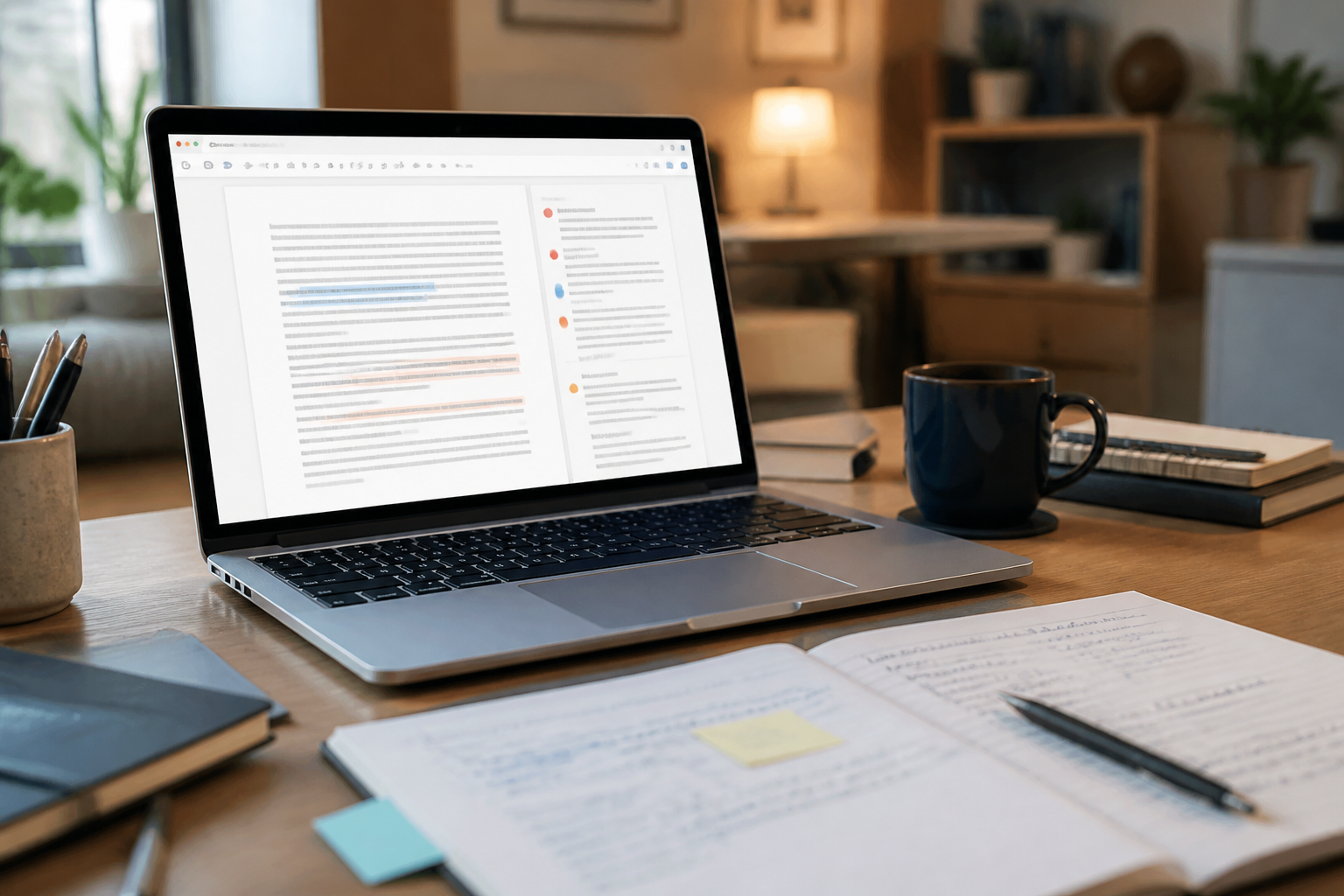
Many people use AI to rewrite paragraphs, but the end result often sounds like someone else's writing: too formal, too polished, or filled with phrases they would never use. The problem is not always with AI's capabilities, but rather with how we assign tasks.
AI is more useful when positioned as a first-line editor, not a replacement writer. It can help identify confusing parts, highlight repeated words, and offer several sentence options. The final decision remains with the writer.
Why the command 'make it better' often results in generic writing?
'Better' is not a clear enough criterion. For one person, good writing means formal and concise. For another, good writing means warm, casual, and easy to read.
Without context, AI will guess. Typically, that guess results in a safe style: generic openings, formal words, and a uniform-sounding structure. The writing may be grammatically cleaner, but it loses character.
Therefore, prompts for editing should separate several elements:
- what needs to be checked;
- the writing style you want to maintain;
- parts that can be changed;
- parts that must not be changed;
- the form of the result you desire.
Start with diagnosis, not rewriting
A common mistake is to immediately ask AI to rewrite the entire text. This approach makes it difficult to identify the original issues in the writing and hard to compare the changes made.
It’s safer to ask AI to conduct a diagnosis first. Use the following prompt:
You act as a first-line editor, not a rewriter.Check the text below for:1. difficult-to-understand sentences;2. repeated ideas;3. words or phrases that are overused;4. logical jumps;5. parts that sound too generic or clichéd.For each finding, display:- a short quote from the text;- the type of issue;- the reason why that part needs attention;- a brief suggestion for improvement.Do not rewrite the entire text. Maintain the meaning, perspective, and style of the writer.TEXT:[paste your writing here]
Diagnosis results like this are easier to evaluate. You can accept reasonable suggestions, reject changes that are too far off, and then edit the parts that truly need it.
Prompts to maintain the writer's voice
The writer's voice is the pattern that gives writing character. It can take the form of word choice, sentence length, level of formality, how to greet the reader, or habits of using examples.
If you want that voice to be preserved, explain its characteristics directly. Don’t just write 'keep it natural,' as that term can be interpreted in many ways.
Edit the following text with these rules:- use natural and easy-to-understand Indonesian;- maintain the first-person perspective;- keep a warm, calm, and non-patronizing tone;- use short sentences if it does not reduce nuance;- do not add new claims, data, or examples;- do not replace simple words with more complicated terms;- retain expressions that feel distinctive, unless they are truly confusing.Present in two parts:1. the version after editing;2. a list of significant changes along with reasons.TEXT:[paste your writing here]
Requesting to display the reasons for significant changes ensures that AI does not operate like a black box. You can see whether the changes indeed clarify the writing or merely alter the style excessively.
Use a clear level of intervention
Not all writing requires extensive editing. A short email may only need a spell check. An opinion article may require input on structure. A draft of a sales page may need simplification without losing the call to action.
Add the level of intervention to the prompt:
- Light: fix spelling, punctuation, and truly awkward sentences.
- Moderate: tidy up the flow, reduce repetition, and break up overly long sentences.
- Intensive: rearrange paragraphs if necessary, but do not change the main message and perspective.
For example:
Use a moderate level of editing. You may move the order of sentences within a paragraph if it makes the flow clearer. Do not remove the main example and do not add new information.This instruction helps prevent AI from doing a 'total renovation' when you are actually only asking for minor improvements.
Request multiple options, not a single final answer
For titles, openings, or transition sentences, one version is often not enough. The options provided by AI can serve as considerations, not automatic decisions.
Create three alternatives for the following opening sentence.The conditions are:- the first version is the most straightforward;- the second version is warmer;- the third version is more concise;- all versions must retain the original facts and intent;- do not use clichéd phrases like 'in the digital age.'After that, explain the nuances of each version in one sentence.
This approach gives you editorial control. You can choose one version, combine two options, or rewrite yourself with the help of the available ideas.
Be cautious of small changes that alter meaning
Language editing is not always neutral. Changing 'might' to 'must,' or 'some users' to 'users,' can make claims sound stronger than the available evidence.
For texts containing numbers, instructions, policies, or sensitive information, add a safeguard:
Do not change numbers, names, dates, legal terms, conditions, or levels of certainty in the text. If any part seems inconsistent, mark it as a question for the writer, rather than fixing it with assumptions.
This is important because AI can smooth out sentences that still contain factual errors. Writing that is easier to read is not necessarily more accurate.
A five-step workflow to try
- Write a draft without too much editing. Focus first on ideas and examples.
- Request a diagnosis. Look for convoluted sentences, repetition, and logical jumps.
- Select the issues that truly need fixing. Not all AI suggestions should be accepted.
- Request editing with clear limitations. Include tone, level of intervention, and elements that must not change.
- Reread the final version in your own voice. If the sentences do not sound like you, change them back.
What does this mean for us?
AI is most useful in the writing process when it helps us see the text from a slightly greater distance. It can be a patient first reader, but not the final arbiter of whether the writing is honest, accurate, and aligned with its purpose.
So, don’t just ask AI to 'beautify' your writing. Ask it to point out issues, offer options, and explain changes. This way, you get a clearer draft without losing the style that lets readers know the writing truly comes from you.
– Rio Yotto @rioyotto