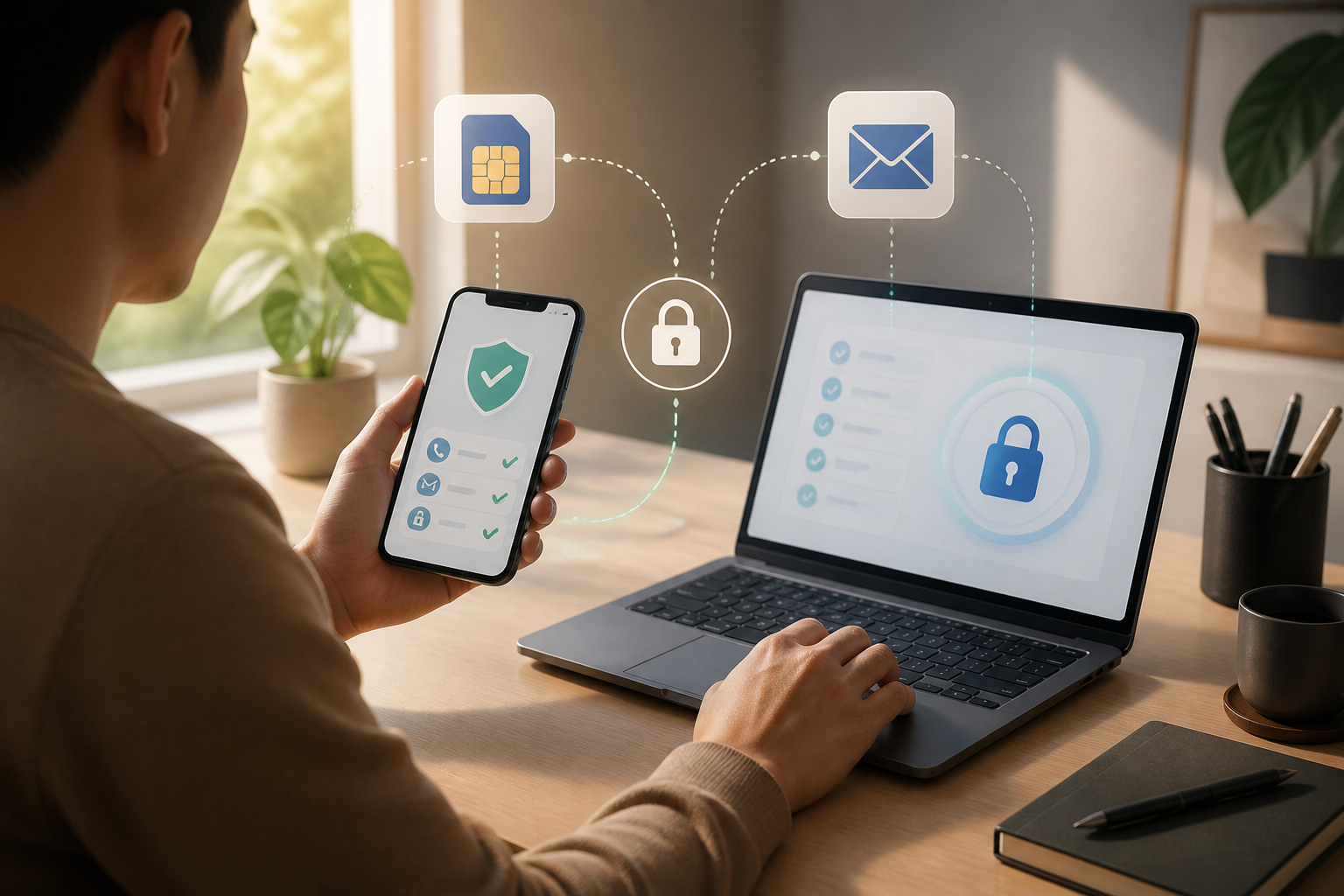
Many people only think about account security after their phone is lost, their phone number is inactive, or their SIM card is damaged. The problem is, by that time, it is usually too late: verification codes are sent to the old number, recovery emails cannot be accessed, and we do not remember the password used.
As a result, email accounts, social media, marketplaces, and even banking services can become difficult to access. The good news is that this situation can be prevented by creating a backup access before problems occur. You do not need to be a technology expert. What matters is understanding which accounts are important and ensuring there are multiple ways to prove that the account belongs to you.
Why is one phone number not enough?
A phone number is indeed practical for receiving verification codes. However, a number is not an identity that is always attached to us. A number can be lost with the phone, become inactive due to not being used for a long time, or change when we switch operators.
If an account relies solely on the old number, the recovery process can become complicated. Some services may still provide recovery forms, but the results are not always immediate and not always successful.
Therefore, a phone number should be considered as one recovery tool, not the only key. Recovery email, a memorable password, trusted devices, and backup codes can serve as alternative pathways.
First step: make a list of truly important accounts
Do not start by checking all the apps on your phone. Begin with accounts that would cause significant issues if locked.
- Main email used to receive recovery for other accounts.
- Banking accounts, digital wallets, and marketplaces.
- Work or school accounts.
- File and photo storage like cloud services.
- Social media with a lot of important data or contacts.
- Accounts used to manage websites, businesses, or subscription services.
Think of this list like a house key list. You do not need to make copies for every drawer, but the main door key should have a secure backup.
Add an active recovery email
A recovery email is an additional email address that can be used when you forget your password or lose access to your phone number. Use an address that you can still access, not an old email that you rarely use.
After adding a recovery email, perform a simple check: open that email and ensure you still know the password. If the recovery email also relies solely on the old number, the problem is not truly resolved.
For very important accounts, it is advisable that the main email and recovery email do not use the same password. If one password is compromised, other accounts are not easily taken over.
Store backup codes in a safe place
Some services provide backup codes. These codes are usually a series of numbers or letters that can be used when you cannot receive codes via SMS or authenticator apps.
Backup codes are not daily passwords. Each code can usually only be used once. Therefore, do not store them in open notes, gallery screenshots, or private chats that can be easily found by others.
You can store them in a trusted password manager, print them and keep them in a private place, or write them on paper that is not taken everywhere. Do not share these codes with anyone, including those claiming to be customer service representatives.
Check trusted devices
When changing phones, do not immediately delete or reset the old device until you are sure all accounts can be accessed from the new device. The old phone may still be recognized by the accounts.
Use this opportunity to log into accounts from the new phone, then check menus like Your Devices, Login Activity, or Account Security. Delete the old device only after you are confident the new device can be used for recovery.
If the old phone is lost, immediately use another device to log out of sessions on that phone. This is especially important if the phone does not use a strong screen lock.
Do not wait until the old number is completely dead
If you plan to change your phone number, make the changes in important accounts before the old card can no longer be used. Go to security settings, add the new number, and ensure it is verified.
After that, also check services that use the phone number for transactions or notifications. Changing the number in one account does not automatically change it in all applications.
For the old number, do not immediately discard the SIM card if it is still needed for the account transfer process. Only stop using it according to the operator's procedures after all services have been updated.
Use manageable passwords, not easily guessed ones
One reason people are reluctant to fix account recovery is that they have too many passwords. The solution is not to use one password for all services, but rather to use a password manager or create a more organized storage pattern.
A good password does not have to be an impossible-to-remember random combination. What matters is that the password is long enough, does not use easily guessed information, and is not reused across multiple accounts.
If you use a password manager, protect the main account with a strong password and ensure recovery methods are also available. Do not let all access depend on one application that cannot be opened when the phone is lost.
What can you do now?
- Choose the three most important accounts and open their security settings.
- Ensure the registered phone number is still active.
- Add a recovery email that can truly be accessed.
- Check if the service provides backup codes.
- Review the list of devices currently logged in.
- Note recovery steps in a safe place, without writing passwords carelessly.
Once finished, conduct a small simulation. Imagine your main phone is lost. Do you know how to log in from a laptop or another device? Can you still access the recovery email? Do you know where the backup codes are stored?
The bottom line: do not let your account have only one door
Digital accounts may not look like a house, but the security principles are similar. If there is only one door and the key is lost, we will have difficulty getting in. Adding a recovery email, backup codes, and alternative devices creates a more sensible recovery pathway for the account.
This preparation may seem unimportant when everything is running smoothly. However, fifteen minutes to check account settings can save hours of panic when the phone is lost or the phone number changes.
– Rio Yotto @rioyotto