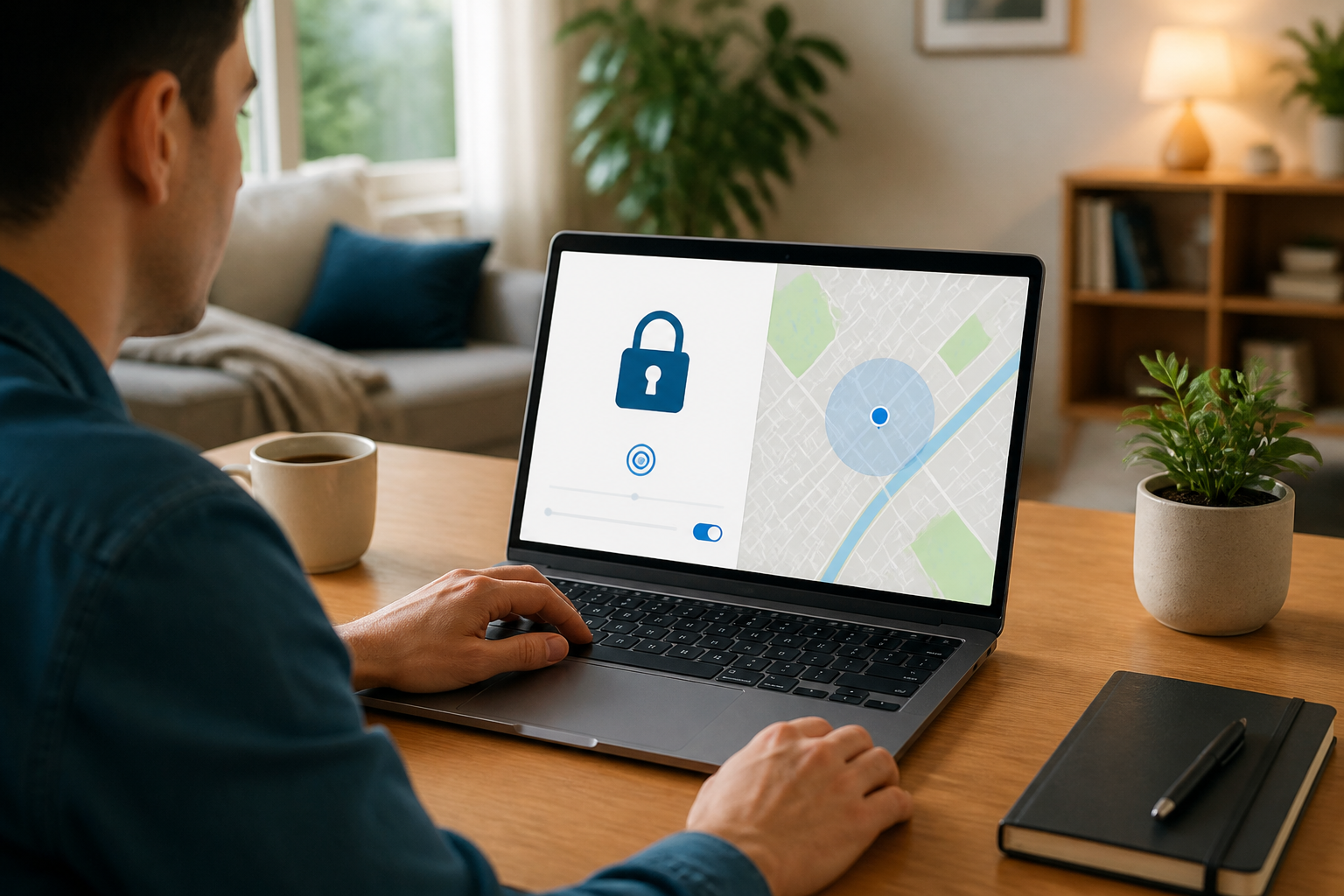
When a phone goes missing, many people panic and try to call their own number repeatedly. While this is acceptable, it is not the most important step. In the first few minutes, what needs to be secured is not just the phone itself, but also accounts, the SIM card, and personal data contained within.
The following steps apply to most Android and iPhone users. The menu names may vary slightly depending on the brand and version of the operating system, but the logic remains the same: lock the device, secure accounts, then decide whether to erase data remotely.
1. First, confirm: left behind or truly stolen?
Try calling your phone number from another device. Listen for the ringtone at home, in your vehicle, at the office, or the last place you visited. If the phone might still be nearby, use the feature to ring the device from an official tracking service.
Do not rush to the location shown on the map if you suspect the phone has been stolen. The location may not be precise, may show the last position, or may be in a risky area. Your safety is more important than the device.
2. Lock the phone remotely
For Android
Use Find Hub from another device or browser. This feature can help locate, lock, or erase data from a lost Android device. Google recommends that the device is connected to a Google account, location services are active, and device tracking features have been enabled beforehand. See Google's official guide to find, secure, or erase a lost Android device.
Select the option to secure the device. If available, add a short message and an alternative number, for example: “This phone is lost. Please contact 08xxxxxxxxxx.” Do not include your home address or any other unnecessary personal information.
For iPhone
Use the Find My app from another Apple device or open Apple’s tracking service through a browser. Select the lost device, then activate Lost Mode. This mode locks the iPhone and can suspend any stored payment cards in Apple Pay. Apple explains this step in the official guide for lost iPhones or iPads.
If you receive messages or calls claiming to have found your iPhone, never provide your passcode, Apple Account password, or verification code. Apple specifically warns that this information should not be shared with anyone who asks for it.
3. Contact your carrier to block the SIM card
An active SIM card can still be used to receive SMS, including account verification codes. Therefore, contact your mobile operator immediately and request to block the SIM card or replace it with the same number.
Prepare the data that is usually required, such as your phone number, owner identification, or customer information. Once you receive a replacement SIM, you can start receiving SMS again and regain control of the number.
This step is crucial, especially if you use your phone number for email recovery, two-step login, or receiving transaction notifications.
4. Secure your most important accounts
After the device is locked, change the password for your main accounts from a secure device. Start with your primary email account, as email is often the “backup key” for resetting passwords for other services.
- Main email. Check devices that are logged in and log out of any unknown sessions.
- Google or Apple account. Review the list of connected devices and remove access to the lost device if necessary.
- Banking and digital wallet apps. Contact your bank or service provider if the app can still be opened without additional protection.
- Social media and shopping accounts. Check login activity and change passwords, especially if passwords were previously saved in the browser.
Do not just change the password for one account and assume everything is secure. If you use the same password across multiple services, change them all. Different passwords ensure that one breach does not automatically compromise all accounts.
5. When to erase data remotely?
Remote erasure should be chosen if you are certain the phone will not be returned or if there is a risk that someone else can access it. On Android, Find Hub provides an option to erase data and reset the device. On iPhone, data can also be erased through Find My.
However, erasure is not a magic button. The device must still be able to connect to the internet for the command to be received. Additionally, erasing an iPhone cannot be undone. Apple also warns that the device should not be removed from the Find My list after being erased remotely, as this action can disable Activation Lock and make the device easier for thieves to use or sell.
In other words, erase data if your top priority is to protect information, rather than searching for the device. Before making a decision, ensure that important data has been backed up.
6. Report and document device information
If the phone is stolen, file a report with the authorities and your carrier. Document the IMEI number, serial number, brand, model, and the time and location where the device was last seen. The IMEI number is sometimes available on the purchase box, receipt, device account, or purchase documents.
This documentation is useful for reports, insurance claims, or when the device is found. Do not share the IMEI number indiscriminately on social media, as device information should only be provided to relevant parties.
What you can do now, before your phone is lost
- Set a PIN or password for the screen that is not easily guessable.
- Activate device tracking features, such as Find Hub on Android or Find My on iPhone.
- Ensure location and internet connectivity can be used when searching for the device.
- Enable backup for photos, contacts, and important documents.
- Store your carrier, bank, and primary email numbers elsewhere, not just on the phone.
- Do not store important passwords in plain notes without protection.
The simple principle is: a phone may be lost, but do not let one device become the gateway to all your accounts.
In summary
In the event of a lost phone, do not waste time just calling the device. Lock it remotely, block the SIM, secure your email and main accounts, and then consider data erasure if the device is truly unlikely to be returned.
Tracking features are indeed helpful, but prevention remains stronger. Screen locks, backups, different passwords, and active recovery accounts will make losing a phone a hassle—not a digital disaster.
Sources & further reading
- Google Android Help: Find, secure, or erase a lost Android device
- Google Android Help: Be ready to find a lost Android device
- Apple Support: How to find your lost iPhone or iPad
- Apple Support: Use Find My to locate your lost Apple device
– Rio Yotto @rioyotto