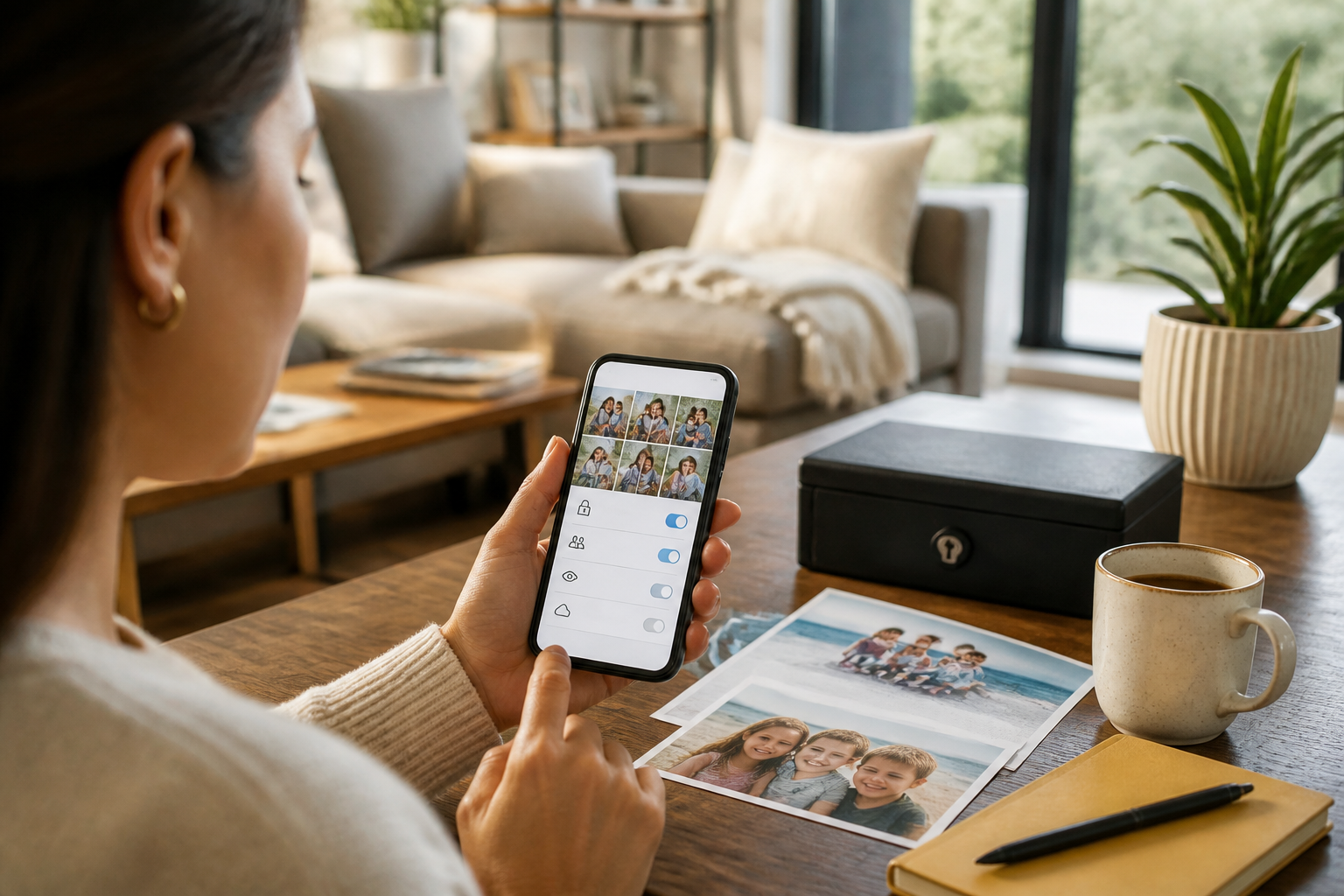
Photos of children at birthday parties, school performances, or vacations often feel too precious to keep to oneself. The problem is, a photo is not just an image of a face. It can reveal school uniforms, house numbers, tourist locations, nameplates, and even family routines.
Therefore, protecting the privacy of children's photos does not mean being overly paranoid. It's more like choosing who can enter your living room. Close family may be welcomed, but that doesn't mean the door should always be open to everyone.
Recognize the information that comes with a photo
Before uploading or forwarding a photo, pay attention to three simple things.
- Identity: full name, face, uniform, participant card, or school attributes.
- Location: home address, school name, tutoring place, street signs, and other location markers.
- Habits: departure schedule, frequently visited locations, or patterns indicating that the house is empty.
A single photo may seem ordinary. However, several photos collected over time can form a fairly complete picture of a child's life. This is a practical analysis, not to say that every photo is necessarily dangerous. The point is, the more details that are visible, the more information we are actually sharing.
Differentiate between the need to share and the need to upload
Often, families just want to see the latest photos, not make them available to the public. These two needs should not be mixed.
If the goal is simply to share with grandparents or siblings, use private conversations, small family groups, or shared albums with known members. Avoid uploading photos to public accounts just because you want certain people to see them.
For photos uploaded to social media, consider removing or limiting unnecessary information. For example, do not include the full address, routine activity schedules, and school names in a single post. Captions like “Every Monday morning at school X” provide more information than needed to share happiness.
Organize family albums with clear access
Photo storage services like Google Photos offer sharing features with specific people. The Partner sharing feature, for example, can share photos based on a specific time range or category. However, filtering based on facial recognition is not always perfect, so the results still need to be checked periodically.
The important fact is: once a photo has been saved or downloaded by someone else, deleting the photo from the original album does not automatically remove the copies they already have. Therefore, family albums should be treated as copies that can spread, not a vault that is entirely under one person's control.
Steps you can take:
- Create a dedicated album for family, rather than sharing the entire photo library.
- Invite people based on the correct account addresses, not public links.
- Check the list of people who still have access every few months.
- Do not include photos of documents, identity cards, or medical information in shared albums.
- If relationships or sharing needs change, revoke access that is no longer necessary.
Use WhatsApp more selectively
Family groups are indeed the easiest to use, but messages can be forwarded, saved, or screenshotted. Before sending a photo of your child, ask: do all group members really need to see this photo?
For more sensitive photos, send them only to interested parties. Avoid sending photos that display home addresses, travel tickets, school documents, or children in situations that may embarrass them when they grow up.
The temporary message feature can help reduce the conversation footprint, but do not consider it an absolute protection. Recipients can still take screenshots or save images in other ways. In my opinion, the habit of choosing message content is still more important than relying on a single security feature.
Set up children's devices, not just parents' accounts
If children are already using their own devices, privacy settings need to be made from those devices. On children's accounts monitored through Google Family Link, parents can set apps, specific permissions, time limits, and some location and content settings.
However, supervision should be adjusted according to age. Young children may need stricter rules, while older children should be engaged in understanding the reasons behind those rules. The goal is not to make children feel constantly monitored, but to build habits of recognizing personal information.
Examples of family rules that are easy to understand:
- Do not share the school name and home address with people newly met online.
- Do not send photos of friends without permission.
- Ask parents for help if an app requests excessive access to the camera, contacts, or location.
- Double-check before hitting the send button.
Checklist before sharing children's photos
Use this quick checklist before uploading or forwarding a photo:
- Do I know everyone who will see it?
- Are there locations, school names, house numbers, or documents visible?
- Will the child still be comfortable if this photo is seen years later?
- Does my caption reveal family schedules or habits?
- Does this photo really need to be shared, or is it enough to keep it for family?
What can be done now
Start with small steps: revisit family albums and groups, then check who still has access. Delete posts that display overly detailed information. After that, agree on simple rules with your partner and family members, such as not uploading children's photos to public accounts without parental consent.
Technology can help preserve and share memories, but it cannot take back information that has already spread. The safest choice is not to stop sharing altogether, but to share with a clear purpose, with the right people, and with just enough detail.
Sources & further reading
- Google For Families Help: Manage your child's app permissions
- Google Photos Help: Set up partner sharing
- Google For Families Help: Find and manage your child's location
- Google For Families Help: Manage parental controls
– Rio Yotto @rioyotto