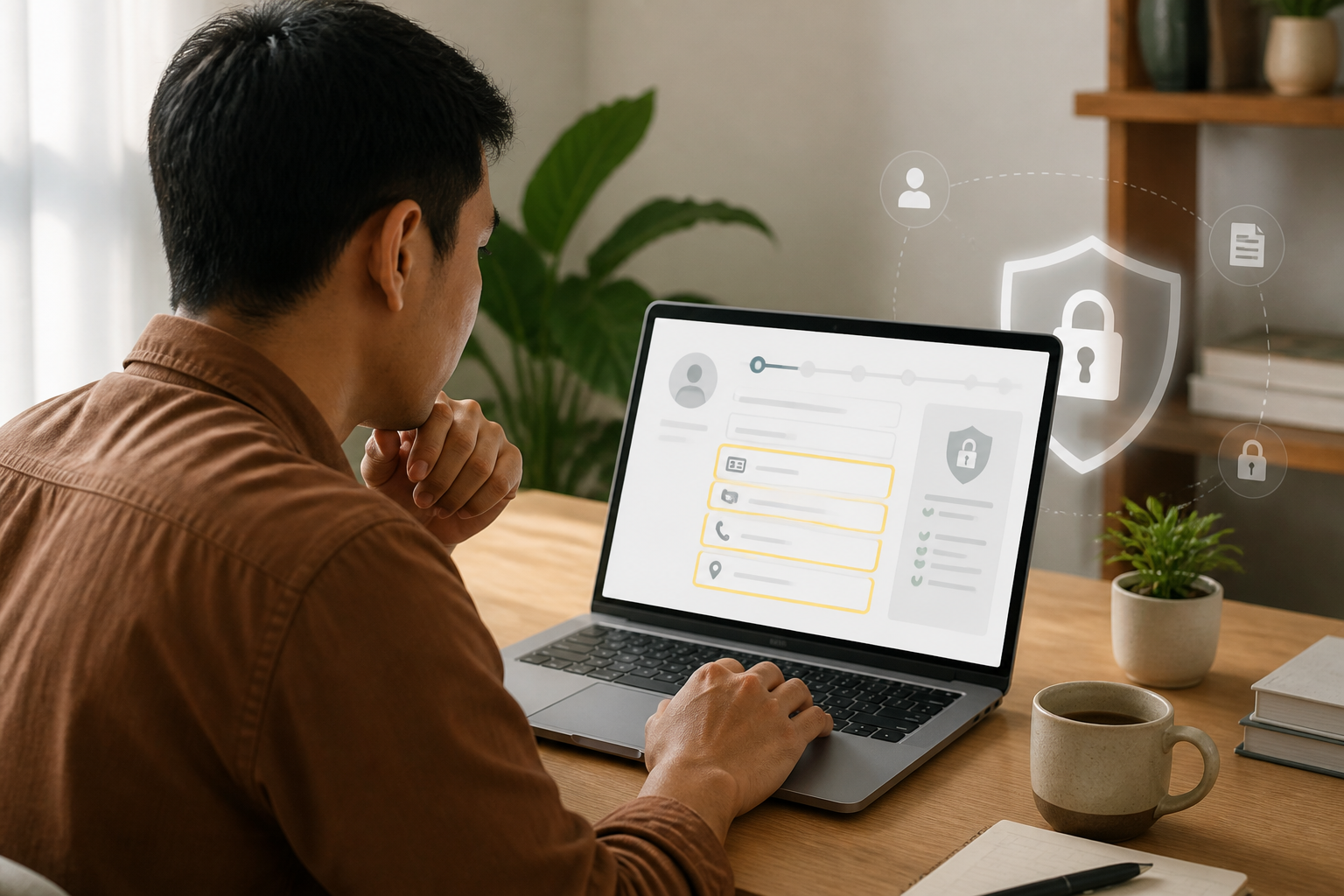
Online forms often appear simple: fill in your name, phone number, address, and then press the submit button. The problem is, some forms also request NIK, ID card photos, birth dates, mother's name, and even account information—while the service's purpose may not require all of that.
Personal data is not just administrative input. When collected in large amounts, these pieces of information can be used to impersonate us, guess account security answers, send more convincing scams, or link our identities with other services.
Therefore, a safer habit is not to reject all data requests but to evaluate whether the data is relevant, who is asking, and how the data will be used.
Differentiate between services that genuinely need identity verification and those that just want to collect it
Some services do require identity verification. Opening an account, applying for government services, registering for insurance, or certain processes mandated by regulations usually require more complete data.
However, these needs should be explainable. According to the principles of personal data protection, data collection should be limited and specific, aligned with the purpose, transparent, and protected from unauthorized access or disclosure. This principle is outlined in the Law Number 27 of 2022 on Personal Data Protection and is also regulated in Government Regulation Number 71 of 2019.
Conversely, forms for entering contests, downloading materials, registering for webinars, or receiving coupons typically do not automatically require ID photos or complete NIK. If all the fields seem excessive compared to the benefits of the service, that is a sign to pause.
Five questions to ask before pressing the Submit button
1. Who is requesting this data?
Check the organization's name, website address, email address, and how they contact you. Official sites usually use consistent domains and have readable contact information and privacy policies.
Be wary of forms distributed through chain messages, new social media accounts, or links with strange addresses. A neatly designed form is not proof that its manager can be trusted. Scammers can also use popular form services to collect data.
2. What is this data used for?
The purpose of collection should be explained in understandable language. For example, an address is needed for shipping goods, or a phone number is used to contact event participants.
Statements like “for administrative purposes” are too vague when requesting a lot of data at once. You have the right to ask what administration is meant, how long the data will be stored, and whether the data will be shared with others.
3. Are all fields really mandatory?
Pay attention to asterisks or mandatory notes on each field. If NIK is not necessary for the main purpose, do not fill it out just because the field is available.
The simple principle is: provide just enough data to complete the transaction. For newsletter registration, an email address may suffice. For shipping goods, a name, address, and phone number may be required. An identity photo is a much more sensitive piece of information and requires a stronger justification.
4. Are there safer alternatives?
Ask if you can verify through an official app, counter, or known customer channel. Sometimes data is requested through third-party forms, while the main service has safer verification methods.
If you must upload identity documents, add a simple watermark like “For verification [service name], [date]”. A watermark does not make the document completely secure, but it can complicate reuse outside the context you allow.
5. What happens after the data is submitted?
Look for information about data retention periods, rights to correct data, and how to request deletion if the data is no longer needed. This is not just a formality. Data stored indefinitely increases the impact if a breach occurs.
Common warning signs that are often overlooked
- Forms request NIK, ID card photos, and selfies for services unrelated to identity.
- The manager requests PINs, passwords, OTP codes, or answers to security questions.
- The form address differs from the official organization's site.
- There is no explanation about the purpose of data use and storage.
- Users are urged to fill out immediately with claims that prizes will expire or accounts will be blocked.
- Forms request data belonging to others, such as family members, without clear explanations.
It is important to differentiate: identity data and authentication secrets are not the same. NIK or birth dates should indeed be protected, but OTP codes, PINs, and passwords should never be given to anyone through forms, chats, or phone calls.
If you have already submitted data
Do not panic immediately, but quickly note what has been submitted, when it was sent, and to whom. Keep screenshots of the form and its website address for documentation.
- If what was sent was a password, immediately change the password on the related service and any other services using the same password.
- If you sent an identity photo, contact the official organization whose name was misused to verify whether the form is legitimate.
- Monitor messages, emails, and unusual account activity in the following weeks.
- Inform family or colleagues if the data could potentially be used for impersonation and scamming others.
- Report suspicious forms through the official channels of the platform or organization that was misused.
What does this mean for us?
Digital privacy does not always mean shutting oneself off from the internet. What is more important is controlling the flow of information: knowing what data is shared, with whom, for what purpose, and how long that data may be stored.
Before filling out the next form, use this rule of thumb: stop, check, limit. Stop before rushing. Check the identity of the manager and the reason for the request. Limit data to only what is truly necessary.
These small habits do not guarantee that risks will be completely eliminated. However, these habits prevent us from handing over house keys just because someone knocks on the door looking convincing.
Sources & further reading
– Rio Yotto @rioyotto