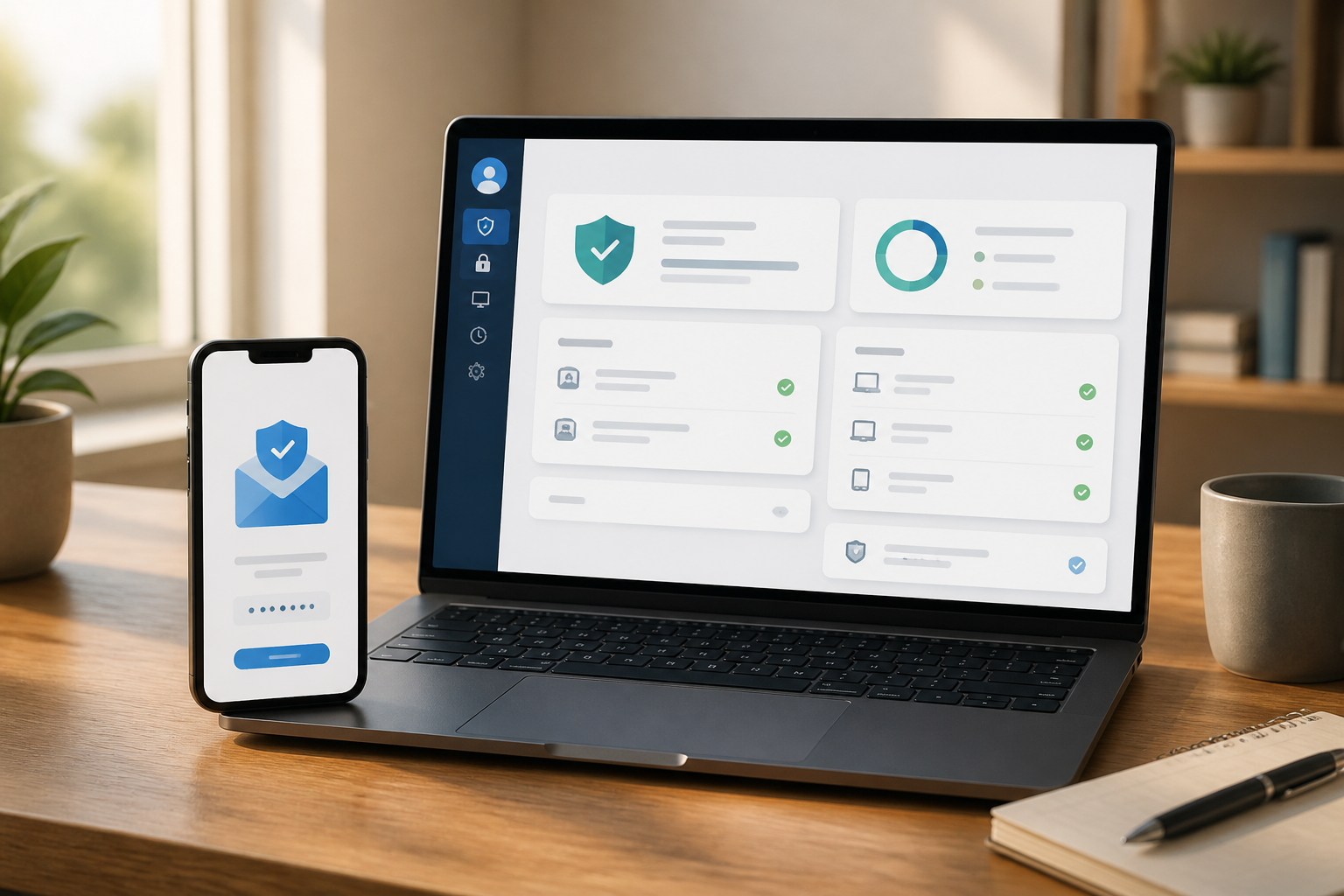
Passwords are important, but they are not the only gateway to your account. When someone forgets their password, receives a suspicious login alert, or loses access, services typically rely on recovery email, phone number, trusted devices, and other verification methods to confirm the account owner's identity.
The problem is that many people fill in recovery information only when creating an account and then never check it again. Phone numbers can change, old email addresses may no longer be active, or even recovery information may have been altered by someone else. As a result, account owners may feel secure because they can log in as usual, even though their recovery pathways have become fragile.
Why Should You Pay Attention to Recovery Email?
Recovery email is an alternative address used by services to send links or codes when you need to recover your account. Phone numbers serve a similar function. Both are not just administrative data but are part of the account security system.
According to Google's guide, recovery phone numbers and emails can help restore access and notify users when there is unusual activity. The Federal Trade Commission also advises users who successfully regain access to check their recovery information and ensure that the listed email address and phone number truly belong to them.
Practically speaking, anyone who has control over your primary email could potentially try to reset passwords for other services. Therefore, your primary email account should be treated like the main key to your digital home, not just a place to receive messages.
Signs That Recovery Pathways Need Immediate Checking
You don't have to wait for your account to be hacked to perform a check. The following signs are sufficient reasons to open your security settings:
- The recovery email still uses an office, school, or old service address that is no longer active.
- The listed phone number has changed or is no longer in your possession.
- There are devices, login sessions, or access locations that are unrecognized.
- You receive notifications of password changes or account information that you did not initiate.
- You see account recovery messages that you did not request.
- You use the same or similar passwords across multiple services.
A single erroneous notification does not necessarily mean your account has been compromised. It could just be that you logged in from a different device or network. However, such notifications are worth checking through the official app or website, not through links sent in messages.
Steps to Check Right Now
- Open security settings from the official app. Do not start from links in emails or SMS. Type the service's website address manually or open its app from your device.
- Check recovery email and phone number. Ensure both are still active, accessible, and not using someone else's address. If they are outdated, update them immediately.
- Review the list of devices and login sessions. Remove old devices that have been sold, lent, or are no longer in use. If there are unfamiliar devices, remove them from the account and then change your password.
- Check two-factor authentication methods. Two-factor authentication, or 2FA, requires additional proof beyond the password. This can take the form of an authenticator app, security codes, notifications on devices, or SMS.
- Check third-party app access. Many services allow other apps to read data or access accounts. Remove permissions that are no longer needed.
- Store backup codes in a safe place. Recovery codes are useful when your phone is lost or the authenticator app cannot be used. Do not store them in public notes, group chats, or photos that automatically sync to multiple devices.
Do Not Rely on SMS as Your Only Protection
2FA is much better than just a password, but not all verification methods have the same level of resilience. Codes sent via SMS can help in many situations, but they still depend on the security of the phone number and cellular network.
CISA explains that FIDO or WebAuthn-based authentication, including passkeys on supported services, is designed to be more resistant to phishing. Phishing is an attempt to trick victims into providing login information on fake sites or services.
This does not mean everyone should rush out to buy specialized security devices. For everyday use, the sequence can be simple: enable 2FA, use unique passwords, and then choose an authenticator app or passkey if available and suitable. SMS is still better than having no additional layer at all, but do not consider it a perfect protection.
If You Receive an Unknown Login Alert
The first reaction is often panic or immediately clicking the “secure account” link. This is where scammers can exploit fear. Messages that appear to be security alerts can direct you to a fake login page.
If you receive an alert, pause for a moment. Close the message, manually open the official app, and then check account activity from there.
If you can still log in, change your password to a new one that has never been used on other services. After that, log out of all unknown sessions, check for suspicious email forwarding or filters on your email account, and ensure that recovery information has not been altered.
If you cannot log in, use the official recovery page from the service provider. FTC advises users to follow the recovery procedures of the service provider, scan devices for malware, and inform contacts if the account has sent suspicious messages.
What Does This Mean for Us?
Account security is not just about creating a long password. Equally important is ensuring that you still control all pathways that can be used to recover the account.
Take about ten minutes to check your primary email account, social media, shopping services, and digital financial accounts. Prioritize accounts that are linked to many other services. If your primary email falls into the wrong hands, the impact can cascade to shopping accounts, cloud storage, social media, and even work services.
Regular checks do not guarantee that your account is free from all risks. However, this step reduces the likelihood that you will only realize there is a problem when you have lost access. In digital security, knowing which doors you can still open is often just as important as locking the front door.
Sources & Further Reading
- Make your account more secure - Google Account Help
- How To Recover Your Hacked Email or Social Media Account - FTC
- More than a Password - CISA
- Gmail security tips - Google Help
– Rio Yotto @rioyotto