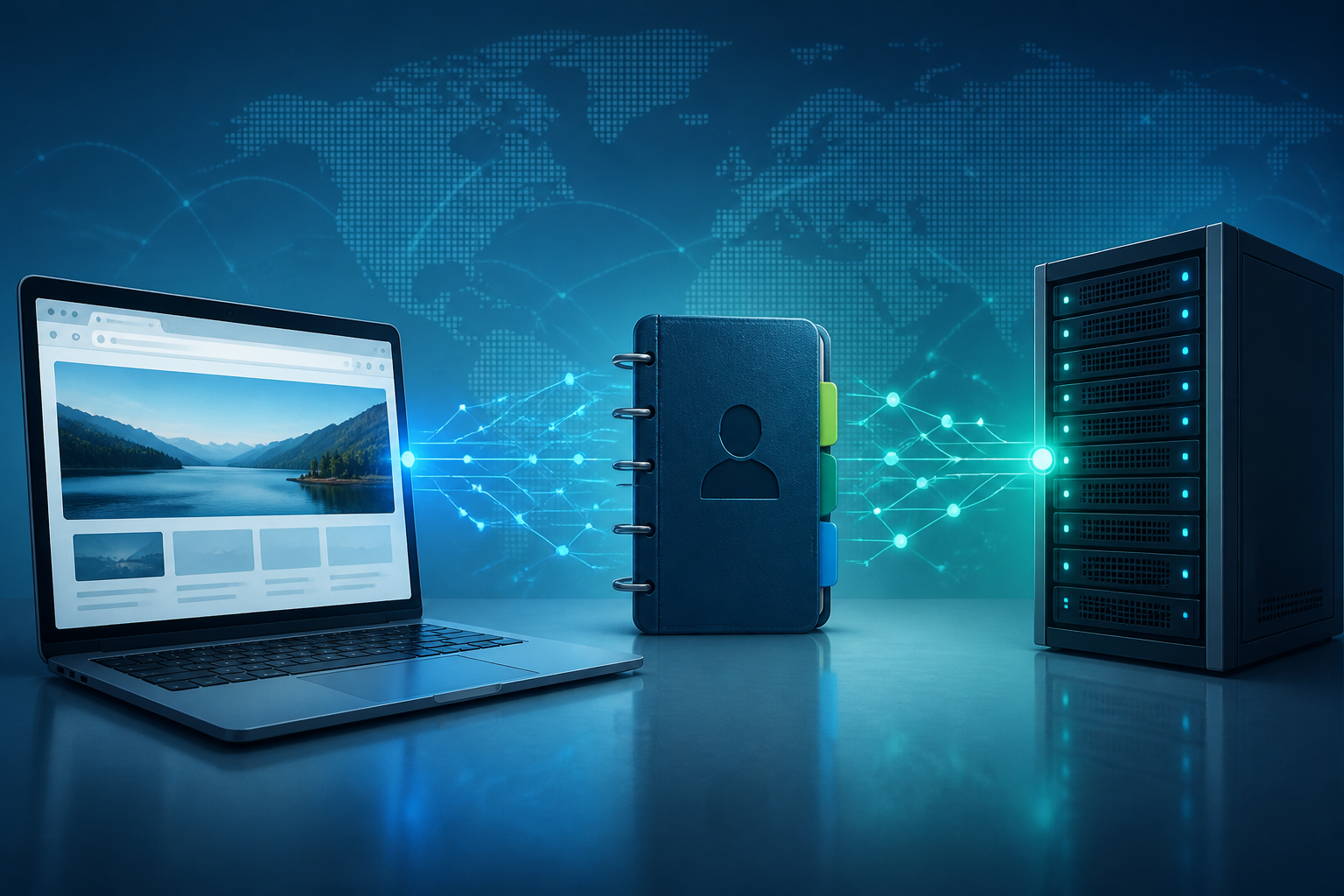
When opening a website, we usually just type a name like google.com or rioyotto.com. However, computers do not search for websites based on human-readable names. Computers operate with IP addresses, which are sequences of numbers like 142.250.191.14.
This is where DNS comes into play. DNS stands for Domain Name System, a system that translates domain names into IP addresses. Simply put, DNS can be thought of as the internet's contact book: we look up someone's name, and then the contact book shows the number to call.
Why does the internet need DNS?
Humans find it easier to remember words than sequences of numbers. Remembering youtube.com is much more practical than memorizing the IP address of the YouTube server. Conversely, network devices need IP addresses to determine where requests should be sent.
DNS acts as a translator layer between the two. When we type a domain name, the device will ask the DNS server: “What is the IP address for this domain?” After receiving the answer, the browser can connect to the server that hosts the website.
This process usually takes place in seconds or even faster. Therefore, we often do not realize that several steps occur before the website page appears.
What happens when we open a website?
A simple overview looks like this:
- The user types the domain name in the browser, for example,
contoh.com. - The device checks if the IP address of the domain is already stored in the cache.
- If not, the device sends a request to the DNS resolver, usually owned by the internet provider, a company, or a public DNS service.
- The resolver searches for the domain address information from other DNS servers.
- The IP address is returned to the device.
- The browser connects to the website server using that address.
In practice, the DNS process involves several types of servers. There are resolvers that receive questions from devices, root servers that help direct the search, domain extension servers like .com or .id, and authoritative nameservers that store official information about a domain.
DNS is not a place to store website content
A common misconception is to think that DNS stores website pages. In fact, DNS only helps find the server address. Once the address is found, the browser still needs to retrieve website files such as HTML, images, CSS, and JavaScript from that server.
A simple analogy is that DNS is like an information officer in a building. The officer tells you the location of the room you are looking for but does not provide the contents of that room.
Therefore, DNS issues and server issues are two different things. If there is a DNS problem, the browser may display a message that the domain cannot be found. If there is a problem with the website server, the domain may be found successfully, but the page may still fail to load or display an error.
Why can a website sometimes not be opened even though the internet is on?
One reason could be a DNS issue. The internet connection may remain active for other applications, but the device fails to translate a specific domain name into an IP address.
Some symptoms that may appear include:
- The browser displays a message like
DNS_PROBE_FINISHED_NXDOMAIN. - The website cannot be opened, but other applications are still running.
- The website can be opened from a mobile network but not from Wi-Fi.
- The domain was just updated, but some users still see the old address.
DNS cache can also cause old information to be temporarily stored on the device or router. In this case, restarting the router, clearing the DNS cache, or waiting for DNS propagation to complete can help. Propagation is the process when changes to domain information spread to various DNS servers on the internet.
Can we change DNS?
Yes. Devices usually use the default DNS from the internet provider. However, users can replace it with public DNS services or DNS from specific organizations.
There are various reasons why people change DNS. Some want faster responses, improved privacy, to use content filtering features, or to access additional security services. However, changing DNS does not guarantee that all websites will load faster. The results depend on location, connection quality, DNS server conditions, and usage patterns.
DNS is also not the same as a VPN. DNS only helps translate domain names, while a VPN creates a connection through intermediary networks and can encrypt certain traffic. Changing DNS does not automatically make internet activity anonymous.
Is DNS related to security?
Yes. Since DNS is one of the initial gateways before a device connects to a website, DNS manipulation can redirect users to the wrong address. For example, someone types the correct website name but is directed to a fake server.
Another risk is malicious domains that are intentionally made to look similar to official websites. DNS cannot always distinguish whether a website has good or bad intentions. Therefore, users still need to check the website address, especially when logging in, sending money, or entering personal data.
Pay attention to the spelling of the domain and do not rely solely on the appearance of the page. Fake websites can be made to look very similar to genuine services. If the browser displays a certificate warning or the address looks strange, it is best to stop the process and double-check through official channels.
What does this mean for us?
DNS indeed works behind the scenes, but its impact is felt every day. Understanding the basic concept helps us distinguish whether the problem comes from the connection, DNS, browser, or website server.
What you can do now:
- If one website fails to open, try opening another website to see if the problem is widespread or only occurs with one domain.
- Try accessing the website through a different network, for example, switching from Wi-Fi to mobile data.
- Double-check the spelling of the domain before logging in or entering important data.
- Restart the router if many domains suddenly cannot be opened.
- Do not assume that changing DNS is a substitute for antivirus, VPN, or other security habits.
In summary, DNS is a translation system that makes the internet easy for humans to use. We only need to remember the website name, while DNS helps devices find the correct server address. This little knowledge is useful not only when the internet has problems but also when we want to understand how security and privacy work on the internet.
– Rio Yotto @rioyotto