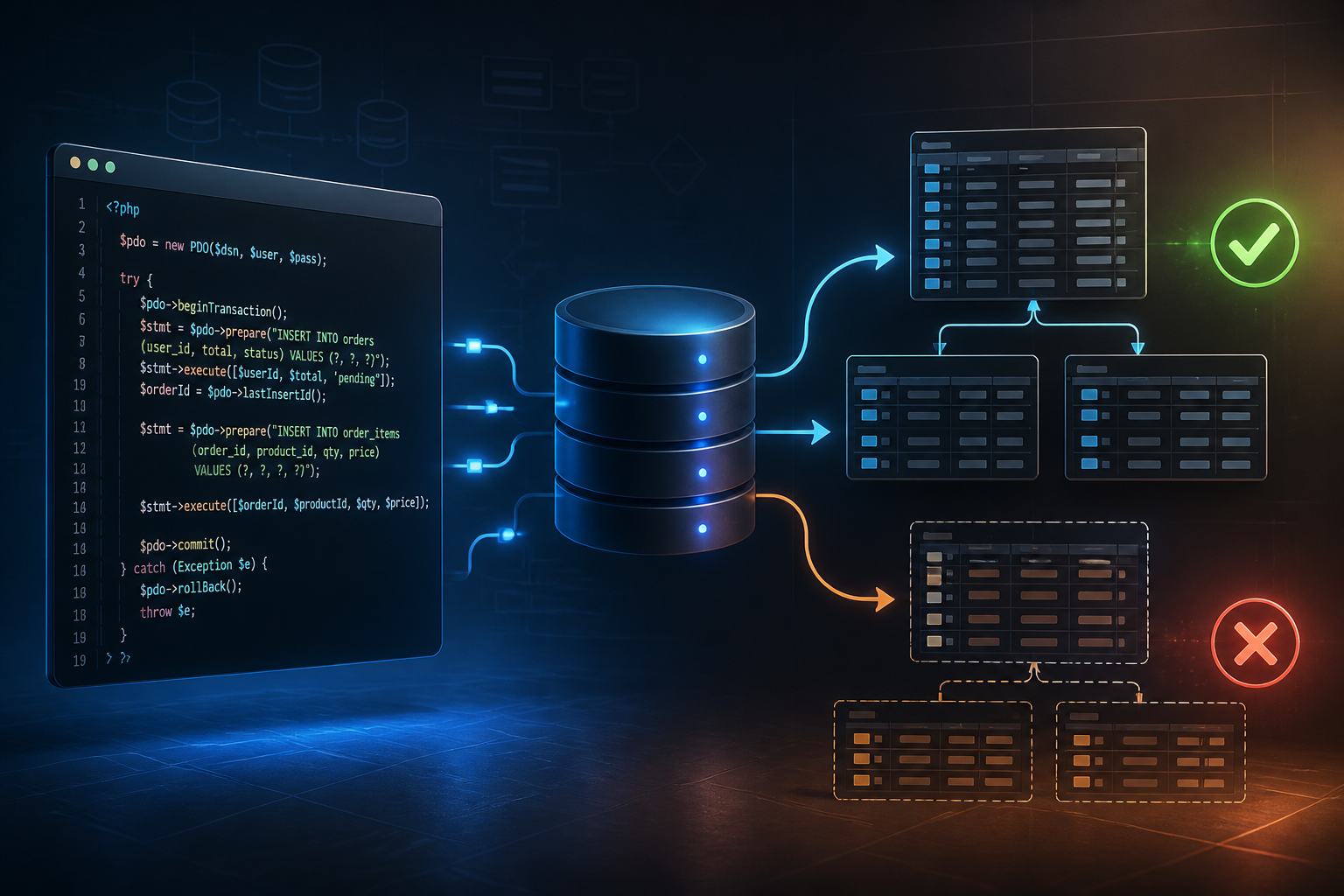
Imagine a user paying for an order. The application then needs to create order data, reduce stock, record payment, and save the shipping address. If the process stops after reducing stock but before saving payment data, the system has a difficult-to-explain issue: stock is reduced, but the order appears unpaid.
Such cases can occur not only due to server crashes. Errors in code, broken database connections, late validations, or time-out requests can also cause multi-step processes to halt midway. This is where database transactions come in handy.
What is a database transaction?
A database transaction is a way to execute multiple database operations as a single unit. The final outcome has only two possibilities: either all operations succeed, or the changes that have been made are rolled back.
In practice, a transaction typically has three stages:
- Begin: notifies the database that a series of operations is starting.
- Commit: saves all changes if all steps succeed.
- Rollback: undoes changes if an error occurs.
A simple analogy is moving items from warehouse A to warehouse B. It is not enough to just reduce the number of items in warehouse A. Items must also be added to warehouse B. If the addition fails, the reduction from warehouse A must be rolled back to keep the total amount correct.
Why does the checkout process need transactions?
Business processes that touch more than one table are usually worth considering for transaction use. Examples include:
- Creating an order and order item details.
- Reducing stock while also recording inventory history.
- Recording payment and changing order status.
- Creating a user account along with its profile and initial settings.
- Transferring balance from one account to another.
Without transactions, each query can be saved individually. If the third query fails, the first and second queries may not necessarily be rolled back. The application then needs to perform manual fixes or create a more complex compensation process.
Example of a transaction with PDO
PDO, or PHP Data Objects, provides built-in methods for managing transactions. The following example shows a simple flow when creating an order.
<?php

$pdo->beginTransaction();

try {
    $stmt = $pdo->prepare(
        "INSERT INTO orders (user_id, total, status)
         VALUES (:user_id, :total, 'pending')"
    );
    $stmt->execute([
        ':user_id' => $userId,
        ':total' => $total
    ]);

    $orderId = $pdo->lastInsertId();

    $stmt = $pdo->prepare(
        "INSERT INTO order_items (order_id, product_id, quantity, price)
         VALUES (:order_id, :product_id, :quantity, :price)"
    );
    $stmt->execute([
        ':order_id' => $orderId,
        ':product_id' => $productId,
        ':quantity' => $quantity,
        ':price' => $price
    ]);

    $stmt = $pdo->prepare(
        "UPDATE products
         SET stock = stock - :quantity
         WHERE id = :product_id AND stock >= :quantity"
    );
    $stmt->execute([
        ':quantity' => $quantity,
        ':product_id' => $productId
    ]);

    if ($stmt->rowCount() !== 1) {
        throw new RuntimeException('Insufficient stock');
    }

    $pdo->commit();
} catch (Throwable $e) {
    if ($pdo->inTransaction()) {
        $pdo->rollBack();
    }

    throw $e;
}
In this example, the order data, order details, and stock reduction are only considered final after commit() succeeds. If stock is insufficient or another query results in an error, rollBack() returns the database to the state before the transaction began.
Transactions are not a substitute for validation
Transactions maintain the consistency of changes, but that does not mean all problems are automatically resolved. Validation still needs to be performed before and during the process.
For example, the application must still check whether the user has permission, whether the product is still active, whether the purchase quantity is reasonable, and whether the price used comes from a reliable source. Transactions only ensure that database changes are treated as a single package.
Also note the stock validation in the UPDATE query. The condition stock >= :quantity is safer than reading stock first and then performing the reduction in a separate query without protection. This way, the database helps ensure that stock does not become negative.
Common mistakes
Starting the transaction too late
If the application has already made several changes before beginTransaction(), those changes will not be rolled back. Start the transaction before operations that need to be treated as a single unit.
Calling external APIs within a transaction
Database transactions should not be left open while the application waits for a payment gateway, shipping service, or other APIs. A long duration can hold locks and increase the risk of deadlocks.
A healthier pattern is to save the order with an initial status, perform external processes outside the transaction, and then update the status based on the results. For more complex processes, use a queue or retry mechanism with clear limits.
Forgetting to handle exceptions
Do not just call commit() after the query. Wrap the process with try-catch and ensure that rollback is performed when an exception occurs. After rollback, errors still need to be logged for developer review.
Using a storage engine that does not support transactions
Transactions require support from the database storage engine. In MySQL, use an engine that supports transactions, such as InnoDB. If tables use an engine that does not support it, calling rollback will not provide the expected protection.
What about Laravel?
Frameworks like Laravel provide transaction wrappers to make the code more concise. A simple example is:
DB::transaction(function () use ($userId, $productId, $quantity) {
    $order = Order::create([
        'user_id' => $userId,
        'status' => 'pending'
    ]);

    $order->items()->create([
        'product_id' => $productId,
        'quantity' => $quantity
    ]);

    Product::where('id', $productId)
        ->where('stock', '>=', $quantity)
        ->decrement('stock', $quantity);
});
Frameworks help manage commits and rollbacks, but the business logic still needs to be designed correctly. If stock reduction fails silently or there is no result checking for the query, transactions alone are not enough.
What does this mean for us?
Transactions are a tool to keep the database sensible when a single user action results in many changes. They are very useful for processes that must not leave a half-finished state.
What you can do now:
- Map features that change more than one table.
- Determine which changes must succeed together.
- Use
beginTransaction(),commit(), androllBack()consistently. - Ensure MySQL tables use an engine that supports transactions.
- Test failure scenarios: out of stock, broken connections, query errors, and repeated requests.
- Avoid waiting for external APIs while the transaction is still open.
A good application is not only capable of handling normal scenarios. It must also maintain data when something fails. Database transactions provide an important foundation for building more reliable web processes.
– Rio Yotto @rioyotto