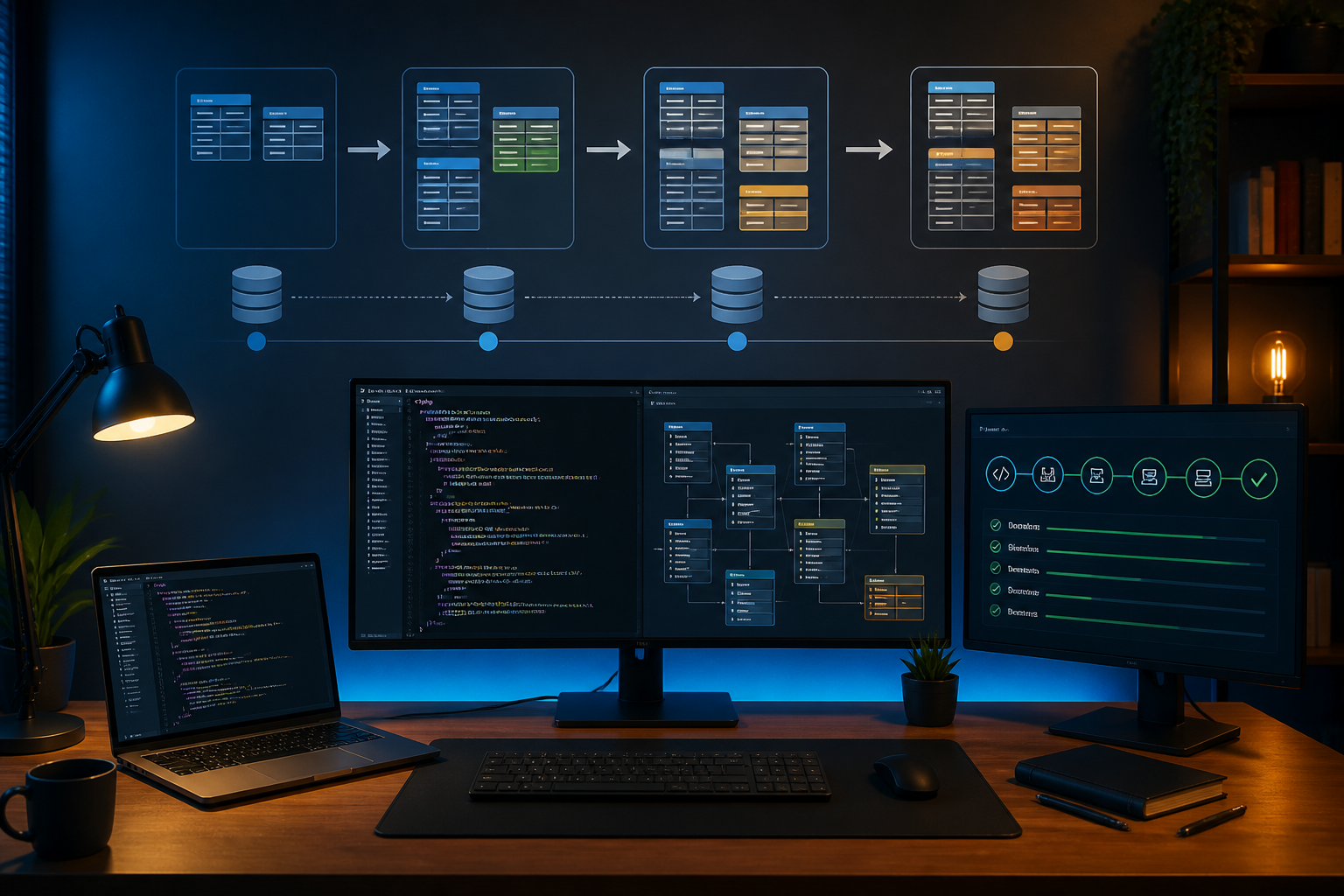
Adding columns, renaming tables, or changing data types in MySQL is almost certain to arise as a website grows. The problem is, a database is not just a place to store data. The database structure is directly connected to PHP code, APIs, reports, login processes, and payment features.
Therefore, small changes to the database can have significant effects. Applications may fail to read data, deployment processes may halt midway, or worse: user data may unintentionally change. This is where database migration becomes important.
Migration is a way to document changes to the database structure in files or scripts that can be executed sequentially. Instead of manually changing the database through phpMyAdmin and hoping everyone remembers what was done, the team has a clear, testable history of changes that can be applied to other servers.
Why Do Database Changes Often Become a Source of Problems?
In small projects, manually changing the database may seem quick. However, this habit becomes risky when there is more than one working environment, such as local computers, staging servers, and production servers.
Common issues include:
- Changes have been made on the production server but not applied to other developer computers.
- SQL scripts are not documented, making it difficult to know what changes have been made.
- Columns are deleted before the old code stops using them.
- Data type changes cause old values to be truncated or fail to convert.
- Migration is run while the application is still processing data with the old structure.
These issues do not mean MySQL is unsafe to use. The source of risk is usually the unplanned change process.
Migration Is Not Just a Collection of SQL Files
Migration files often contain SQL commands like ALTER TABLE, CREATE TABLE, or CREATE INDEX. However, the main goal is broader: to make database changes part of the application development process.
Each migration ideally has several characteristics:
- Sequential: migrations can be run in chronological order.
- Trackable: the file name or version explains the changes made.
- Consistent: all environments use the same changes.
- Testable: migrations are run first on a testing database.
- Have a recovery strategy: backups or rollback steps are available if issues arise.
PHP frameworks like Laravel usually provide a migration system. For PHP applications without a framework, the same concept can still be applied using versioned SQL scripts, specialized migration tools, or deployment pipelines.
Start with the Safest Changes
The order of changes is crucial for migration safety. One relatively safe pattern is expand and contract. This pattern breaks large changes into several smaller stages.
For example, if you want to change the column name to full_name, do not immediately delete the old column and replace it in one deployment. Applications still using the old code will fail immediately.
A safer sequence is:
- Add the new column
full_name. - Change the application code to start writing data to the new column while still being able to read from the old column.
- Gradually copy old data to the new column.
- Ensure the entire process is using the new column.
- Delete the old column in a separate migration after it is no longer needed.
With this approach, the database and application code are not forced to change drastically at the same time.
More Measurable MySQL Migration Example
Suppose the orders table needs to have a payment status column. A simple migration might look like this:
ALTER TABLE orders
ADD COLUMN payment_status VARCHAR(20)
NOT NULL DEFAULT 'pending';
This command is relatively safe because the new column has a default value. However, there are still things to check: table size, execution time, involved indexes, and the possibility of other processes writing data.
For small tables, the change may complete almost instantly. For large tables, ALTER TABLE can use server resources and cause locks or performance degradation. Therefore, migrations should be tested first on a copy of the database that closely resembles production.
Do Not Assume Backup Equals Rollback Plan
Backup is a copy of data before changes. Rollback is a plan to restore the system to a usable state if migration causes issues. Both are related, but not always the same.
If migration adds a column, rollback may simply involve deleting that column. However, if migration changes or deletes data, automatic rollback can become complicated. Data that has already been changed may not be recoverable just by executing the reverse SQL command.
Before running important migrations, do the following:
- Create a backup and ensure the backup file is fully readable.
- Document the estimated migration time.
- Determine who will monitor the server during the changes.
- Prepare a procedure to halt deployment if errors occur.
- Test the recovery process in a non-production environment.
Untested backups only provide a false sense of security, not certainty.
Pay Attention to Old Data, Not Just New Structure
Migration errors often occur because developers only look at the table structure and forget to check the data content. The new column may have a NOT NULL rule, while the old data does not have corresponding values.
Before setting new constraints, check the data conditions first. For example:
SELECT COUNT(*)
FROM users
WHERE email IS NULL;
If the result is still greater than zero, adding a NOT NULL rule to the email column may fail or force unwanted processes. Clean and complete the data first, then add constraints in the next stage.
The same applies to indexes, unique values, date formats, and inter-table relationships. Data that looks good in a few rows may not meet the rules when the count reaches millions.
Link Migration with Deployment
Migration should not be a separate activity done by one person. Include migration files in version control like Git, and run them through a documented deployment process.
Ensure the pipeline has clear steps: fetch the latest code, run checks, create backups if necessary, run migrations, then activate the corresponding application version. For high-risk changes, migrations can be run first in manual mode with special approval.
Avoid running migrations directly from a laptop without documentation. This method is hard to audit and opens the possibility that the production database differs from the code stored in the repository.
Checklist Before Changing Production Database
- Have the changes been tested with realistic data?
- Are migrations stored in version control?
- Is the old application code still compatible during the transition?
- Has a backup been created and tested?
- Do the changes potentially lock large tables?
- Is there a monitoring plan after deployment?
- Does the team know how to stop or recover the process?
What Does This Mean for Us?
Database migration is not a feature exclusive to large companies. Even simple websites will be easier to maintain if every database change is documented and repeatable.
The first step does not have to be complicated. Create a migration folder, use time-based or sequential numbering for naming, store all changes in Git, and do not manually change the production database without documentation. After that, make it a habit to test migrations on a copy of the database before touching the actual data.
Safe database changes are not just about having perfect SQL commands. More importantly, it is about understanding the impact on data, application code, users, and deployment processes. With a gradual approach, changes that are usually stressful can become predictable routine tasks.
– Rio Yotto @rioyotto