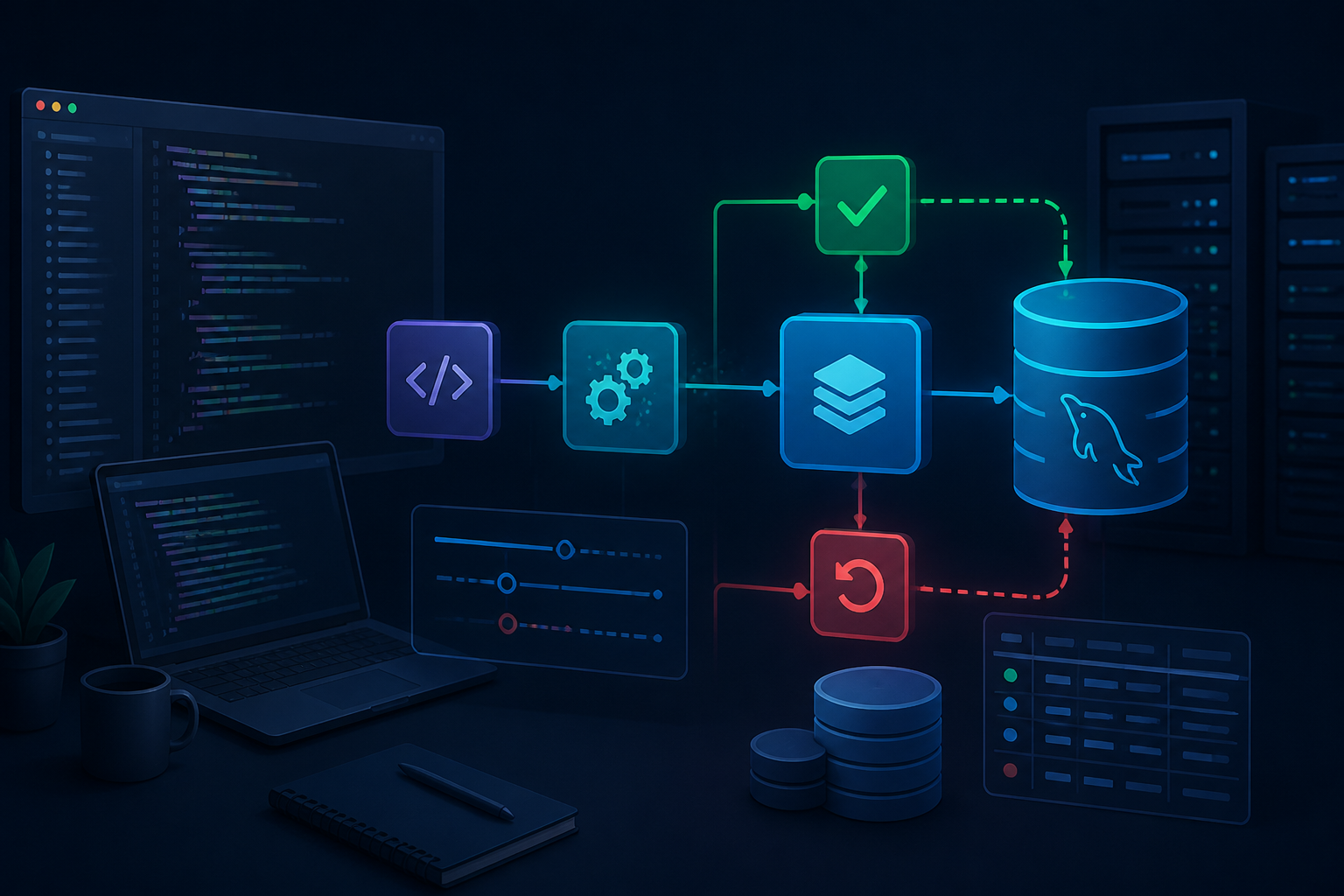
Imagine a simple checkout process. The system reduces stock, creates an order, records payment, and then sends a status to the user. If the stock has been reduced but the order creation fails, the data is left in a confusing state: items appear out of stock, but the order never shows up.
Such issues are not always caused by incorrect queries. Often, the application does not inform the database that some changes are actually part of a single operation that must succeed together. This is where transactions are needed.
What is a transaction?
A transaction is a way to group several database operations into a single unit of work. This unit has two possibilities: either all changes are saved, or all changes are rolled back.
In simpler terms, a transaction works like a “save” button for a series of processes. Until it is concluded with COMMIT, the changes are not considered final. If an issue occurs, the application can execute ROLLBACK to revert the database to its state before the process began.
MySQL automatically runs each command in autocommit mode by default. This means that a query is usually considered complete immediately after it succeeds. To group multiple queries, the application needs to explicitly start a transaction with START TRANSACTION or through an API like PDO::beginTransaction(). MySQL Documentation and PHP PDO documentation explain this behavior in more detail.
When are transactions really necessary?
Not all queries need to be wrapped in a transaction. For retrieving a list of articles or changing a simple column, the mechanism often does not need to be complicated. Transactions become important when a user action causes several interdependent changes.
- Checkout: creating an order, saving item details, and reducing stock.
- Balance transfer: reducing the balance from one account and adding it to another account.
- User registration: creating a main account along with profile, preferences, or organizational data.
- Data deletion: deleting main data along with related data that must also be deleted.
- Payment processing: saving transactions, updating invoice status, and recording history.
The guideline is simple: if the first change should not be saved when the subsequent changes fail, use a transaction.
Basic transaction pattern with PDO
Here is a simple example when the application creates an order and order details. This example assumes the tables use the InnoDB storage engine to support transactions.
<?php
$pdo->setAttribute(PDO::ATTR_ERRMODE, PDO::ERRMODE_EXCEPTION);

try {
    $pdo->beginTransaction();

    $stmt = $pdo->prepare(
        'INSERT INTO orders (user_id, total) VALUES (?, ?)'
    );
    $stmt->execute([$userId, $total]);

    $orderId = $pdo->lastInsertId();

    $stmt = $pdo->prepare(
        'INSERT INTO order_items (order_id, product_id, quantity)
         VALUES (?, ?, ?)'
    );
    $stmt->execute([$orderId, $productId, $quantity]);

    $pdo->commit();
} catch (Throwable $e) {
    if ($pdo->inTransaction()) {
        $pdo->rollBack();
    }

    throw $e;
}
?>
The order of operations is important. The application starts the transaction, executes all operations, and then calls commit() only after all steps are completed. If any operation throws an error, the catch block executes rollBack().
Setting PDO::ATTR_ERRMODE to PDO::ERRMODE_EXCEPTION makes handling query failures easier. Without exceptions, the code could continue running after a query fails and ultimately still consider the process successful.
Transactions are not a substitute for validation
Transactions maintain the consistency of changes, but do not automatically ensure that the incoming data is correct. If the item quantity is negative, the email is invalid, or the price comes from user input without checks, transactions will not resolve those issues.
Validation must still be performed before or during the process. Additionally, use prepared statements for user values. Transactions and prepared statements address two different issues: transactions manage the unity of changes, while prepared statements help separate data from SQL structure.
Do not make transactions too long
Long transactions can hold locks and cause other processes to wait. In busy applications, this can manifest as pages that are sometimes slow or errors due to connection timeouts.
Therefore, only include database operations that must be atomic. Do not perform slow tasks within a transaction, such as:
- calling payment APIs or third-party services;
- uploading large files;
- sending emails;
- waiting for user input;
- running processes that do not need to change the database.
A safer pattern is to complete important changes in the database first, perform a commit, and then process additional work through a queue or separate mechanism. However, this design needs to be tailored to the requirements. If sending an email fails after the order is saved, the application may need a status of “email not sent” and a retry mechanism.
Use InnoDB tables and understand their limitations
In MySQL, transaction support heavily depends on the storage engine. InnoDB provides transaction features and the ACID model, which are principles that help maintain atomicity, consistency, isolation, and durability. MySQL Documentation on InnoDB and ACID explains the role of these features.
Ensure that the involved tables use InnoDB. Additionally, do not assume that all commands can be rolled back. Some table structure definition commands, such as certain DDL operations, can trigger an implicit commit in MySQL. Therefore, schema changes should be separated from business transactions.
Common mistakes
Calling commit too early
If the application executes commit() after the first query, subsequent queries are no longer part of the same transaction. Define the boundaries of a business process before placing a commit.
Forgetting to perform rollback
When an exception occurs, the connection may still have an unfinished transaction. Use a try-catch structure and check inTransaction() before performing a rollback.
Assuming rollback fixes everything
Rollback only undoes changes to the database within that transaction. Uploaded files, sent emails, or requests to external services do not automatically revert to their original state.
What you can do now
- List processes in the application that modify more than one table.
- Mark processes that should not produce half-finished data.
- Wrap those processes with
beginTransaction(),commit(), androllBack(). - Test failure scenarios in the middle of processes, not just successful scenarios.
- Check if the involved tables use InnoDB.
- Log errors with sufficient detail without storing sensitive data in logs.
Transactions are not a feature only needed by large applications. Even on small websites, a single process that touches multiple tables is enough reason to use them. The goal is not to make the code look more sophisticated, but to ensure the database does not store half the story when the application fails to complete its work.
Sources & further reading
- PHP Manual: Transactions and auto-commit
- PHP Manual: PDO::beginTransaction
- MySQL 8.4 Reference Manual: autocommit, COMMIT, and ROLLBACK
- MySQL 8.4 Reference Manual: InnoDB and the ACID Model
- MySQL 8.4 Reference Manual: Optimizing InnoDB Transaction Management
– Rio Yotto @rioyotto