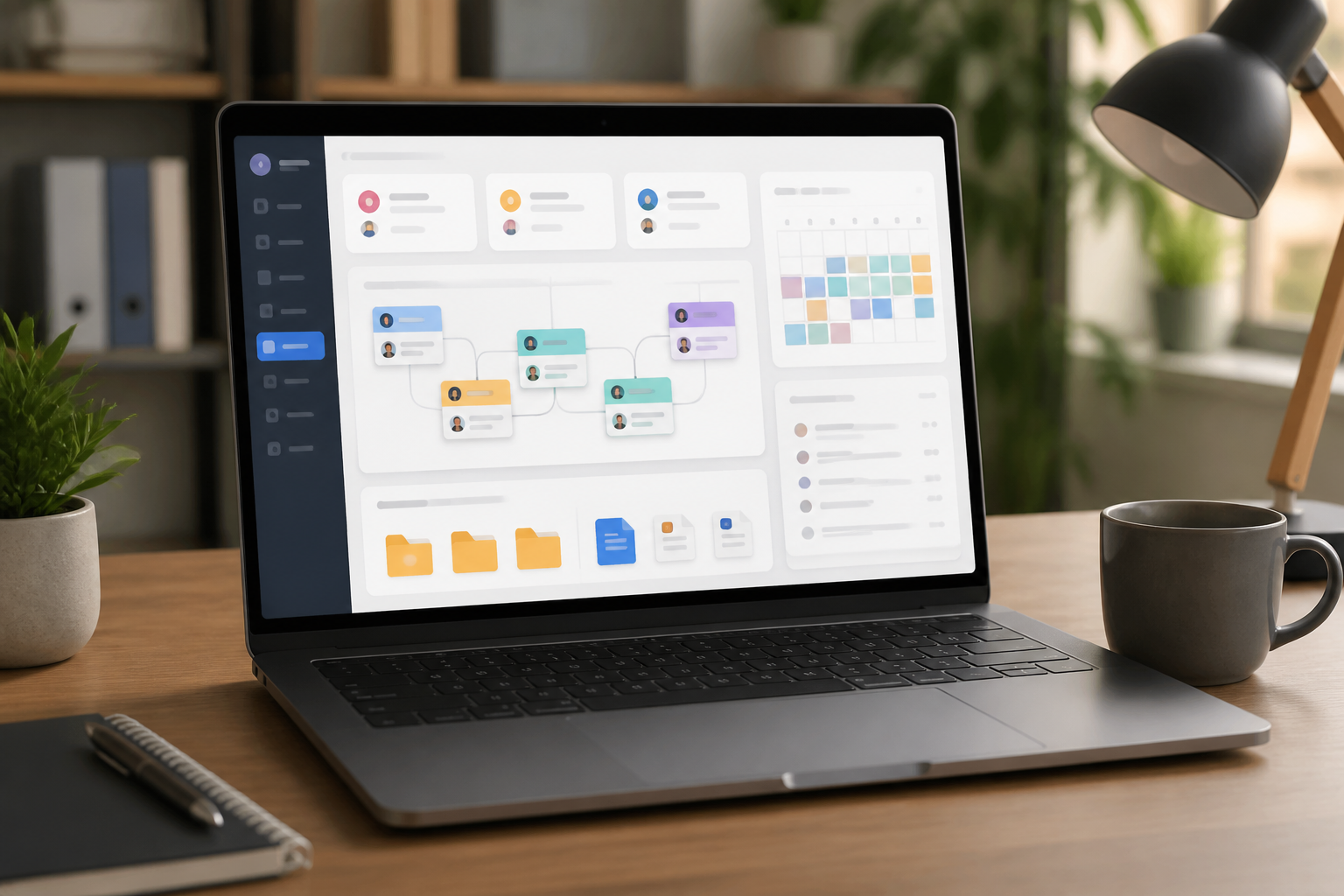
Many people are already using note-taking apps, task managers, calendars, cloud storage, and work chat simultaneously. The problem is that important information is scattered across many places. Tasks are in one app, documents are in another folder, while final decisions are left behind in chat conversations.
This is where a digital work dashboard can help. A dashboard is not a new application that must be purchased, but rather a single page containing shortcuts and the most important information for daily work. It can take the form of a page in Notion, a dedicated document, a spreadsheet, browser bookmarks, or even a neatly structured folder.
The key is not to create a beautiful display. The key is to reduce wasted time figuring out: what am I working on, where is the document, and what’s the next step?
A dashboard is not a place to store everything
The most common mistake is to think of a dashboard as an information warehouse. All notes, links, archives, ideas, and task lists are crammed into one page. After a few weeks, that page turns into a digital version of a cluttered desk.
A dashboard should function as a map, not a warehouse. It shows the location of information and tasks that need attention, while complete details remain stored in their appropriate places.
For example, the dashboard can contain links to project documents, not the entire content of the documents. It can also display the three main tasks for today, not all tasks created since the beginning of the year.
Four sections are enough to get started
1. Main Focus
This section answers the question: what is the most important thing to work on right now? Limit the content to one to three priorities. If everything is considered a priority, nothing truly becomes the focus.
Use concrete sentences. “Working on the report” is too broad. “Completing the second quarter sales analysis section” is easier to start because the end result is clearer.
2. Ongoing Work
Add a list of projects or tasks that are currently active. Each item should have a simple status such as:
- Not started
- In progress
- Waiting for someone else
- Completed
The status “waiting for someone else” is important because it helps distinguish truly forgotten work from work that is currently on hold. Also, add the name of the person or party to contact if needed.
3. Document Shortcuts
Don’t make people open five folders just to find frequently used files. Create a list of shortcuts for important documents, such as active proposals, report templates, financial spreadsheets, project briefs, or design asset folders.
Use names that are easy to understand, not file names that only make sense to the creator. “Sales Report - Q2 - Final” is more helpful than “final_revisi_baru_3.xlsx”.
4. Incoming Notes
New ideas or requests often arise when we are working on something else. If they are immediately added to the main task list, that list will quickly become full. Provide an “incoming notes” area to capture things that have not yet been decided.
This area is not a permanent place. Review it periodically to determine whether each item needs to become a task, be scheduled, be saved for reference, or be deleted.
Link the dashboard with the next steps
A dashboard is only useful if each task has a next action, which is the next step that can be taken without thinking too long.
For example, “manage the website” is not a next action. That phrase still requires many decisions. A clearer form would be “check the list of pages without a meta description” or “send three technical questions to the hosting provider.”
The principle is simple: if a task cannot be started within a few minutes because it is still too vague, break it down into smaller actions.
A good dashboard does not give us more work. It helps turn vague tasks into actionable steps.
Don’t rely too much on real-time displays
Some people try to create dashboards that automatically display all data from many applications. This approach can be useful for large teams or projects, but it is not always necessary for personal use.
The more integrations, the greater the chance the dashboard will become complicated, slow, or fail to update information. For daily needs, manual updates for five minutes are often sufficient.
What’s more important is consistency. A simple dashboard updated every morning will be more useful than a highly sophisticated automated system that is never checked.
Five-minute routine to keep the dashboard alive
Establish a brief habit at the beginning or end of the workday. It doesn’t need to take more than five minutes.
- Remove completed tasks.
- Select one to three focuses for the next day.
- Update the status of ongoing work.
- Move incoming notes to the appropriate place.
- Check if document shortcuts still lead to the correct files.
Conduct a more thorough review once a week. At that time, check stagnant projects, tasks that have been waiting too long, and priority lists that are no longer relevant.
What does this mean for us?
A digital work dashboard is not a solution for all productivity problems. If the workload is too heavy, responsibilities are unclear, or there are too many meetings, a neat page will not solve the root issue.
However, a dashboard can reduce the mental load that comes from having to remember too many things. It also helps us see the connections between tasks, documents, and ongoing decisions.
Start with a blank page. Add only four sections: main focus, active work, document shortcuts, and incoming notes. Use it for one week, then remove sections that never helped. A good productivity system is not the most comprehensive, but one that is simple enough to be genuinely used.
– Rio Yotto @rioyotto