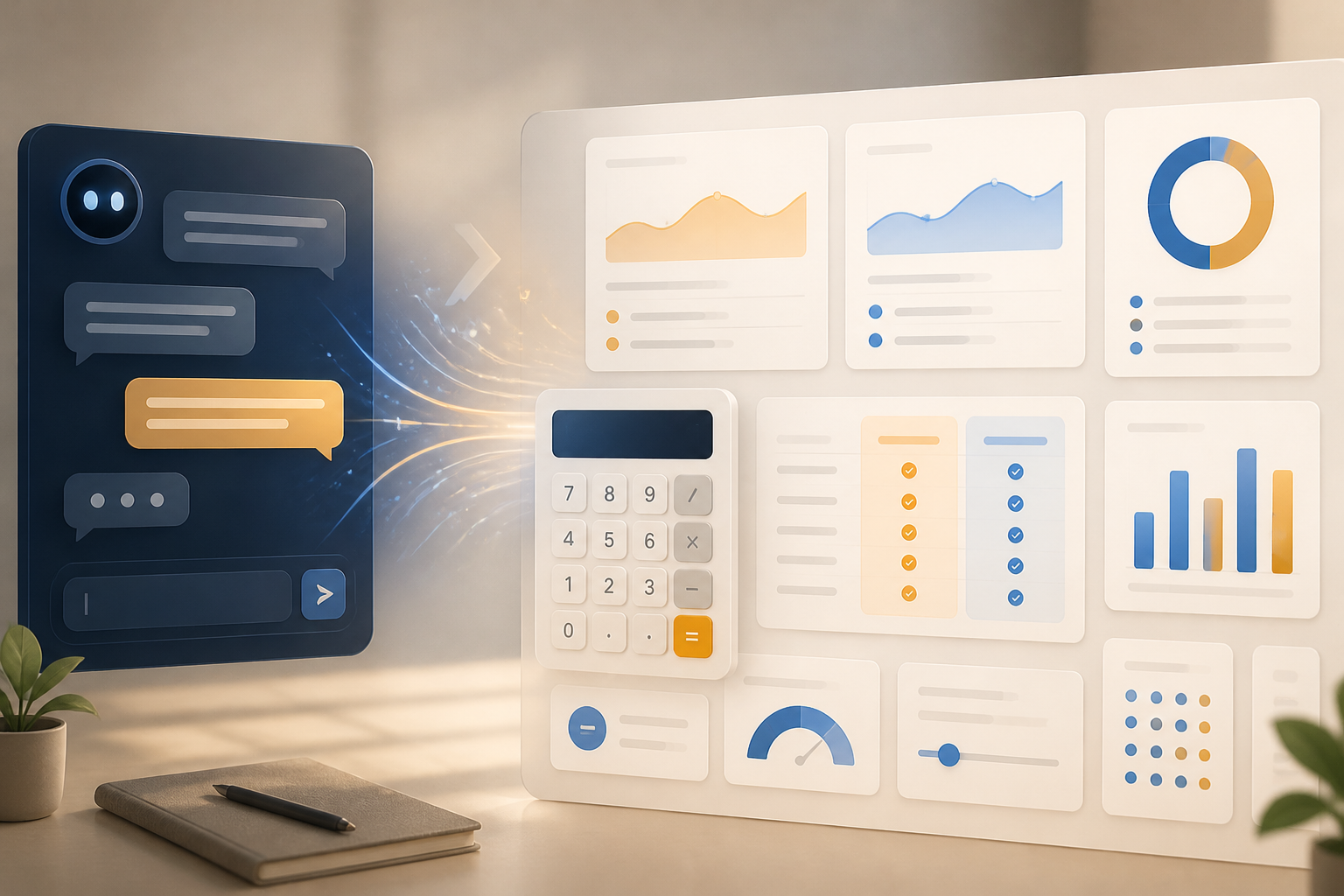
Until now, most people have used AI like a question-and-answer machine: write a question, then read a paragraph answer. That pattern is beginning to change. The latest AI models are increasingly trying to determine the form of the answer that is most useful—not just composing sentences, but also creating tables, calculators, diagrams, or interactive components.
This change is significant because many everyday tasks are not actually completed by reading text. Comparing internet packages, calculating travel costs, organizing schedules, or understanding financial data often requires small tools. If these tools appear directly within the conversation, the gap between "asking" and "doing" becomes shorter.
What is meant by intelligent UI?
In the ChatGPT release announcement on October 7, 2026, OpenAI introduced the concept of Intelligent UI alongside GPT-6. This system is designed to select the response format according to the needs of the question.
For simple questions, the answer remains in text form. However, when a problem is more easily understood through visuals or interaction, the system can present side-by-side comparisons, diagrams, calculators, bill splitters, and even simple games. Users do not always need to switch to another application just to complete small steps.
For example, when someone asks, "Which is cheaper: buying a round-trip train ticket or two one-way tickets?", the ideal answer is not just a number. AI can display two options, include additional costs, and then allow users to change the number of passengers or travel dates.
This is different from merely creating a table in text. An interactive interface gives users the opportunity to test assumptions and see the impact of changes in real-time.
AI is starting to become a layer of work, not just a chat box
This development indicates that AI competition is not only about the model's ability to understand language. The next challenge is how that capability is packaged to be usable without many additional steps.
Language models can be seen as a "reasoning engine" behind the scenes. The interactive interface becomes a layer that translates the results of that reasoning into a working form. When someone asks for help creating a monthly budget, for example, AI can turn the conversation into a simple spreadsheet that can be checked and adjusted.
According to the same release notes, GPT-6 can also start providing responses before the entire reasoning process or tool usage is complete, then add subsequent findings. From a user experience perspective, this makes interactions feel more like working with a colleague who is gradually completing a task rather than waiting for one long answer to finish.
However, the speed of display does not mean the final result is automatically correct. Responses that appear earlier still need to be read as a process that is ongoing, not a final conclusion.
Practical benefits for users
- Less app switching. Calculations, comparisons, or small visualizations can be done in the same place as the conversation.
- Easier to check assumptions. Users can change numbers, choices, or parameters without repeating the entire instructions from the beginning.
- Suitable for learning. Concepts that are difficult to explain through paragraphs can be aided with diagrams, simple simulations, or adjustable examples.
- Assists with administrative tasks. Meeting summaries, task lists, schedules, and routine calculations have the potential to become directly usable outputs.
For non-technical workers, the biggest benefit may not be the ability to create complete applications. What is more felt is the reduction of small tasks that disrupt focus: calculating, formatting, comparing, and transforming raw data into more understandable displays.
New risks: a neat display can feel too convincing
A good interface also brings risks. Answers in the form of cards, graphs, or interactive tools can appear more convincing than plain text, even if the underlying data is incorrect.
For example, a calculator using incorrect input numbers will still produce calculations that look professional. Diagrams built from incomplete data can also make a conclusion appear objective, even though there are important assumptions not displayed.
Therefore, users need to distinguish three things: the data provided, the calculations performed, and the conclusions suggested. These three do not always have the same level of certainty.
For financial, health, legal, or high-impact decisions, interactive displays should be considered as exploratory tools. Primary sources, original numbers, and final decisions still need to be checked separately.
What does this mean for app developers?
This change is also relevant for developers. If AI can generate context-specific interfaces, future applications may not always start from rigid menus and forms. Users can start from their goals, and then the system shapes the necessary working display.
However, this approach demands greater attention to access limits, input validation, and data consistency. Dynamically created interfaces should not mean that business rules change arbitrarily. Payment systems, customer data, and important documents still require an auditable flow.
In other words, AI can help make interaction layers more flexible, but the foundations of applications—permissions, logging, testing, and security—must still be designed with discipline.
What can be done now
- Use AI for tasks with a clear form. Start with cost comparisons, simple calculations, schedules, or data summaries.
- Request assumptions to be displayed. Don’t just ask for the final result. Inquire about the numbers used and which parts are still estimates.
- Test with different scenarios. Change one variable and see if the results change in a reasonable way.
- Save source data. If results are used for work, ensure that the original numbers and documents remain available.
- Do not equate appearance with truth. Attractive graphics must still be traceable back to the data and calculation methods.
Not just a prettier chatbot
This new direction is not just about making chatbots look more appealing. What is changing is how AI interacts with work: from providing answers to helping users shape small workspaces within conversations.
If this approach develops, the important question will no longer be "What can AI answer?", but rather "What work can be completed with less context switching?" That is where its practical value will be determined.
Nevertheless, flexibility must go hand in hand with transparency. AI that can automatically create tools will be truly useful when users can still understand the data sources, assumptions, and limitations of its capabilities.
Sources & further reading
- ChatGPT release notes — GPT-6 and Intelligent UI
- GPT-6 and Intelligent UI for everyone
- Introducing GPT-6.1 Terra
– Rio Yotto @rioyotto