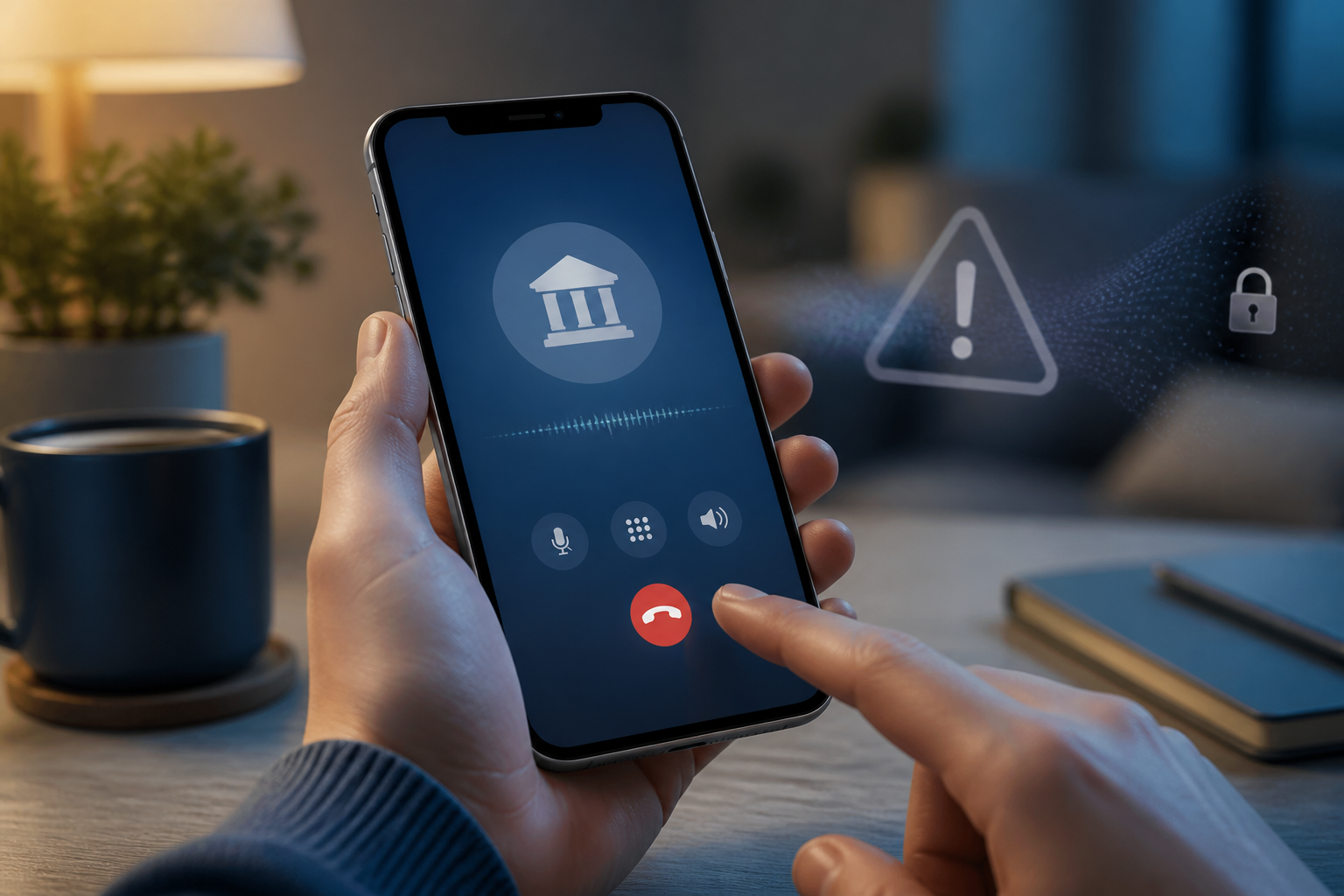
A call comes in with the bank's name on the screen. The person on the other end claims to be from the security team, stating there is suspicious activity, and then asks you to follow several steps "to secure your account." Situations like this feel convincing because scammers deliberately make victims unable to think clearly.
The problem is not just who is calling. Phone numbers can be spoofed, logos and company names can be easily replicated, while personal information available online can make the perpetrator sound very convincing. Therefore, the most important rule when receiving sudden requests is simple: do not make security decisions while under pressure.
The scam pattern usually starts with fear
The modus operandi can vary, but the storyline is often similar. The perpetrator claims to see suspicious transactions, that the account will be blocked, the card will be closed, or that your identity is being used by someone else. After the victim panics, the perpetrator offers a "solution" that must be acted upon immediately.
This solution could involve reading an OTP code, clicking a link, transferring money to a "secure" account, installing a help application, or granting screen access. In fact, verification codes and device access can be used to prove that the perpetrator is you.
Authorities such as the FTC explains that verification codes are intended for account owners, not to be given to callers. The OJK also reminds that PINs and OTPs should not be shared, including with those claiming to be bank officials.
Five signs to stop the conversation
1. There is time pressure
Statements like "it has to be now," "don't hang up the phone," or "if you're late, your money will be lost" are designed to eliminate your opportunity to verify information. Official services may have emergency procedures, but you still have the right to hang up and contact official channels independently.
2. They ask for OTPs, PINs, or passwords
OTP is a one-time code used to verify logins or transactions. This code is not a ticket number and is not something that needs to be read to an officer. If someone asks for an OTP to "cancel a transaction," consider it a sign of fraud.
3. You are asked to transfer money to "secure" funds
Money does not become safer just because it is transferred to an account mentioned by the caller. The FTC specifically warns the public not to transfer money to protect it from scammers.
4. They send links or ask you to install applications
Remote control applications can give others the ability to see your screen, move the cursor, or help access services that are currently open. Do not install them based on instructions from a call or message that you did not initiate yourself.
5. The phone number looks official
The bank's name on the screen is not proof that the call is genuinely from the bank. Caller ID can be spoofed. Do not make the displayed number your sole basis for trust.
Safe protocol: hang up, find official channels, then verify
When the conversation starts to lead to codes, money, or device access, use the following three steps.
- Hang up the conversation. You do not need to win a debate or explain at length. Just say, "I will contact the bank through the app or official number," then end the call.
- Find contacts from a source you control. Open the bank's official app, check the back of your card, or use the official website that you typed yourself. Do not call the number from an SMS, WhatsApp, email, or the previous caller.
- Check account activity. Look at recent transactions, logged-in devices, transfer recipients, and notifications of data changes. If there is any activity you do not recognize, report it immediately through official channels.
This pause is important because verification must occur in both directions. The caller may claim to be a bank officer, but their identity has not been proven just because they know your name or some of your data. Conversely, you can initiate new contact through known official channels.
If you have already shared a code or installed an application
Do not wait to see what happens. A quick response can reduce losses.
- Contact the bank through the official number or app and request necessary checks and blocking.
- If the password may be known, change it from a clean device. Do not reuse that password on other services.
- Log out of any unknown login sessions and revoke access to third-party applications.
- If you installed a remote control application, disconnect from the internet, delete the application, and seek help from a technician or official service to check the device.
- Keep evidence: phone numbers, time of the incident, message content, transfer proof, destination accounts, and screenshots.
- Report the incident to the bank and relevant fraud reporting channels in your area.
Do not hesitate to ask trusted people for help. Scammers indeed design conversations to make victims rush and feel alone. Bringing a second person into the verification process is often enough to break that pressure.
What does this mean for us?
Account security is not just about creating long passwords or enabling two-factor authentication. We also need to have procedures in times of panic. Save the bank's official number in your contacts, enable transaction notifications, and agree with family members that sudden transfer requests must be verified through a callback.
The practical rule is: the party contacting you can claim to be anyone. However, you must choose the channel to verify.
If a message or call requests account secrets, money, or device control, pause for a moment. Hanging up does not mean ignoring the problem. It means you choose to verify the issue through a safer channel.
Sources & further reading
- What’s a verification code and why would someone ask me for it?
- Got a call about fraud activity on your bank account? It could be a scammer
- Protect Yourself from Digital Crimes
– Rio Yotto @rioyotto