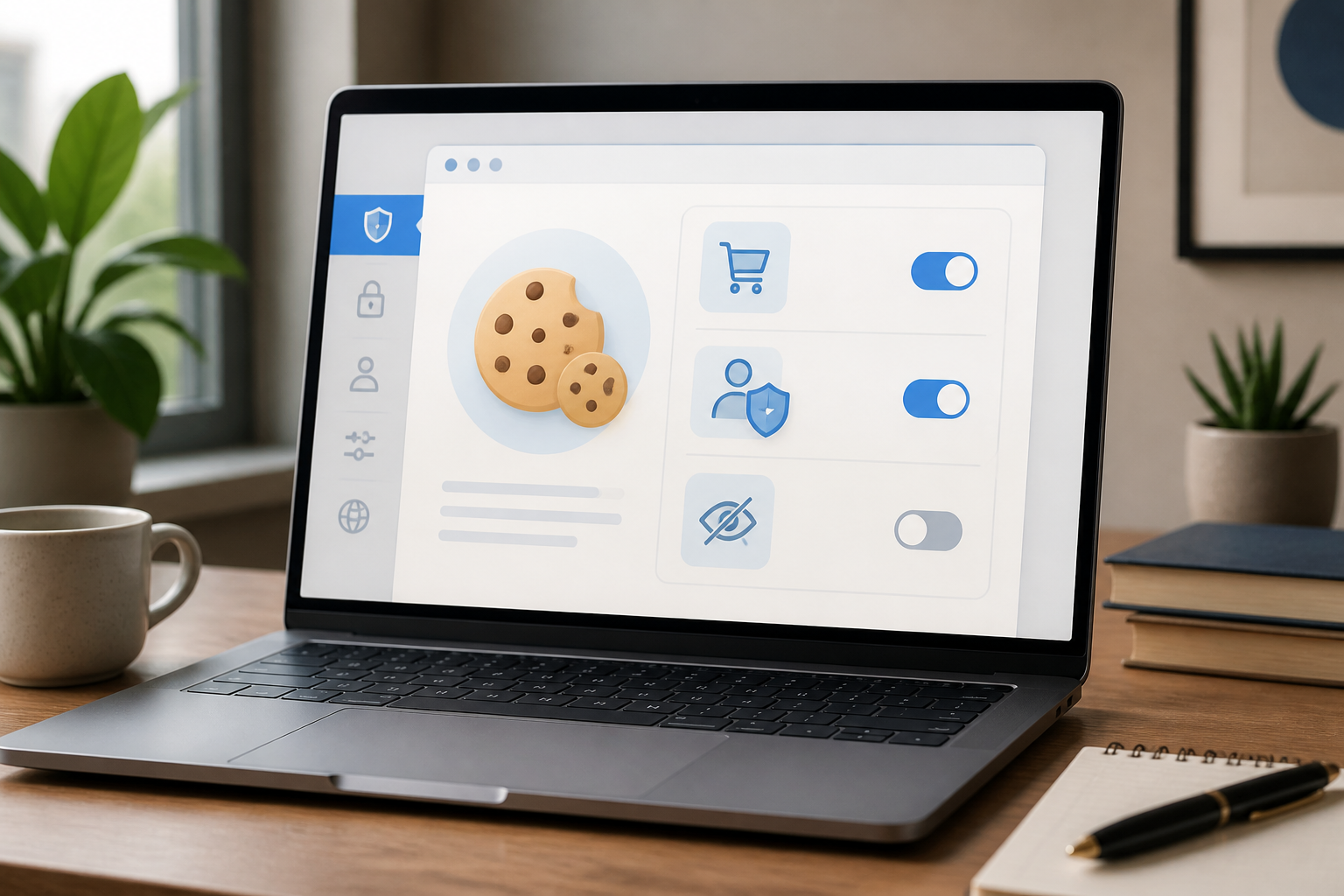
When a website continues to recognize you after the page is closed, there are usually cookies working behind the scenes. Thanks to this small data, you don’t have to select your language repeatedly, re-enter items into your cart, or log in every time you open the same service.
However, cookies are not always safe or always bad. What’s important is to understand what is stored, who created it, and when it should be limited.
What are cookies?
Cookies are small pieces of data sent by a website and stored by your browser on your device. When you return to that website, the browser can send that data back so the server recognizes your session or preferences. Simply put, cookies can be thought of as “little notes” left by the website for the browser.
HTTP, the protocol used by browsers and servers to communicate, does not inherently remember previous requests. Therefore, cookies help websites maintain context. For example, an online store can know that some items have been added to the cart, even if you navigate to another page. ([developer.mozilla.org](https://developer.mozilla.org/en-US/docs/Web/HTTP/Guides/Cookies?utm_source=openai))
Examples of cookies in everyday use
- Maintaining login sessions: websites store markers so you remain logged in.
- Storing preferences: such as language, dark mode, or regional choices.
- Remembering cart contents: selected items do not disappear when you open another page.
- Measuring website usage: site owners can see which pages are frequently visited to improve services.
- Displaying more targeted ads: especially if the cookies come from third-party services.
Cookies are usually small in size and not the right place to store documents, photos, or large amounts of data. Browsers also send certain cookies along with requests to the server, so too many cookies can increase communication load, especially on slow connections. ([developer.mozilla.org](https://developer.mozilla.org/en-US/docs/Web/HTTP/Guides/Cookies?utm_source=openai))
First-party and third-party cookies
The most important difference for users is the origin of the cookies.
First-party cookies
First-party cookies are created by the website you are visiting. For example, when you open a shopping site, cookies from that site itself can be used to maintain your login or remember cart contents. This type of cookie is often necessary for the main features of the website to function.
Third-party cookies
Third-party cookies come from other domains embedded in the website page. Examples include advertising services, video players, analytics tools, or social media widgets. Because one third-party service can appear on many sites, these cookies can potentially be used to link your activity across multiple websites.
This is why modern browsers provide specific settings for third-party cookies. If all are blocked, privacy may increase, but certain features—such as cross-service logins, embedded comments, or specific payment systems—may not function as intended. Chrome, for example, offers options to block or allow third-party cookies either generally or for specific sites. ([support.google.com](https://support.google.com/chrome/answer/95647?hl=en&utm_source=openai))
Can cookies steal passwords?
Cookies do not automatically contain your password. However, session cookies can be very sensitive because they help websites recognize that you are logged in. If session cookies are stolen, others may try to use them to access your account without knowing the password directly.
This risk is greater if the website or device is not well protected. Therefore, securely designed websites typically use attributes like Secure to ensure cookies are only sent over HTTPS connections, and HttpOnly to make certain cookies less readable by JavaScript on the page. There is also the SameSite attribute that helps reduce the sending of cookies in certain cross-site contexts. ([developer.mozilla.org](https://developer.mozilla.org/en-US/docs/Web/Security/Practical_implementation_guides/Cookies?utm_source=openai))
For users, practical steps include using a browser and operating system that still receive updates, avoiding logging in on public devices, and not ignoring security warnings when opening websites.
Should all cookies be deleted?
Not necessarily. Deleting all cookies can resolve certain issues, such as websites continuously displaying old views, problematic login sessions, or pages that won’t load correctly. However, as a result, you may need to log in again and reset preferences on many sites.
A more sensible approach is to delete cookies for specific websites first. If only one site is problematic, there’s no need to delete data from the entire browser.
You can also use privacy settings to:
- block third-party cookies;
- delete cookies when closing the browser;
- allow cookies only for trusted sites;
- delete data from websites that are no longer used.
Menu names may vary depending on the browser, but they are usually found under Privacy, Security, or Site settings.
What does this mean for us?
Cookies are not “viruses” and are not automatically spying tools. Cookies are a technical mechanism that serves practical functions but can pose privacy issues if used to excessively collect activity.
Think of cookies like temporary identification cards. A card from a store may help you have a more comfortable experience at that store. However, you should be more cautious if the same card can be used to identify you in many places.
What you can do now
- Open your browser's privacy settings and check the options for third-party cookies.
- Delete data from websites that are no longer used, especially sites you no longer trust.
- If a website breaks after cookies are blocked, allow only that site—not all sites.
- Use private windows for occasional activities, but remember that this mode is not a total internet footprint eraser.
- Do not save login sessions on shared computers or public devices.
In conclusion, cookies are an important part of how the modern web works. You don’t need to fear all cookies, but you also shouldn’t accept them all without thought. By understanding their types and functions, you can enjoy convenience without giving up too much control over your personal data.
Sources & further reading
- Using HTTP cookies — MDN Web Docs
- Delete, allow, and manage cookies in Chrome — Google Chrome Help
- Secure cookie configuration — MDN Web Docs
– Rio Yotto @rioyotto