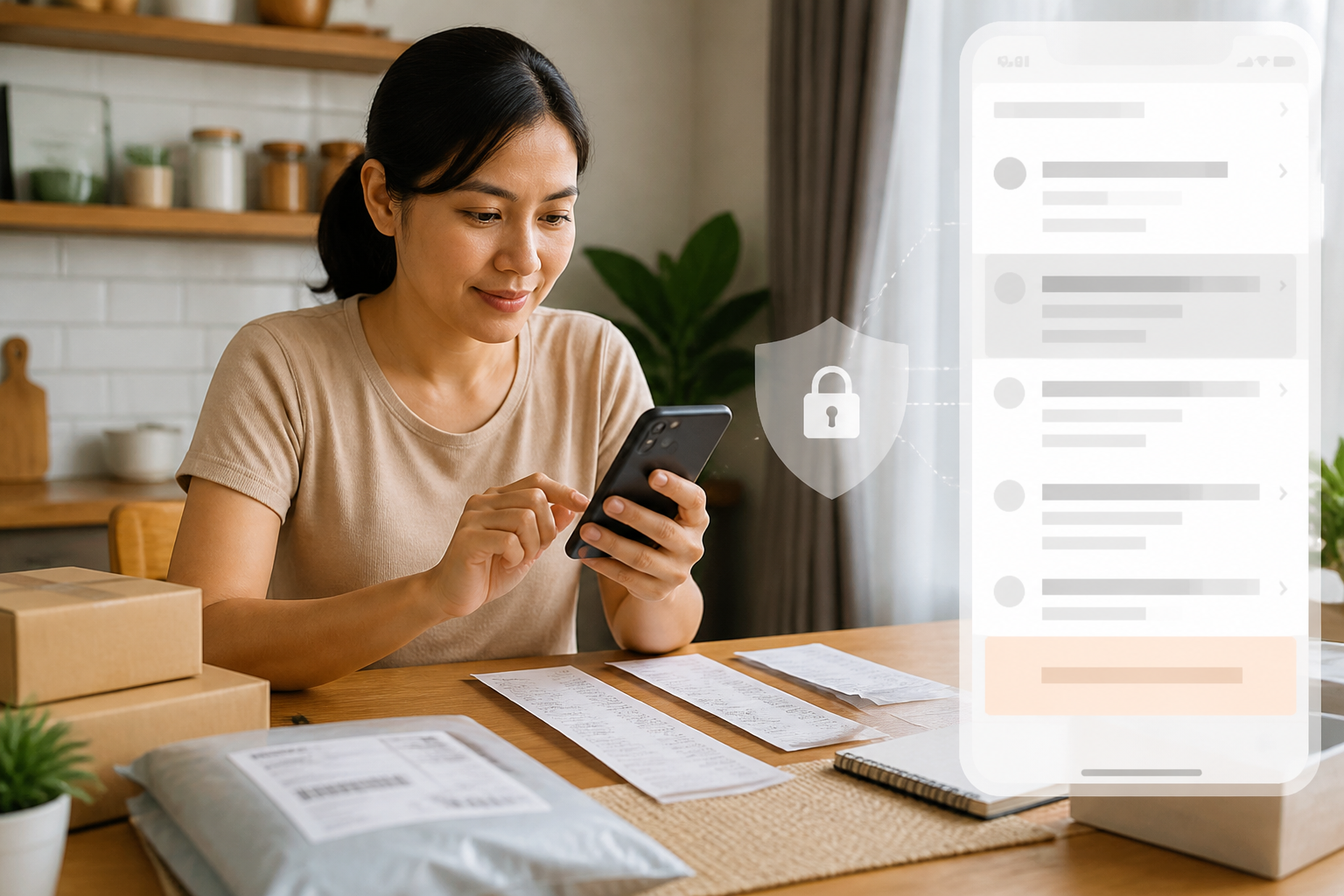
Online shopping makes many things more convenient: payments can be made from your phone, receipts are stored in apps, and complaints can be filed without going to the store. However, this convenience also leads us to often send too much information—ranging from mobile banking screenshots, ID card photos, to full addresses—to people or groups that may not need to see everything.
The issue is not just that these documents can be seen by others. Transfer receipts can contain full names, account numbers, amounts, transaction times, and some account information. ID card photos can even include more sensitive identity data. Therefore, storing and sharing transaction documents should be done with a simple principle: send only the necessary information, to the right parties, through appropriate channels.
Differentiate between documents for archiving and documents for sending
Many people save one screenshot and then send it to anyone. In fact, the need for archiving is different from the needs of the recipient.
For personal archives, a complete transfer receipt may be useful. You can use it when reviewing expenses, filing complaints, or reporting problematic transactions. However, when sending proof to sellers, usually only the recipient's name, amount, payment time, and transaction code are needed.
Account numbers, balances after transactions, other notifications, or previous transaction lists are often unnecessary. These parts should be cropped or obscured before being sent.
What data needs to be obscured?
Before sharing screenshots or document photos, check the following four groups of information:
- Account information: account number, balance, other mutations, or bank name if not relevant.
- Identity information: ID number, full address, place and date of birth, signature, and facial photo.
- Account information: phone number, email address, username, internal reference code, or notifications unrelated to the transaction.
- Location information: home address, house landmarks, or package photos displaying full labels.
Obscuring does not mean just covering with a thin line. Use cropping features, blurred boxes, or solid color blocks that completely cover the text. If using a photo editing app, save a new copy so that the original document remains intact for personal archiving.
Do not consider transfer receipts as final proof
Transfer receipts help show that someone claims to have paid, but they are not the only basis for handing over goods. The OJK has previously warned about the forgery of transfer receipts with the help of AI. This means that images that appear convincing still need to be compared with data on your account or payment system.
For home sellers, a safer step is:
- Check mutations or notifications from your own banking and digital wallet apps.
- Match the amount, time, and sender's name.
- Do not rely solely on images sent by buyers as proof.
- If payment has not been received, do not rush to send goods just because the buyer is pressing.
This does not mean all buyers should be suspected. This is a reasonable procedure, like checking incoming money before handing over goods in a physical store.
When is it permissible to send ID card photos?
ID card photos should only be sent if required by official services and there is a clear reason. Before uploading, ensure you are on the official app or website, not a link sent through private messages.
If the service allows, add a simple watermark to the ID card copy. For example, write the purpose of use and the date of sending in the blank area of the document, without covering the main information. A watermark does not make the document impossible to misuse, but it helps indicate context and reduces the risk of the photo being used for other purposes.
Avoid sending ID card photos to WhatsApp groups, personal seller accounts, or people claiming to be officials without verification. For reporting fraud, use official channels. The Indonesia Anti-Scam Centre or IASC, for example, requests digital evidence such as transfer receipts and transaction screenshots during the reporting process.
WhatsApp is not an archive cabinet
WhatsApp is convenient for sending documents, but chats are not the best place to store all important archives. Messages can get buried, forwarded, stored on other devices, or remain visible to group members who do not need to know.
The view once feature can limit photos or videos from being immediately saved in the recipient's gallery. However, WhatsApp itself reminds that recipients can still record or take screenshots with other devices. So, this feature is useful as an additional layer, not a full security guarantee.
For sensitive documents, it is better to use the following pattern:
- Store complete documents in a personal folder protected by a PIN or biometric security.
- Send cropped or obscured copies.
- Delete messages or media from chats after the need is fulfilled, if they are not needed as proof of communication.
- Check linked devices on WhatsApp and remove unknown devices.
Create a simple archiving system on your phone
You do not need a special app to start organizing. Create three folders, for example Transactions/2026/Shopping, Transactions/2026/Bills, and Important Documents. Use easily searchable file names, such as 2026-10-20_Bookstore_Rp150000.
Keep complete proof only for transactions that need to be retained. For small purchases, you can rely on transaction history in the app as long as the service still provides it. Do not store ID card photos in a general gallery folder alongside family photos or other screenshots.
What you can do now
- Open the gallery and look for old transfer receipt screenshots.
- Delete copies that are no longer needed, especially those scattered in groups.
- Create one transaction archive folder and use consistent file naming.
- When sending the next payment proof, crop or obscure data that the recipient does not need.
- Enable screen lock and biometric security on your phone.
In essence, transaction proof remains important—especially in cases of misdelivery, non-arrival of goods, or fraud. However, useful proof does not have to mean all data is visible. The habit of separating complete archives from copies to be shared will make online transactions safer without complicating them.
Sources & further reading
- OJK: Beware of Transfer Receipt Forgery Using AI
- Indonesia Anti-Scam Centre (IASC) OJK
- WhatsApp Help Center: About View Once
- OJK: Data and Transaction Security in Digital Banking Services
– Rio Yotto @rioyotto