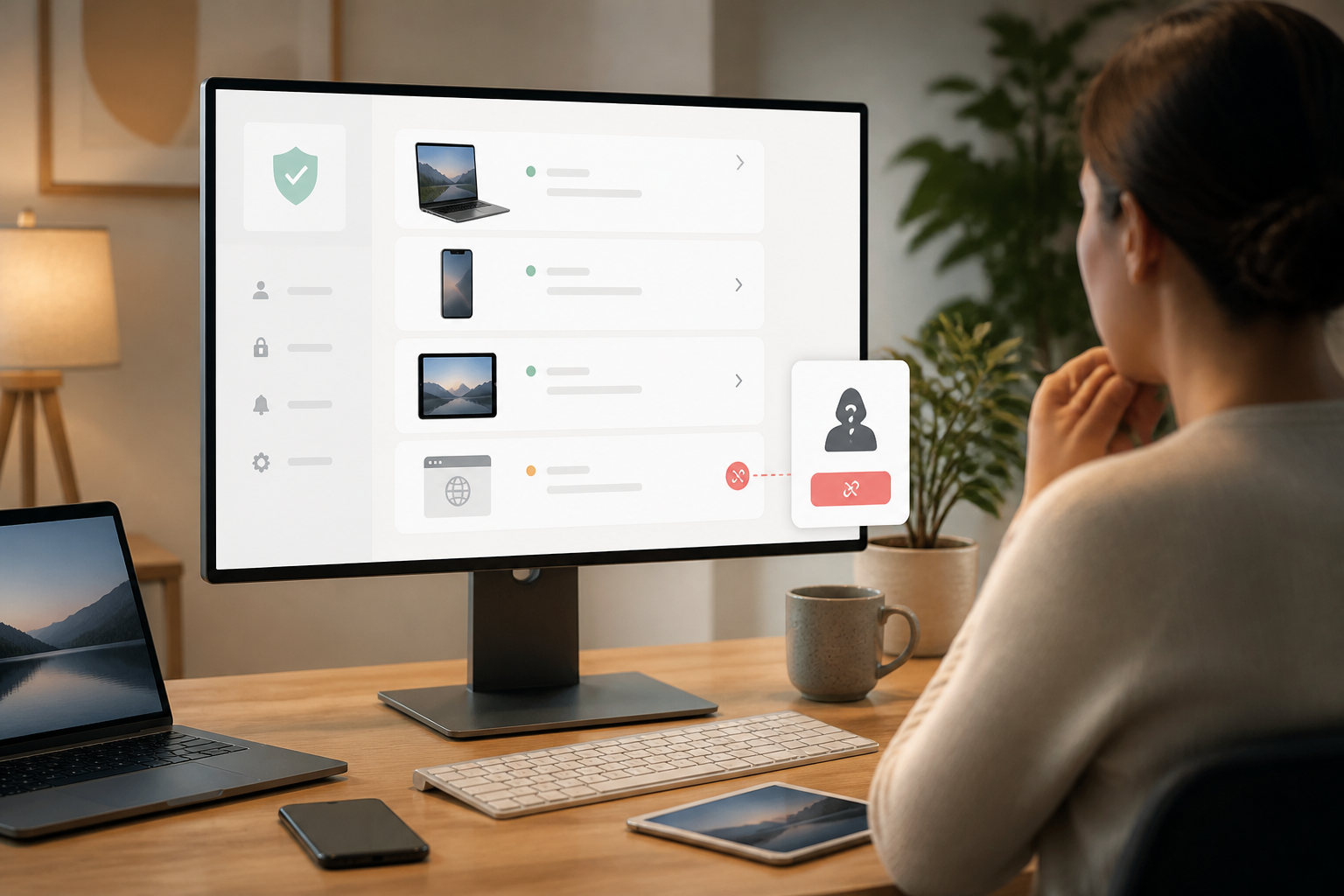
Many people assume their accounts are secure after changing their passwords. However, the issue may not be the password anymore, but rather the devices or login sessions that are still active.
A simple example: You may have opened your email on a work computer, logged into your Google account on a borrowed laptop, or connected WhatsApp to a friend's browser. If you forget to log out, that device may still have access until the session is revoked. Others do not need to know your password to read messages, open files, or view account information that is still available there.
This is why checking linked devices should be part of your digital security habits. Not because every old device is necessarily dangerous, but because access that is no longer needed should not be left unattended.
Passwords and login sessions are two different things
A password is one way to prove that you are the owner of the account. Once logged in successfully, the service usually creates a login session, which is the period when the device or browser is considered authenticated.
In practice, this session may appear as the name of the device, browser, application, or the last location the account was used. Google, for example, displays a list of devices and sessions that have recently accessed the account. One device can also have multiple sessions, for instance, because you logged in through Chrome, the Gmail app, and an incognito window. Google explains that these sessions can be checked and removed one by one.
Therefore, changing your password is not always the only step that needs to be taken. If there are unknown devices, their access should be revoked directly from the account security page.
Which devices need to be checked?
Start with the account that serves as the “key” to many other services. This is usually your main email account, Google or Apple account, Microsoft account, and WhatsApp. After that, check marketplaces, social media, financial services, and work applications.
- Old laptops or computers: especially devices that have been borrowed, sold, or left at the office.
- Public or someone else's browser: sessions can remain if you only close the tab without logging out.
- Old tablets and phones: devices that are no longer in use should not remain listed.
- Third-party applications: services that have been granted permission to read data or access accounts also need to be reviewed.
- Linked WhatsApp devices: WhatsApp Web, desktop applications, tablets, or companion phones may still be connected.
How to check your Google account
- Open the Google account page, then go to the Security section.
- Look for the Your Devices section and select the option to manage all devices.
- Check the device names, last activity time, browser, and location displayed.
- If a device is no longer in use or is unrecognized, select that device and press Sign Out.
- If there are multiple sessions with the same device name and you are unsure, sign out of all sessions with that name.
Do not panic if the location that appears looks slightly different. The location may be an estimate based on the internet network, not the exact position of the device. The activity time may also appear newer due to automatic synchronization. However, truly unrecognized devices should still be signed out while checking other security activities.
Don't forget WhatsApp Web and linked devices
WhatsApp has a Linked Devices menu that displays computers, tablets, or companion phones connected to the account. To check it, open WhatsApp on your main phone, go to Linked Devices, select the unnecessary device, and then press Sign Out. This step can also be done from the main phone if the linked device is no longer near you. WhatsApp's official guide explains the process for unlinking devices.
Check this list especially after using a shared computer, scanning a QR code in public, or receiving technical assistance from others. WhatsApp also recommends that users periodically check linked devices and avoid unofficial applications or sites to connect accounts.
If using an iPhone or Mac
Apple users can check devices logged into their Apple Account through Settings > your name > Devices. Select devices that are no longer owned or unrecognized, and then remove them from the account. Apple also provides Safety Check on iPhones with certain system versions to help review devices, applications, and security information that have access.
Apple recommends reviewing devices, trusted devices, applications, and unknown configurations. This is useful if you have ever lent your phone, changed devices, or feel that someone may have access to your account.
What to do if you find an unknown device?
Do not just remove the device and assume the problem is solved. Follow this sequence:
- Note or take a screenshot of the device name, time, and location displayed. This helps if you need to review the incident.
- Revoke device access from the account security page or linked devices menu.
- Change the password from a trusted device. Use a unique password that is not used on other services.
- Enable two-step verification if available, and ensure that the recovery phone number and email still belong to you.
- Check third-party applications and revoke permissions that are no longer needed.
- Review account activity, such as sent emails, messages, profile changes, transactions, or shared files.
If the account is related to banking, digital wallets, or work, conduct a more serious check. Contact the service provider through official channels if there are transactions, data changes, or activities that you did not perform yourself.
What you can do now
Set aside about 15 minutes for a small audit: check your main email account, Google or Apple Account, WhatsApp, and one other important service. Sign out of old devices, revoke forgotten application permissions, and note when the last check was performed.
This habit does not replace a strong password or two-step verification. However, it closes gaps that are often overlooked: old access that is still considered valid by services. In account security, reducing the number of devices with access also means reducing the number of doors that need to be guarded.
Sources & further reading
- Google Account Help — See devices with account access
- WhatsApp Help Center — How to unlink a device
- Apple Support — Checklist 1: Limit device and account access
– Rio Yotto @rioyotto