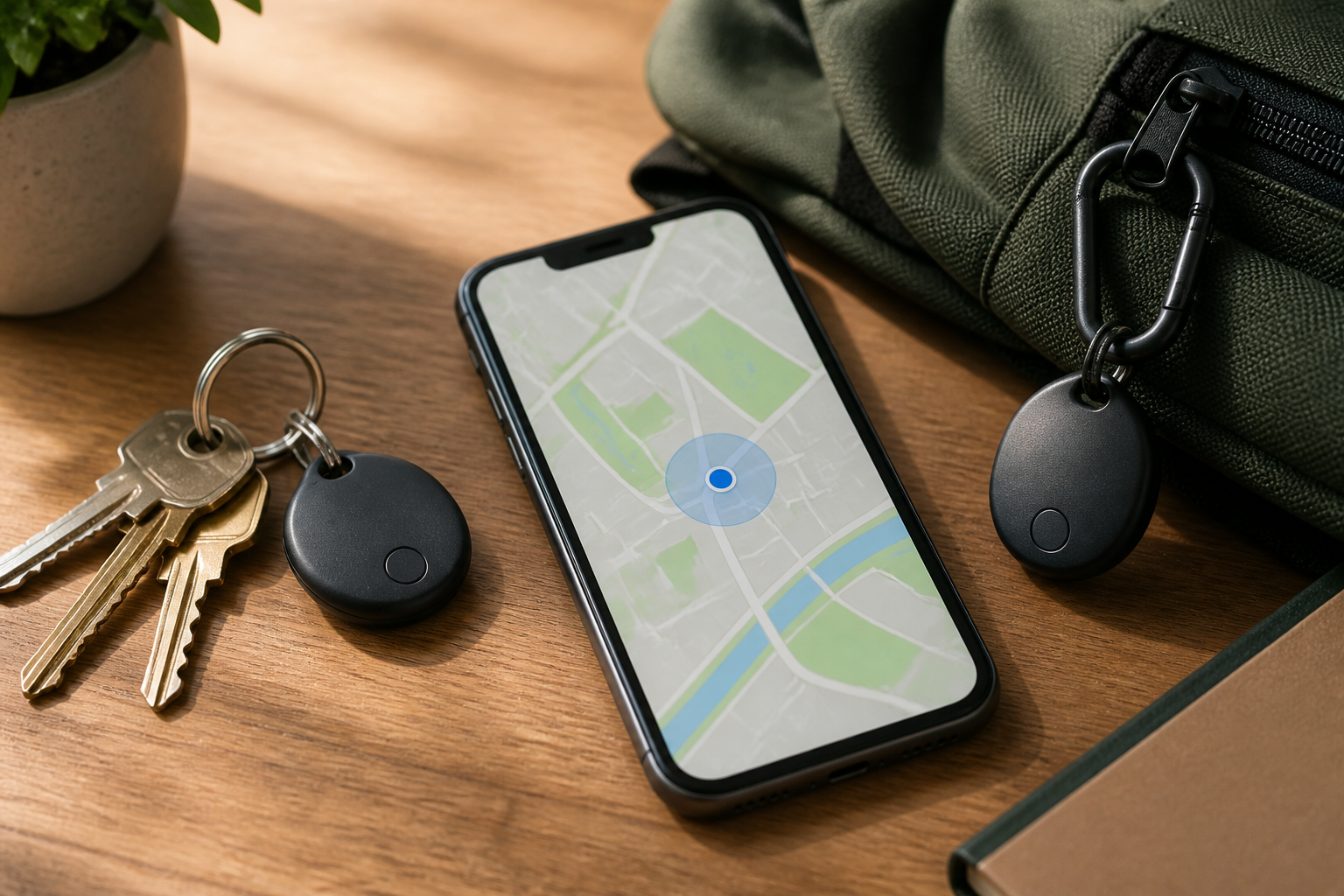
Keys often get lost between sofa cushions, bags are left in vehicles, or wallets accidentally end up in the wrong drawer. In such situations, a Bluetooth tracker can save time as we don't have to retrace our entire route. Small devices like AirTag and other compatible tags can help locate items through an app on our phones.
However, trackers are not just practical accessories. Because they can be carried wherever an item goes, these devices also pose privacy risks when installed without the knowledge of the item’s owner or the person carrying it. That’s why understanding tracking features alongside protections against unwanted tracking is essential.
How do Bluetooth trackers work?
Bluetooth trackers typically emit low-energy Bluetooth signals. These devices do not always have standalone GPS like phones or navigation devices. Their location can be updated when detected by other nearby phones, becoming part of a search network.
Apple explains that the Find My network utilizes nearby Apple devices to detect accessories via Bluetooth, then sends an estimated location to the owner in an encrypted format. Google also explains that the Find Hub network uses Android devices to scan for items nearby. In other words, trackers can help locate a bag left in a crowded place, even if we are not right next to it.
This information is important because “visible on the map” does not always mean the tracker has its own internet connection. Accuracy and update speed depend on the presence of other devices, the surrounding environment, and the network support being used.
Realistic benefits
- Finding frequently misplaced items. Attach the tracker to keychains, wallets, luggage, work bags, or camera storage.
- Getting the last known location. If an item is left in a vehicle or café, the app can show the last location when the tracker was detected.
- Sound the tracker when nearby. The sound from the tracker is often more useful than seeing a dot on the map when the item is inside the house.
- Reducing panic while traveling. Trackers can provide an additional layer for luggage, but they do not replace name tags, locks, or direct supervision.
Use trackers for items that are indeed our responsibility. Installing a tracker on someone else's belongings without consent, including a partner's bag, a family vehicle, or a child's belongings who is old enough to understand privacy, can lead to trust and safety issues.
Risks to understand
The biggest risk is not just about location data, but also the possibility of the device being used to follow someone. Trackers can be hidden in bags, vehicles, jackets, or items that are routinely carried. Therefore, Apple and Google provide alert systems to detect unknown Bluetooth devices that are indicated to be moving with someone.
Alerts do not always mean there is malicious intent. A friend's tracker traveling with them, tags on rented items, or devices left in a vehicle can trigger notifications. Nevertheless, alerts should not be ignored, especially if we do not recognize the device.
Apple states that alerts for AirTag and compatible tracking devices are available on Apple devices with certain system versions. Google provides unknown tracker alerts on supported Android devices, including manual scanning to search for trackers nearby. Support may vary depending on the operating system, phone model, and type of tracker.
What to do if you receive an alert?
- Open the notification and check the map. See if the tracker's route makes sense with recent activities. Do not jump to conclusions that someone is stalking.
- Play the tracker's sound. This feature can help locate the device in a bag, pocket, car, or room. Google states that playing the sound does not notify the tracker’s owner.
- Systematically check your belongings. Inspect small pockets, under seats, car compartments, and items recently borrowed.
- Keep device information. Note the type, identity, time, and detection location. If found, do not rush to discard it as this information may be useful if a report needs to be made.
- Prioritize safety. If you feel followed or in danger, move to a public place, contact a trusted person, and consider reaching out to authorities.
One thing that is often misunderstood: turning off Bluetooth, location, or activating airplane mode on the phone does not automatically stop the tracker. These steps only change the phone's ability to detect or communicate with the device. The tracker still needs to be disabled following the manufacturer's instructions. This explanation is also included in Google's official guide on unknown trackers.
What you can do now
If you are using an iPhone
- Ensure your iPhone is using a system version that supports unwanted tracking alerts.
- Check the Find My app if you receive notifications about an AirTag or unknown Bluetooth accessory.
- Use the option to play sound, view device information, and follow instructions to disable it.
If you are using Android
- Open Settings, then look for the Security & Emergency menu and Unknown tracker alerts. The menu names may vary by brand and Android version.
- Run a manual scan if you feel there is a tracker nearby, even if you haven't received an automatic notification.
- If a tracker is found, use the option to play sound, see the next steps, and follow the manufacturer's instructions to turn it off.
Keep in mind, the alert system is not a guarantee that all devices will be detected immediately. Phones typically require specific movement patterns and time to assess whether the tracker is genuinely moving with us. Therefore, manual scanning and physical checks remain useful.
Simple rules before buying
Choose a tracker based on the phone ecosystem you use, not just the price. Check if the app is still updated, whether tracking alert features are available, how the battery is replaced, and if the device can be officially shared with family members.
For important items, a tracker should be an additional layer of protection, not the only security method. Use locks, contact labels as needed, document backups, and the habit of checking items before leaving a place. Technology is most helpful when it reinforces good habits—not replaces them.
Sources & further reading
- Apple Support: Use Find My to locate your lost Apple device or AirTag
- Apple Support: Detect unwanted trackers
- Google Android Help: Find unknown trackers
- Google Pixel Help: How Find Hub protects your data
– Rio Yotto @rioyotto