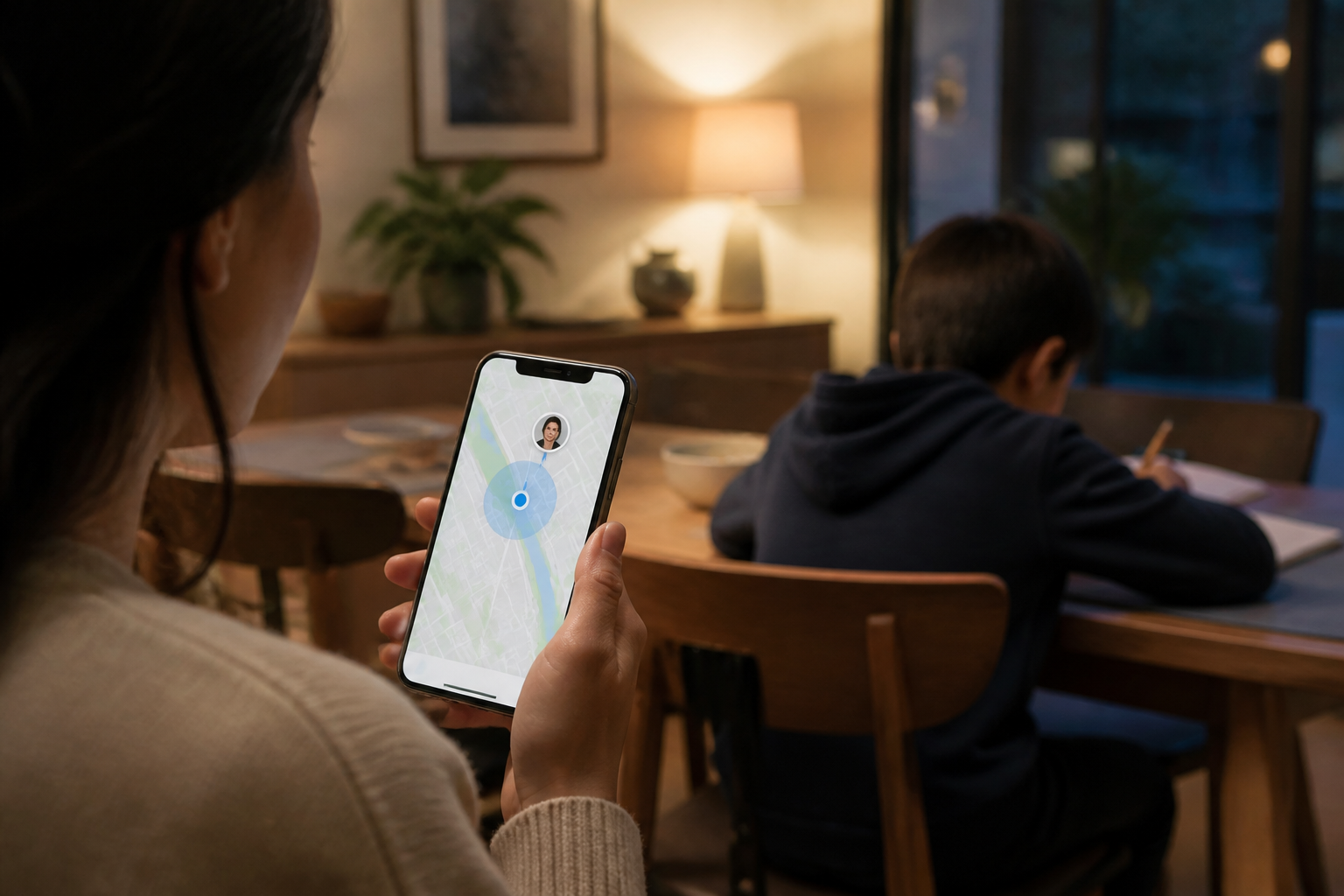
The location-sharing feature on mobile phones often feels like a simple solution to answer the question, "Where are you?" Parents can see their child's estimated position when leaving for school, returning from tutoring, or traveling alone.
However, sharing location is not just about flipping a switch. When active, information about someone's whereabouts can continuously be visible to certain parties—even when the feature is no longer needed. Therefore, families need to establish clear rules: when to share location, with whom, and when to stop.
Location sharing is different from just turning on GPS
GPS or location services help the phone determine its position. Mapping, weather, transportation, and emergency services apps can use it to perform specific functions.
Meanwhile, location sharing means that the position is sent or displayed to others. So, turning on location on the phone does not automatically mean everyone can see our whereabouts. What needs to be checked are the app permissions and the list of people receiving the location.
On Android, parents can manage location permissions for each app, including choosing access only while the app is in use or requesting permission each time. On certain versions of Android devices, precise location permissions can also be distinguished from approximate location. Google explains these settings in the Android Help Center.
When is location sharing actually useful?
Location sharing makes the most sense when there is a clear purpose and a limited time frame. For example:
- Children returning home alone from school or tutoring.
- The family is traveling to a crowded place and is worried about getting separated.
- The child updates parents on their journey until they reach their destination.
- In emergency situations when a family member needs assistance.
- Parents want to know if their child has arrived, not to monitor their every move throughout the day.
Use a simple principle: share location to meet specific needs, not as an unlimited habit. For a one-hour trip, sharing for one hour is usually more proportional than choosing the “forever” option.
Risks of sharing location without rules
The first risk is forgetting that the feature is still active. Someone may only want to share their location during the trip home but selects a setting without a time limit. As a result, the location remains visible for days or weeks.
The second risk is having too many recipients. A child's location should not be shared with large groups, rarely used accounts, or people who do not really need to know. The more recipients there are, the harder it is to ensure that the information remains secure.
The third risk comes from apps. Not all apps that request location access truly need it all the time. Shopping, gaming, camera, or social media apps may only require location for specific features—or may not need it at all.
For children, location is personal information that needs to be handled carefully. The FTC advises parents to discuss when location needs to be shared and help children turn off location sharing when it is not needed.
Establish easy-to-remember family rules
Privacy rules that are too complicated usually do not last long. Try to create a brief agreement like the following:
- Location is only shared with parents or primary caregivers. Avoid making large family groups a permanent location-sharing space.
- Use a limited duration. Choose one hour, until reaching the destination, or another suitable duration.
- Turn it off after the need is fulfilled. Make it a habit to check notifications or the location-sharing list.
- Do not upload real-time location to social media. Photos in front of the house, school, or regular places can give clues about family activity patterns.
- Explain to the child the reasons for these rules. The goal is not just to monitor but to ensure safety and reduce the spread of personal information.
For older children, rules can be established as a two-way agreement. Parents explain when they want to receive the location, while the child can ask who can see it and when that access ends.
How to check and stop location sharing
Android and Google Maps
On Android, Google’s location-sharing settings can be checked through the Google account or Google Maps. Check the list of people currently receiving the location, then stop access for contacts that are no longer needed. Google also provides an option to stop all location sharing from device settings, although the steps and menu names may vary slightly depending on the Android version.
Google's official guide explains that users can open Location Sharing settings, select someone's name, and then tap the option to stop sharing. Do not just delete the Google Maps app; location-sharing access is tied to the account and service settings, not just the app icon.
iPhone and Find My
On iPhone, location can be shared through Find My or Messages. To stop sharing from a Messages conversation, open the conversation with that person, tap their name or contact icon at the top, and select Stop Sharing My Location. Apple also explains that Find My location settings can be checked through the privacy and location services section.
See Apple's guide for sharing and stopping location. Since menu displays may change with iOS versions, use the feature names as a reference, not just the button positions.
Five-minute checklist to do now
- Open location settings on the child's phone.
- Check apps that have “always” permission or background access.
- Change unnecessary apps to “only while using” or “don’t allow.”
- Check the list of people receiving location from Google Maps, Find My, or other apps.
- Remove irrelevant recipients and choose a limited duration for the next share.
- Discuss with the child before changing settings, so they understand how to ask for help in emergencies.
What it means for us
Location tracking technology is most beneficial when used with a clear purpose, limited recipients, and measurable time. Families do not have to choose between “monitoring everything” or “knowing nothing.” A healthier choice is to establish a transparent location-sharing habit that can be stopped at any time.
Start with one simple rule: when the trip is over, location sharing is over too. This small habit helps maintain safety without making the child's privacy something that is always exposed.
Sources & further reading
- Google Android Help: Find out if your Android apps share your location data
- Google Android Help: Manage your Location Sharing settings
- Apple Support: Share your location in Messages on iPhone
- FTC Consumer Advice: Kids and Cell Phones
– Rio Yotto @rioyotto