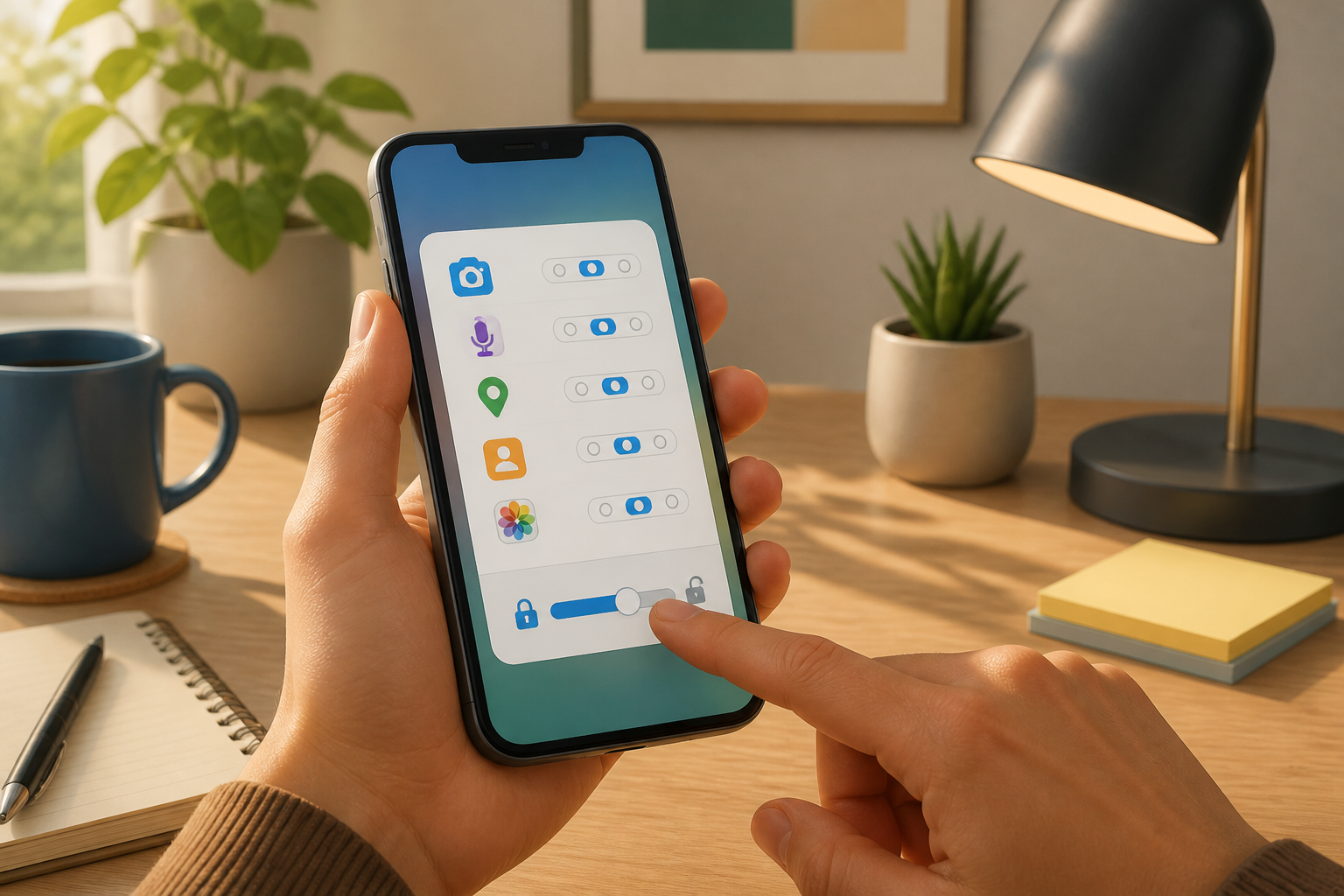
When installing a new app, many people immediately hit “Allow” to quickly finish the process. This habit may seem trivial, but app permissions determine which parts of the phone can be accessed: location, camera, microphone, contacts, photos, and even nearby devices.
Granting permission does not mean an app is necessarily harmful. Mapping apps do require location, video conferencing apps need the camera and microphone, while messaging apps may request access to contacts to find friends. The problem arises when we grant access that is unrelated to the app's main function, or leave it active indefinitely when it is only needed occasionally.
App permissions are like room keys
Imagine your phone as a house. The camera, photo gallery, contacts, and location are different rooms with different contents. Apps come as guests. We can open certain doors, but we do not have to give them the keys to the entire house.
In digital security, this approach is known as least privilege, which means granting the minimum access necessary. The principle is simple: if a feature can still be used without certain permissions, do not grant them just because the app asks.
For example, a flashlight app generally does not need access to contacts, microphone, or location. A photo editing app may need to select images from the gallery, but it does not necessarily require access to all photos continuously. Conversely, a navigation app that cannot access location will lose its main functionality.
Differentiate between “needed” and “requested”
One common mistake is assuming that every permission requested by an app is necessary. In fact, “requested” only means the app is asking for access. The decision remains in the hands of the user.
Use the following three questions before choosing Allow:
- Is this permission directly related to the feature I am using? The camera is relevant for scanning documents, but not automatically relevant for a calculator.
- Does the access need to be active all the time? For location, the option “while using the app” is usually more sensible than access all the time.
- Am I comfortable if this data is processed or shared according to the app's policy? Technical permissions from the phone do not explain all data collection practices. For that, check the app's privacy policy if the data is sensitive.
If the answer to the first question is unclear, choose Deny or Don’t Allow first. Many apps can still be opened and used, then request permission again when a specific feature is actually used.
Recheck permissions that have already been granted
There is no need to remember all choices made when first installing an app. Periodic checks are more realistic, such as once a month or after installing many new apps.
On Android
On many Android phones, open Settings, select Apps, choose the app name, then go to Permissions. From there, access can be changed to allowed or not allowed. For certain types of permissions like location, camera, and microphone, the device may also provide more limited options.
Android also provides an option to stop the activity of apps that have not been used for a long time. According to official Android guidelines, this setting can help remove or stop permissions for inactive apps, although the menu names may vary by phone brand and Android version. See the official guide for managing app permissions on Android.
On iPhone
On iPhone, open Settings, then Privacy & Security. Select categories like Photos, Contacts, Location Services, Camera, or Microphone to see which apps have access. Permissions can be revoked at any time.
For photos, iPhone on certain versions provides limited access options, so apps can only see selected photos, not the entire library. For location, options like “While Using the App” or “Allow Once” can reduce unnecessary access.
Apple also provides App Privacy Report. This feature shows how often apps access sensitive data and device sensors, as well as detected network activity. The report does not directly prove that an app is violating anything, but it can be a clue to investigate. Read Apple’s app privacy guide.
Be wary of unreasonable permission patterns
A single permission request is not necessarily a problem. What needs to be noted is the pattern and context. Some signs that warrant a pause include:
- Simple apps requesting access to many categories of data at once.
- Apps requesting location continuously, even though their main features do not depend on location.
- Apps requesting access to contacts without a clearly explained reason.
- Apps cannot be used at all until all permissions are granted, even though some permissions seem unrelated.
- The developer's name, reviews, or download sources appear questionable.
However, do not immediately conclude that an app is definitely malicious just because it requests certain permissions. It could be that the permissions relate to features we have not tried yet. What matters is asking for explanations, limiting access, and observing the app's behavior after permissions are granted.
What you can do now
- Open the list of apps on your phone and delete apps that are no longer in use.
- Check apps that have access to location, camera, microphone, contacts, and photos.
- Revoke permissions that are no longer needed.
- For location, choose access only while the app is in use if that option is available.
- Use limited photo access if the app only needs a few images.
- Update apps and the operating system through official sources.
- If an app continues to request unreasonable permissions, consider deleting it.
Good habits do not mean denying all permissions. If too strict, useful features may also be affected. The goal is to make informed decisions: apps get access for clear reasons, not because we are used to hitting buttons without reading.
Ultimately, phone privacy is not only determined by the device brand or operating system. It is also shaped by small decisions every time an app requests access to certain parts of our lives.
Sources & further reading
- Change app permissions on your Android phone
- Control access to information in apps on iPhone
- About privacy and Location Services in iOS, iPadOS and watchOS
– Rio Yotto @rioyotto