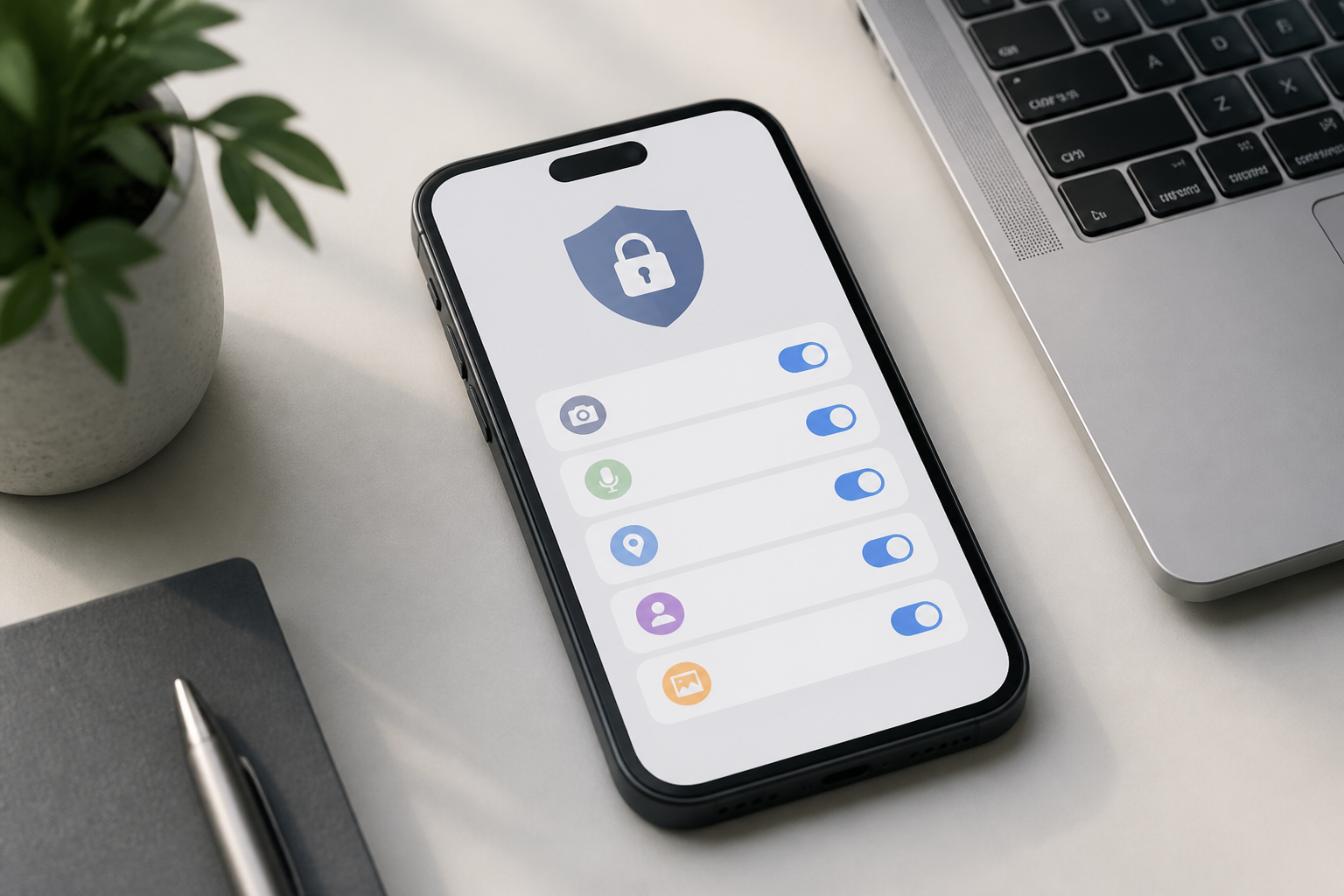
When installing a new app, many people immediately hit the "Allow" button to quickly finish the process. The problem is that some apps request access to the camera, microphone, contacts, location, and even files on the device before we fully understand their purpose.
App permissions are not just a formality. Permissions determine what data and features an app can use. The broader the access, the greater the impact if the app is misused, hacked, or poorly managed.
This does not mean that all permission requests should be viewed with suspicion. The camera is indeed needed for document scanning apps, location is useful for navigation, and photo access is required when uploading images. What’s important is to assess whether the permission makes sense for the app's function.
Understanding the relationship between features and permissions
The simplest way to evaluate permissions is to look at the direct relationship between the app's function and the data requested. Ask: “Can this app still perform its main function without that access?”
- Camera: reasonable for scanning apps, video conferencing, image-based translators, or shopping apps that use code scanning.
- Microphone: makes sense for voice calls, recorders, voice recognition, or video creation.
- Location: necessary for maps, navigation, transportation services, local weather, or finding nearby places.
- Contacts: can be useful for inviting friends or finding people who have used the same service, but should be considered more carefully since that data does not belong solely to us.
- Photos and videos: required for uploading, editing, or sharing media.
- Notifications: help apps send messages, reminders, or transaction information, but too many notifications can be distracting.
If a calculator app requests constant access to contacts or location, the relationship between the function and the permission should be questioned.
Not all access needs to be granted permanently
Many modern devices offer more limited permission options, such as allowing access only while the app is in use, granting access to specific photos, or restricting location use periodically.
Such options are often more reasonable than granting unlimited access. A map app may need location access when being used for navigation, but it does not necessarily need location access all the time. A photo editing app may only need one or a few images, not the entire gallery.
Use the principle of least privilege: grant access only when the feature is actually being used, and then choose the narrowest limitation that still allows the feature to function.
When do permission requests become a red flag?
Permission requests do not automatically prove that an app is dangerous. However, there are some patterns worth noting.
- Permissions unrelated to the main function. A flashlight app requesting microphone, contacts, and location has no clear reason to need all of them.
- Apps forcing permissions before explaining their benefits. If an app cannot be used at all before you grant seemingly irrelevant access, consider canceling it.
- Requests appearing too frequently. Apps that repeatedly ask for permissions after being denied need to be re-evaluated, especially if no new features are being used.
- Developers or sources of the app are unclear. Avoid installing apps from unknown sources just because they offer premium features for free.
- Reviews indicate strange behavior. Complaints about excessive ads, rapid battery drain, suspicious pop-ups, or problematic accounts should be taken into consideration.
It is important to distinguish between indications and evidence. One permission that feels odd is not enough to conclude that an app is definitely dangerous. However, several signs appearing together should not be ignored.
Review permissions that have already been granted
We often get busier installing new apps than checking old ones. However, the list of permissions can change after updates or after we try certain features.
Open the privacy settings or permission manager on your device, then check the apps that have access to the camera, microphone, location, contacts, and files. Prioritize attention based on the sensitivity of the data. Access to the microphone, camera, precise location, and contacts is usually more important to review than regular notification access.
For each app, use three simple options:
- Keep if access is indeed necessary and the app is still frequently used.
- Limit if the feature can still function with access only when in use or with less data.
- Revoke if the app is rarely used, no longer needs the feature, or you no longer trust it.
Revoking permissions does not always mean the app is immediately deleted. Usually, the app just loses certain capabilities. If a feature is indeed needed later, permissions can be granted again.
Contacts and photos require extra attention
Access to contacts is often taken lightly, even though that list contains the names and phone numbers of other people. Before granting it, consider whether the benefits truly outweigh the risks. Many apps can still be used without syncing the entire contacts list.
The same applies to photos. If an app only needs one image to edit or upload, select specific media if the device provides that option. The less data shared, the smaller the impact if a leak or misuse occurs.
This does not mean we should be afraid to use digital features. The principle is to respect data boundaries: apps get what they need, not the entire contents of the device just because that option is available.
What does this mean for us?
App permissions are part of device management, not a technical task only relevant to security experts. The habit of checking permissions can reduce unnecessary access, minimize notification distractions, and help us be more aware of the personal data we share.
The practical steps are not complicated. When installing a new app, do not immediately approve all requests. Read the permission names, match them with the features being used, and choose limited options if available. Once a month, take a few minutes to review apps that have sensitive access.
Ultimately, security does not always require additional devices or complicated settings. Often, protection starts with one simple habit: pausing before hitting the "Allow" button.
– Rio Yotto @rioyotto