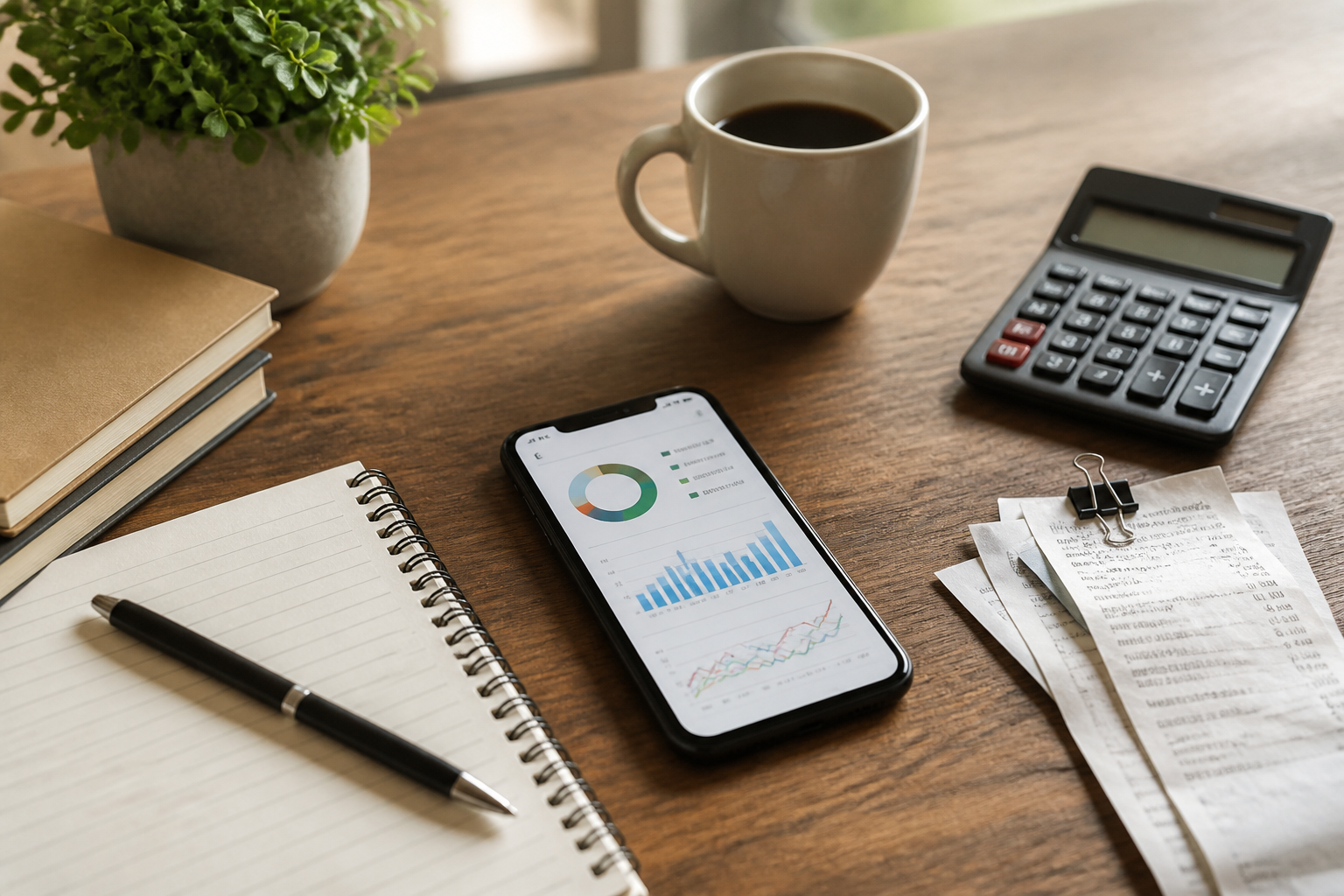
Personal finance apps often seem promising when first installed. There are spending graphs, transaction categories, savings targets, and even features to connect accounts. However, a few weeks later, records start to lag, transactions pile up, and the app is rarely opened again.
The problem often lies not in the lack of features. In fact, too many options can make the recording process feel like an additional administrative task. A good system is one that we still want to use when we are busy, tired, or receiving many small transactions in a day.
Start with the questions you want to answer
Before choosing an app, first determine what you want to know. Don’t rush to chase the app with the most features. The needs of someone looking to reduce dining expenses are certainly different from those of a small business owner who needs to separate personal and operational funds.
Some simple questions that can serve as a starting point:
- Where does my money go the most each month?
- Are my routine expenses exceeding my income?
- How much money is safe to spend this week?
- Am I consistently saving according to my target?
- Are personal transactions separated from business transactions?
If your goal is just to understand spending patterns, an app with quick manual recording may be sufficient. There’s no need to immediately use features like account synchronization, investments, or complex reports.
Choose a recording model that fits your habits
In general, financial apps use several recording models. Each has its advantages and consequences.
Manual recording
You enter transactions one by one, for example, “coffee, Rp25,000” or “transportation, Rp40,000.” This model gives the most control and is usually easy to understand. The downside is that you need to be disciplined about recording immediately or set aside time to catch up on missed transactions.
Automatic synchronization
The app pulls data from connected accounts or payment services. This method is more practical for monitoring transactions, but it is not always available for all banks or digital wallets. Additionally, you need to pay attention to account security, access permissions, and how the app stores financial data.
Mixed model
Large or routine transactions are monitored automatically, while cash payments are recorded manually. This model often serves as a reasonable compromise because it does not require all financial activities to be processed in the same way.
Don’t assume that automatic is always better. If synchronization results are often miscategorized, delayed, or make you unable to understand spending patterns, simple manual recording may be more useful.
Don’t create too many categories
Categories help to see patterns, but overly detailed categories can make quick recording exhausting. The difference between “morning coffee,” “afternoon coffee,” and “drinks during meetings” may not matter if your goal is just to control consumption spending.
Start with about five to eight main categories, such as:
- Household needs
- Food and beverages
- Transportation
- Bills and subscriptions
- Health
- Entertainment
- Savings and investments
- Others
After one or two months, review which categories are too general. If “others” continues to be a dumping ground for all transactions, break that category down. Conversely, if two categories always have the same pattern, just combine them.
Create a recording flow that requires minimal decision-making
Each time you record a transaction, you usually have to choose a category, payment account, date, and additional notes. Too many small decisions can make the process feel burdensome. Therefore, simplify the flow.
Use easily recognizable category names, utilize the built-in categories that are closest to your needs, and avoid writing lengthy descriptions for routine transactions. For purchases that are the same every week, create a consistent recording pattern.
You can also set two specific times to check your finances, such as five minutes after dinner and fifteen minutes on the weekend. The goal is not to check the app all day, but to prevent transactions from piling up for too long.
Separate recording from evaluation
One reason people stop recording is that every transaction feels like an acknowledgment that they have spent money “wrongly.” In fact, recording should be a tool to see the situation, not a tool for self-judgment.
Record first neutrally. Once the data is collected, then ask whether the spending aligns with your priorities. This approach makes the app more useful as a mirror, not as a source of guilt.
The goal of financial apps is not to make every penny look perfect, but to help you make decisions with clearer information.
Pay attention to privacy and security
Financial data includes sensitive information. Before using an app, check who the developer is, what permissions are requested, whether the account is protected by additional authentication, and how the process of exporting or deleting data is handled.
If the app requests access that is unrelated to its function, consider it a sign to pause. Expense tracking apps do not always need access to contacts, the microphone, or location continuously.
For apps connected to accounts, use a unique password and enable two-factor authentication if available. Do not store PINs, OTP codes, or banking credentials in the notes section of financial apps.
What you can do now
- Choose one main goal, such as reducing dining expenses.
- Use a maximum of eight categories in the first month.
- Record transactions for seven days without trying to change all habits at once.
- Check the categories with the highest spending.
- Determine one small change for the following week.
For example, if the data shows that food delivery expenses increase every weekend, you don’t have to immediately impose strict rules. Try setting a limit on the number of orders, preparing alternatives at home, or creating a specific budget to keep the decision realistic.
What does this mean for us?
An effective financial app is not one that produces the most beautiful reports. Its value is seen when the app helps answer practical questions: am I still safe until the end of the month, what habits need improvement, and what decisions can be made based on the data.
Start with a lightweight system. Once you are consistent, only then add features like budgeting, bill reminders, or automatic synchronization. This way, the app follows your habits—not forcing you to become an overly disciplined user from day one.
– Rio Yotto @rioyotto