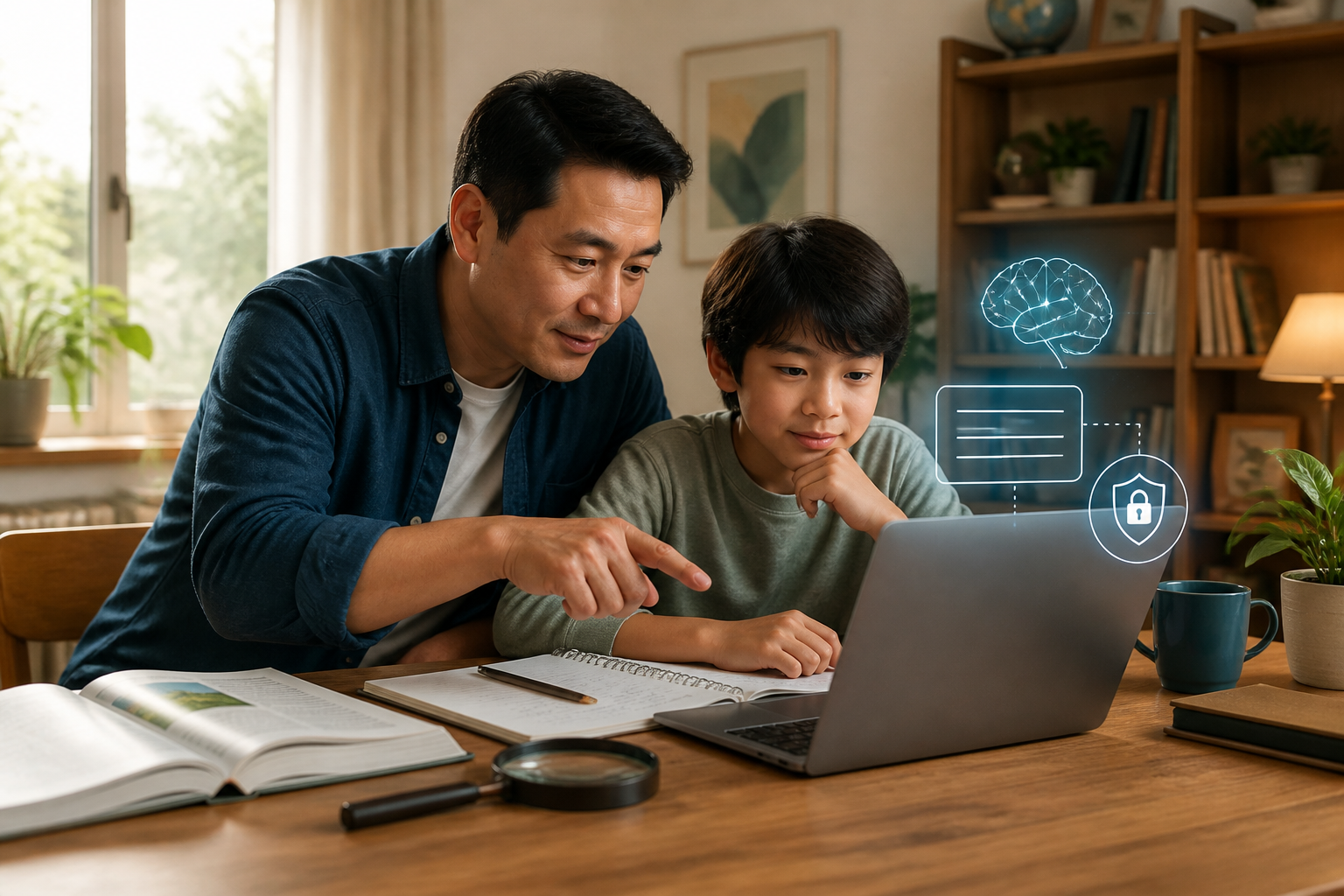
Children do not have to wait until they are adults to be introduced to artificial intelligence or AI. They may have already encountered it through search engines, learning apps, video recommendation features, chatbots, or image generation tools. The challenge is not just to determine whether it is permissible or not, but to teach how to use AI without handing over the entire thinking process to it.
AI can generate answers that sound convincing, but it can still be incorrect, incomplete, or not suitable for the context of the question. Therefore, the most important skill for children is not just the ability to write prompts, but the habit of verifying information, maintaining privacy, and seeking help from adults when they encounter confusing matters.
This perspective aligns with UNICEF's guidelines that place AI literacy, critical thinking, creativity, online safety, and understanding children's rights as essential skills. UNESCO also emphasizes age-appropriate AI use, data protection, and an approach that keeps humans as the primary guides in the learning process.
AI is not a teacher that is always right
Explain to children that AI works by recognizing patterns from vast amounts of data and then constructing the answers that seem most appropriate. AI does not understand the world like humans do, does not always know the latest developments, and cannot automatically distinguish facts from misinformation.
A simple analogy that can be used is a calculator. A calculator can compute quickly, but the results will still be wrong if the input numbers are incorrect. AI is similar: unclear questions, incorrect data, or incomplete context can lead to misleading answers.
In some cases, AI can even create information that sounds reasonable but lacks a correct basis. Children do not need to memorize technical terms to understand this. Just instill one rule: a neat answer does not mean a correct answer.
Five habits to verify AI answers
1. Ask where the information comes from
Encourage children to ask, “What is this based on?” or “Is there a source for this?” If AI mentions names, dates, numbers, or scientific facts, ask children to look for other more reliable sources.
For school assignments, comparative sources can include textbooks, encyclopedias, educational institution websites, museums, libraries, or official government pages. Children do not need to open many pages. One or two relevant sources are sufficient as initial practice.
2. Compare with different sources
One source may not be enough, especially if the topic is controversial or subject to change. Teach a simple method: read the AI answer, find the main keywords, and then compare with other sources.
For example, when AI explains why it rains, children can check that explanation through a science book or educational website. If the information differs, do not immediately choose the longest answer. Encourage children to seek reasons for the differences.
This habit trains cross-checking, which is verifying one piece of information using comparative sources. This is part of digital critical thinking.
3. Ask AI to explain, not to do everything
AI is more beneficial when used as a practice partner. Children can ask for examples, guidance, quizzes, or explanations in simpler language. After that, children still need to try to solve problems or write answers based on their understanding.
For instance, instead of saying “Solve this math problem,” children could ask, “Explain the first step to solve this problem, but don’t give the final answer.” This approach keeps the child in the role of a problem solver.
UNICEF also reminds that the use of AI should complement children's abilities, not replace them. If all summaries, ideas, and answers are always provided, children may complete tasks faster but lose the opportunity to learn.
4. Check if the answer matches the question
AI sometimes provides generally correct answers but does not address the actual question. Train children to reread the question and match it with the answer.
For example, if the question asks for three causes of flooding in the local area, but the AI answer discusses climate change at length. The information may not be wrong, but it may not meet the assignment's needs.
Children can use the following three verification questions:
- Does this answer really address the question?
- Are there parts that are too general or irrelevant?
- Which parts still need to be verified?
5. Do not input personal data
AI is not a place to share everything. Children should not input their full name, home address, phone number, passwords, document photos, full school names, or sensitive personal issues.
Use anonymized examples. Instead of writing a friend's name and actual address, use “Rina” and “a city in West Java.” Explain that data shared online can be difficult to retract.
Data protection and privacy are important parts of AI guidelines for children. Parents also need to check age limits, privacy settings, and service policies before children use certain applications.
Simple exercises for families
Parents do not need to be technology experts to teach these habits. Spend 10–15 minutes doing exercises together.
- Choose a light question, such as “Why does the sky look blue?”
- Ask AI to answer in child-friendly language.
- Highlight parts that sound questionable or too general.
- Compare with books or trusted sources.
- Discuss which parts are correct, incomplete, or incorrect.
Do not make this exercise a test that makes children afraid of being wrong. The goal is to build curiosity. When children find incorrect AI answers, use that moment to say, “Great, you checked it,” not “That’s why you shouldn’t use AI.”
More realistic family rules
A total ban is often difficult to maintain, especially when AI is present in many services used by children. More realistic rules could be as follows:
- AI can be used to find ideas, practice, and ask for explanations.
- Important answers must be verified through other sources.
- School assignments must still be understood and completed with personal effort.
- Personal and family confidential data must not be entered.
- If AI gives advice about health, safety, or emotional issues, children should talk to a trusted adult.
These rules are not a substitute for guidance. Younger children may need to use AI alongside parents or teachers. Older children can be given more freedom, but they still need to understand the applicable limits and risks.
What does this mean for us?
AI education for children does not have to start with how to create complex applications. The foundation is actually closer to daily habits: asking, verifying, comparing, protecting data, and being brave enough to say “I’m not sure yet.”
AI can be a tool that helps children learn in a more personal and creative way. However, that tool should remain in the hands of children, not take over the steering wheel. If children are accustomed to verifying answers and understanding the limits of technology from the start, they will be better prepared to face an increasingly automated internet.
Facts and context: Both UNICEF and UNESCO emphasize the importance of AI literacy, privacy protection, age-appropriate use, and maintaining critical thinking skills. The suggested exercises and family rules in this article are practical applications based on these principles, not substitutes for school policies or safety guidelines from individual services.
Sources & further reading
- UNICEF Guidance on AI and Children 3.0
- Preparing children for an AI world
- Guidance for generative AI in education and research
- How to Help Kids Stay Safe with Google's AI Search
– Rio Yotto @rioyotto